To add Venmo to Splitwise, use the "Settle up" button in the app to send money directly from your Splitwise balance to a friend's Venmo account. This integration is only...
You can leave money in Venmo indefinitely with no expiration date or maximum time limit on your balance. There is no rule that forces you to move your funds out...
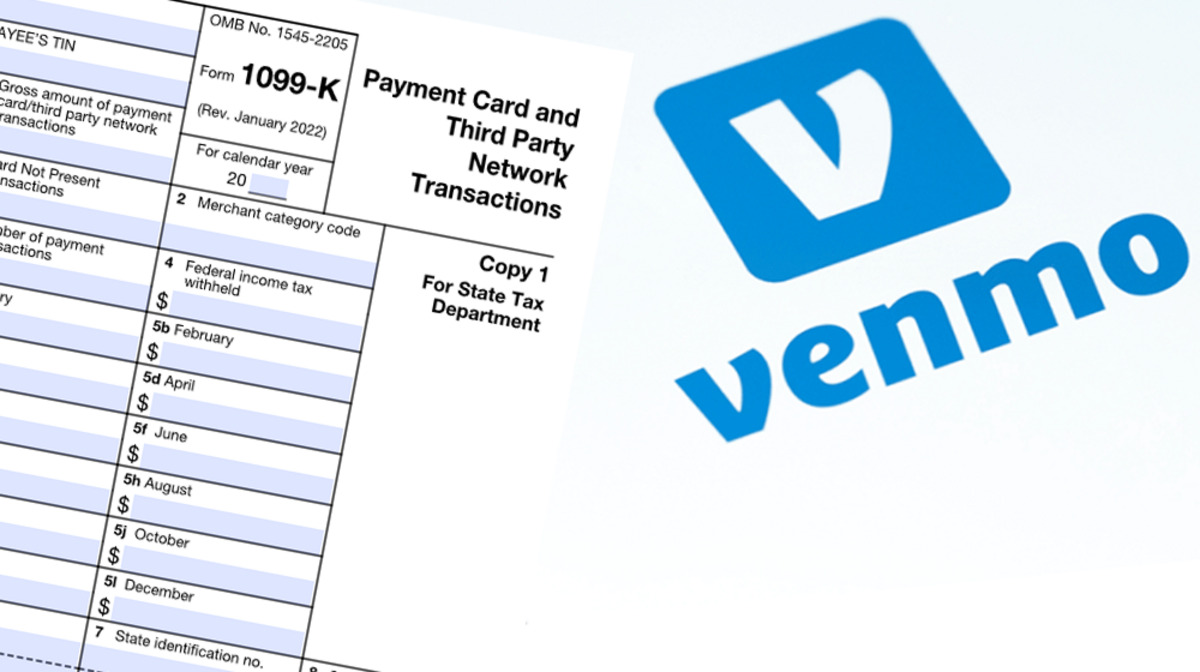
Venmo sends Form 1099-K by January 31st for users who meet the federal threshold of over $20,000 in goods and services payments and 200+ transactions in the previous calendar year....
The most direct way to confirm your Venmo payment received status is to open the Venmo app, tap the "Me" tab (the single person icon) in the bottom right corner,...
Venmo does provide an account number and routing number, but these are specifically for Direct Deposit and not for general-purpose use like a traditional bank account. To find your Venmo...
How To Use Venmo Virtual Card To use your Venmo virtual card, open the Venmo app and navigate to the Cards tab, where you can view your card details or...
To see Venmo requests, open the Venmo app and tap the "Me" tab, represented by your profile picture or a single-person silhouette, located in the bottom right corner. On your...
Yes, you can use Venmo without a card. You can use Venmo without a card by linking a bank account instead, or by using your Venmo balance, meaning a debit...
To unsuspend my Venmo account, you need to resolve the specific issue that caused the suspension, which is typically a failed payment, an identity verification failure, a Terms of Service...
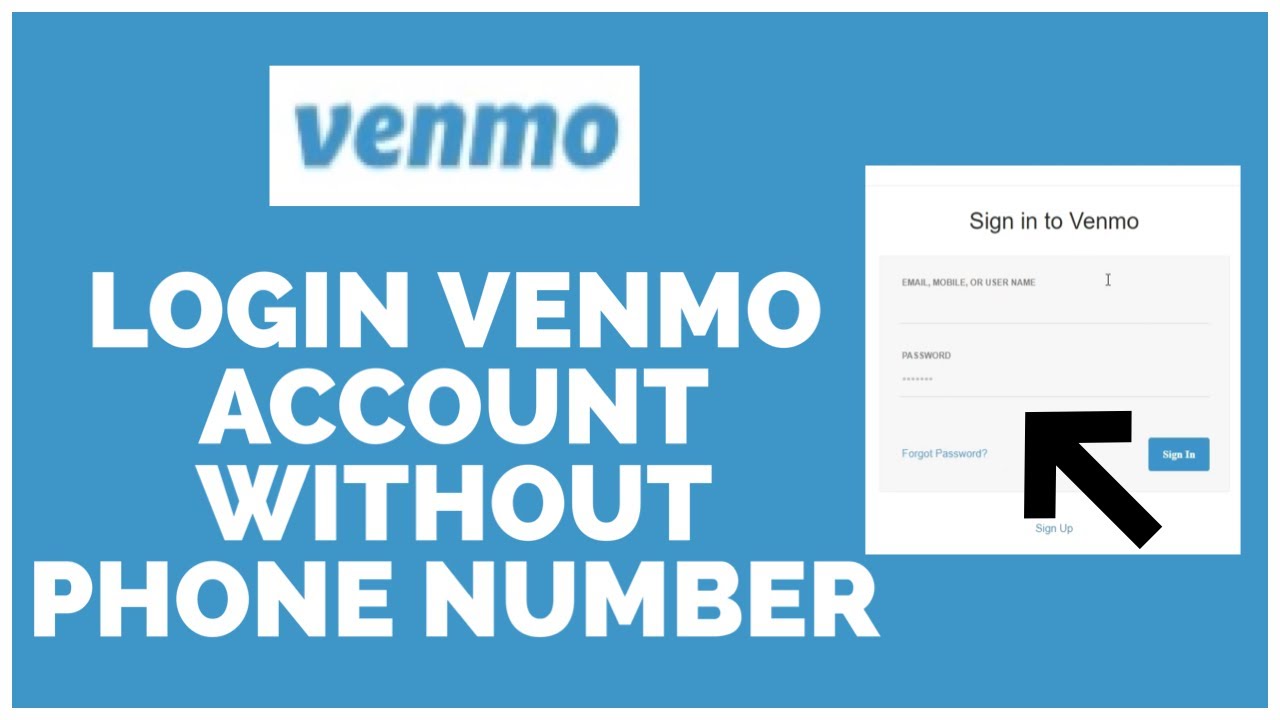
To make a Venmo without a phone number, you must use a workaround because Venmo officially requires a U.S.-based cell phone number that can receive SMS texts from short codes....
To see your Venmo card number, open the Venmo app and go to the Cards tab. Select your Venmo Debit Card, then tap View next to Debit Card Details to...
This website uses cookies so that we can provide you with the best user experience possible. Cookie information is stored in your browser and performs functions such as recognising you when you return to our website and helping our team to understand which sections of the website you find most interesting and useful.
Strictly Necessary Cookies
Strictly Necessary Cookie should be enabled at all times so that we can save your preferences for cookie settings.
If you disable this cookie, we will not be able to save your preferences. This means that every time you visit this website you will need to enable or disable cookies again.