This tag collects articles about getting sound from a TV to external speakers, soundbars, or headphones, and about fixing audio problems once that connection is made. It is written for people who own a modern smart TV, a streaming stick, a game console, or an older surround sound system, and who want better dialogue clarity, louder effects, or simply to use the speakers they already own. The guides assume a basic comfort with menus and cables, but they do not assume any prior knowledge of audio formats or port types.
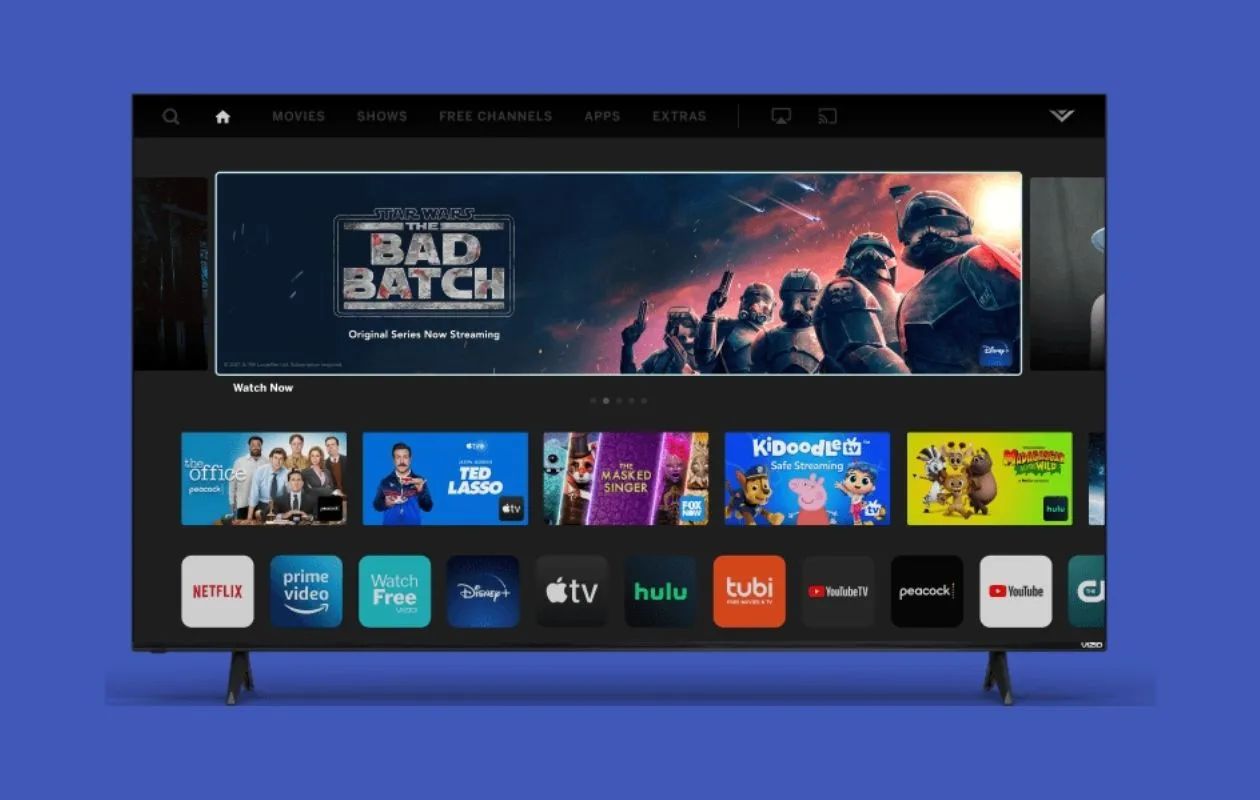
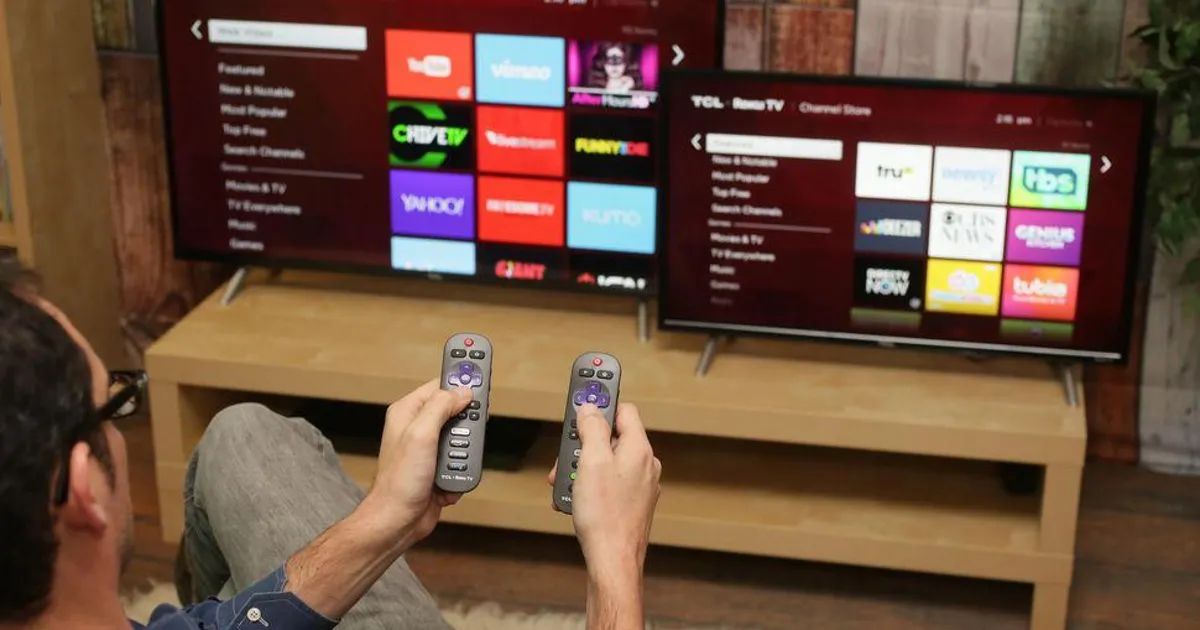
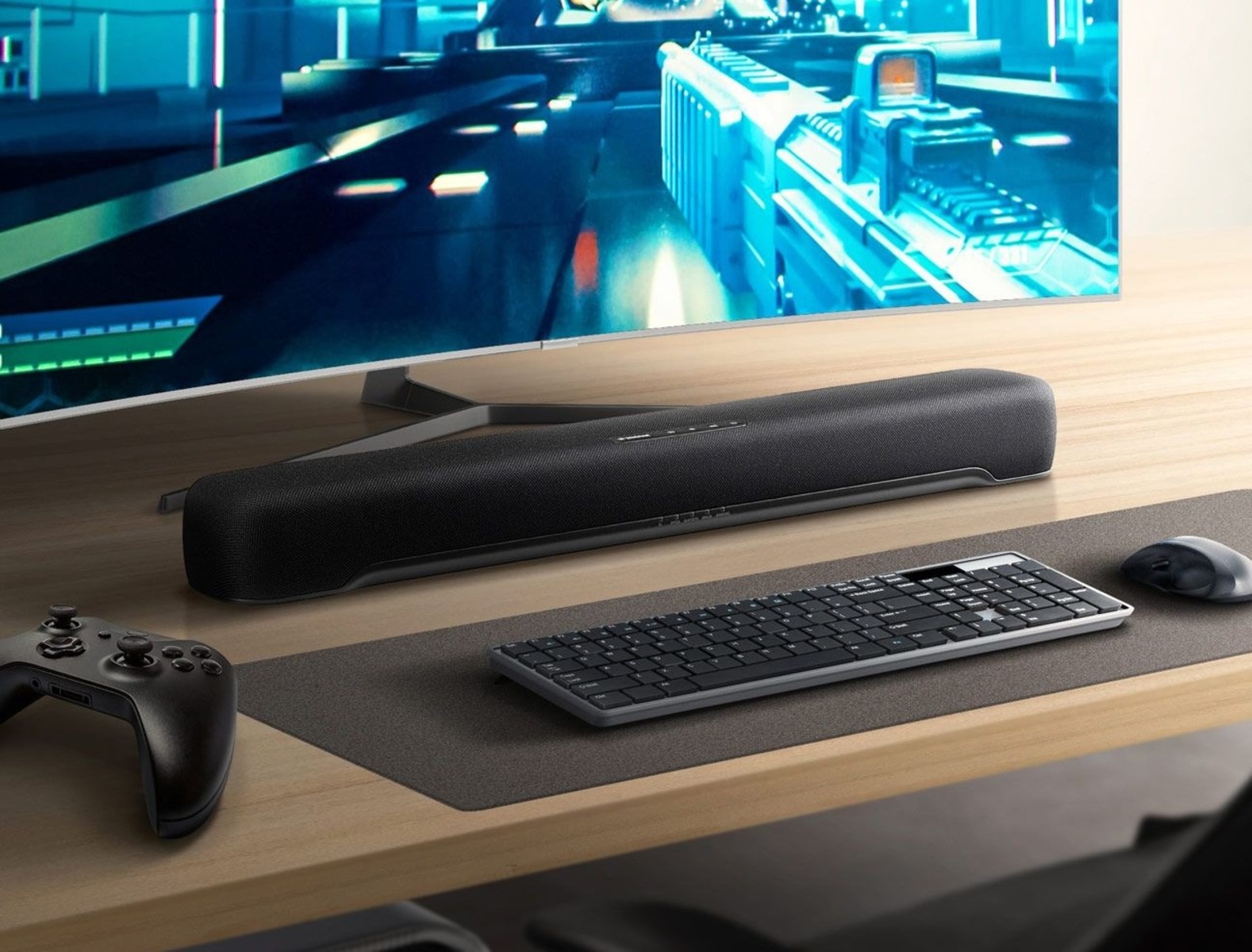
The articles fall into two broad themes. The first is making a physical or wireless connection: several pieces walk through pairing Bluetooth speakers with Vizio and Roku TVs, adding Bluetooth to a TV that lacks it, connecting a soundbar to a PC or a Roku Stick via HDMI, and hooking up an older surround sound receiver to a newer TV that may not have the old analog jacks. The second theme is troubleshooting and tuning: one article explains how to fix dialogue that is too quiet compared to explosions on a Samsung soundbar, another covers audio that drifts out of sync on Bluetooth, and others show how to adjust sound settings on an LG OLED TV or integrate a Sonos speaker with it.
Readers will learn how to locate the correct HDMI ARC port on a Hisense TV, how to pair an Xbox to a soundbar wirelessly, and how to connect an Onn soundbar to a Vizio TV. The articles on Bluetooth installation and sync issues are framed as legitimate setup and correction steps, not as workarounds for copy protection or unsupported features. The goal is straightforward: help you hear your TV clearly, with the equipment you already own, without guesswork.