This tag collects all of our Snapchat-related guides, written for everyday users who want to get more out of the app without breaking its rules or putting their account at risk. Whether you’re a parent checking in on your teen’s habits, a casual user trying to back up old photos, or someone who simply wants to use Snapchat on a different device, these articles are for you. They focus on practical, legitimate tasks, not on workarounds, unauthorized third-party tools, or anything that could get you banned.
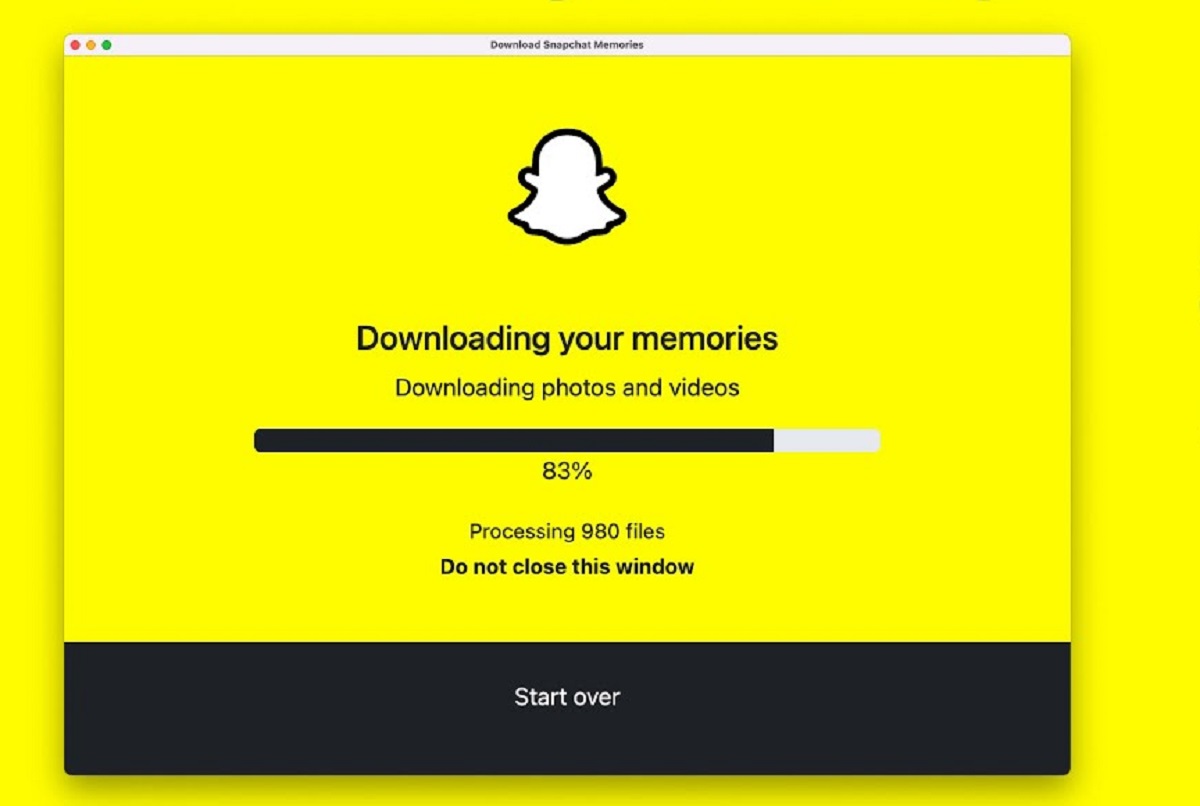
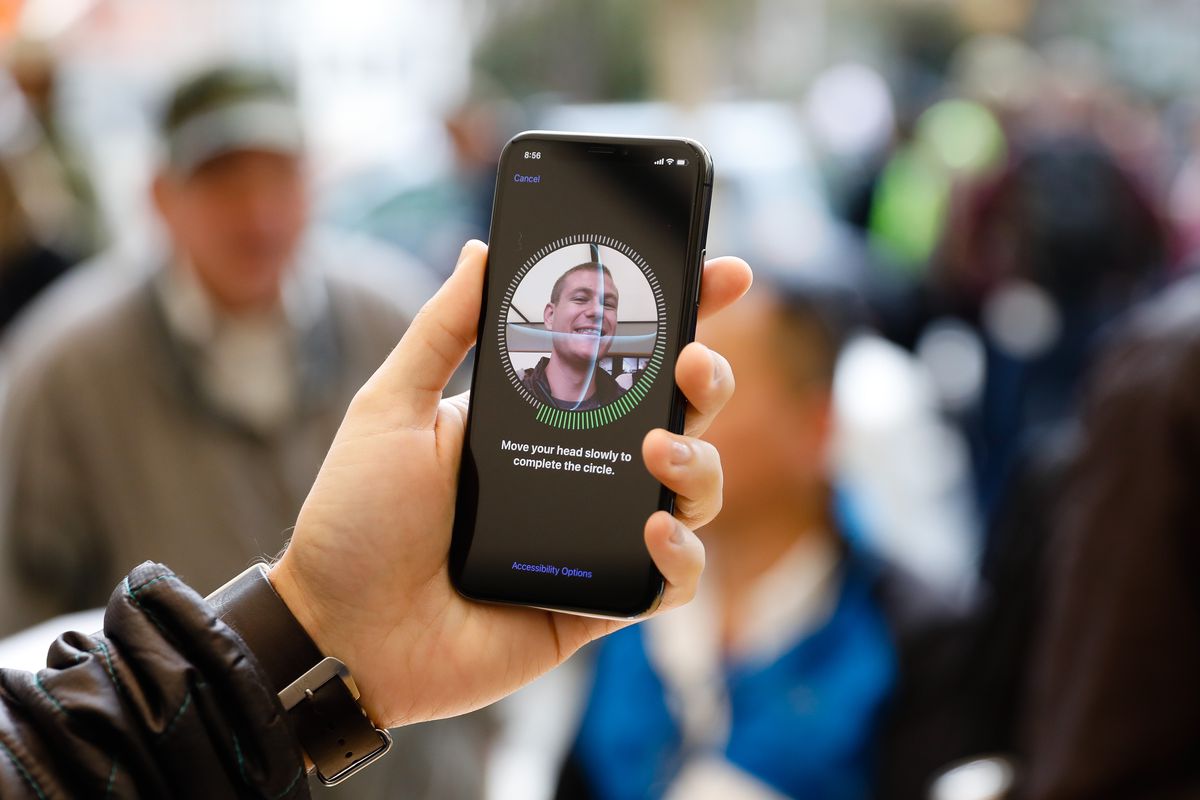
The articles here solve two main kinds of problems. The first is account security and access. For example, “How To Put A Face ID On Snapchat” helps you lock the app with biometric authentication, so your private snaps stay private even if someone borrows your phone. The second theme is data preservation and transfer. Several guides, like “How To Download All Snapchat Memories To Computer” and “How To Download Photos From Snapchat”, walk you through using Snapchat’s own built-in export features to save your photos and stories locally. These are safe, official methods that let you keep a copy of your content without resorting to screen-recording tricks or third-party downloaders that violate Snapchat’s terms.
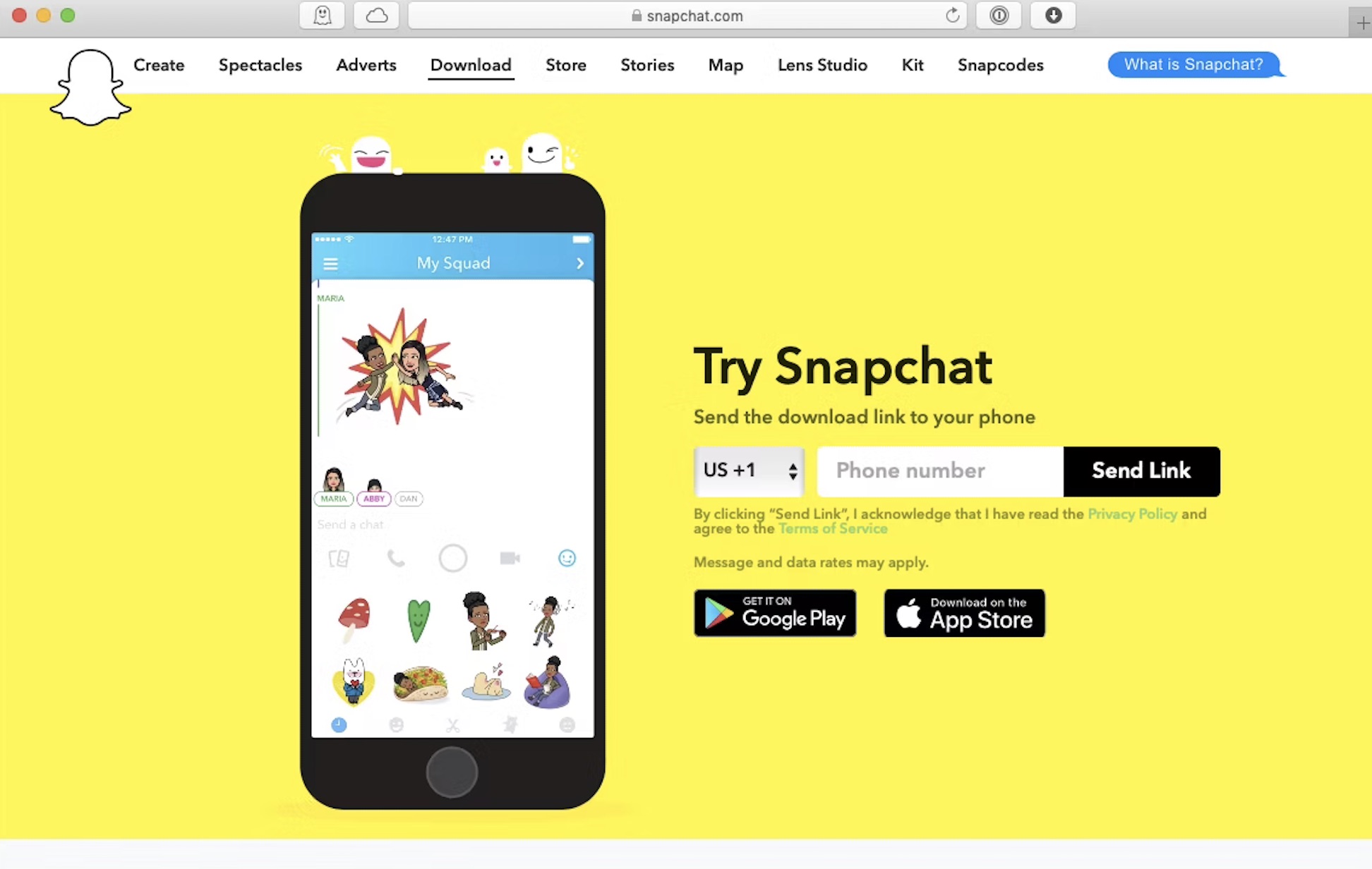
Finally, a few articles focus on device compatibility. “How To Download Snapchat On A Computer” and “How To Download SnaPChat On Amazon Fire Tablet” explain how to install the official app on platforms where it isn’t natively available, using supported methods like the Microsoft Store or the Amazon Appstore. And “How To Download A Snapchat Story” shows you how to save your own story before it expires, again, using the app’s legitimate save feature. In every case, the goal is to help you use Snapchat more safely and conveniently, not to circumvent its rules.