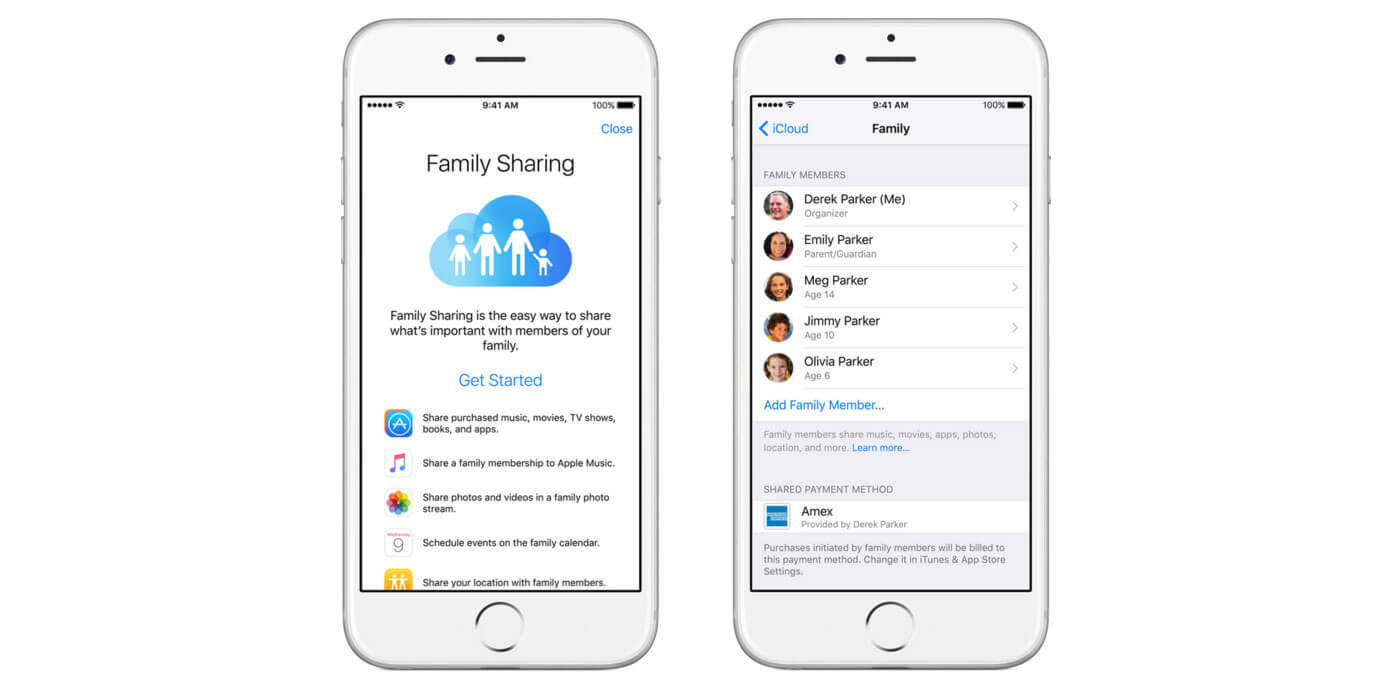
This tag collects articles about managing the time you and your family spend on digital devices, and about the controls that make that management possible. It is written for parents setting up boundaries on their children’s phones and tablets, as well as for adults who want to reclaim their own attention from constant notifications. The content focuses on practical, everyday questions: how to monitor another phone for free, how to set screen time on an Amazon Fire tablet, and how to block adult content on a tablet.
The articles group around three clear themes. The first is parental oversight: setting up parental controls, turning them off when appropriate, and understanding what happens when a child enters the wrong PIN too many times. The second theme is personal digital wellbeing, including how to overcome smartphone addiction and how to shield your skin from blue light exposure. The third theme is the mechanics of specific device settings, such as turning safe search on or off in Safari, or completely removing Safari from an iPhone.
Several pieces also address the boundaries of these tools in a responsible way. They explain what happens when you try to bypass screen time by changing the device date and time, and whether parental controls still work when a device is offline. These articles help readers understand the limits of the technology, so they can make informed decisions about privacy, security, and legal alternatives, rather than attempting risky workarounds. The goal is to give you clear, honest guidance for the everyday choices that come with living in a connected household.