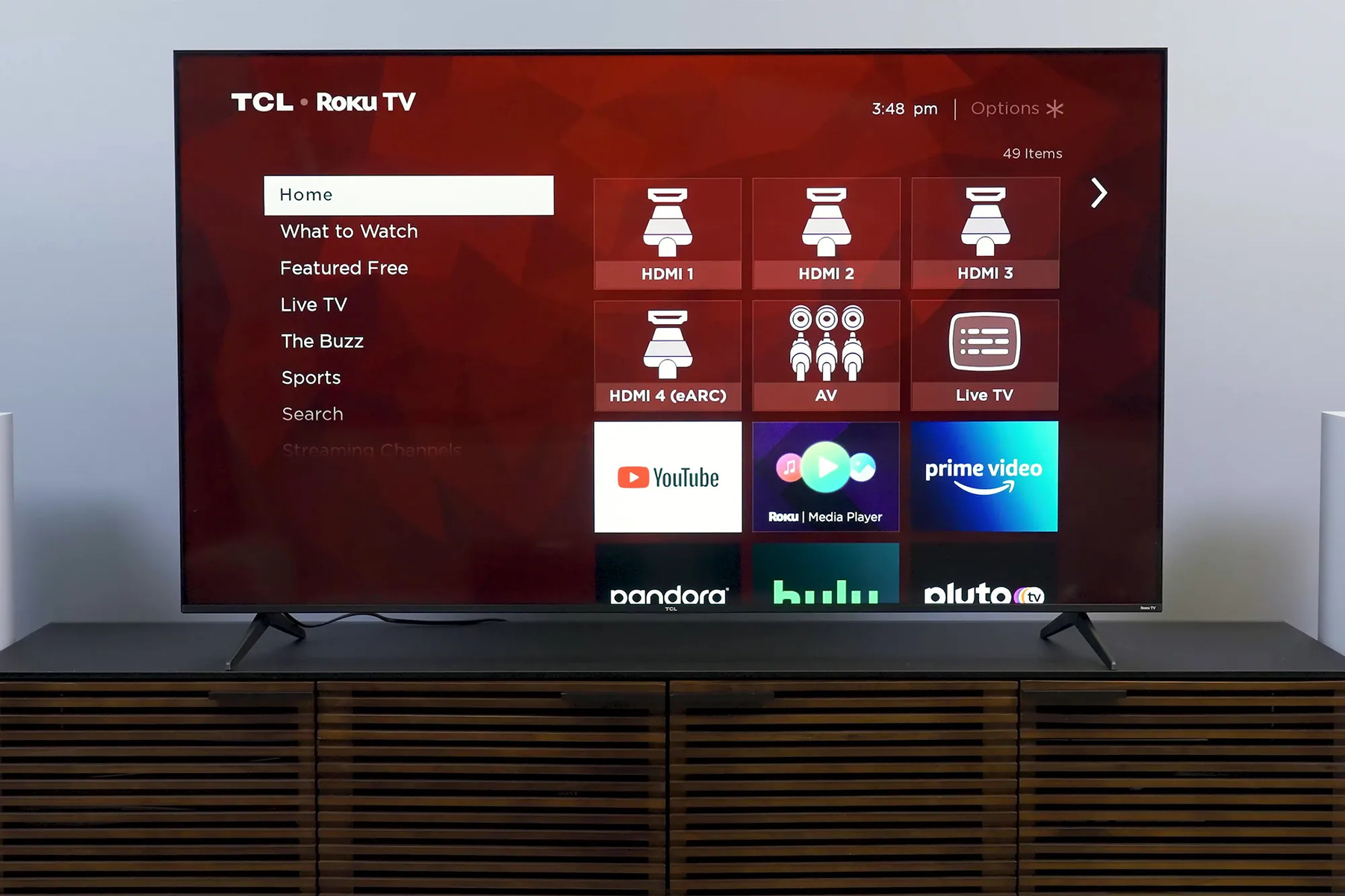
This tag collects articles about Roku TVs, the popular streaming platform built into many televisions, and is aimed at everyday owners who want to get more from their device. The guides here cover practical setup, everyday troubleshooting, and connecting other gear to your TV, whether you are a first-time user or someone dealing with a sudden glitch. You will not find advanced programming or system-level hacks; instead, the focus is on straightforward fixes and clear explanations for common situations.
A large share of the articles help with connections and pairing. You can learn how to get to the right HDMI input, connect a laptop via HDMI, or switch inputs on a TCL Roku TV. There are also guides for pairing a Bluetooth speaker, hooking up a TV antenna, or connecting a game controller. Another cluster deals with remotes and account management: pairing a new remote without the pairing button, programming a universal remote, signing out, or changing accounts. For those who have lost or broken their remote, the site covers connecting a Roku TV without one and even connecting a TCL smart TV to Wi-Fi without a remote.
A third theme is troubleshooting and safety-conscious advice. Articles explain why there might be no sound, why the TV keeps turning off, or what a blinking orange light on a Roku soundbar means. The tag also addresses legal and security angles, for example, the “jailbreak” article explains what that term actually involves and why it is not recommended, rather than showing how to bypass restrictions. Similarly, pieces on contacting Roku, setting up an account, or understanding whether signing out cancels subscriptions help you manage your device responsibly. Throughout, the goal is to help you operate your Roku TV confidently, fix common problems, and connect your favorite devices without risking your setup or your data.