This tag collects articles about podcasts and the apps people use to listen to them, aimed at everyday listeners who want more control over their audio experience. Whether you are new to podcasting or a regular subscriber, these pieces focus on practical, everyday questions about discovery, playback, and managing your listening habits, without assuming any technical background.
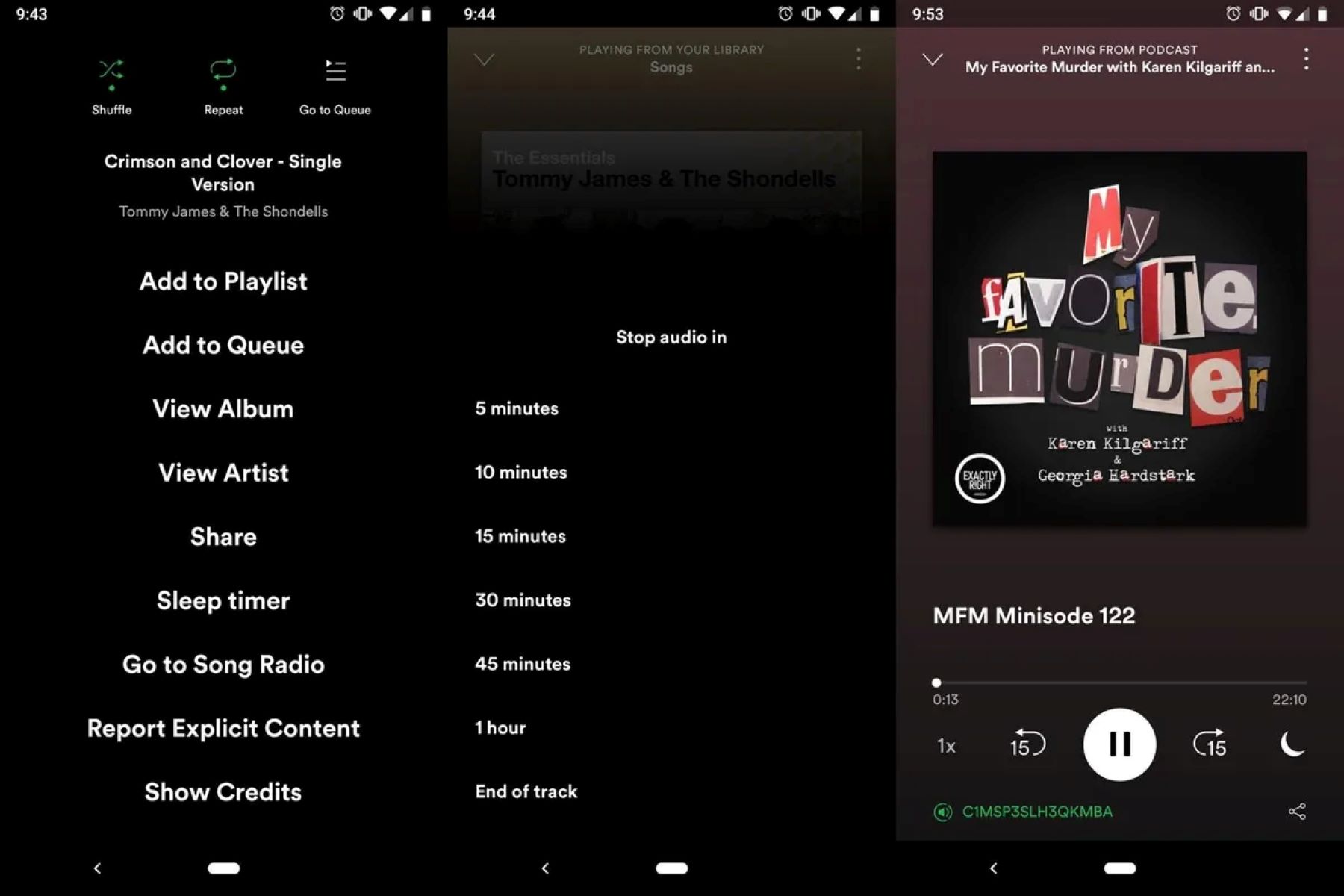
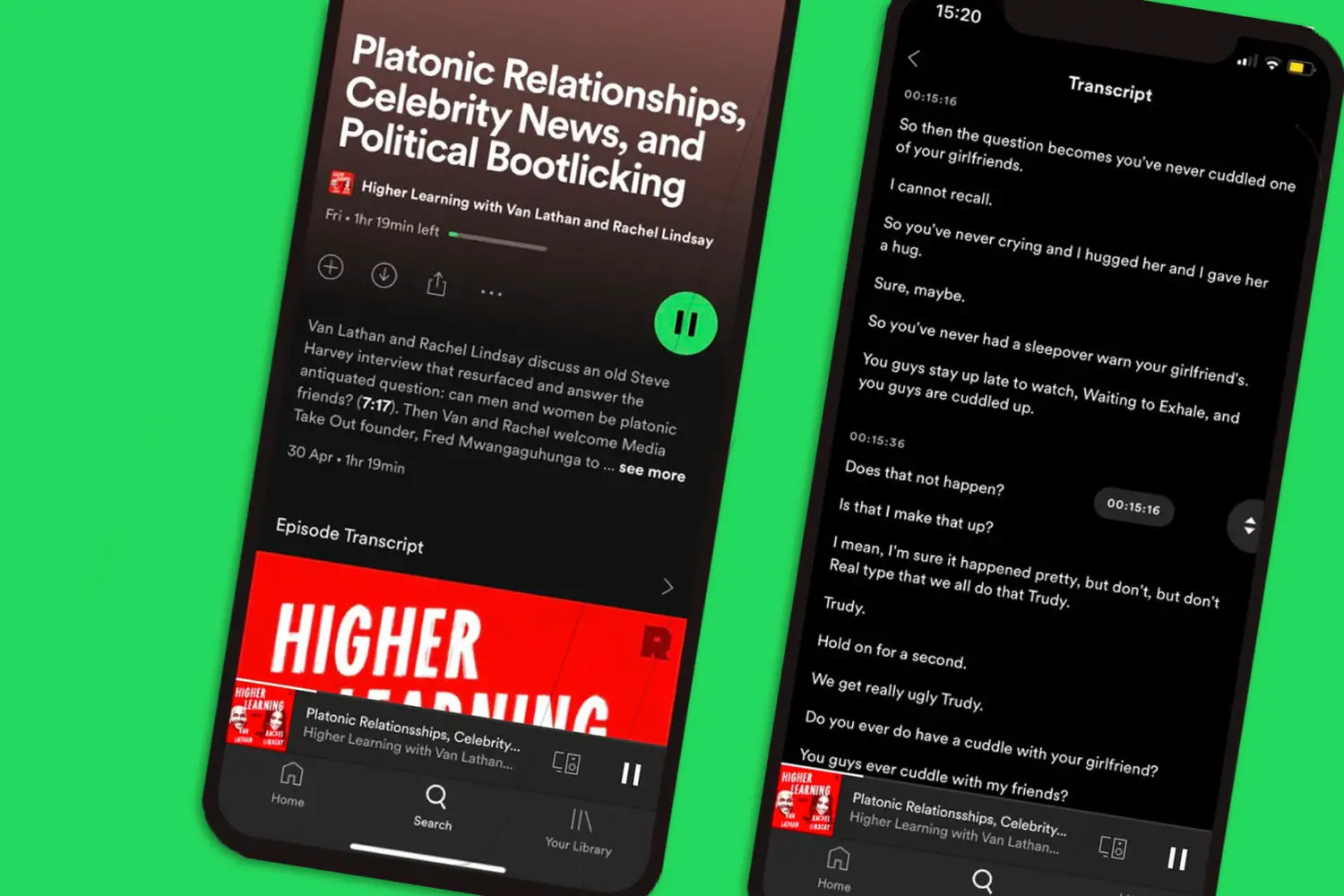
The articles fall into a few clear themes. One group helps you find and enjoy new shows, such as the roundup of 22 standout science podcasts that are chosen for their ability to spark curiosity rather than for any niche expertise. Another set tackles common playback and timing issues, including how to set a timer on Spotify so a show fades out as you fall asleep, and how to turn on subtitles for those moments when you cannot listen with sound. A third theme centers on understanding your own usage: you can learn how to see how many minutes you have listened on Spotify, and how to check how many listeners a particular podcast has, which is useful for gauging a show’s popularity before you commit.
Several articles also address offline listening and downloading music from Spotify without Premium. These are written from a legal-alternatives perspective, focusing on the free, supported features that let you save content for later when you have no connection, not on workarounds or unauthorized methods. The goal is to help you get the most out of the tools Spotify already offers, so you can listen on your own terms, safely and within the app’s rules.