Practical guides for anyone who owns a PS4 or PS5 and wants to manage their digital purchases without guesswork. Whether you are new to the console ecosystem or just need a refresher, these articles are written for everyday players who want straightforward steps for funding their account, buying games, and downloading content directly from Sony’s storefront.
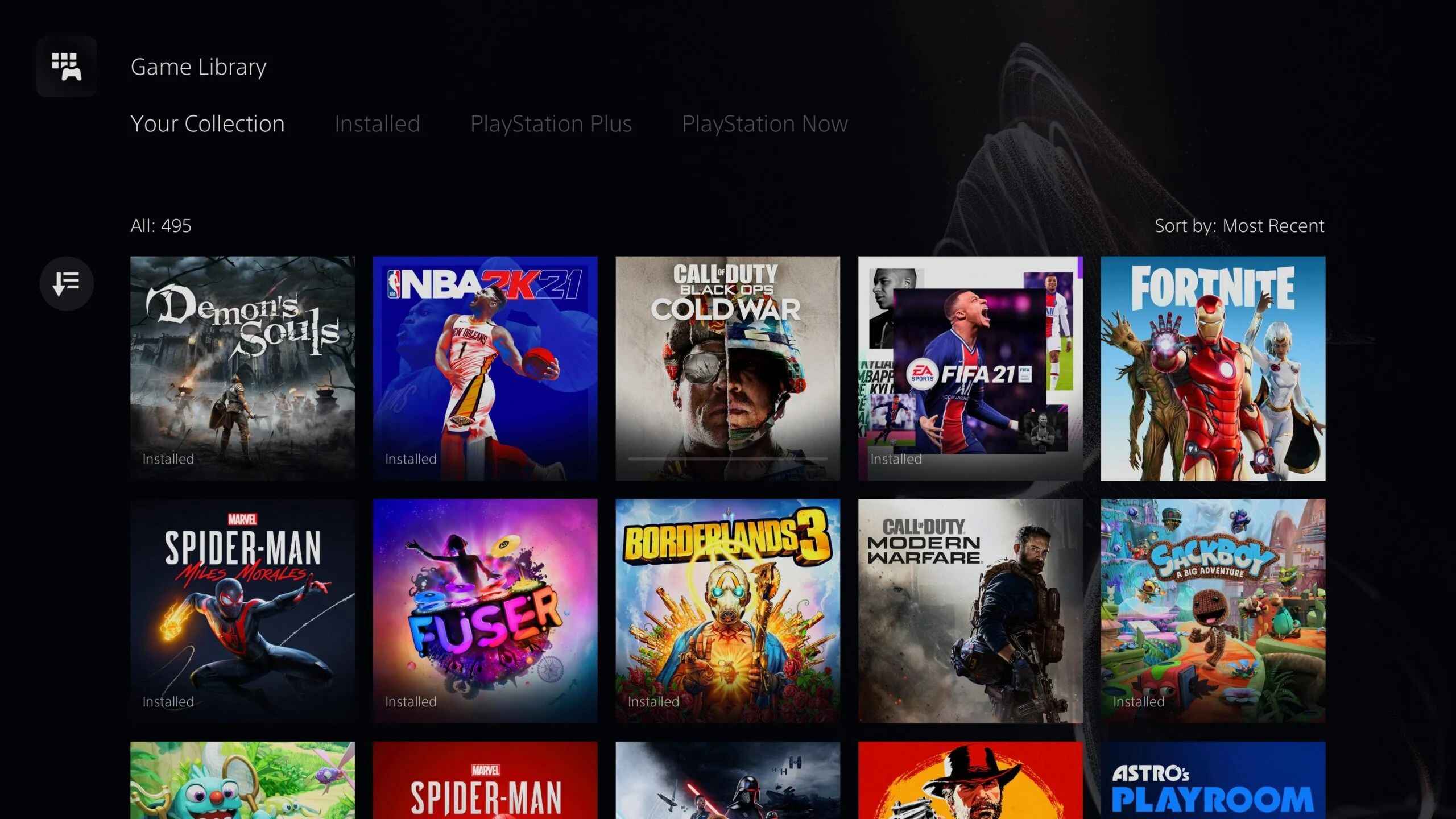
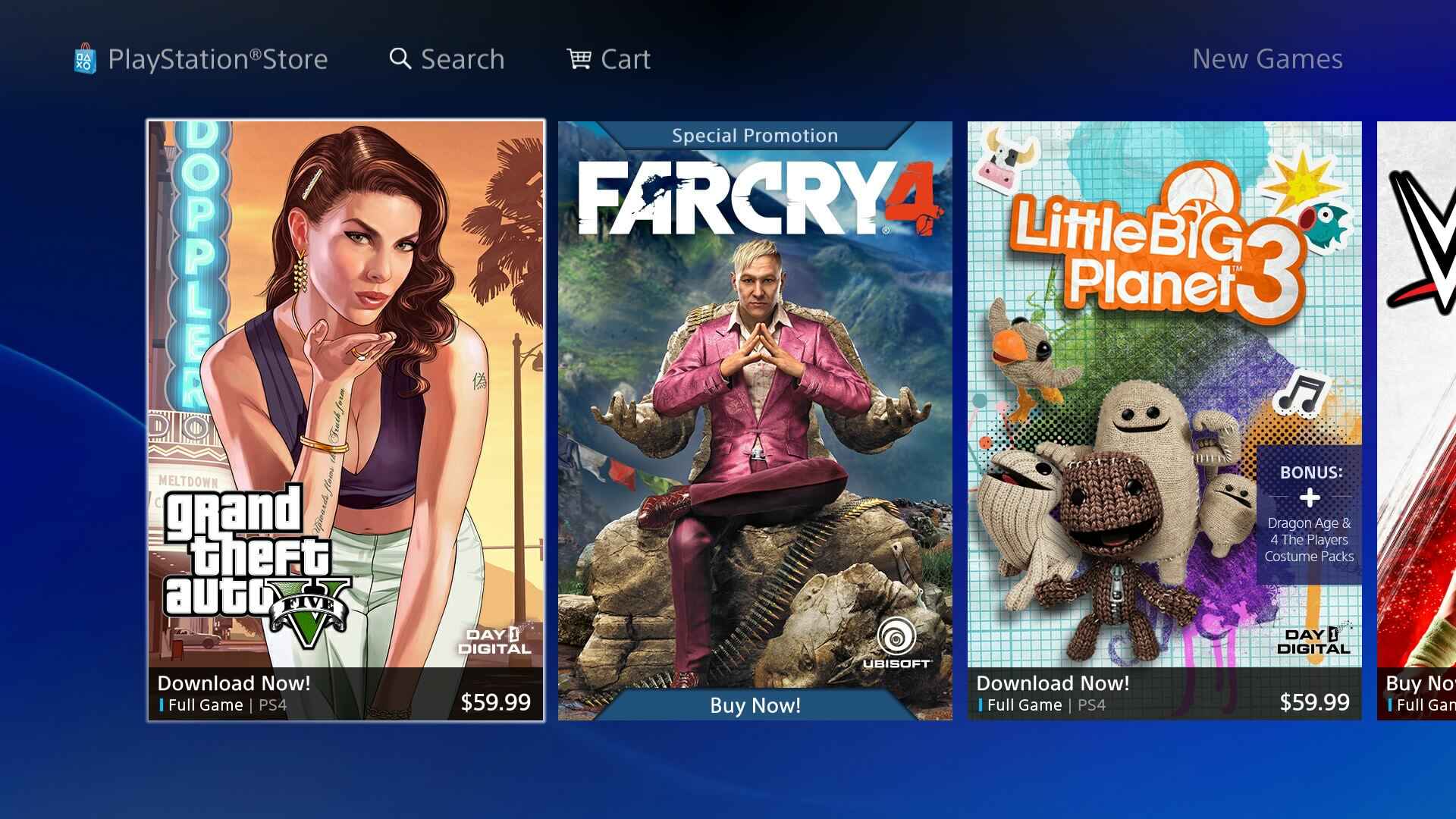
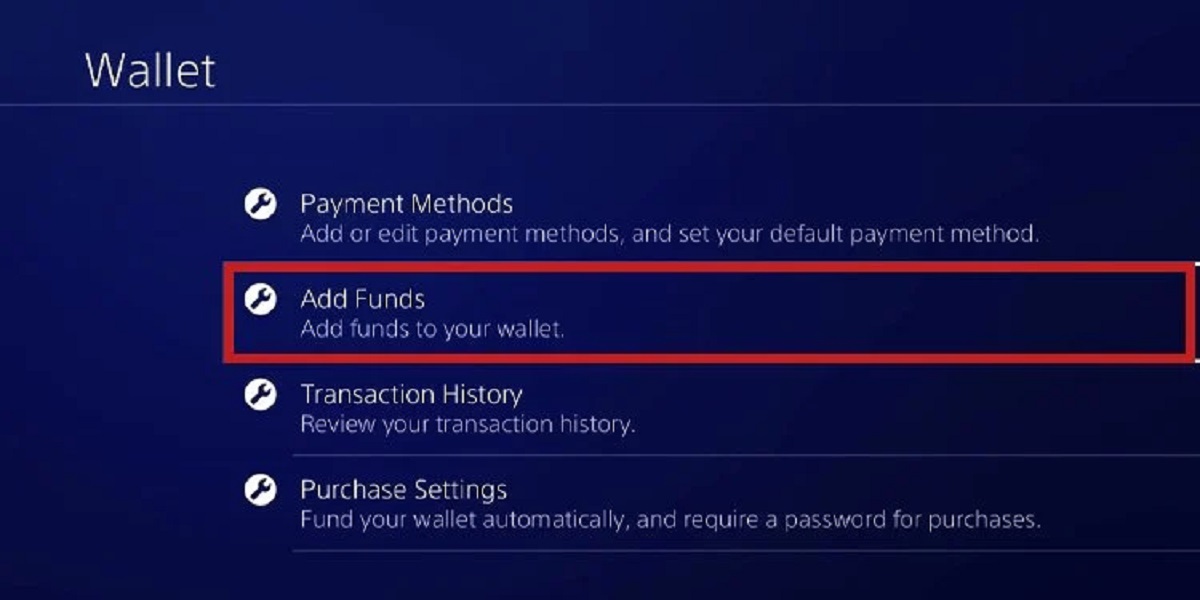
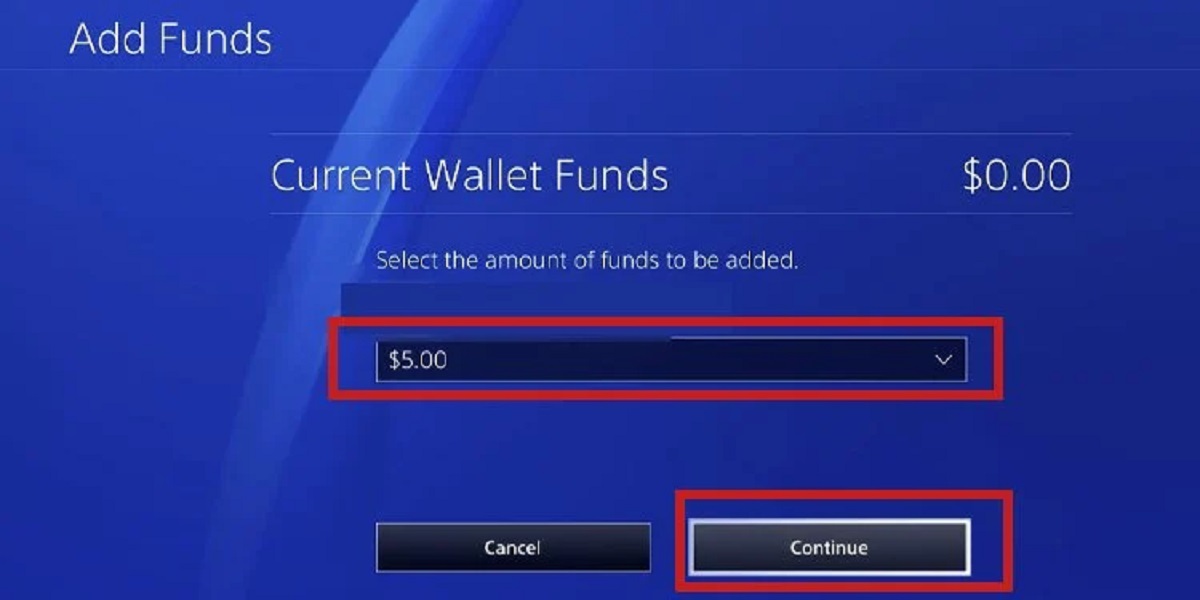
The articles cluster around three core tasks. The first is managing your wallet and payments: several pieces walk through adding funds to your PlayStation account, topping up your PSN wallet, and using gift cards or credit to make purchases. The second theme is gifting and redemption, with clear instructions on how to gift games to friends and how to redeem a PlayStation gift card correctly. The third theme focuses on downloading content, including how to download games on PS4, how to get free games on PS5, and how to download specific titles like Warzone on PS5. One article also covers how to download Sims 4 expansion packs for free, described strictly through legitimate, legal alternatives, such as promotional offers or content included with an active subscription, rather than any workaround or unauthorized method.
Across these topics, the tag helps readers solve everyday problems: running out of wallet balance, receiving a gift card and not knowing the redemption steps, or simply figuring out where to find and install a game on their console. The tone is practical and safety-conscious, so you can follow along knowing the advice respects Sony’s terms of service and your own account security.