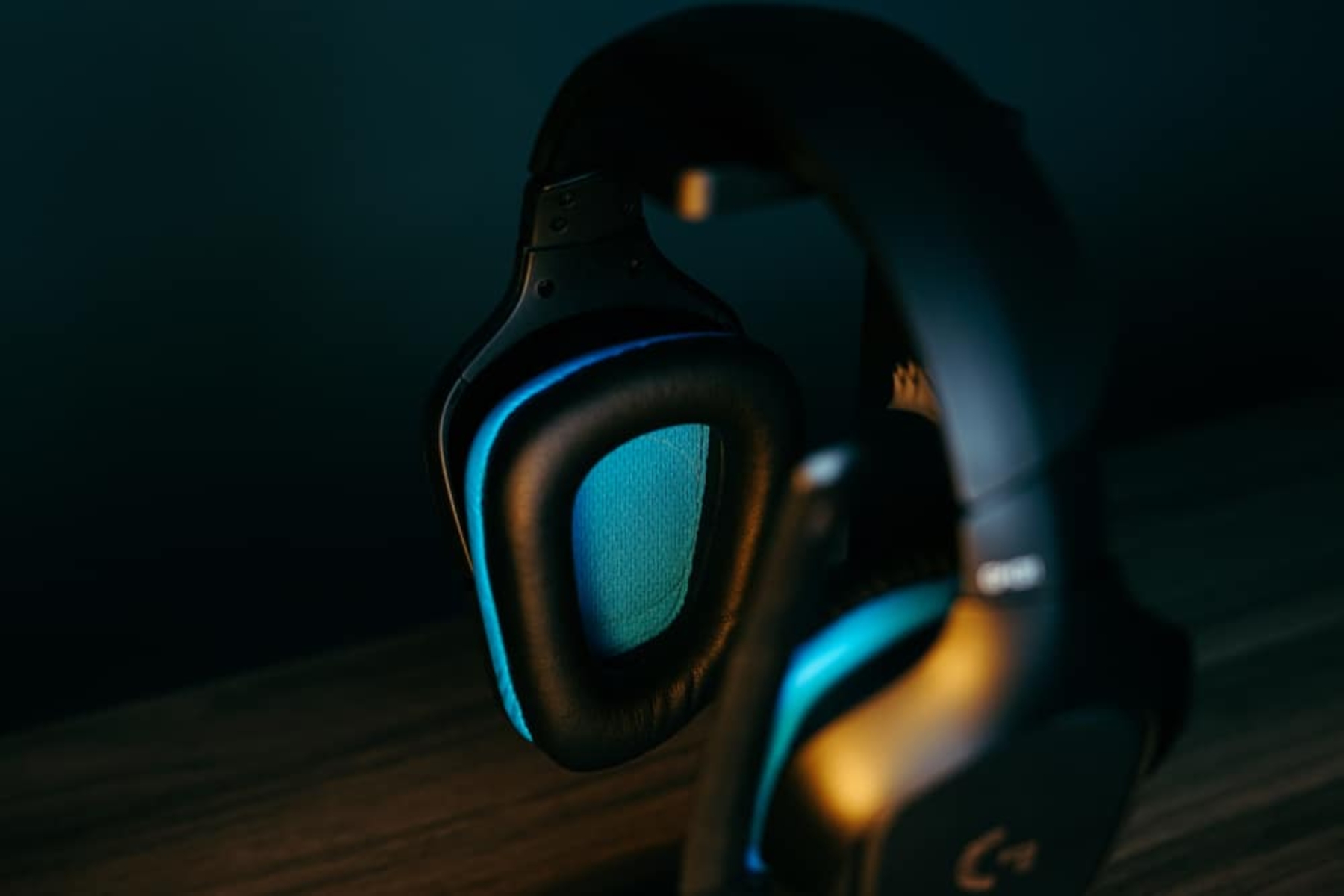
This tag collects Robots.net’s coverage of PC gaming, from hardware and platform know-how to game-specific guides and reviews. It is written for everyday players who want practical, no-nonsense help with their rigs and libraries, whether you are setting up a new controller, troubleshooting an emulator, or deciding what to play next. The articles assume a range of experience, so you will find both beginner-friendly walkthroughs and deeper dives for more seasoned users.
A good portion of the articles solve setup and configuration problems. For example, you can learn how to connect a PS5 controller or a Wii Remote to a PC, or how to delete games to free up space. Others focus on storefronts and purchases, such as step-by-step guides to refunding or gifting games on Steam, plus practical breakdowns of subscription services like Dota Plus. A second clear theme is discovery and curation: list-style pieces highlight the best single-player games, the strongest video game stories on Steam, and which free titles are currently claimable from Epic Games. A third theme covers previews and reviews, like those for OMORI, Chernobylite, or GTA Trilogy Remastered, so you can judge whether a hyped release is worth your time and money before you buy.
Several articles also address legal and safety angles without encouraging risky behavior. Guides to downloading games, such as the one on IGG Games, are framed around identifying legitimate sources and avoiding shady sites, while the Citra emulator piece explains its legal use for backing up your own titles. Similarly, the dual-GPU and processor comparison articles help you make informed hardware choices rather than overclocking or modding outside safe limits. Across the board, the goal is to help you play smarter, buy wisely, and keep your system running smoothly.