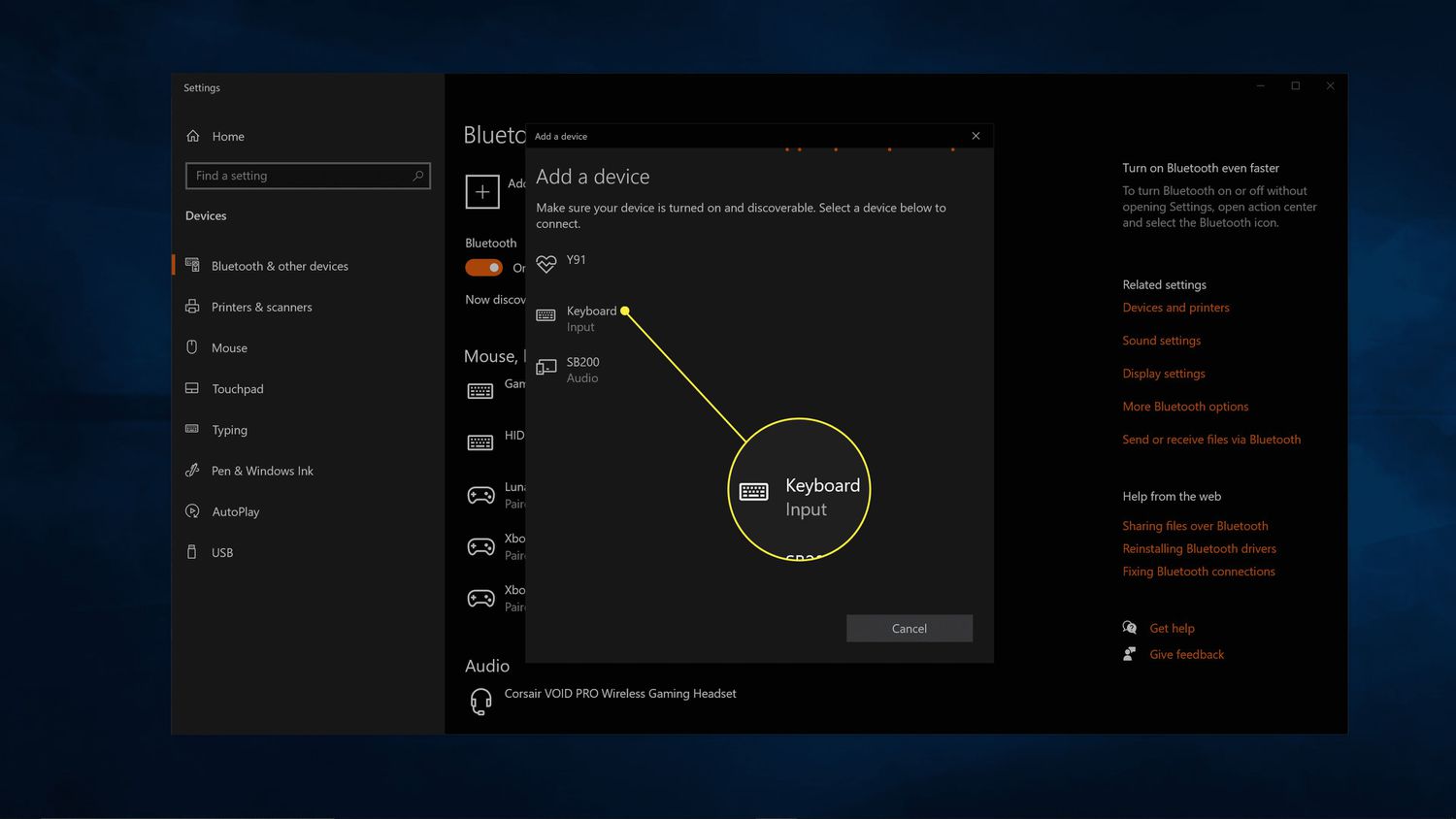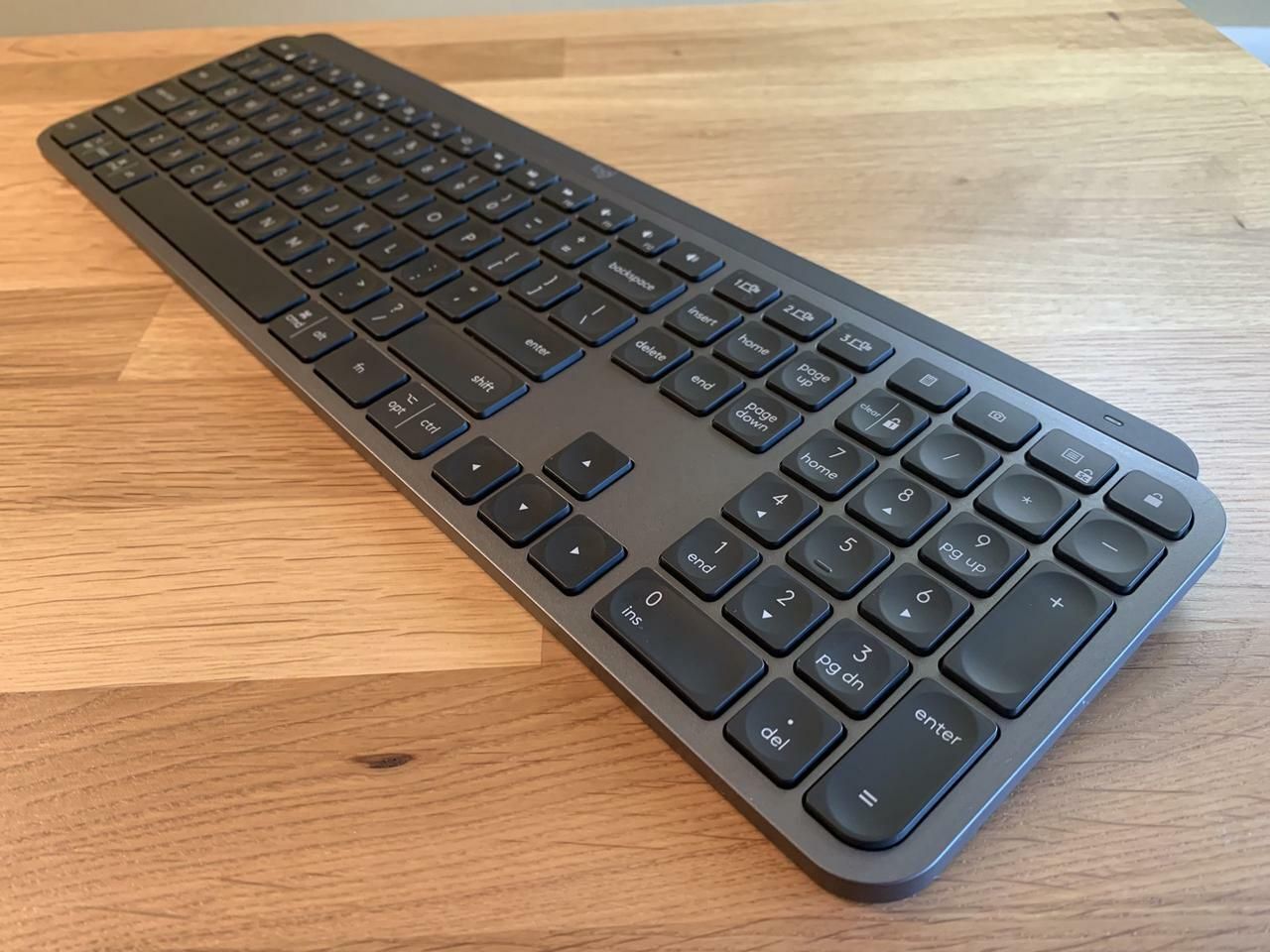
This tag collects articles about putting devices into pairing mode, the process that makes a gadget discoverable so it can connect to a phone, computer, or another piece of hardware. It is written for everyday consumers who own common tech items like wireless keyboards, Bluetooth speakers, game controllers, or smart home devices, and who need clear, step-by-step help when a connection fails or a device stops responding.
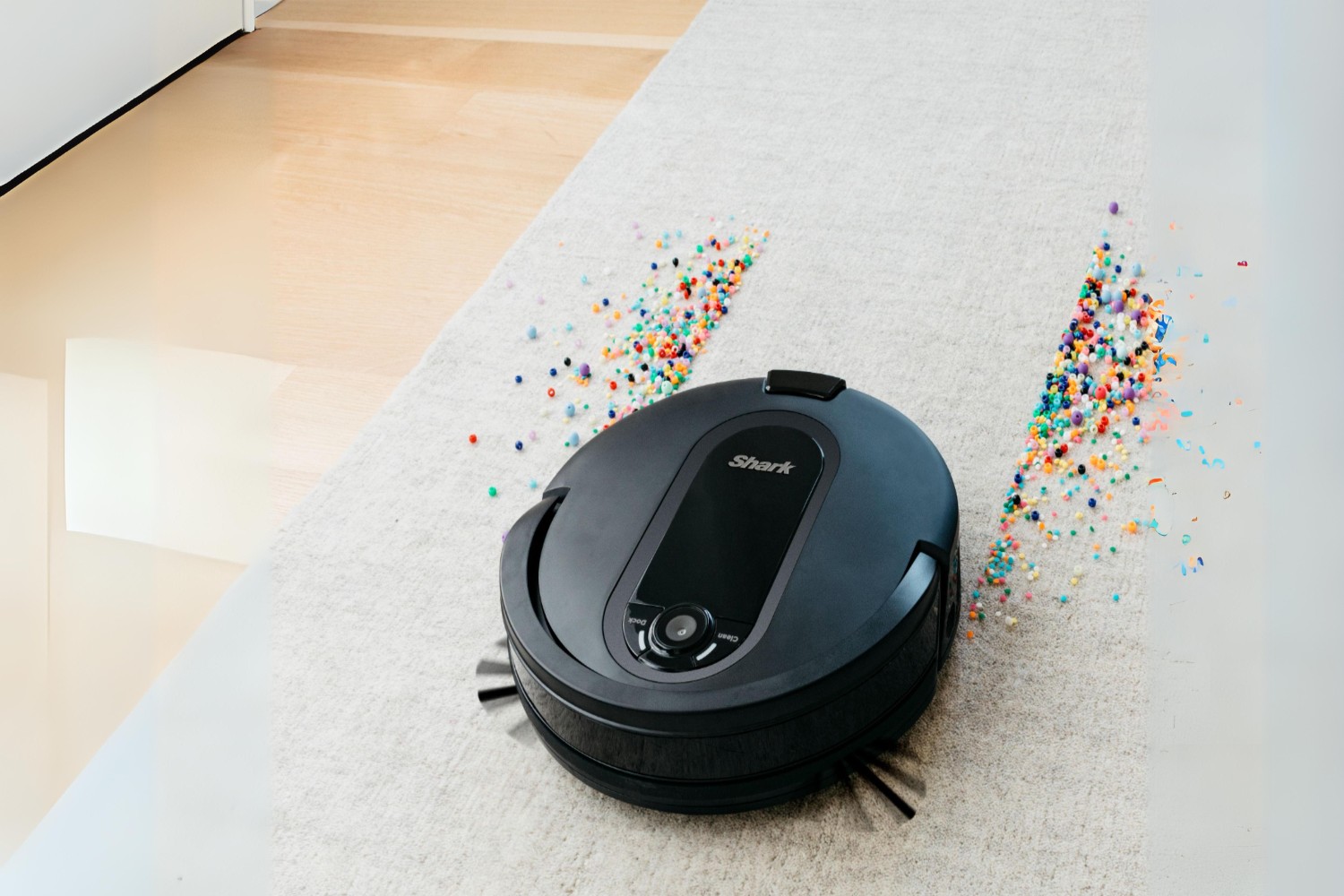
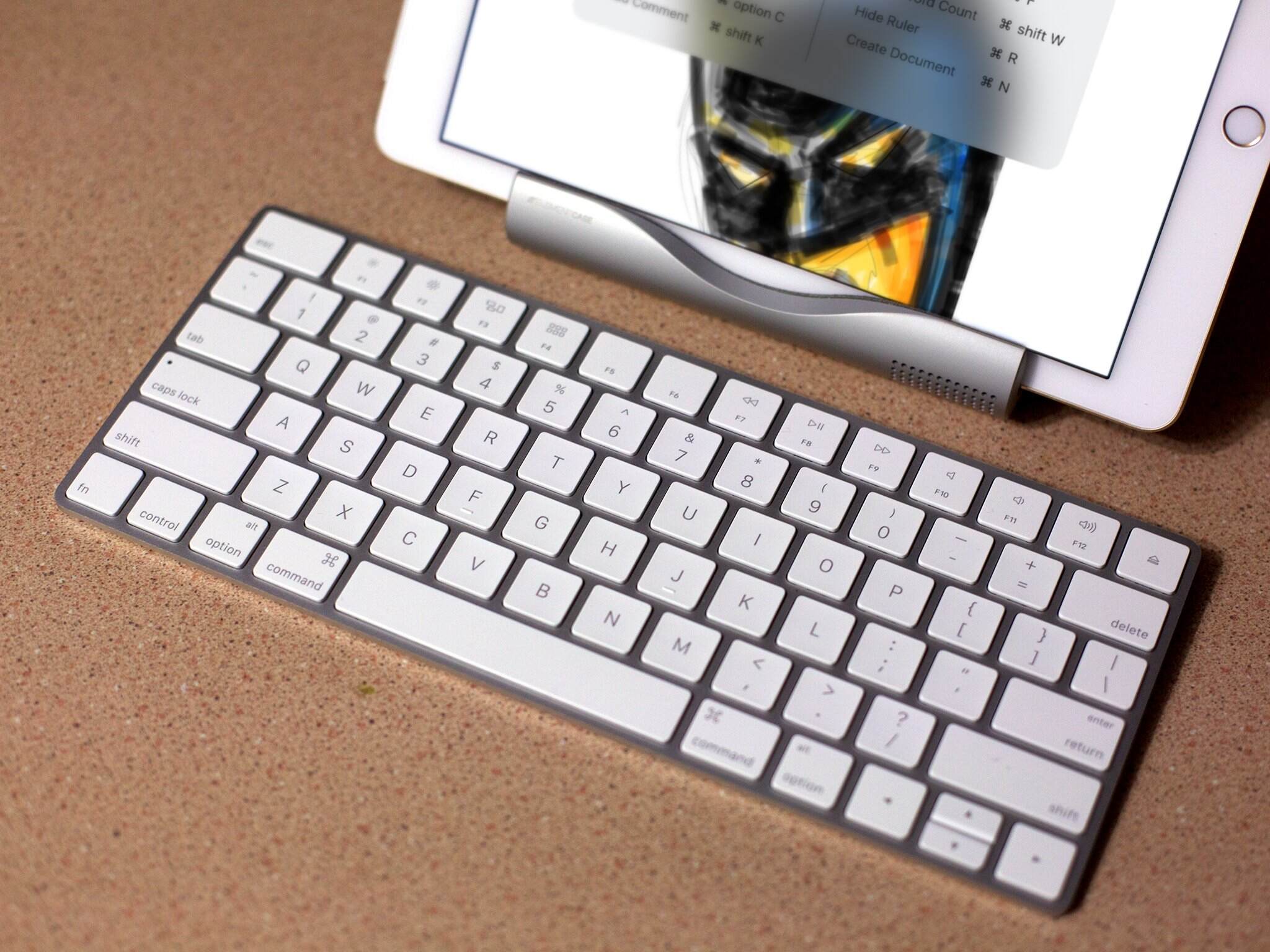
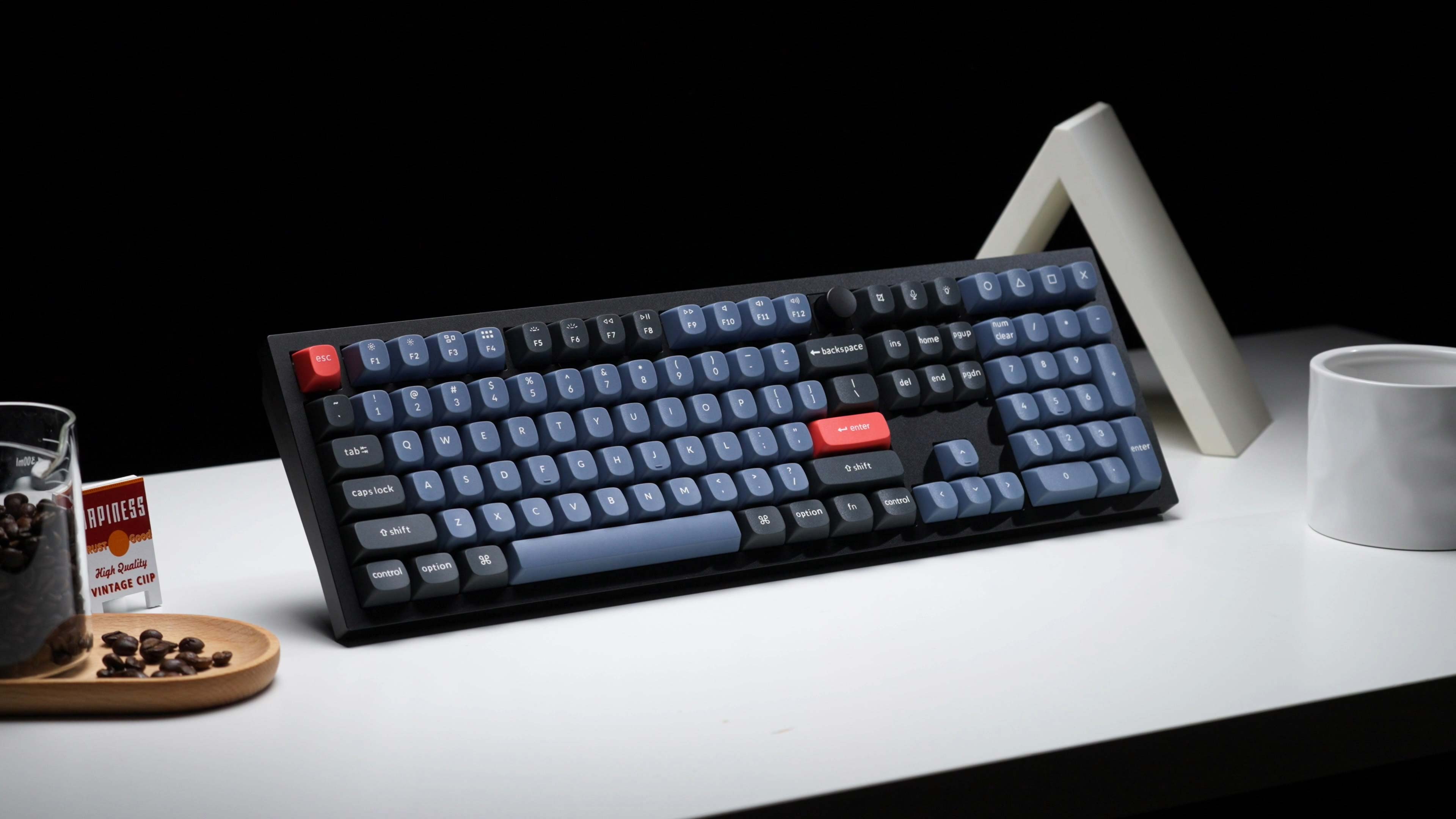
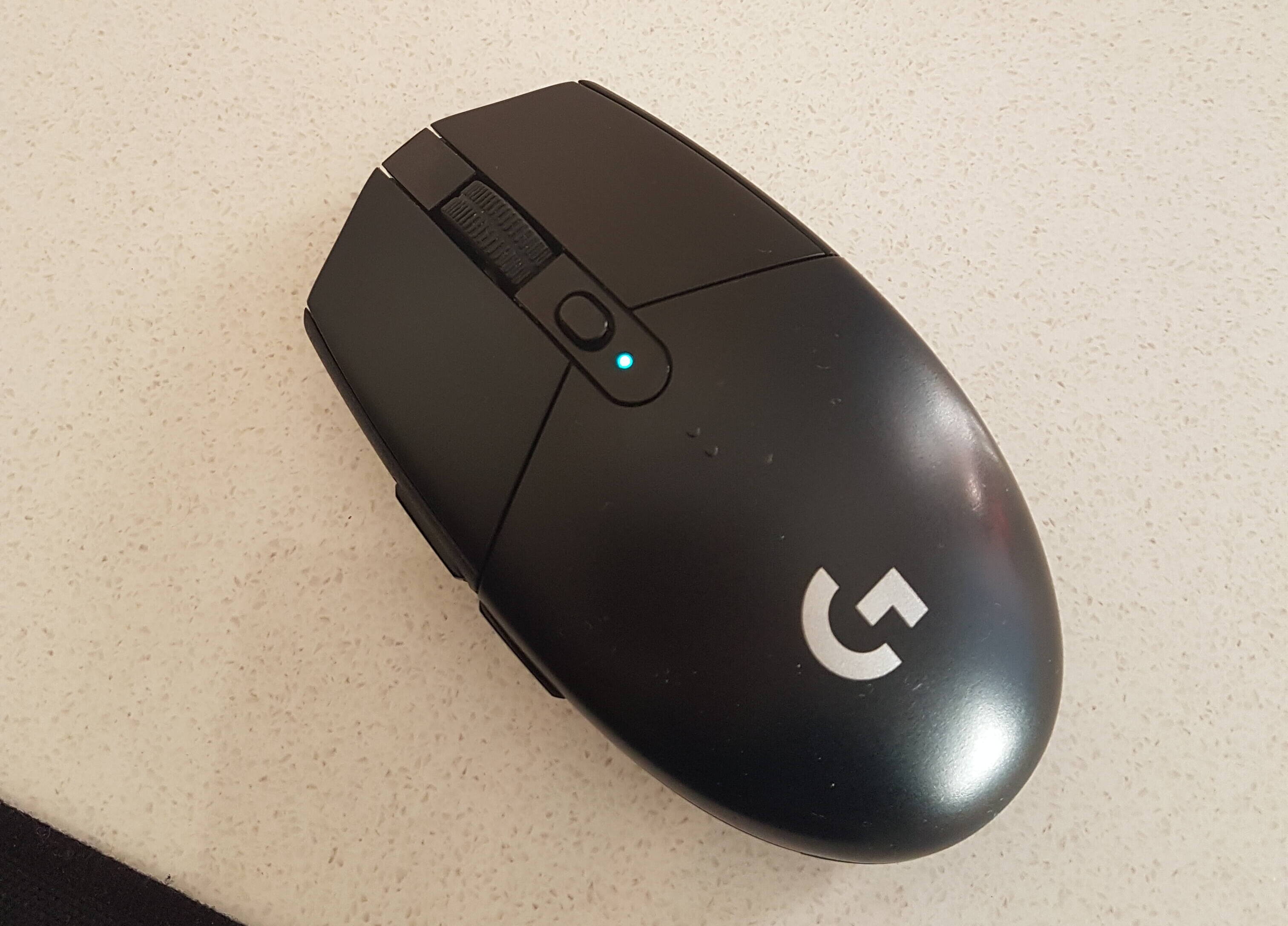
The articles solve two main kinds of problems. The first is straightforward connection trouble: getting a Logitech keyboard to show up in Bluetooth settings, making a Keychron keyboard discoverable, or linking a Bluetooth speaker to a Vizio smart TV. The second is troubleshooting odd behavior that signals a pairing issue, for example, a Logitech mouse blinking green, a heart monitor flashing a blue light, or a Shark robot vacuum that has dropped its Wi-Fi connection. These pieces explain what those lights mean and what to do next, so you can restore a working link without guessing.
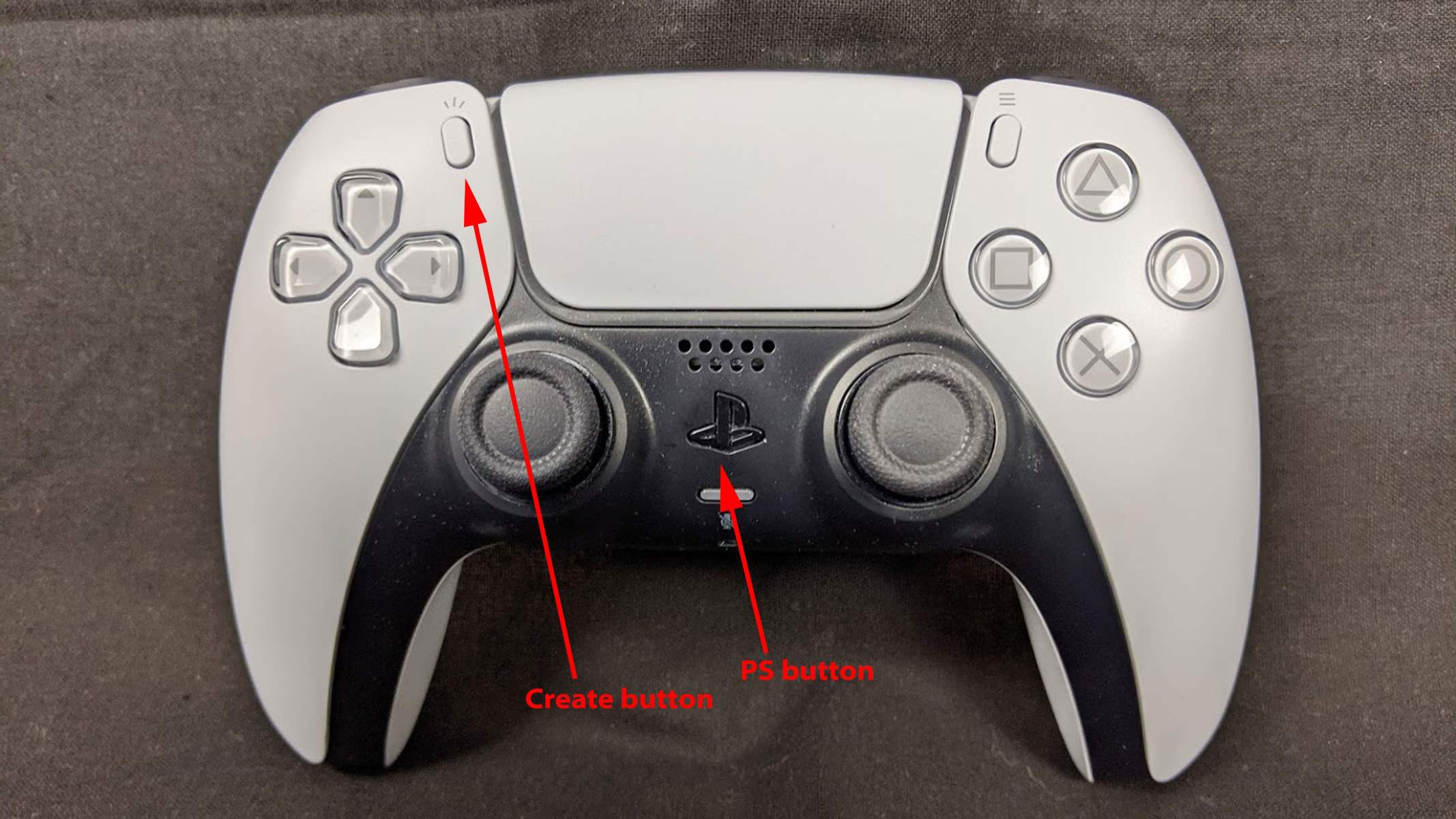
Several articles also cover the practical side of pairing, such as how to put a PS5 controller into pairing mode for a new console or PC, or how to reconnect a Shark vacuum after a router change. None of these involve bypassing security or modifying hardware, they are about using the official, intended methods to establish a legitimate connection. The goal is to help you complete the setup yourself, safely and quickly, with the device you already own.