This tag collects practical, everyday help for anyone using Microsoft Outlook, whether that’s the desktop app, webmail, or mobile version. It is written for non-technical users who want to manage their inbox more confidently, not for IT professionals. The articles focus on common tasks and small problems that can otherwise waste time or cause frustration, so you can get back to your actual work.
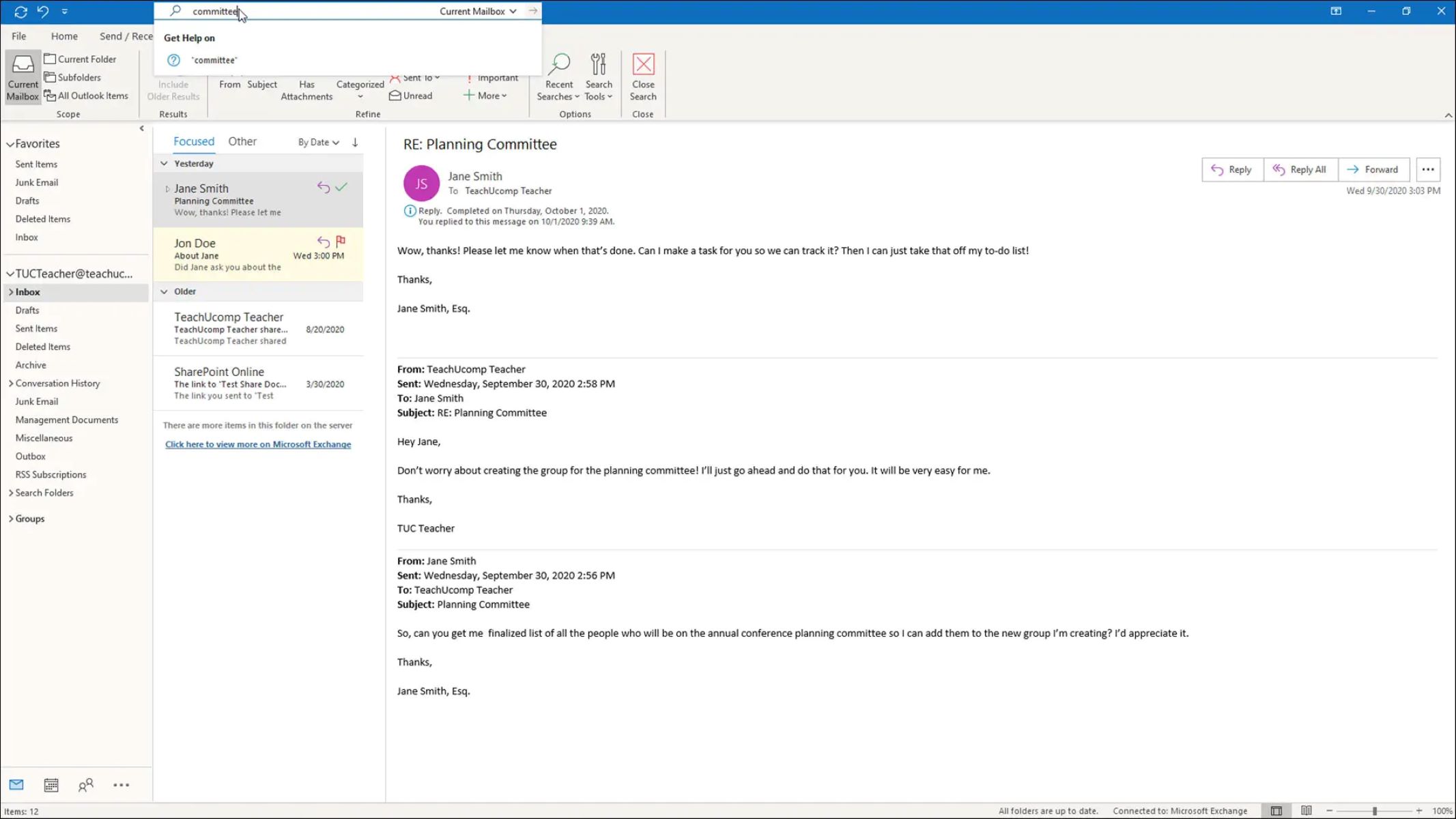
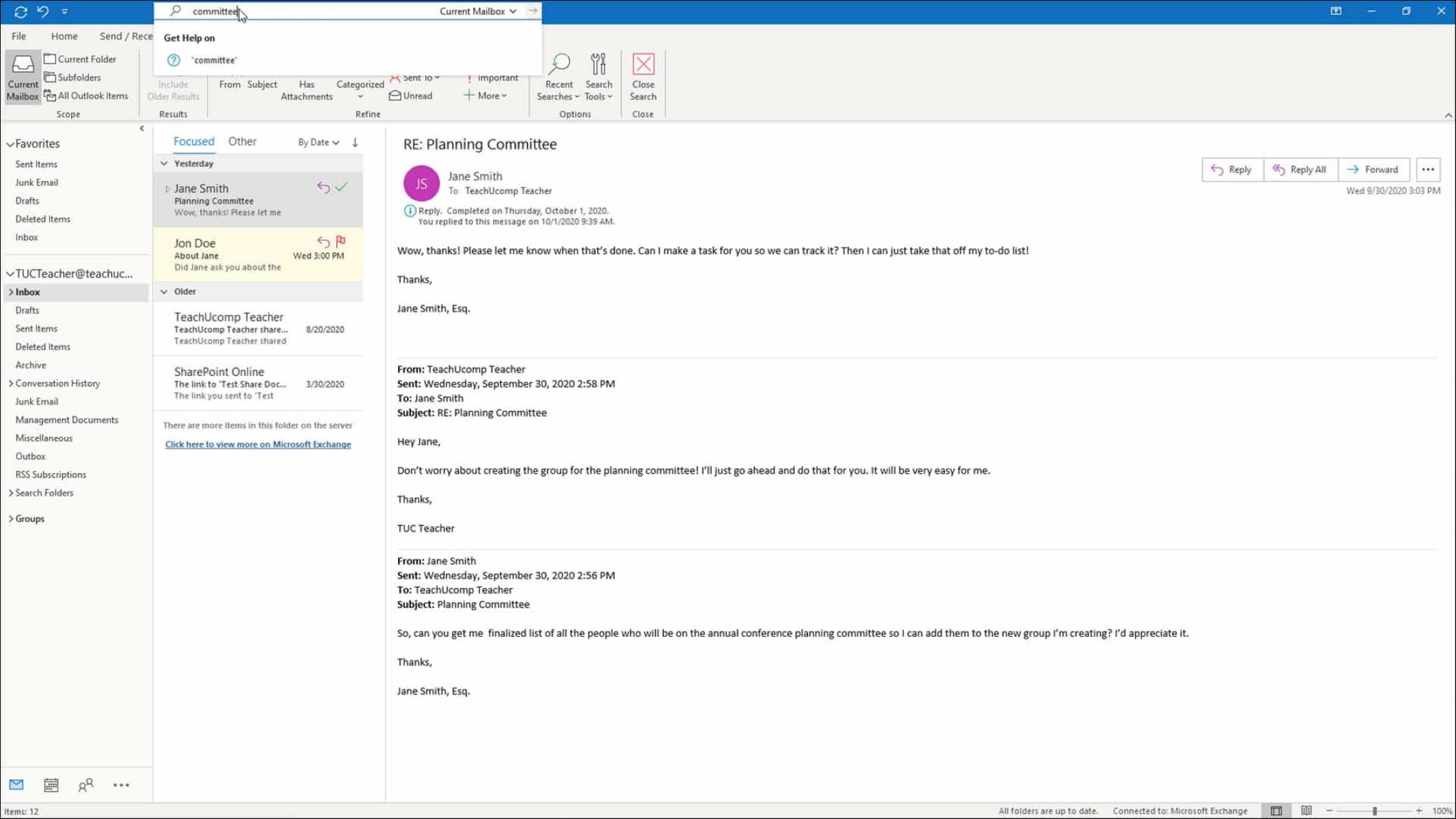
The topics fall into two clear themes. First, there is core mailbox management: learning how to access your Outlook email, delete messages, search for specific items, and clean up clutter. These articles help you stay organized and find what you need faster. Second, there is data handling and protection. Several pieces cover saving and copying emails, including photos attached to messages, to an external hard drive, which is a smart way to back up important correspondence or free up space. Alongside those, you will find guidance on what it means to flag an email, which is a simple but often misunderstood feature for prioritizing follow-ups. There is also an article about finding your email password; that one is framed as a legitimate recovery or account-recovery aid, not as a way to bypass security, and it focuses on regaining access to your own account.
In short, these articles solve day-to-day annoyances and help you protect your data. They show you how to perform routine actions like searching or downloading photos, and they treat external hard drive backups as a safe, legal alternative to keeping everything in a vulnerable inbox. No shortcuts, no risky tricks, just clear steps for the tasks most people face with Outlook.