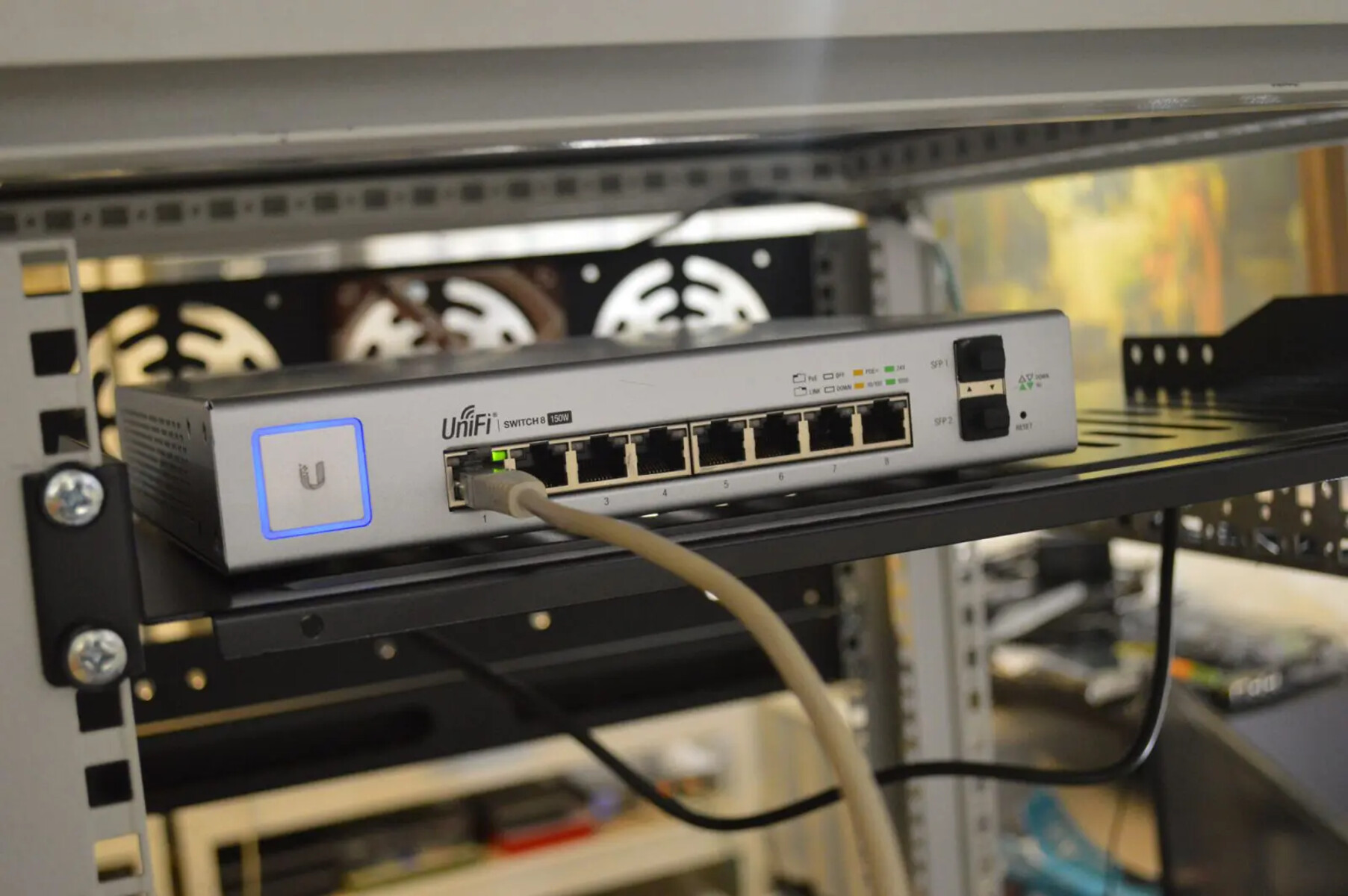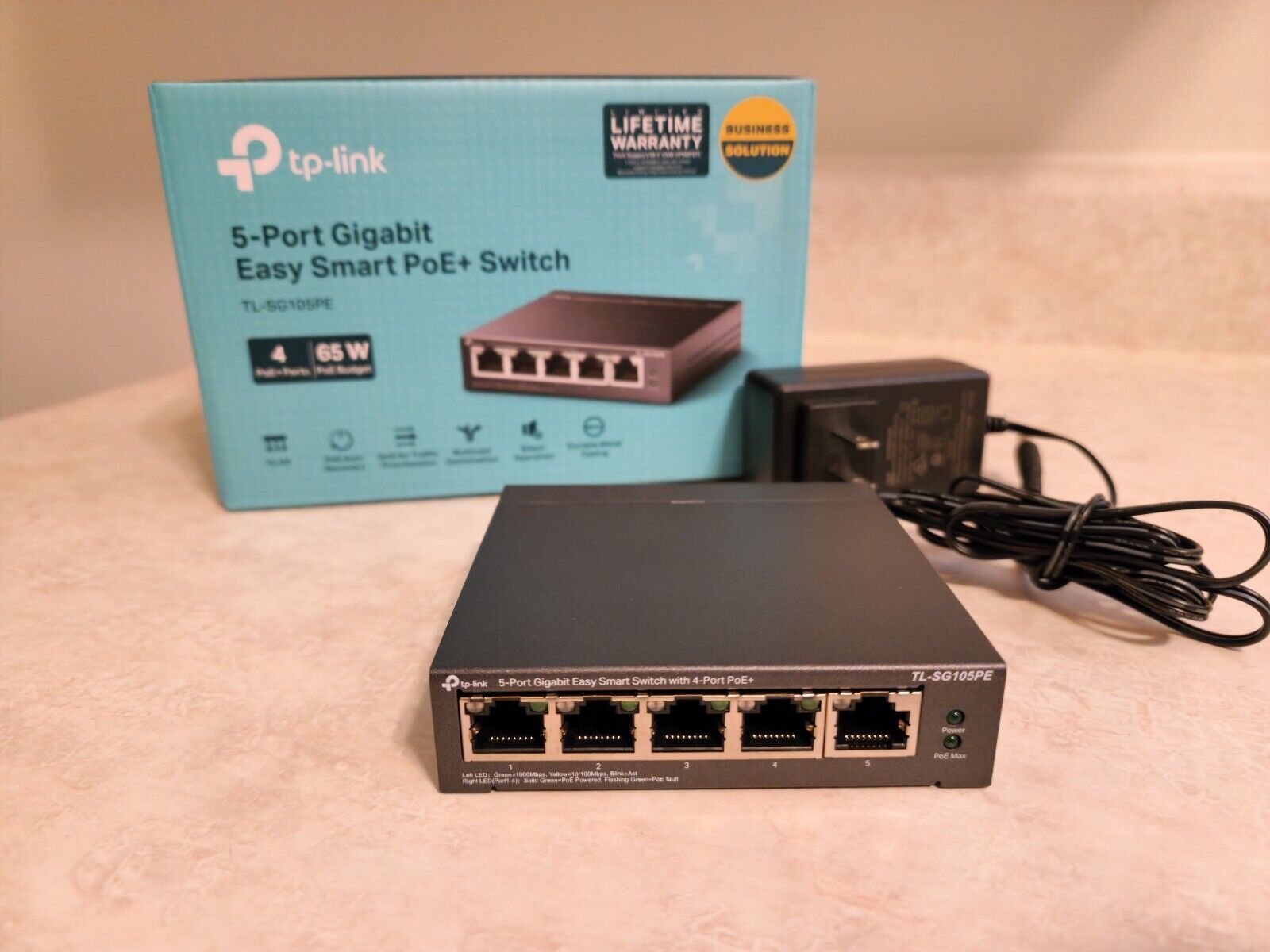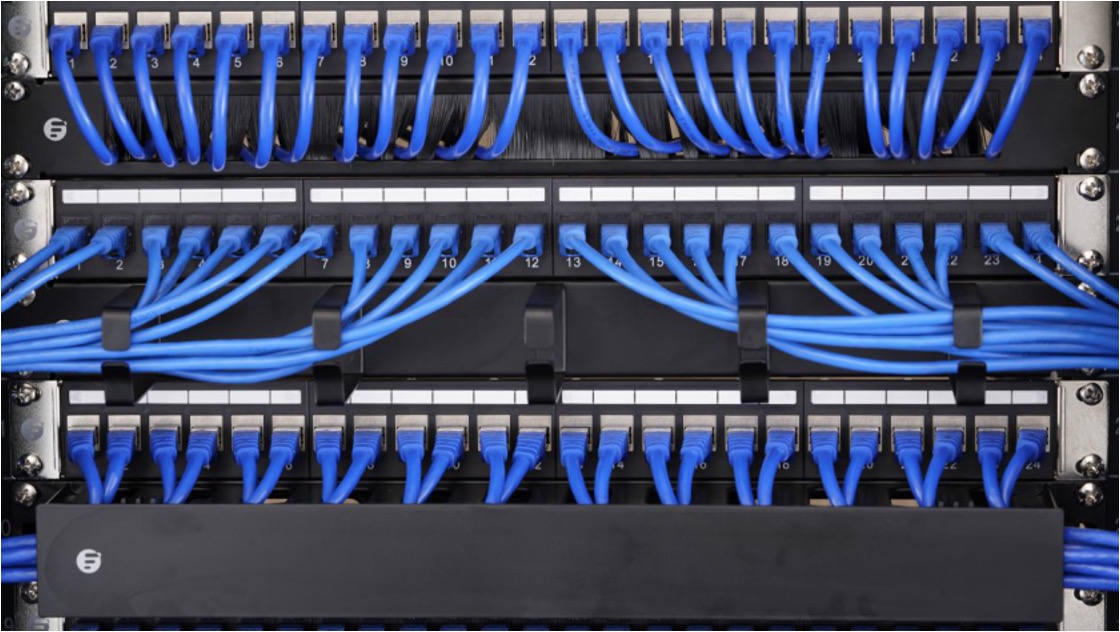
This tag collects articles about the everyday setup, care, and troubleshooting of network switches, the small boxes that let you plug multiple wired devices into your home or office router. It’s written for non-IT people who just want their internet to work reliably: renters, remote workers, or anyone who has ever stared at a wall jack or a blinking gadget and wondered what to do next. The pieces focus on practical, legal, and safe actions you can take yourself, without touching advanced configuration that could break your network or compromise your security.
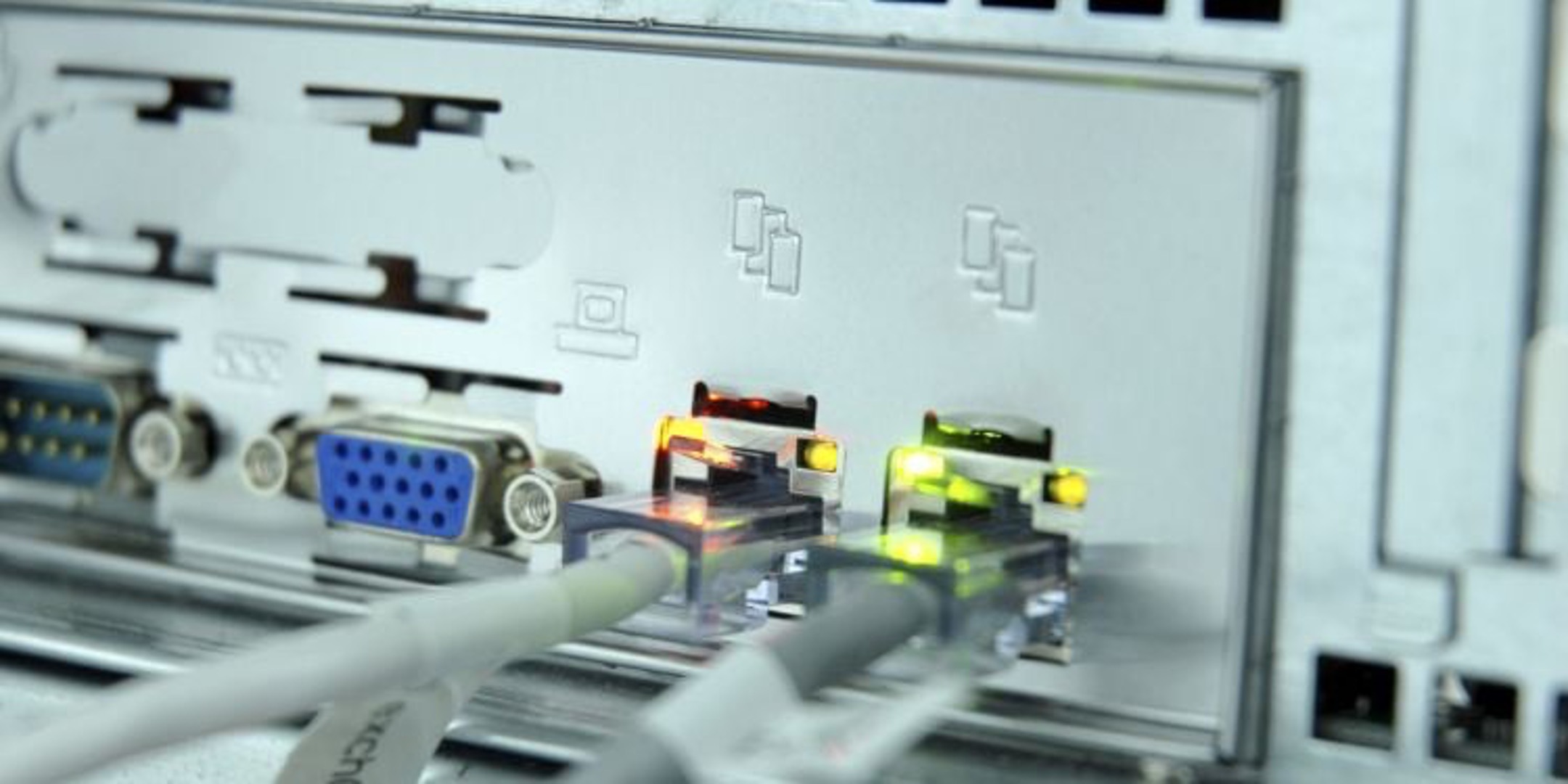
The articles group into a few clear themes. One is physical installation and wiring: how to activate unused Ethernet ports in a house, set up a switch alongside a patch panel, or chain two switches together when one port isn’t enough. Another theme is identification and diagnostics, figuring out a switch’s IP address, reading the meaning of green or orange lights, or identifying a device by its MAC address prefix. A third theme is network design and compatibility, such as using a switch with two routers, mixing router brands, or deciding whether port order actually matters. Throughout, the tone is cautionary: several pieces explain what the lights mean so you can spot a failing cable or a port conflict, and the advice on accessing a Netgear or TP-Link switch stays strictly within the vendor’s own menus and manuals, nothing about bypassing passwords or forcing access.
You’ll also find answers to specific, common questions like “Does it matter where I plug stuff in?” and “What does the orange light mean?”, each explained in plain language. The goal is to help you get your wired network up, understand what’s normal, and avoid risky guesswork. No hacking, no pirated firmware, just honest guidance for the gear you already own.