This tag collects practical, step-by-step guides for getting everyday consumer devices online, from game consoles and smart TVs to Wi-Fi extenders and whole-home mesh systems. It is written for non-technical readers who just want their gear to work, whether they are setting up a new living room, traveling, or troubleshooting a stubborn connection. The articles assume no prior networking knowledge and focus on clear, repeatable actions.
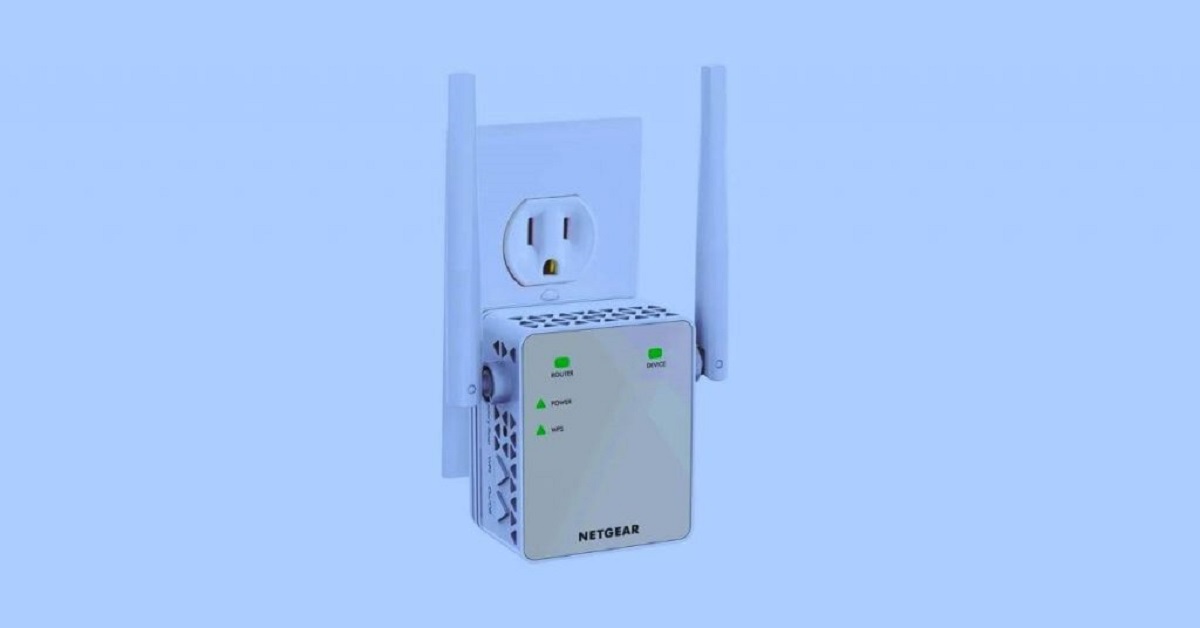
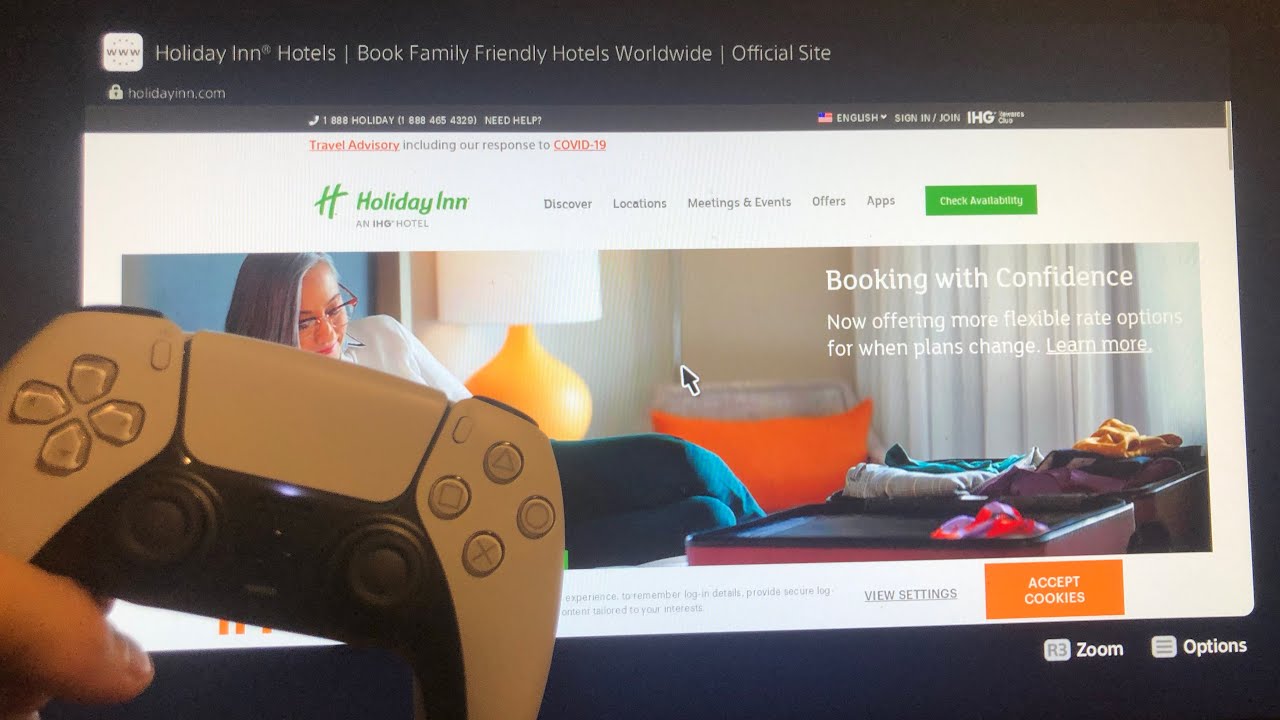
The problems these articles solve fall into two broad themes. First, there are connection challenges in unusual or constrained environments: getting a PlayStation 5 onto hotel Wi-Fi or a public Xfinity hotspot, linking a Wi-Fi extender to a router without using the WPS button, and running a PC on Wi-Fi when an Ethernet cable is not an option. Second, there is the everyday task of bringing smart TVs and consoles onto a home network, with specific guides for Philips, Samsung, and LG models, plus a general walkthrough for any smart TV. A third, smaller theme is configuration continuity: one article explains whether you can keep your old Wi-Fi name and password when switching to a new Nest Wi-Fi system, which matters for avoiding a houseful of reconnected devices.
Several articles also address these topics from a security and legal-alternatives angle. For example, the guides on hotel Wi-Fi and Xfinity hotspots help you use those networks through their intended, authorized access methods, not by bypassing login pages or sharing credentials. The Ethernet setup and PC-to-Wi-Fi pieces focus on the legitimate hardware and settings changes that keep your connection stable and private. Throughout, the emphasis is on doing things the straightforward, supported way, so you can get online without exposing your data or violating a network’s terms of use.