This tag collects Robots.net’s coverage of Netflix from a practical, consumer-focused angle. It is written for cord-cutters, casual binge-watchers, and tech-curious viewers who want to get more out of their subscription, whether that means picking a film for a themed movie night, fixing a playback error, or understanding how the service handles account restrictions. The articles here are not about hacking the platform or stealing content; they are about making informed choices within the bounds of the service.
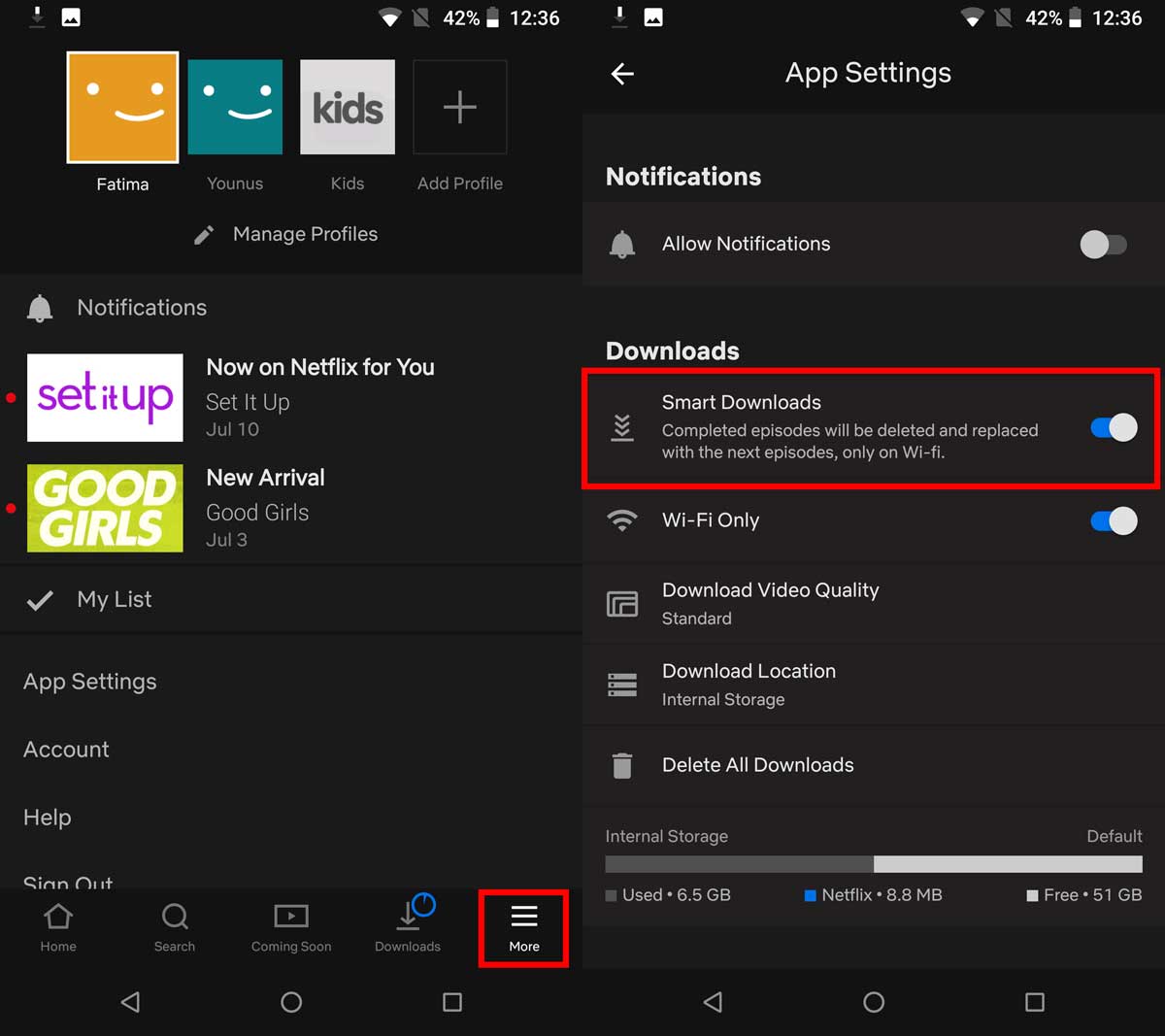
A large share of the articles helps you decide what to watch. You will find curated roundups like “25 Best Sci-Fi Movies on Netflix You Should Watch,” “60 Best Korean Dramas on Netflix for Binge Watching in 2022,” and “45 Best 80s Movies on Netflix for Nostalgia Lovers.” These are paired with decision guides that explain how to choose a movie for kids, for a stressed evening, or for a historical drama fan. Another theme is troubleshooting and account management: pieces like “What Is Netflix Error Code NW-2-5 & How To Fix It” and “How to See Netflix Viewing History” walk you through everyday technical and account issues in plain steps.
Finally, several articles address where else to watch content legally and safely. Titles such as “35 Best Gogoanime Alternative Sites in 2022” and “15 Sites to Download Anime in 2022 (100% Working)” steer you toward legitimate streaming or download options, while “The Best Alternatives to Torrent Sites For Video Content” frames the discussion around lawful, low-risk sources. Others, like “Netflix VPN Ban to Block Access to Geo-Restricted Content,” explain the platform’s regional restrictions and what they mean for your access, without endorsing any workaround. In short, the tag helps you watch smarter, fix what breaks, and explore beyond Netflix, all within the rules.