This tag collects all of our guides and tutorials related to music streaming services, with a strong focus on Spotify and Amazon Music. It is written for everyday listeners who want to get more out of their subscriptions, manage their libraries, or solve a specific problem with their app or device. Whether you are a long-time user or just starting out, these articles are designed to help you take control of your listening experience without needing any technical background.
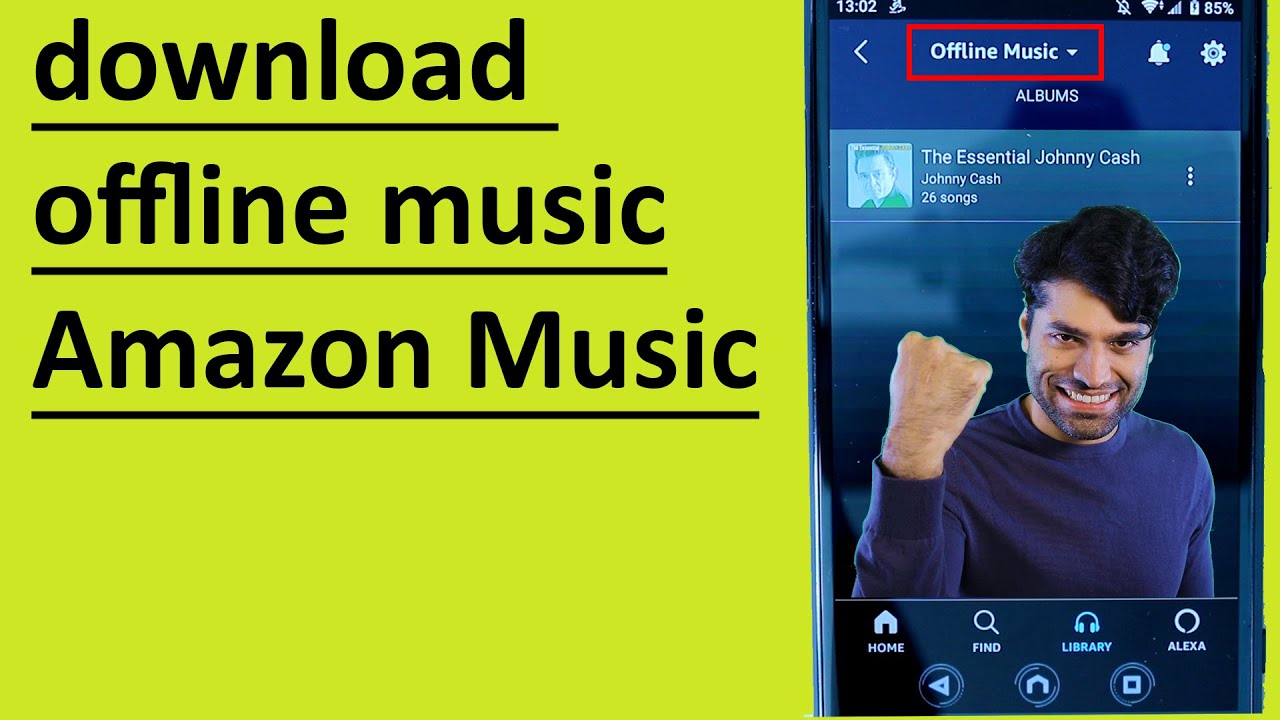
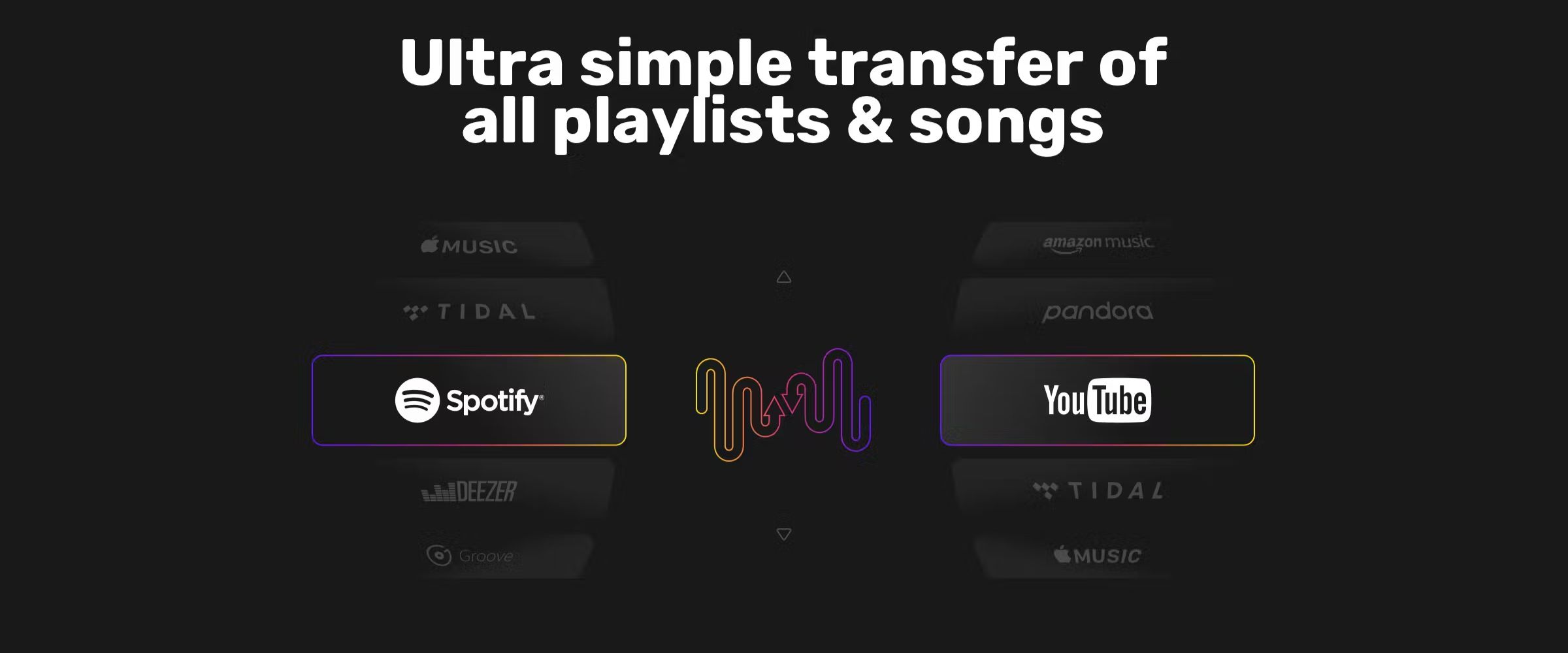
The articles here solve practical, day-to-day problems, and they fall into a few clear themes. One major theme is control and customization: you can learn how to organize playlists, set a sleep timer, add friends, or see your listening stats and annual Wrapped report. Another theme is cross-device and cross-platform use, covering how to play your music on Alexa speakers, transfer playlists between services, or pair Spotify with external audio gear. A third, significant theme is downloading and offline access, these pieces explain how to save music for offline listening on your computer, phone, or a thumb drive, and they do so with an emphasis on legitimate methods, such as using official download features or converting files for personal use, rather than promoting piracy or unauthorized ripping.
Specific topics you will find here include how to use a Spotify gift card, how to add local files to your Spotify library, and how to play Amazon Music on an Echo device. Other articles walk you through downloading music as MP3 files on Windows 11, moving your Amazon Music library to Spotify, or understanding why you might have to pay for Amazon Music even if you have Prime. The tone is straightforward and practical, helping you get things done, whether that means shutting off a service you no longer need, repeating a single song, or safely downloading your own purchased tracks.