This tag collects practical guides for anyone who uses a microphone, whether it’s a headset for gaming, a work call, or a home recording setup, and needs it to work reliably with the apps and devices around it. The articles are written for everyday users, not audio engineers, and focus on fixing common frustrations quickly without jargon. If you’ve ever been mid-conversation and realized your voice isn’t getting through, or your headset suddenly stopped registering, these are the solutions you’d look for.
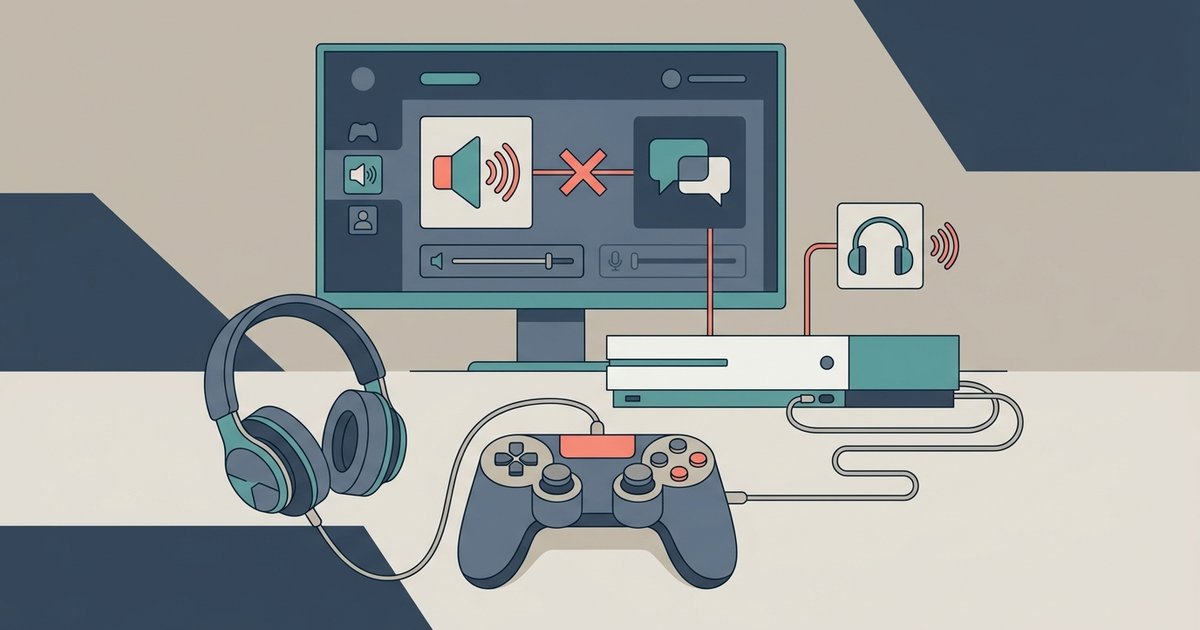
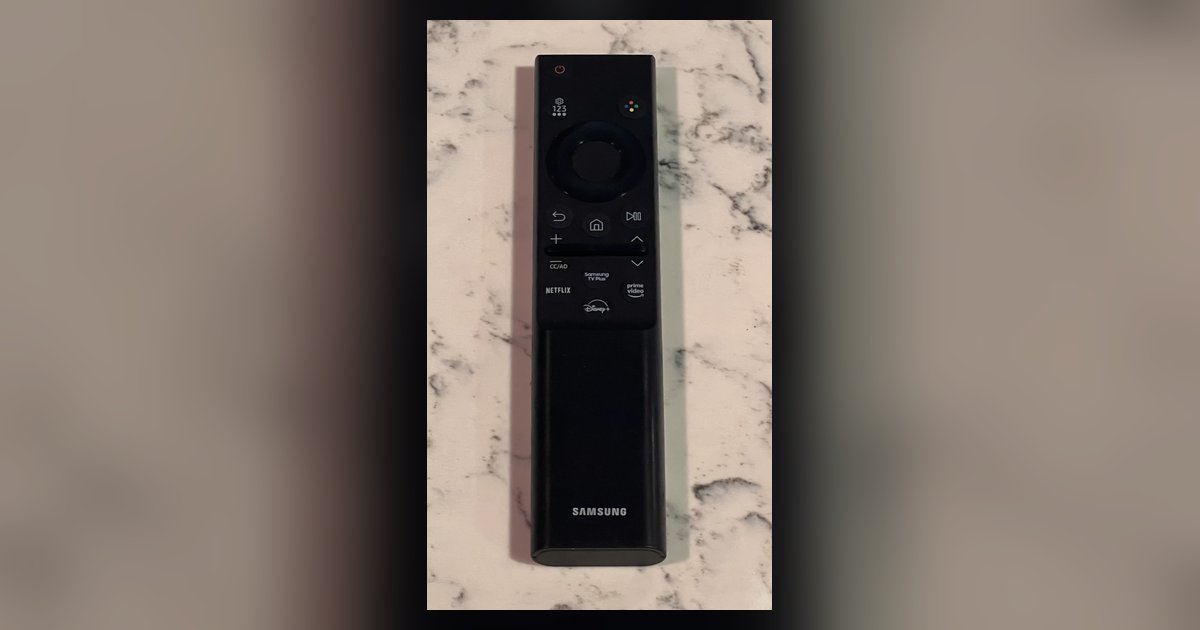
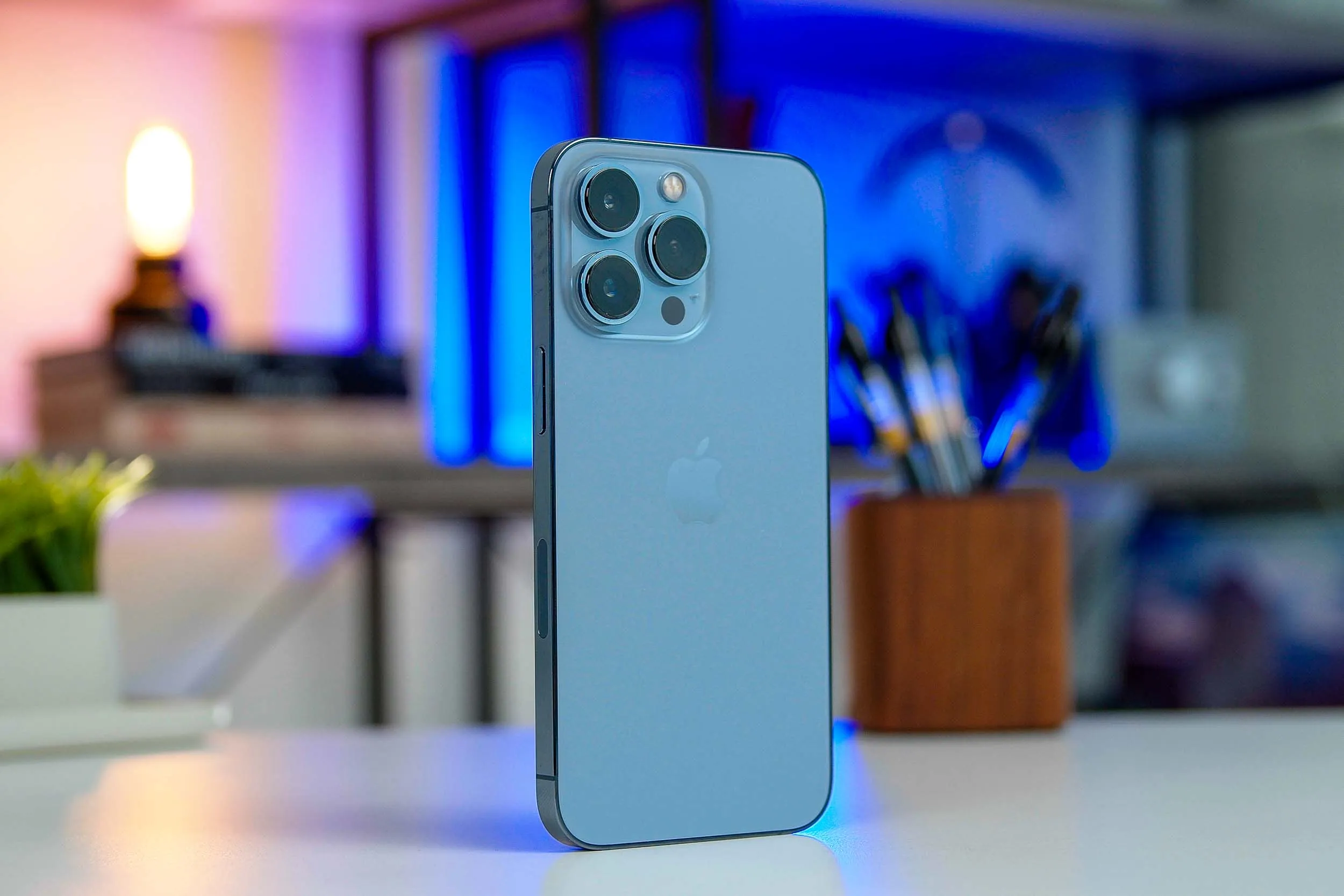
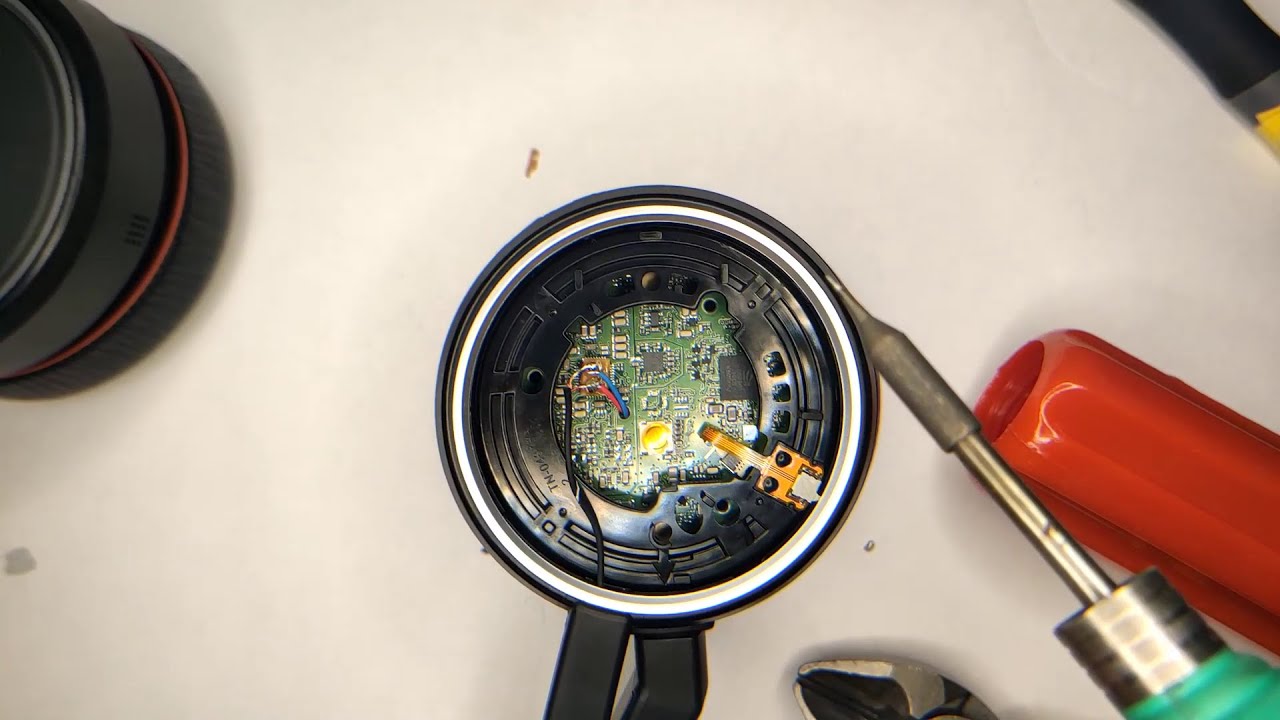
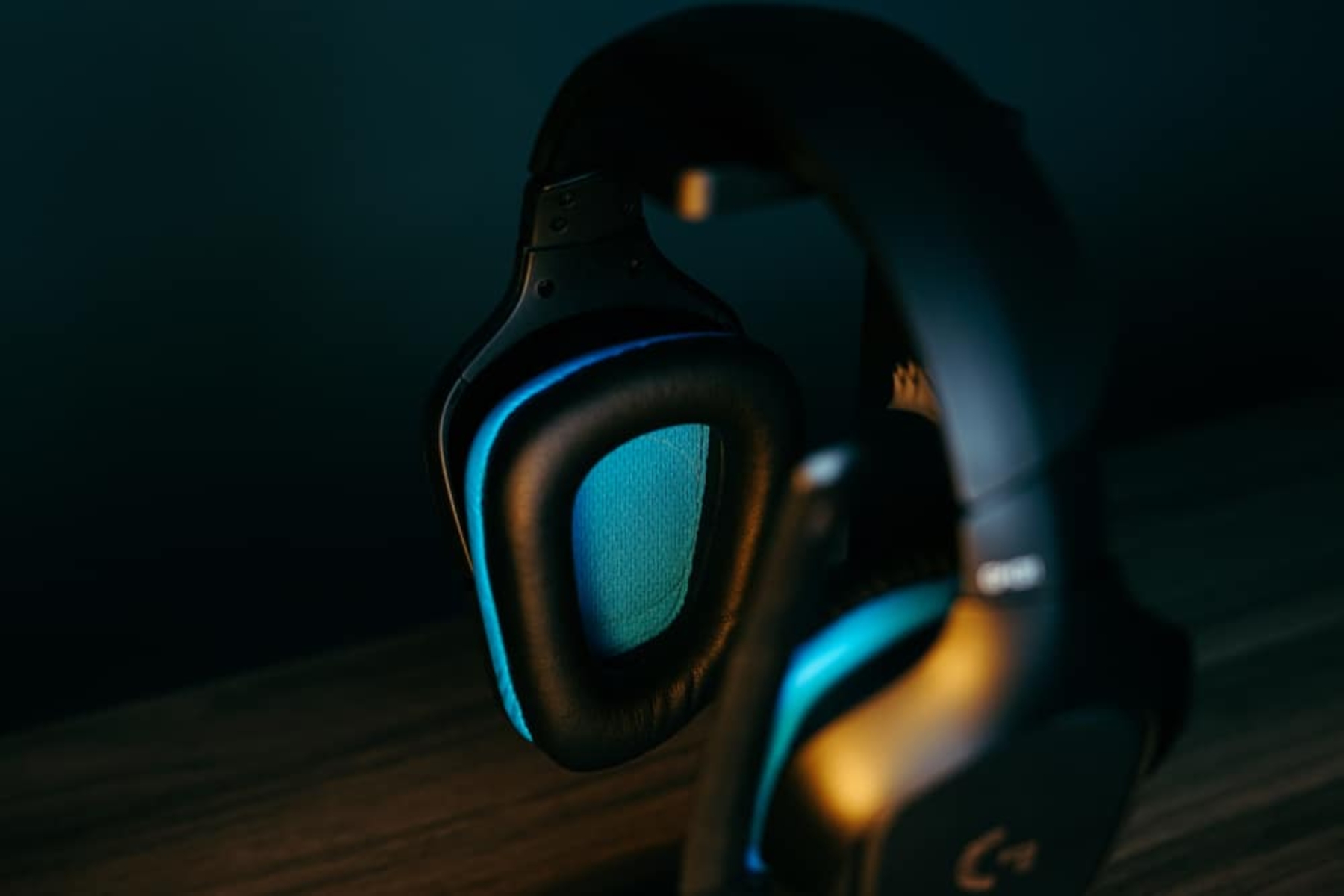
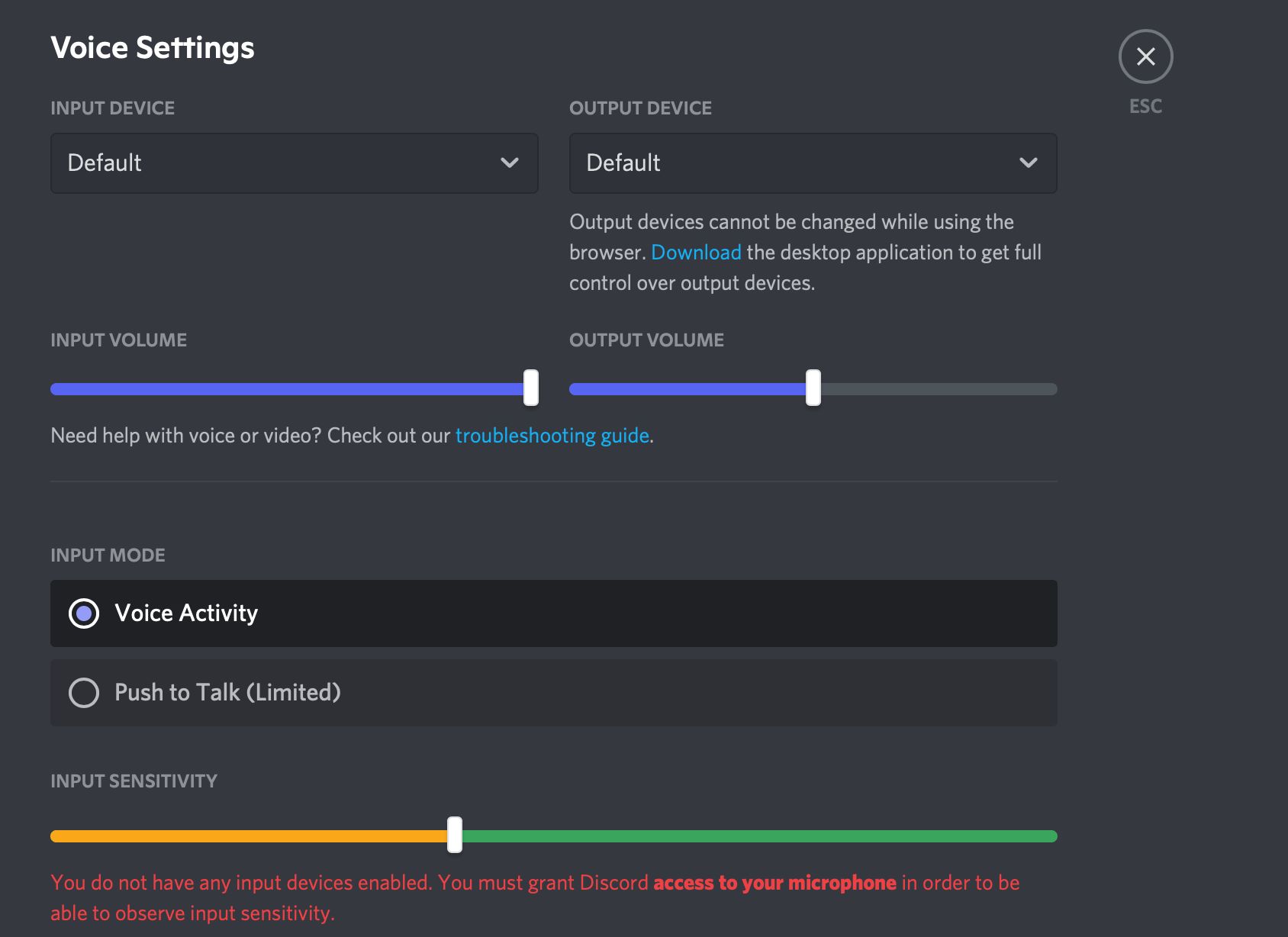
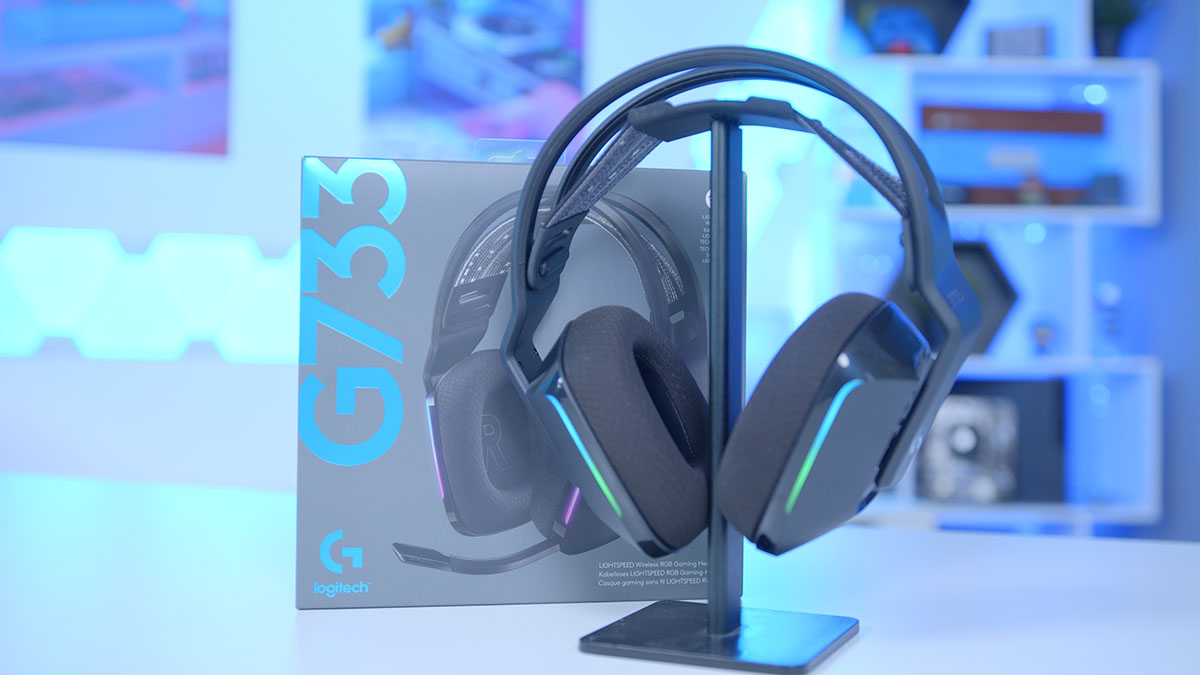
The problems covered fall into two main themes. The first is connectivity and routing: several articles walk you through why audio goes to the wrong place, like game sound bleeding into a Discord call, or your PS5 audio playing through your headset when you want it elsewhere. Others deal with muting and output, such as unmuting on Discord or resolving a “speaker mode” issue where the other person can’t hear you. The second theme is hardware troubleshooting and sound quality, including fixing a Logitech G Pro X mic that isn’t working, making a Logitech G733 sound better, or addressing a Jabra headset’s microphone issues. There’s also a guide to locating the speaker on an iPhone 13 and a fix for a Samsung TV remote’s mic button, which are more about device-specific controls than audio software.
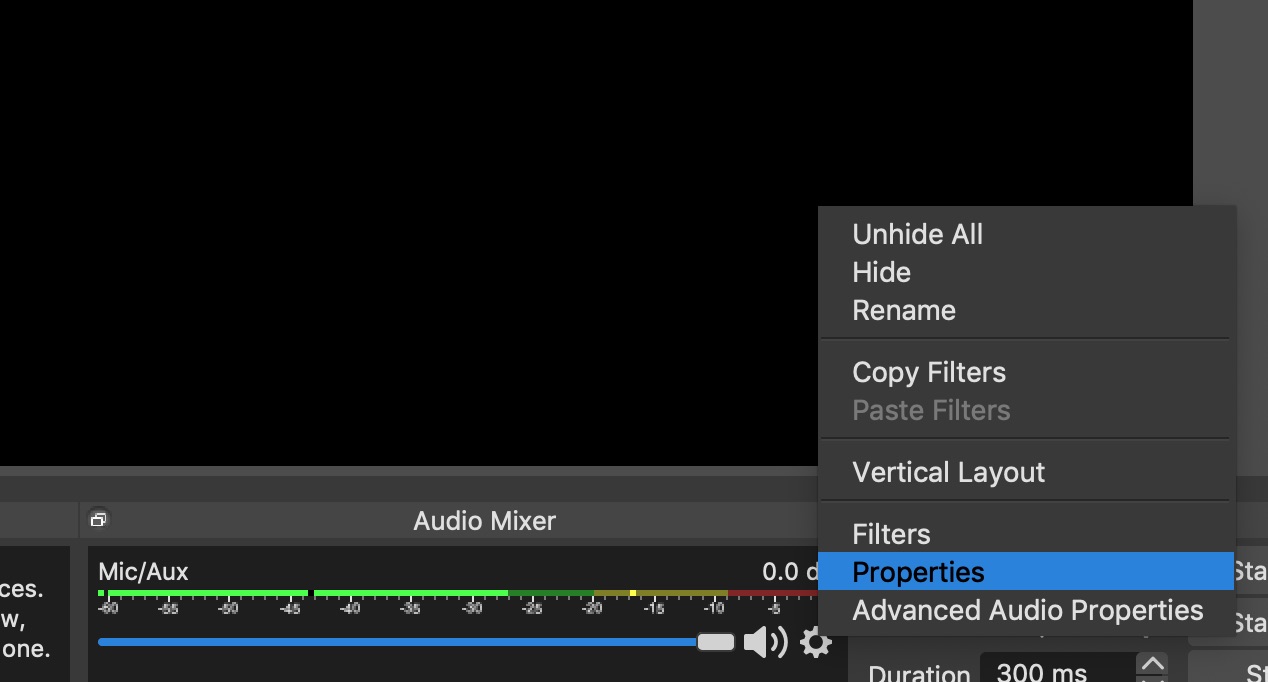
Beyond the obvious “make my mic work” fixes, some articles help you manage your setup legally and safely, for example, configuring OBS audio so you don’t accidentally broadcast private sounds, or stopping Discord from pausing Spotify without resorting to third-party workarounds. These are about controlling your own devices and settings, not bypassing protections. Whether you’re a streamer, a remote worker, or just someone tired of being muted, these guides help you get your voice heard and keep your audio where it belongs.