Step-by-step guides for programming extra buttons and saved profiles on popular gaming mice and laptops. It is written for everyday users who want to customize their hardware for convenience, not for competitive cheaters or system crackers. The articles focus on legitimate, user-facing software features that come with the devices.
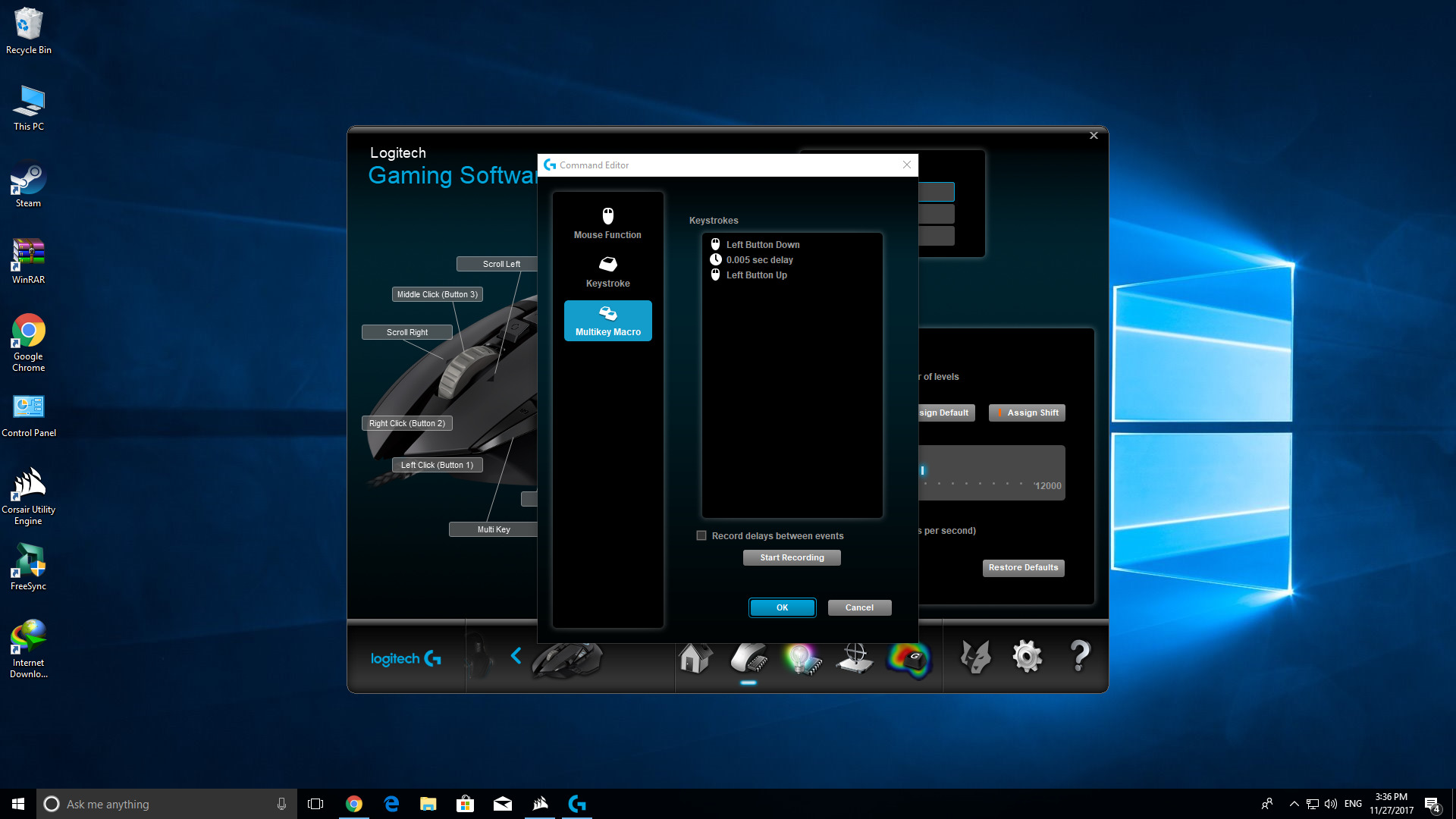
The problems solved here fall into a few clear themes. First, several guides help with assigning custom actions to side buttons or thumb buttons, such as turning a single click into a rapid-fire sequence for games or everyday tasks. Second, a set of articles deals with saving and recalling profiles directly on the mouse’s onboard memory, so your settings travel with you between computers. Third, a few pieces address remapping dedicated macro keys (like M1, M2, M3 on Asus laptops) or configuring generic utility buttons on budget brands like Tecknet, Zelotes, and iBuyPower.
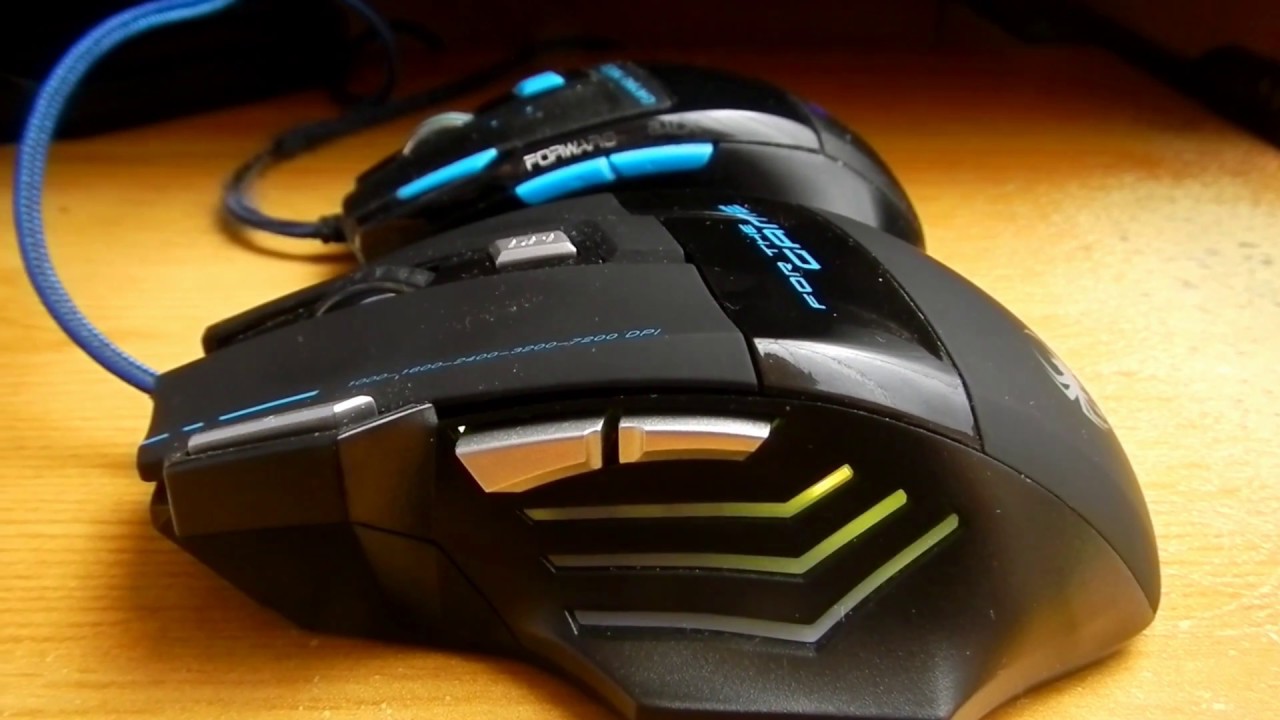
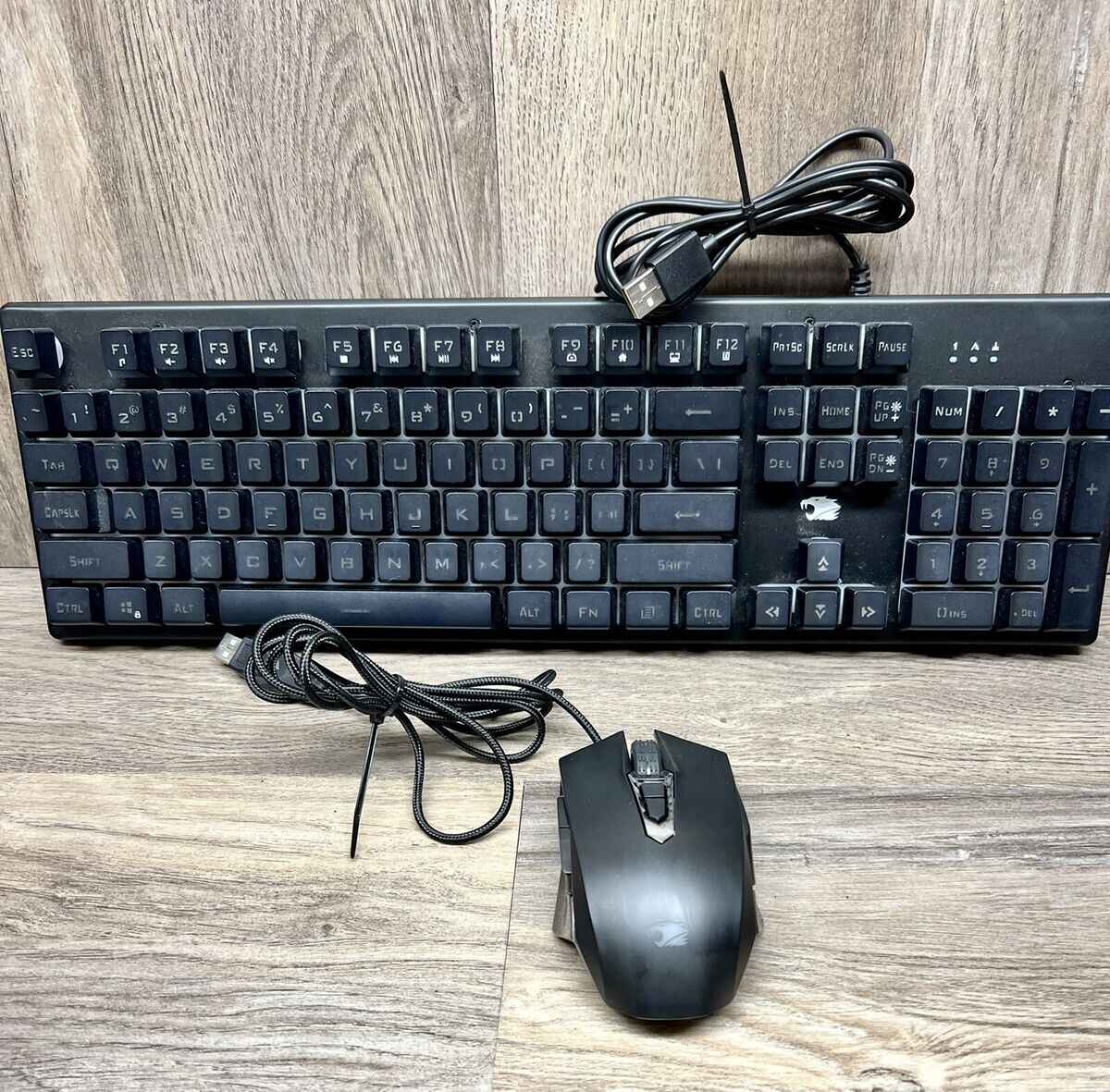
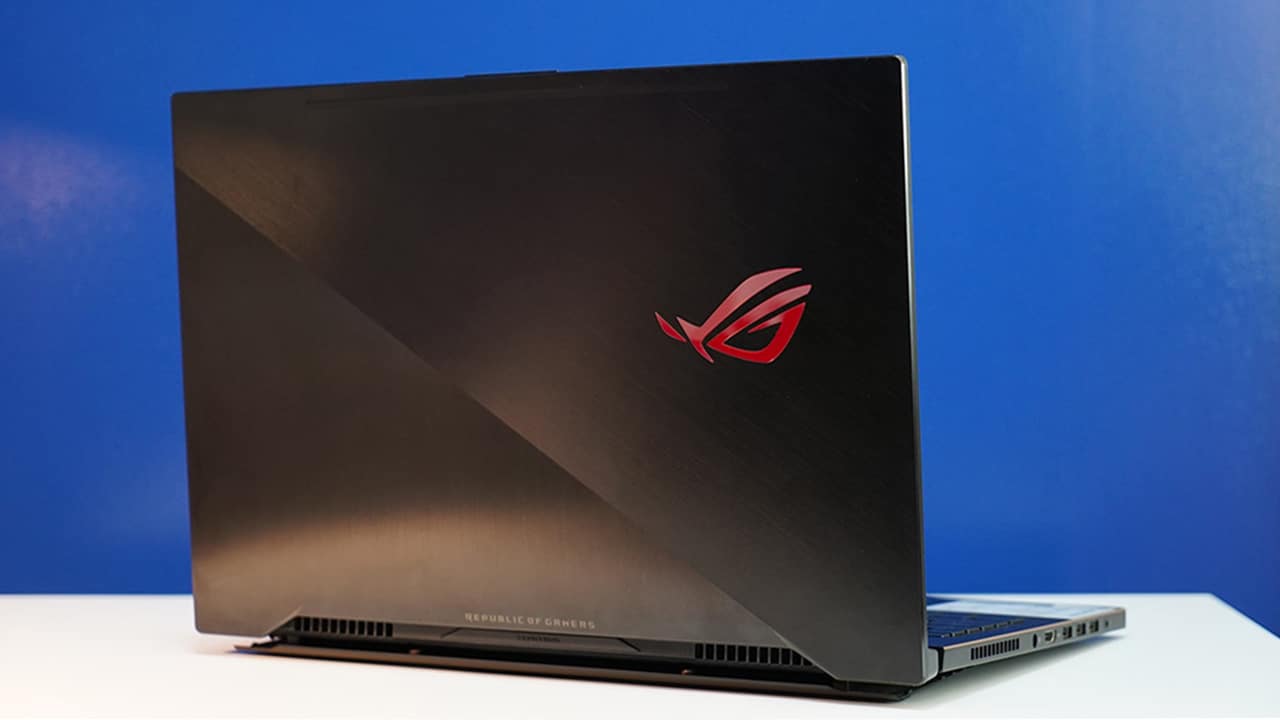
Specific topics you will find include setting up an auto-clicker on a Logitech mouse, changing the M1/M2/M3 hotkeys on an Asus gaming laptop, and programming the side buttons on a Tecknet gaming mouse. Other guides walk through configuring a Zelotes mouse’s onboard profiles, saving those profiles directly to memory, and general button-mapping for any gaming mouse. The tone is practical and safety-conscious, for example, the rapid-fire and auto-clicker guides explain how to use these features within a single application’s allowed inputs, not to bypass anti-cheat or automate prohibited actions. The goal is always to help you use the hardware you already own more comfortably, not to exploit or break anything.