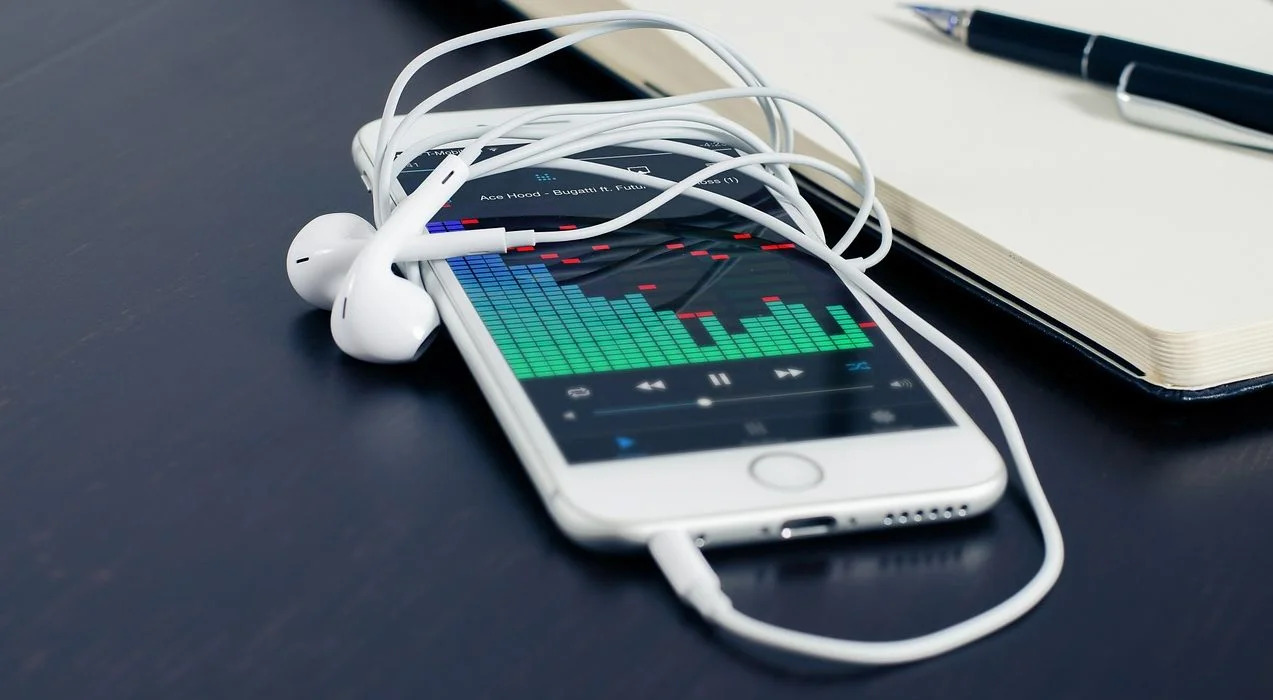
Practical, step-by-step guides for anyone who uses Apple’s media ecosystem but has run into a snag, whether you’re managing an aging iPod, trying to move music between devices, or just trying to get your iPhone to show up on your computer. These articles are written for everyday users, not developers or power users, and they assume you know the basics but need clear, non-judgmental help when things don’t work as expected. If your problem involves moving, syncing, or retrieving music or apps, this tag likely has a fix for you.
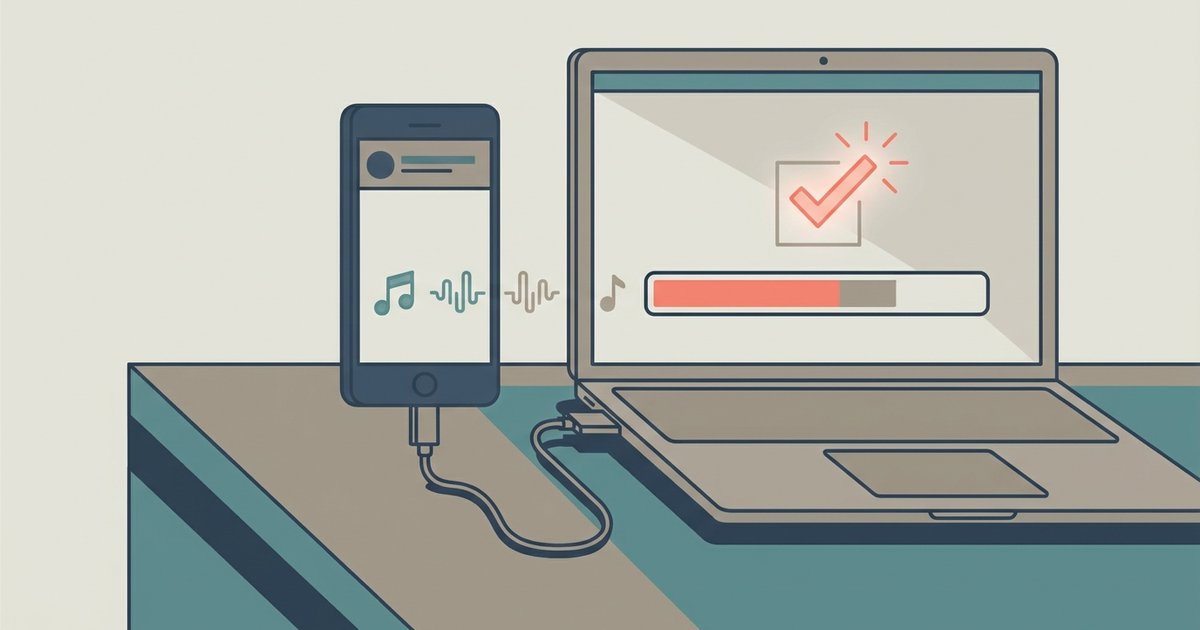
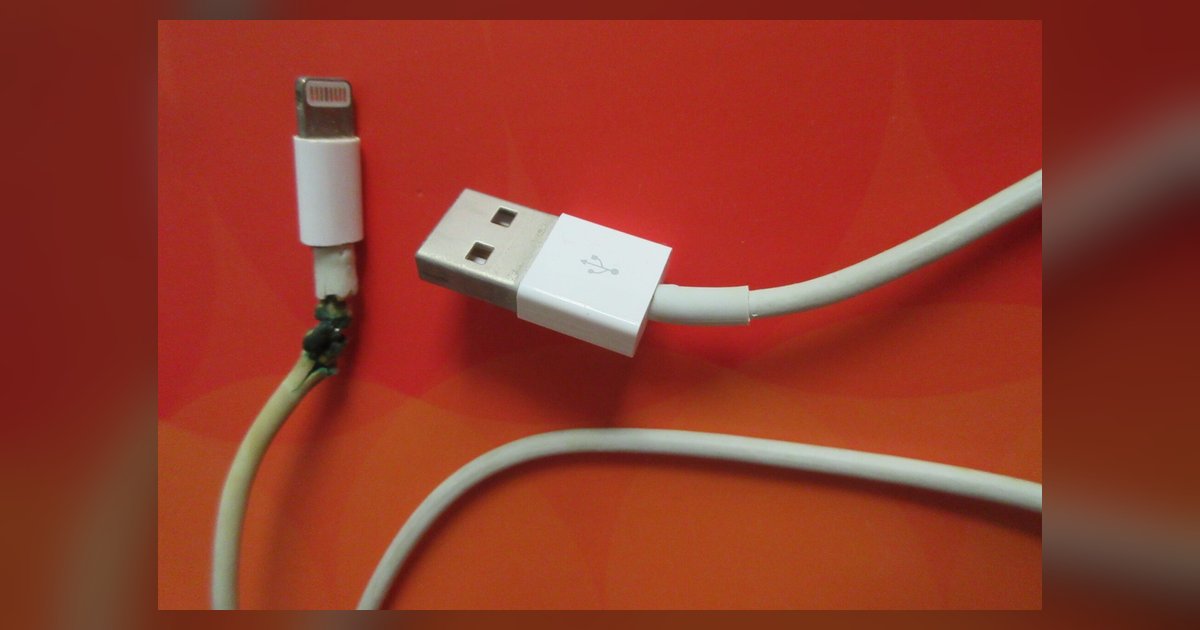
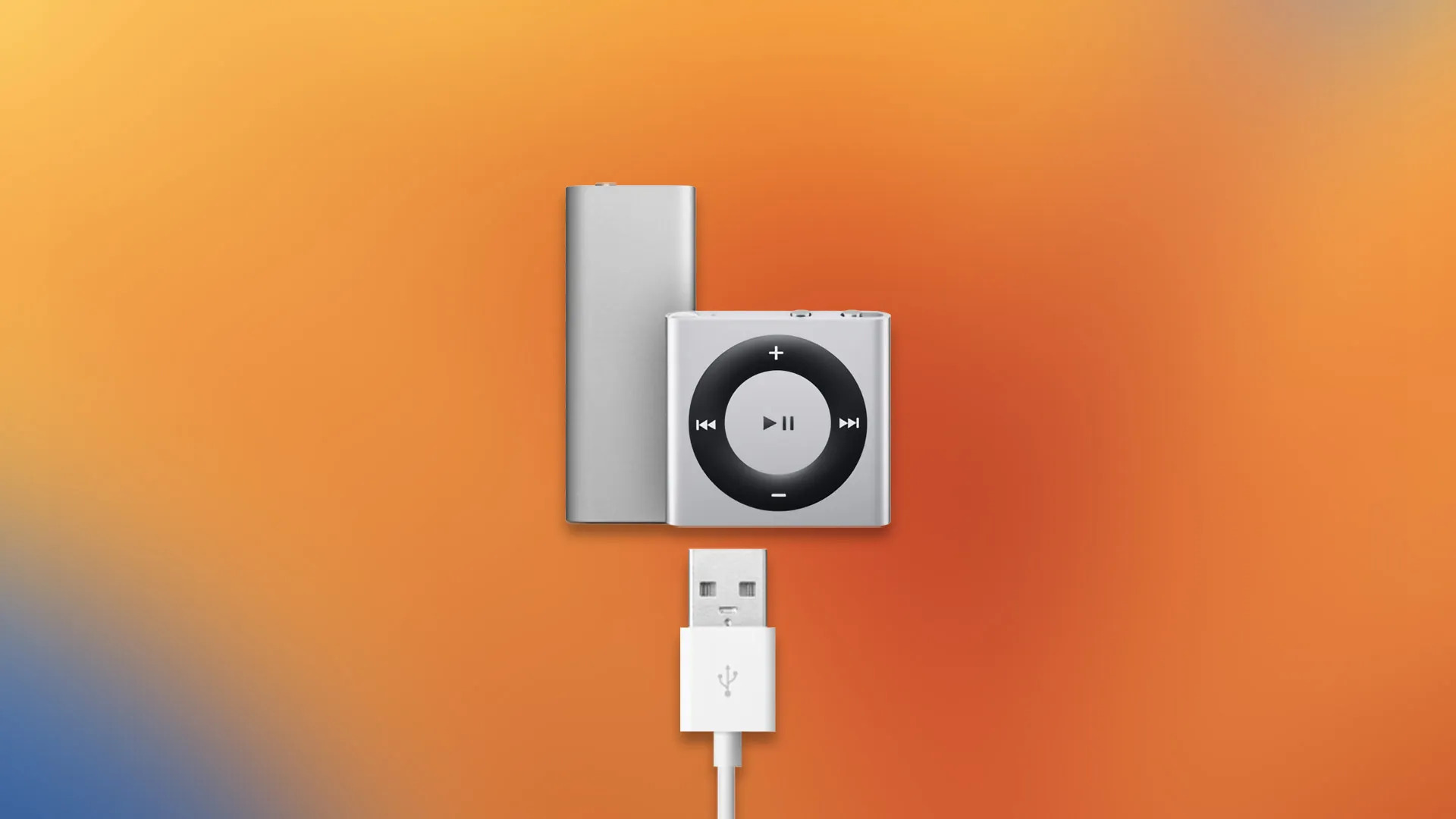
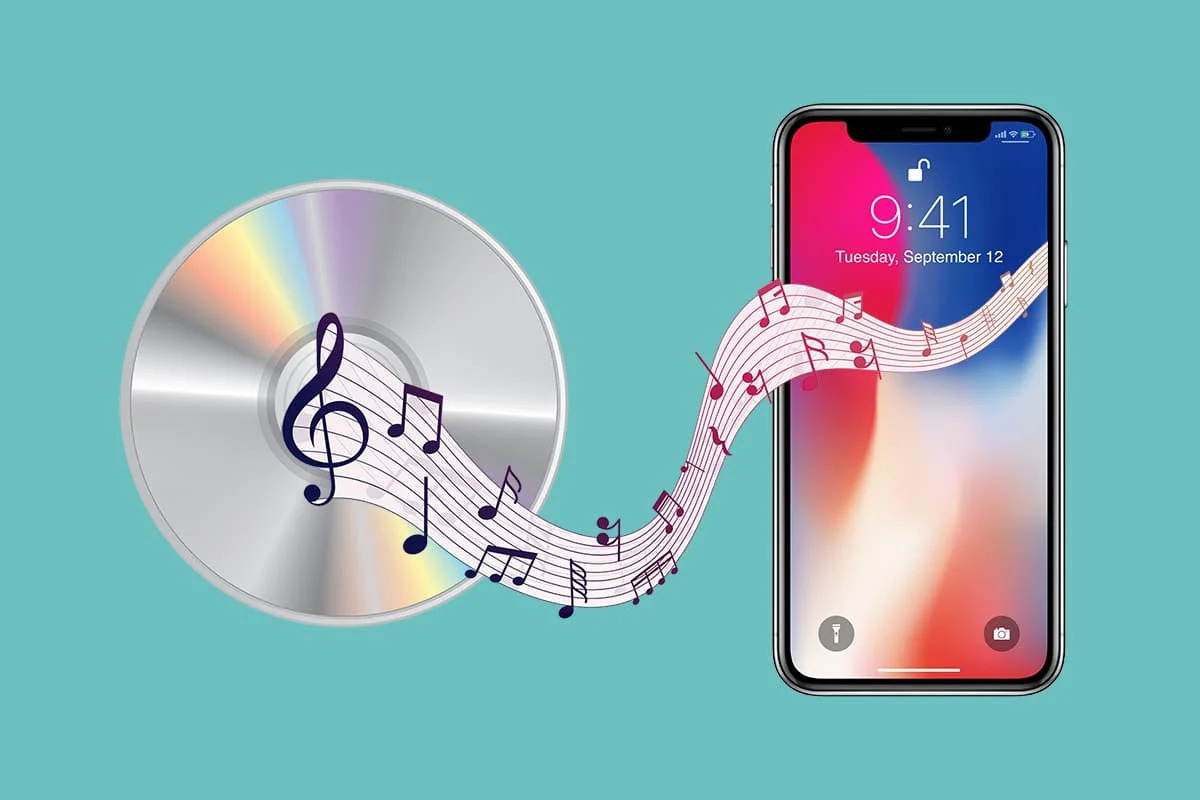
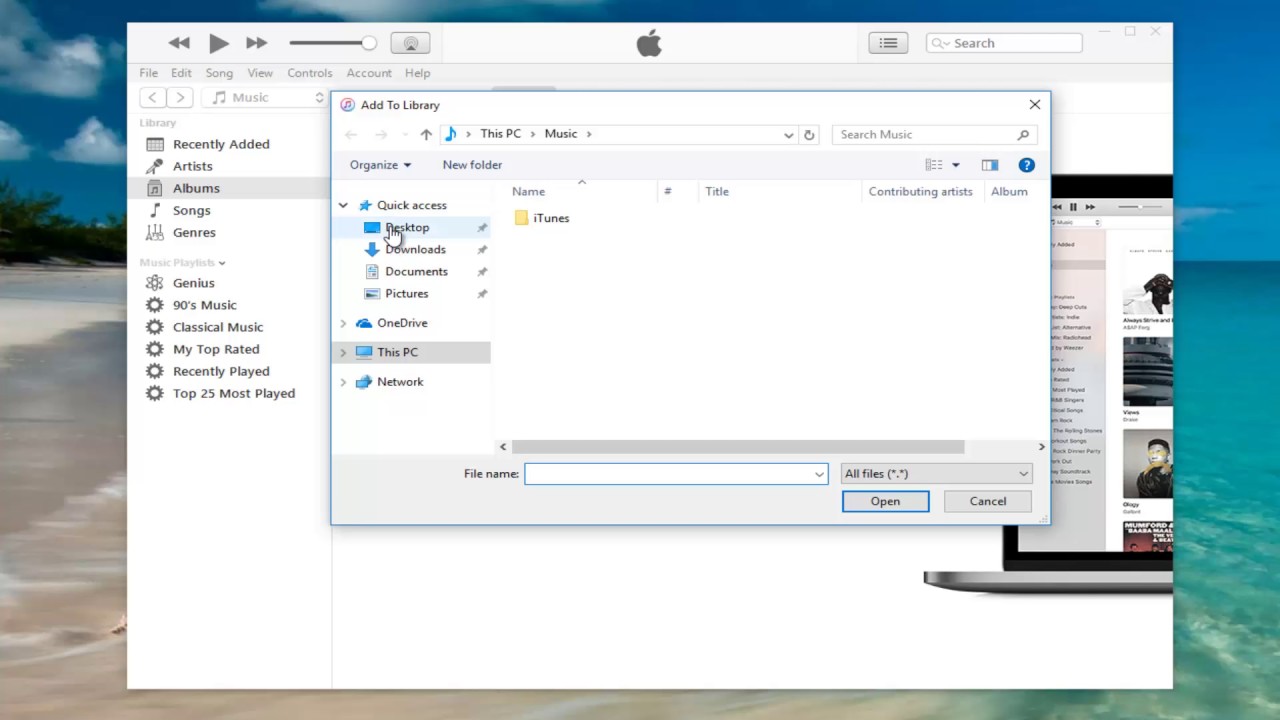
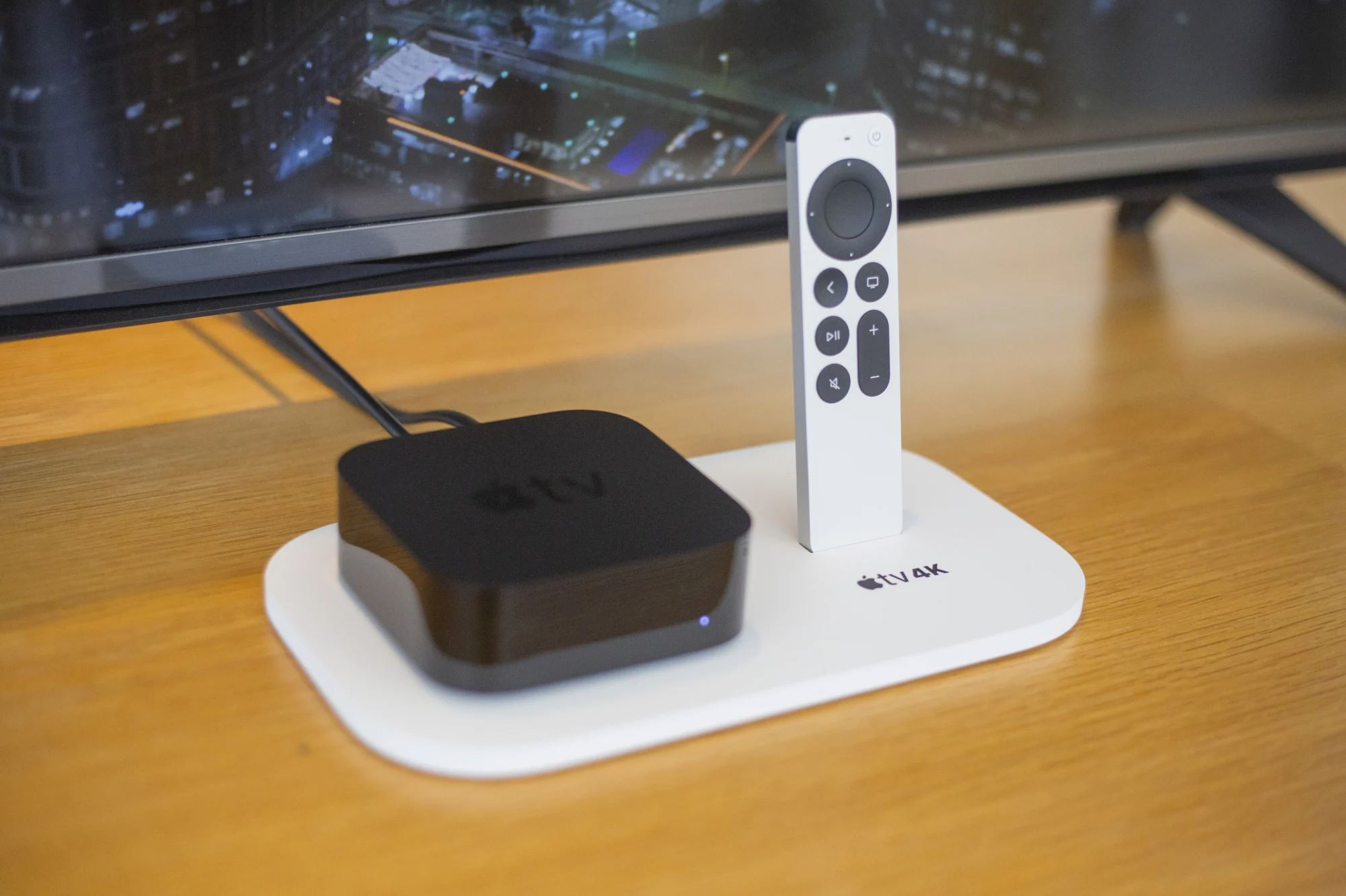
The articles fall into two broad themes. The first is moving and managing your existing music library across devices, this includes downloading past purchases from iTunes to a new computer, ripping a CD onto an iPhone, or getting music onto an iPod Shuffle without using iTunes at all. The second theme is troubleshooting connection and sync failures, such as why iTunes won’t recognize a plugged-in iPhone, or how to sync without wiping your existing library. A few pieces also address adding apps to older Apple TVs, which is a separate but related headache for owners of legacy hardware.
Notably, the tag also covers legal and safe alternatives. For instance, the article about downloading music from YouTube to iTunes does not encourage ripping copyrighted content; rather, it walks you through using YouTube’s own official “purchase to library” feature or linking your YouTube Music account to iTunes for tracks you already own. Similarly, the iPod Shuffle guide focuses on using Apple’s own “Manually Manage” mode or third-party apps that respect your existing file ownership. In every case, the goal is to help you manage your own media within the rules, not to bypass DRM, pirate, or hack anything.