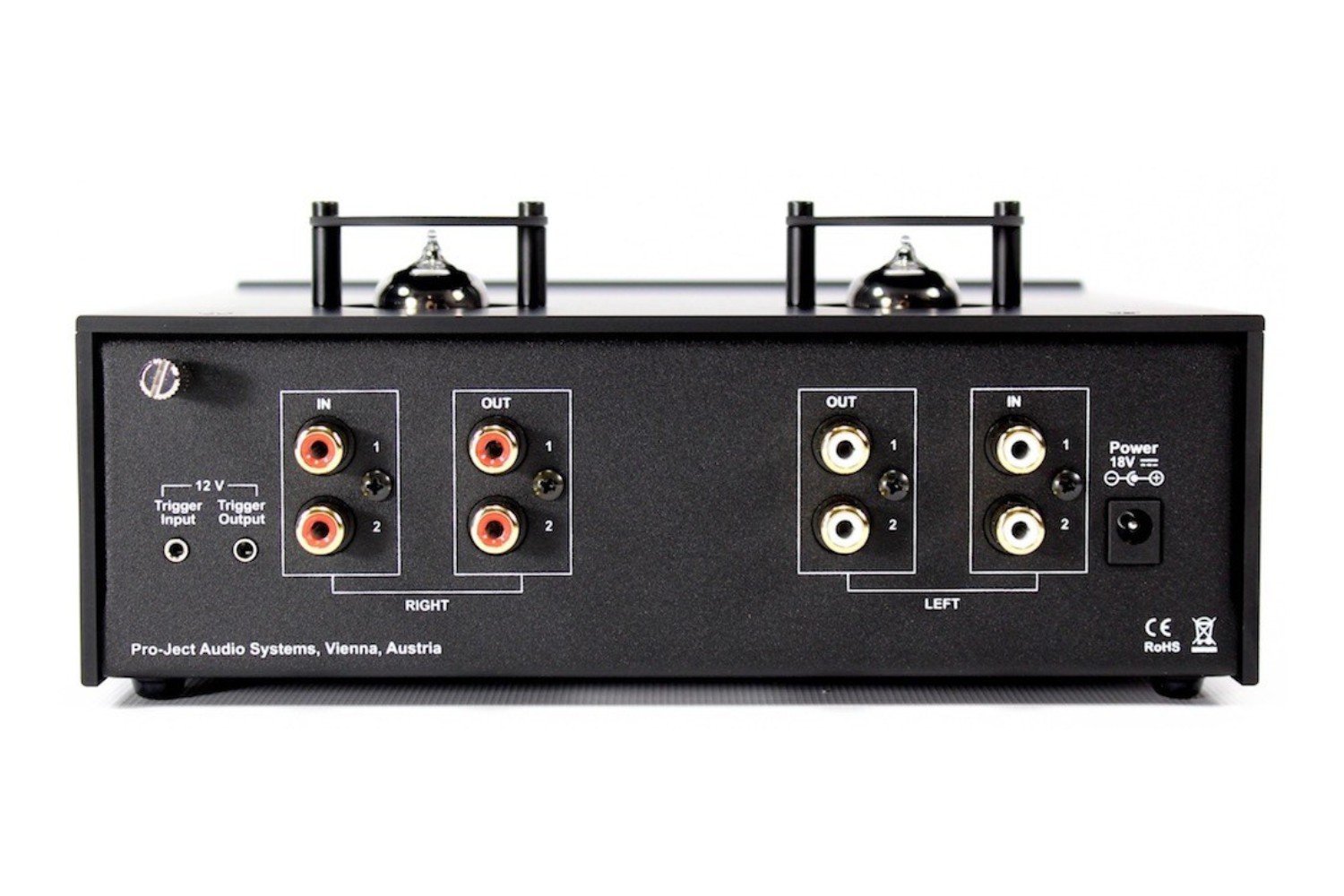
A trigger in and out on an AV receiver is a pair of 3.5mm jacks that send or receive a low-voltage 12V DC control signal, letting you automatically power on...
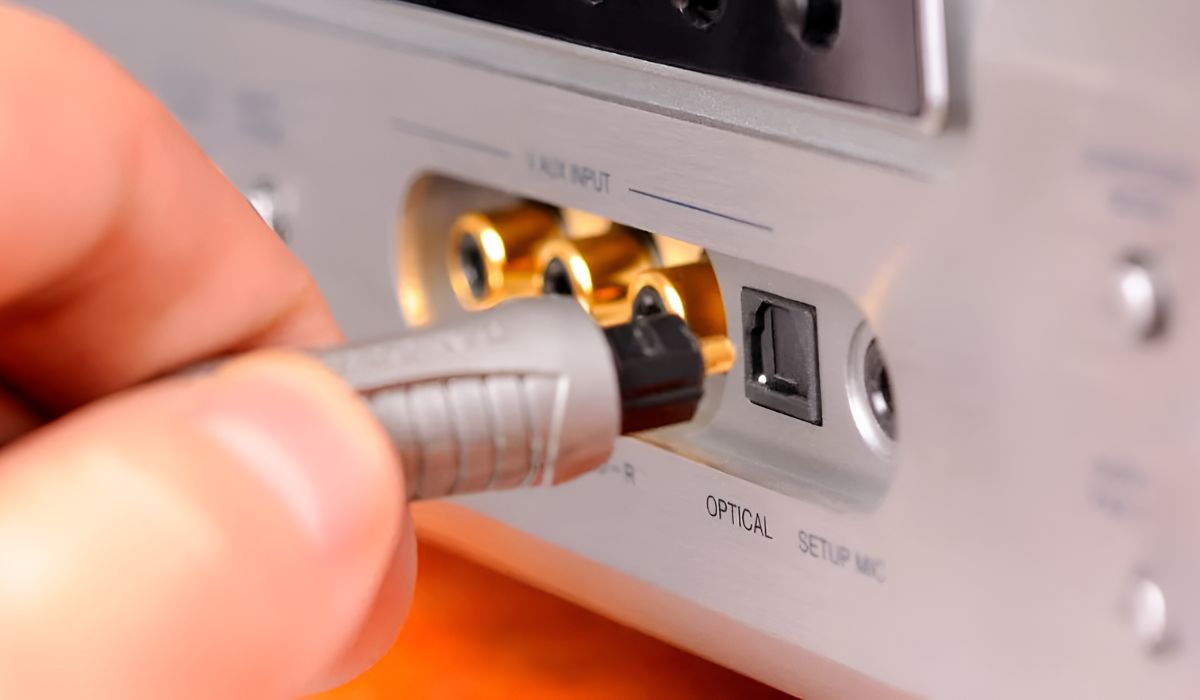
To run sound through an AV receiver with optical audio, connect a TOSLINK cable from your TV or source device to the receiver's optical input, then set both devices to...
To connect Sonos to an AV receiver, you need a Sonos Port, Connect, or Connect:Amp, not a standard Sonos speaker, along with the appropriate audio cable. This setup lets you...
To set up a 7.2 surround sound system, you must physically place seven speakers and two subwoofers in a specific layout, connect them to an AV receiver, and then calibrate...
Adaptive Sound on a Samsung soundbar is an intelligent audio feature that automatically analyzes each scene in real time and adjusts the sound settings to optimize dialogue, effects, and overall...
To pair an LG subwoofer with a soundbar, the quickest route is to let the two devices connect automatically when you power them on together, most LG wireless subwoofers are...
What Does Programming an Alexa Surround Sound System Really Mean? Programming Alexa to control your surround sound system means teaching it to control your AV receiver, the device that powers...
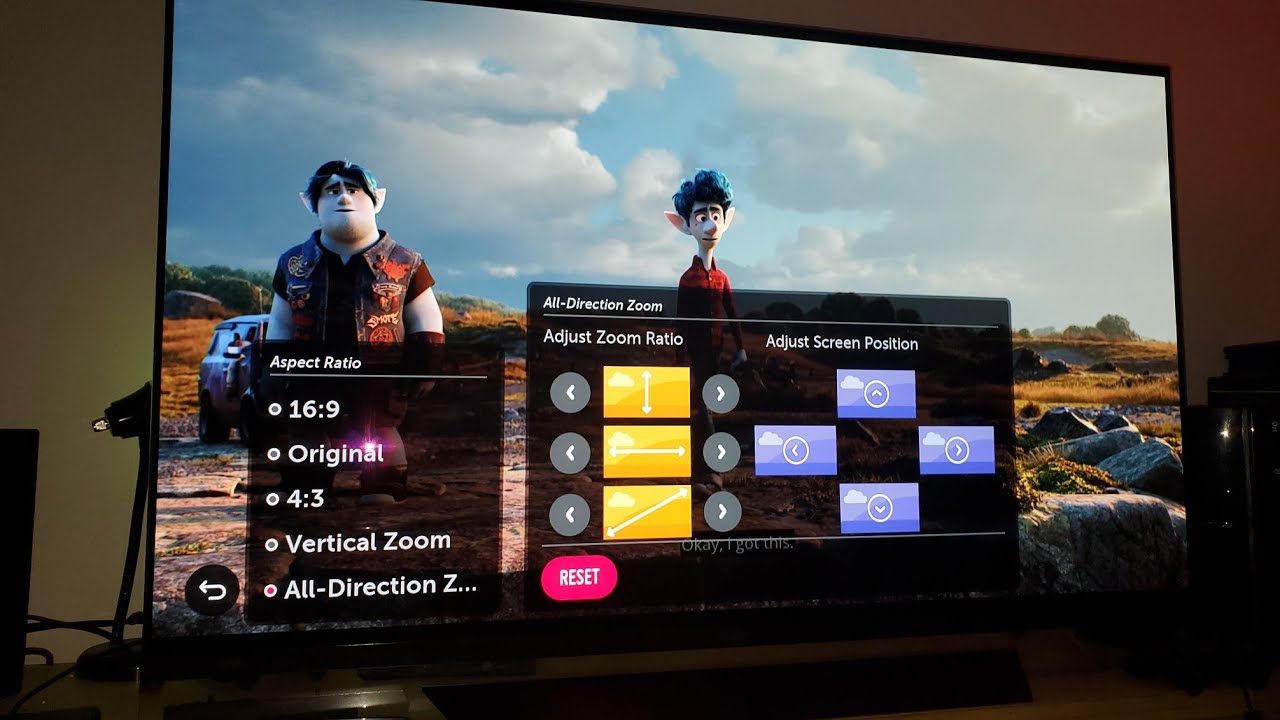
To change the aspect ratio on an LG OLED TV, press the Settings button (gear icon) on your remote, then navigate to All Settings > Picture > Aspect Ratio Settings....
The core difference between Samsung's 6/7 Series and 8/9 Series QLED TVs comes down to backlight technology: the 6/7 Series use standard LED backlights, while the 8/9 Series use Mini-LED...
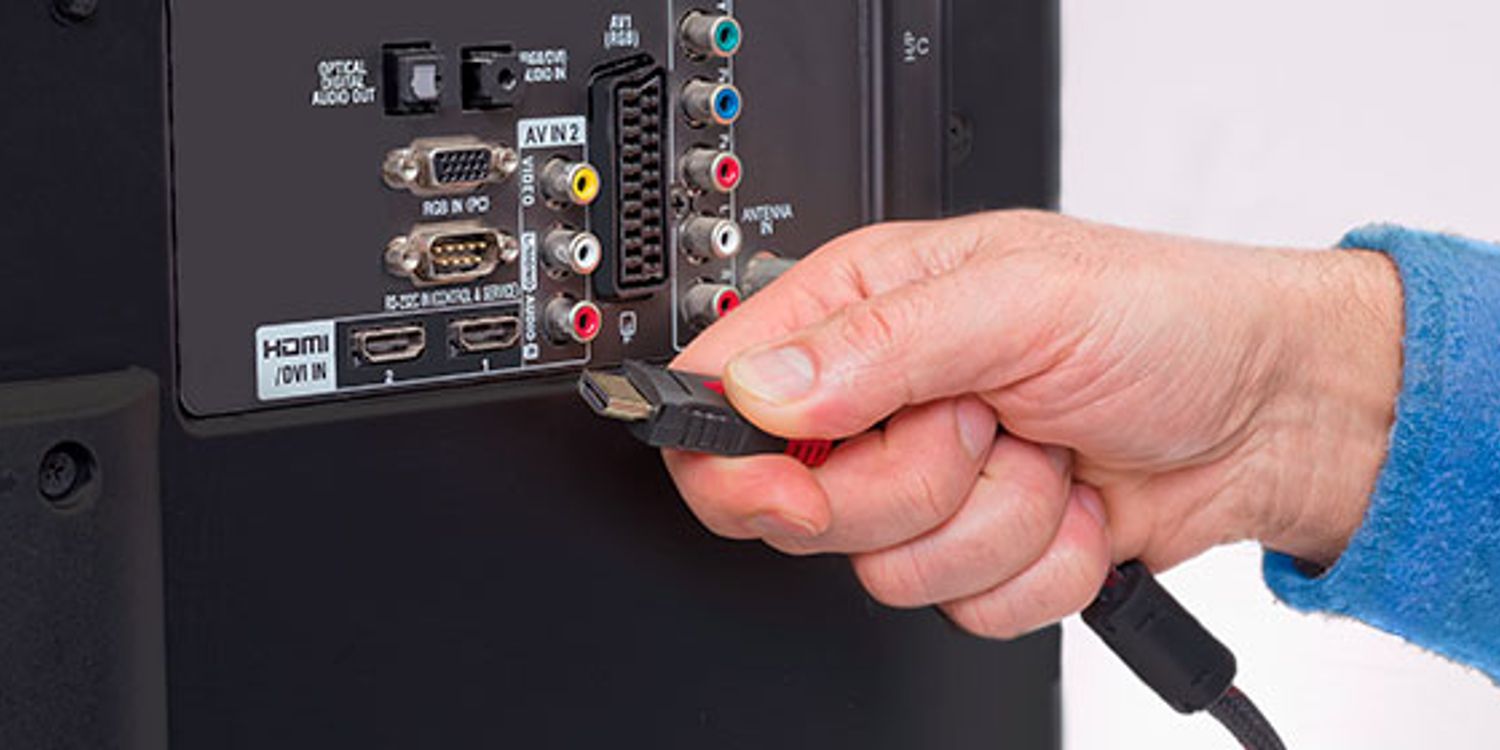
The most reliable way to connect an old Bose system to a smart TV is with an optical digital audio cable, which delivers the best sound quality your system can...
To adjust a BenQ projector to fit screen, start by activating the built-in test pattern and then use optical lens shift and zoom to align the image before touching any...
This website uses cookies so that we can provide you with the best user experience possible. Cookie information is stored in your browser and performs functions such as recognising you when you return to our website and helping our team to understand which sections of the website you find most interesting and useful.
Strictly Necessary Cookies
Strictly Necessary Cookie should be enabled at all times so that we can save your preferences for cookie settings.
If you disable this cookie, we will not be able to save your preferences. This means that every time you visit this website you will need to enable or disable cookies again.