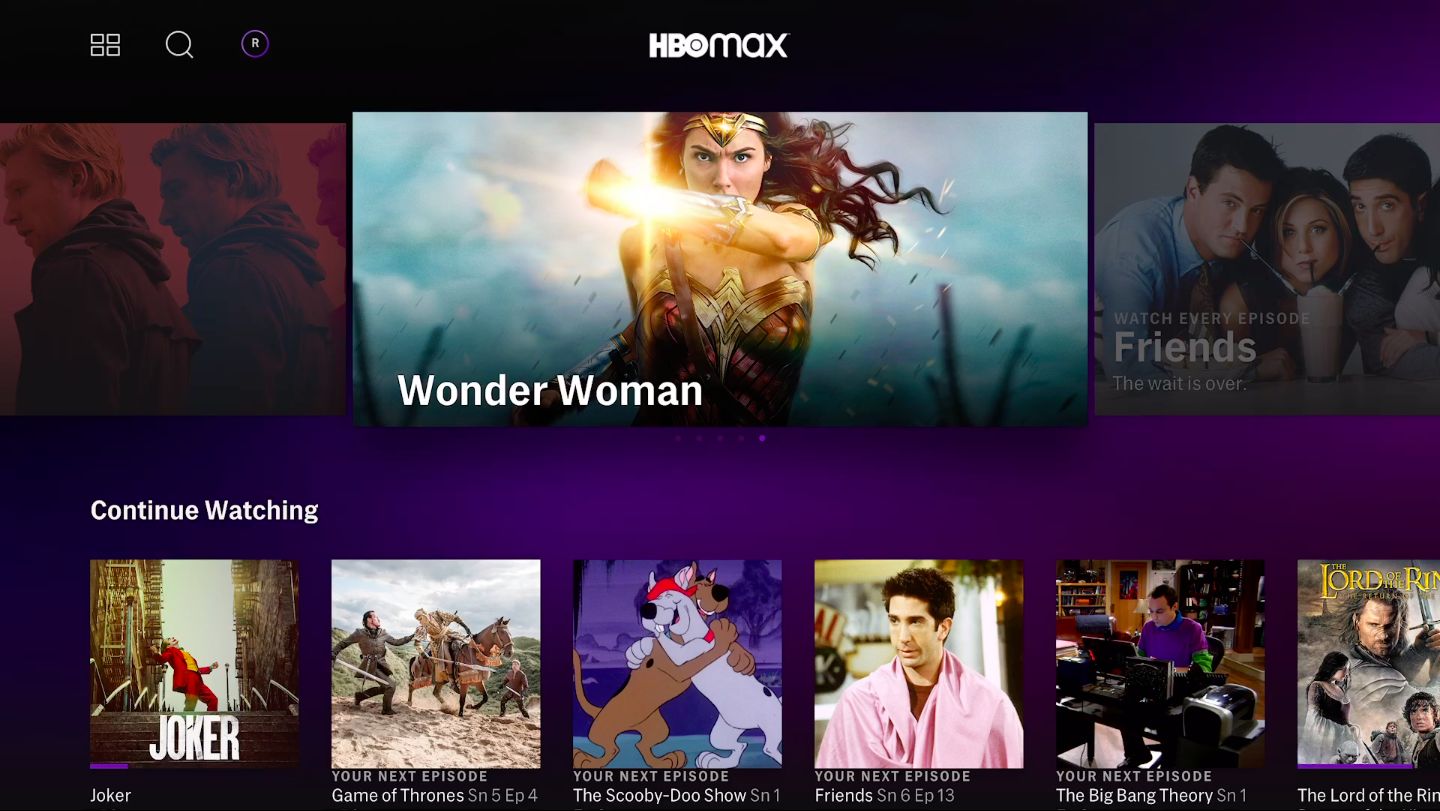
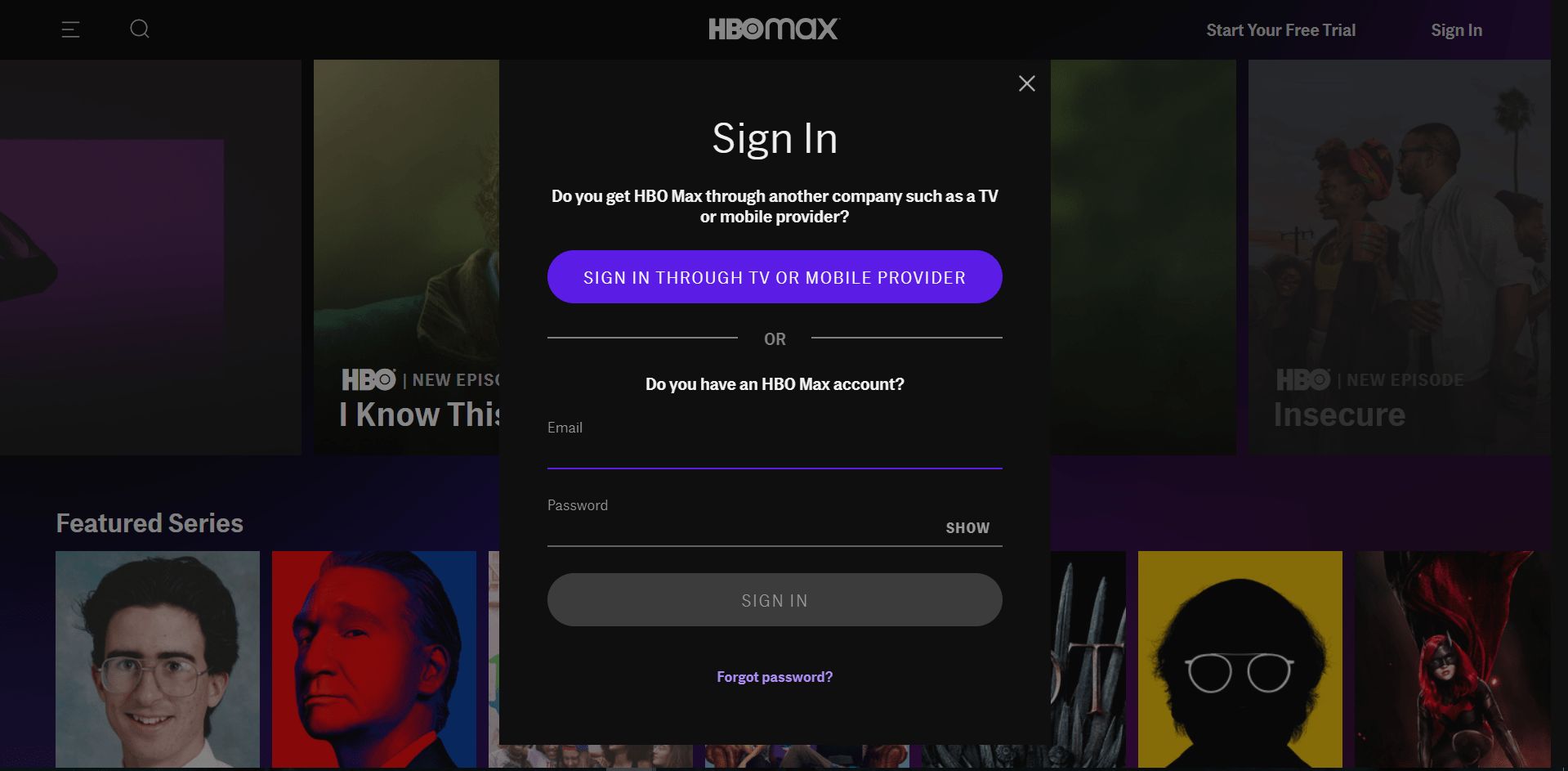
This tag collects every article on robots.net that deals with the streaming service HBO Max, from signing up and troubleshooting to managing your account and finding where to watch. It is written for everyday consumers, people who may be juggling multiple streaming platforms, dealing with a confusing setting, or trying to get the most out of a single subscription without hunting through support forums. Whether you are a cord-cutter, a casual viewer, or someone sharing an account with family, these pieces are meant to give you clear, practical answers.
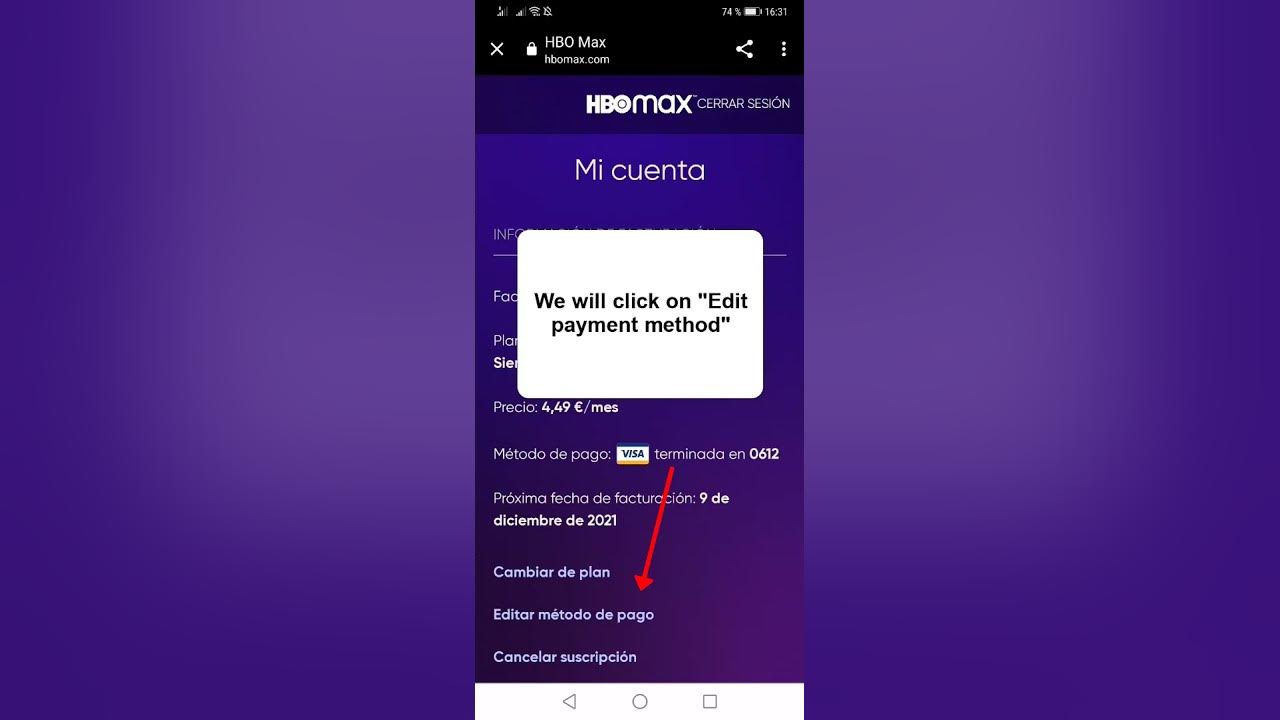
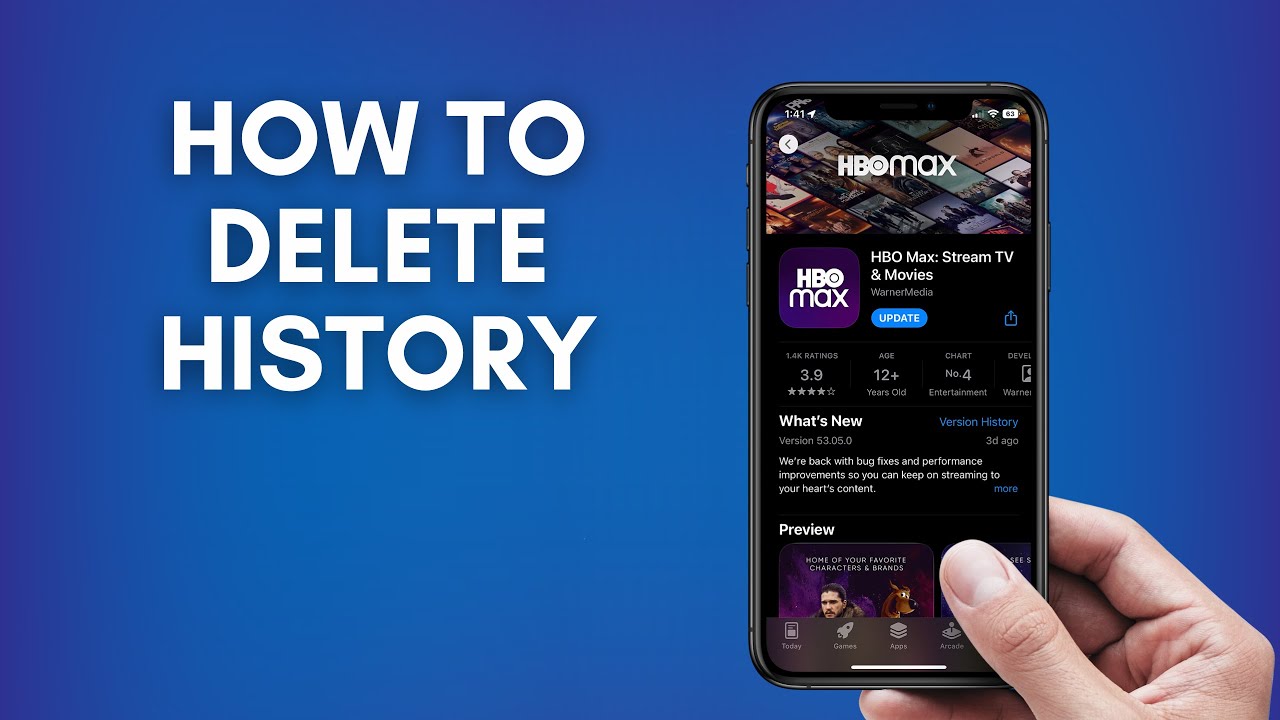
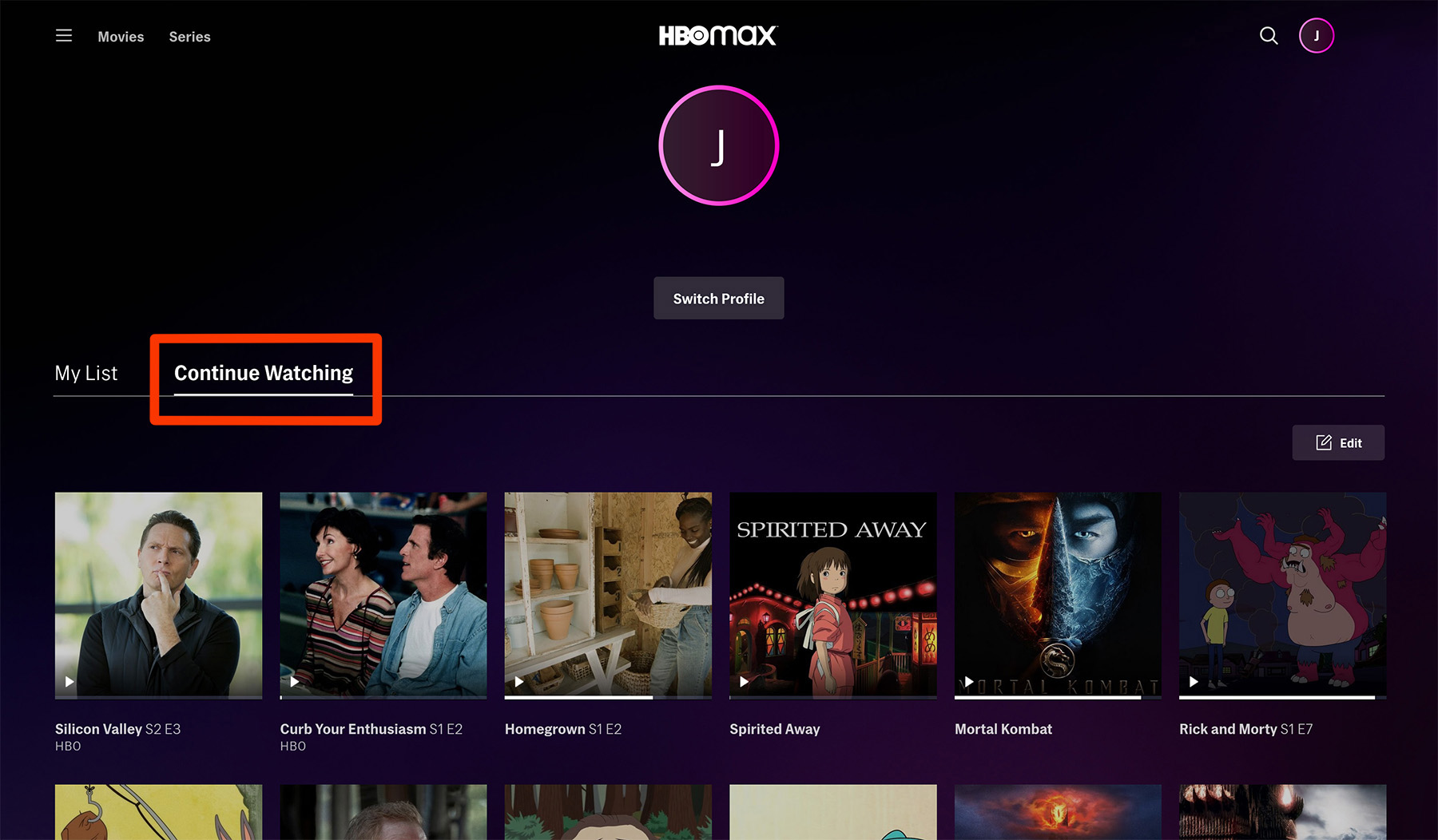
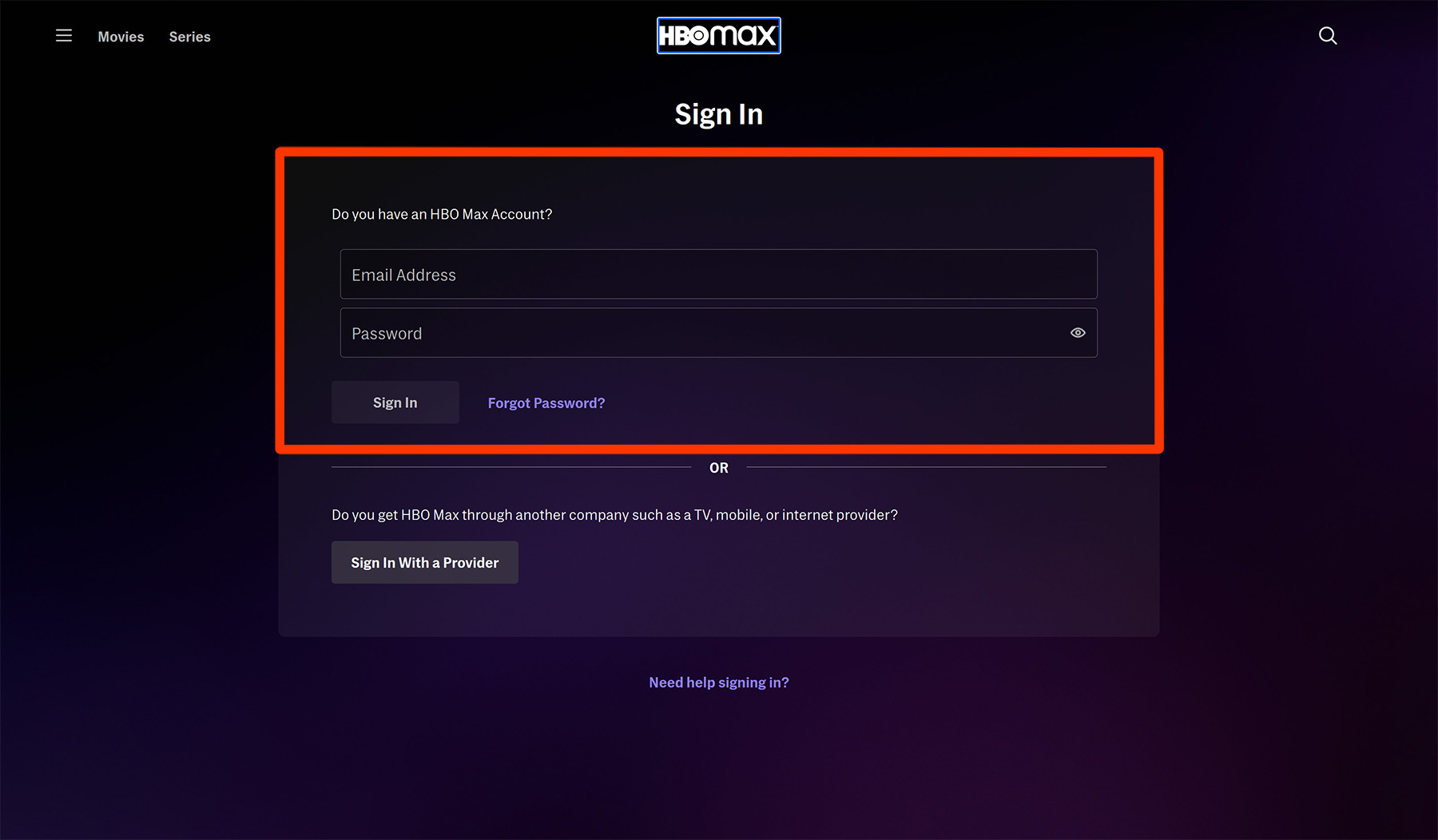
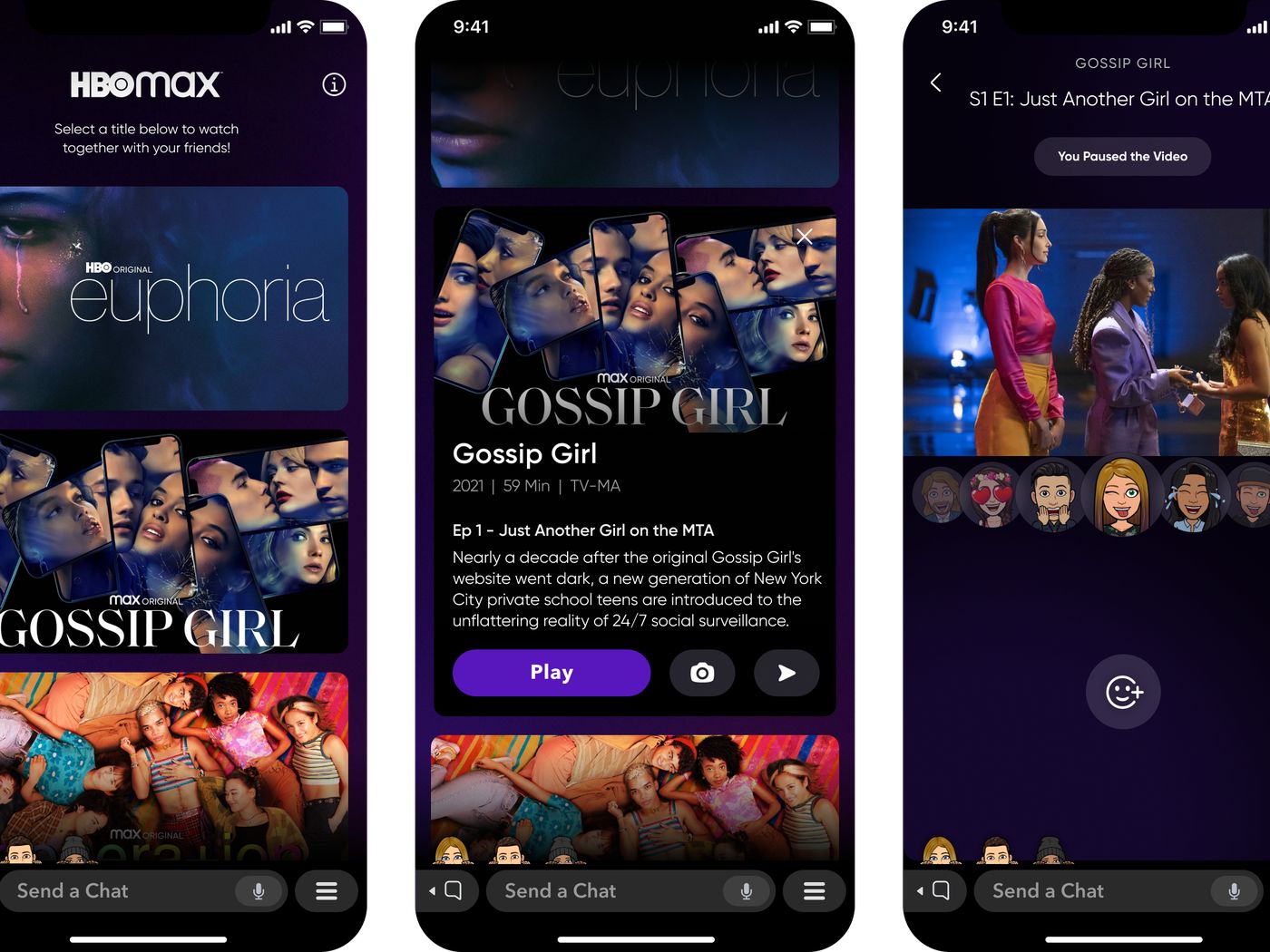
The articles fall into two broad themes. The first is account and device management: you will find straightforward guidance on changing your payment method, signing out of all devices, deleting your watch history, and resetting a series so you can start fresh. There is also a strong focus on access and compatibility, like adding HBO Max to YouTube TV, getting it through AT&T, or finding out what station carries it on DirecTV. The second theme is playback and viewing experience, covering common frustrations such as why there is no sound, how to turn on subtitles, and how to host a watch party. A few pieces also address content availability, like when a specific season of “C.B. Strike” might arrive, or how to watch the NCAA tournament.
Notably, several articles approach their topic from a security and privacy angle rather than a workaround. For example, guides on removing shows from “Continue Watching,” deleting your watch history, and signing someone out of your account are framed around protecting your profile and keeping your viewing habits private, not circumventing any restrictions. Similarly, articles about downloading movies or getting free access through AT&T are explained as legitimate features of the service, not as piracy or hacking. In all cases, the goal is to help you use HBO Max safely, legally, and with less friction.