This tag collects articles about recovering control of devices that are locked up, forgotten, or behaving erratically. It is written for everyday owners, people who just want their phone, tablet, laptop, or smart home gear to work again without a trip to the repair shop or a costly visit from a technician. The focus is on practical, step-by-step fixes for common failure states, not on advanced tinkering or system administration.
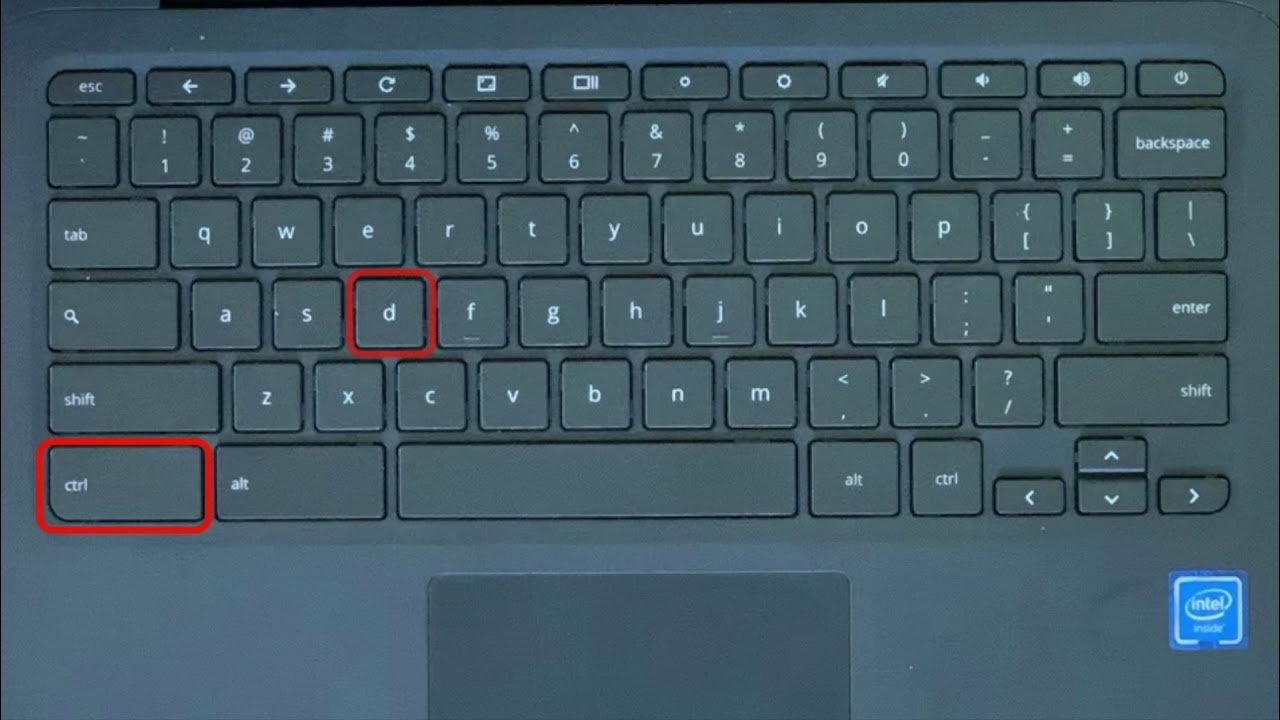
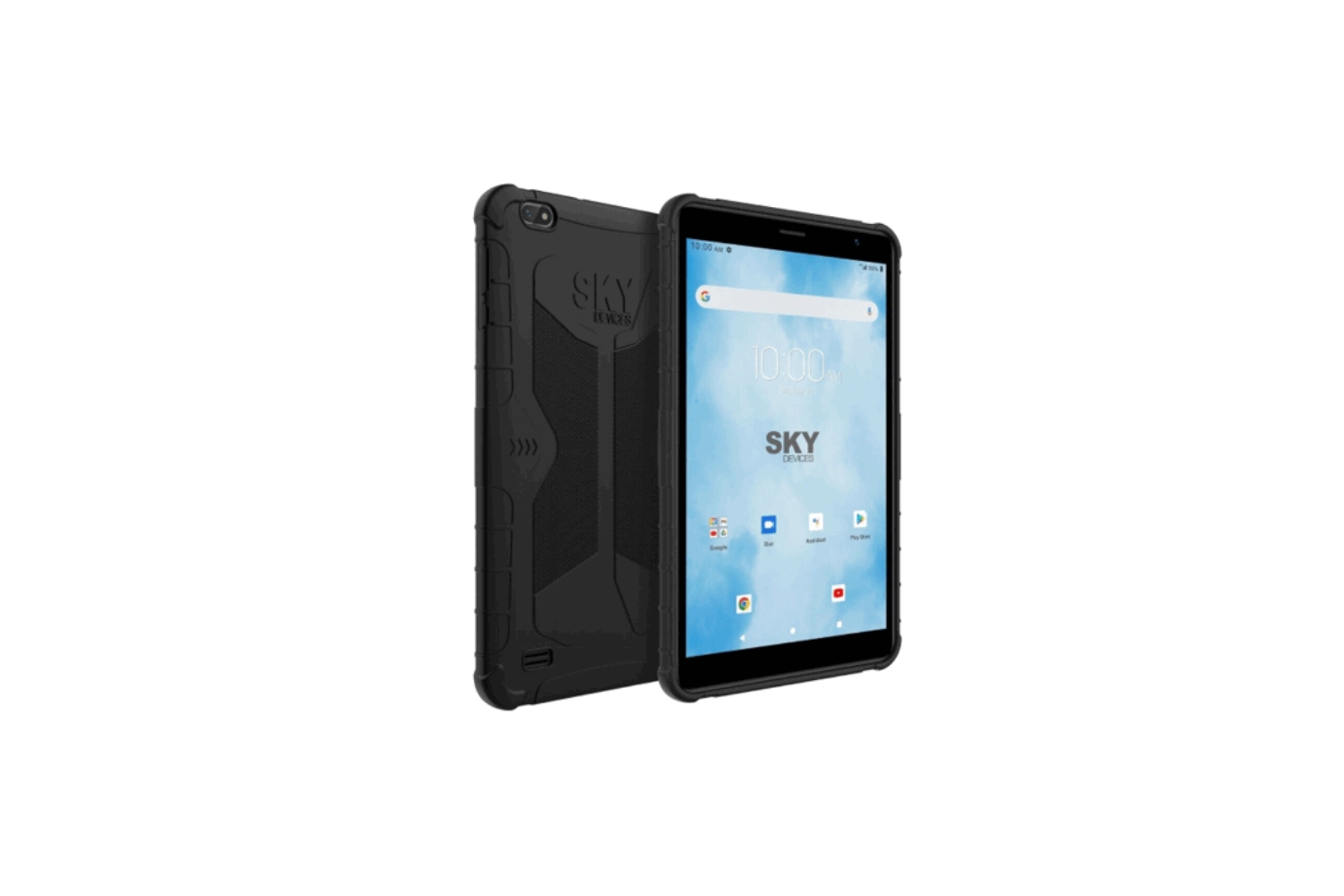
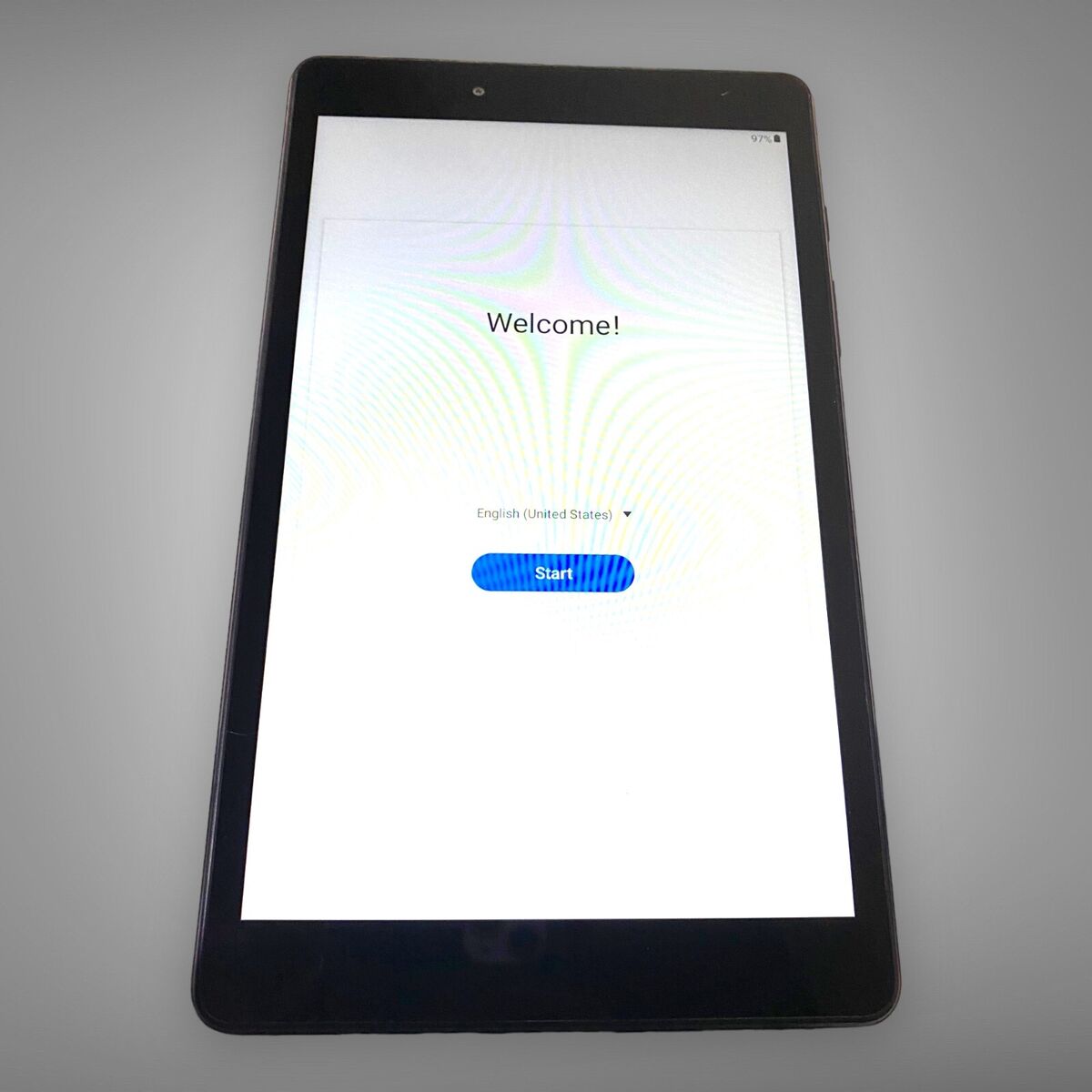
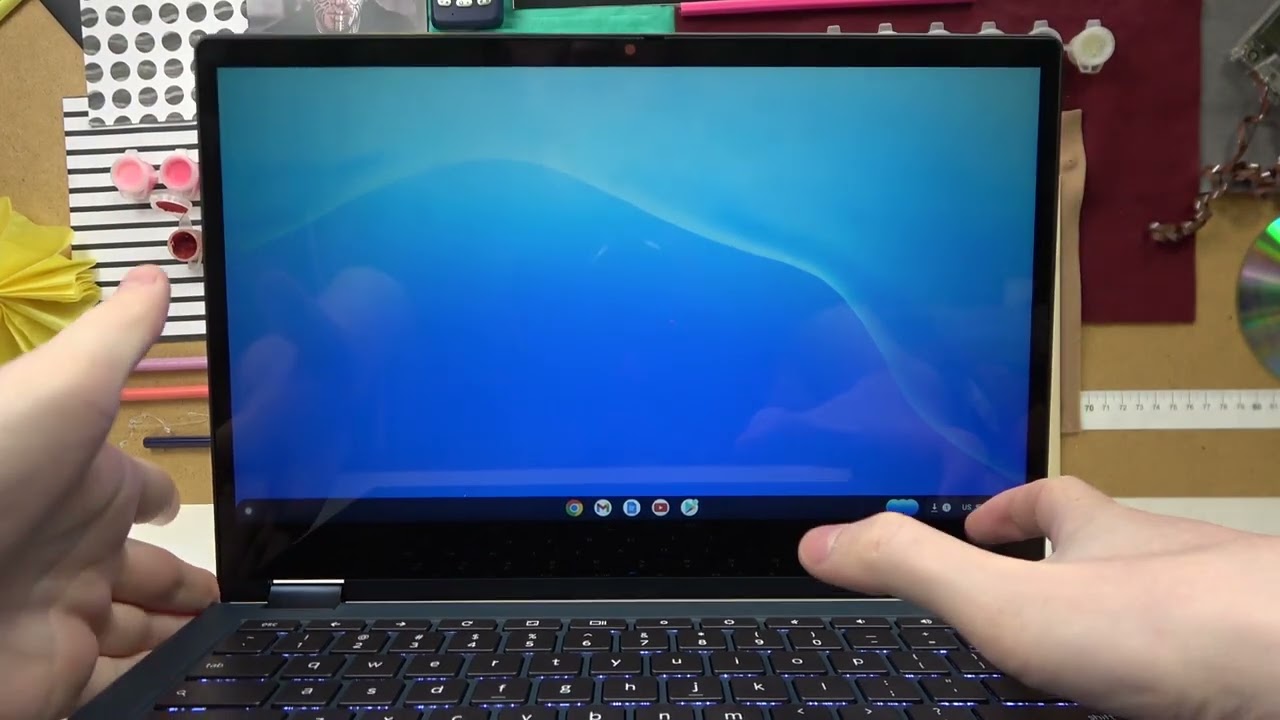
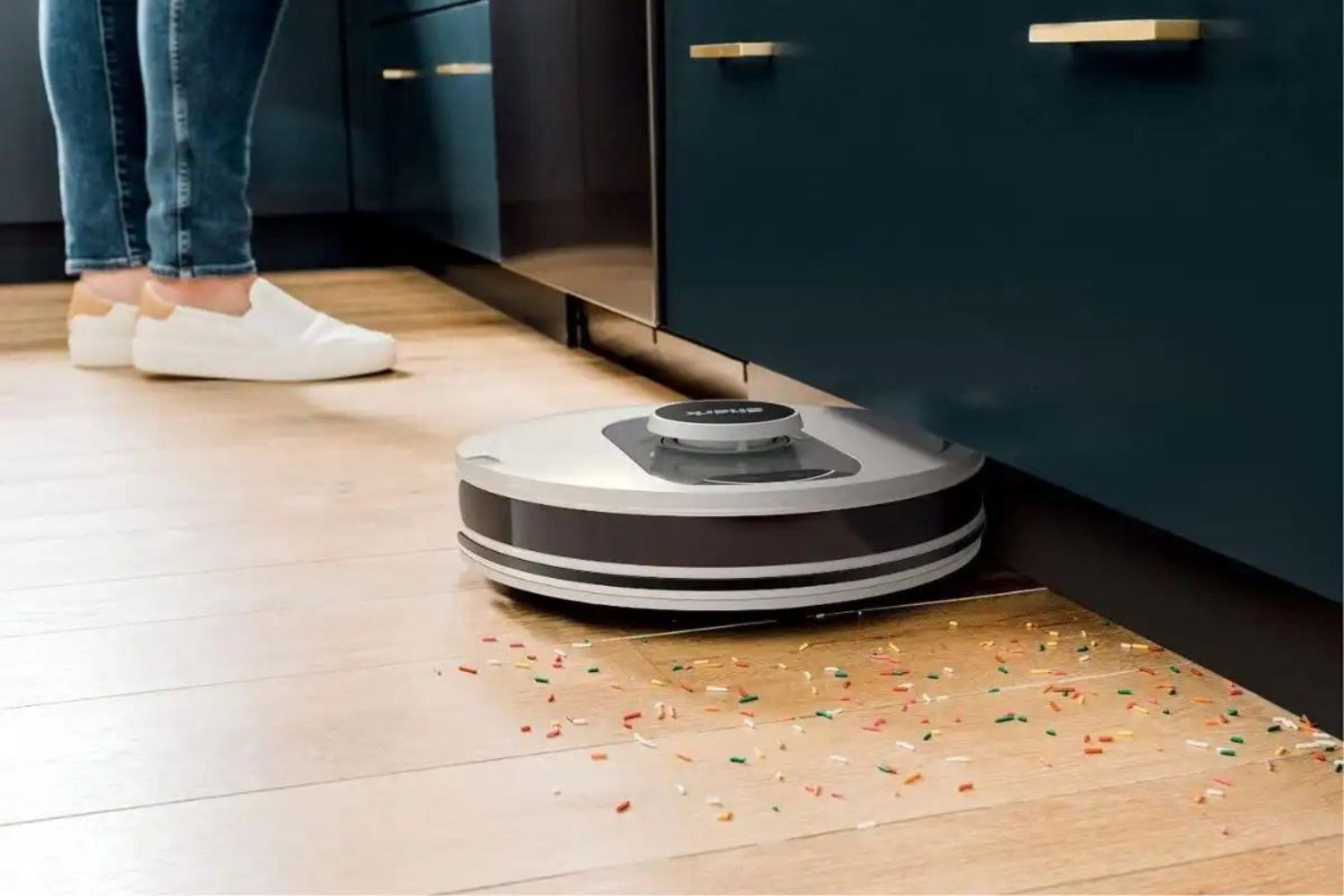
The articles here split naturally into two themes. The first is password and access recovery, specifically for devices where you are the legitimate owner but have been locked out. For example, the guides on hard resetting a Samsung tablet without a password and hard resetting a Sky device tablet walk you through the official recovery menus, which is the safe, legal alternative to guessing codes or using third-party workarounds. The second theme is restoring normal operation to devices that are stuck or unresponsive. This includes the Acer and Lenovo Chromebook resets, which get a frozen laptop back to a clean state, and the Shark robot vacuum fix, which addresses a bot that has stopped docking or cleaning properly.
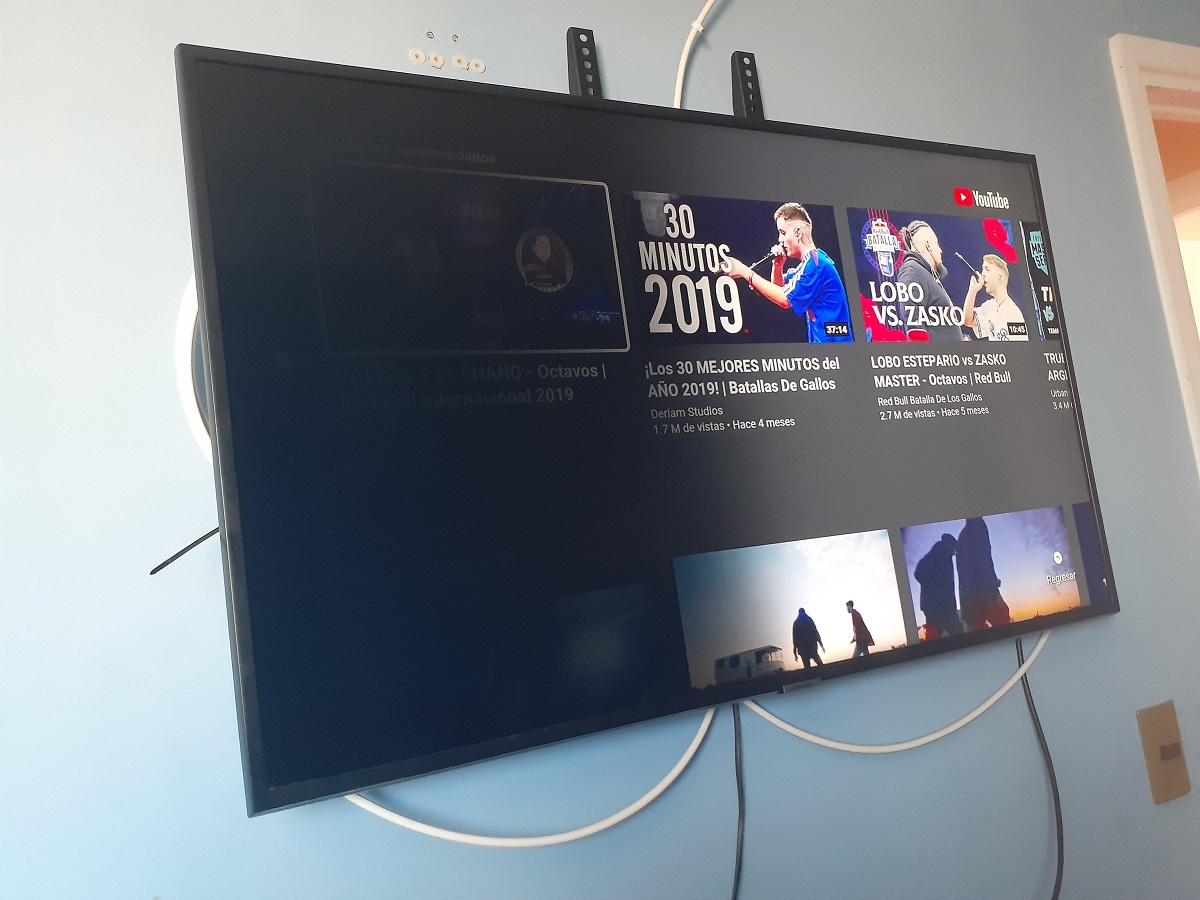
Beyond those, two articles take a different angle: they help you troubleshoot a symptom rather than perform a reset. The smart TV that powers on but shows a black screen and a printer that is stuck searching for a Wi‑Fi network are both common “almost working” failures. These pieces guide you through cable checks, input selection, and network settings, diagnostic steps that solve the problem without erasing your data. In every case, the goal is to restore normal function through safe, documented procedures, not to bypass security or circumvent any protection.