This tag collects our guides for getting more out of Google Docs, from everyday editing shortcuts to file export and sharing. It is written for anyone who uses Docs regularly, students, office workers, or home users, and wants to stop fumbling with menus and start working faster. The articles focus on practical, repeatable actions you can apply immediately.
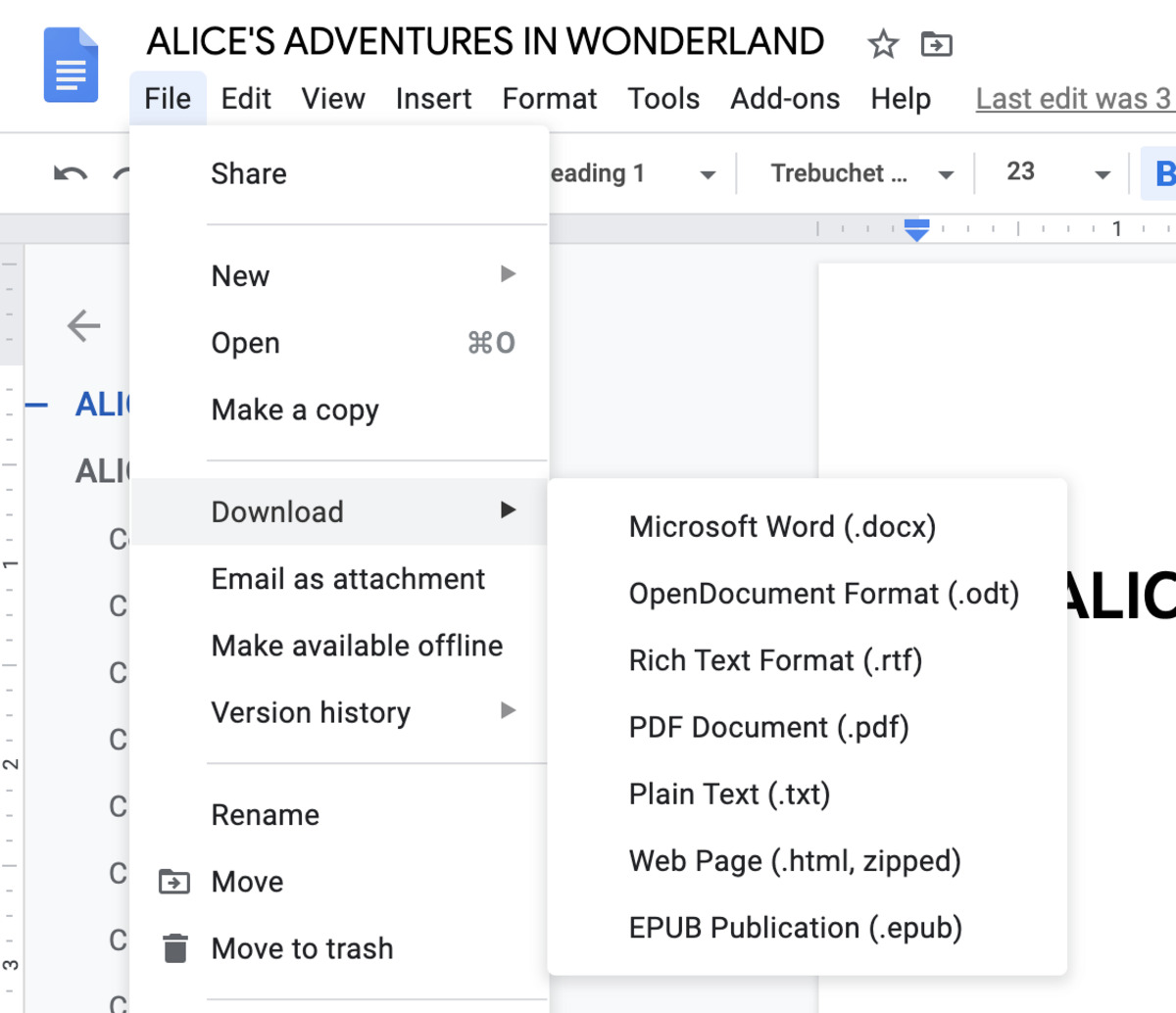
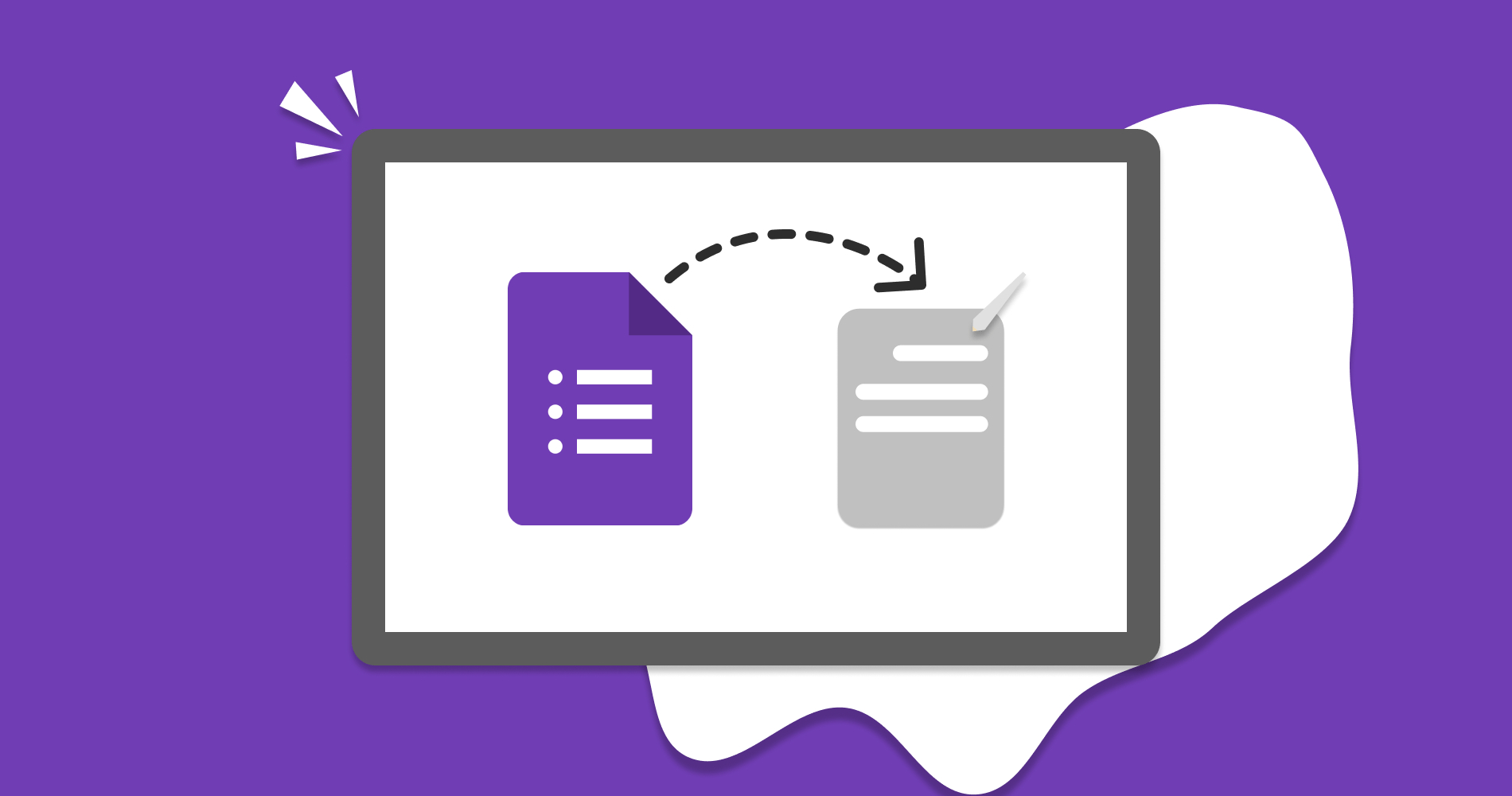
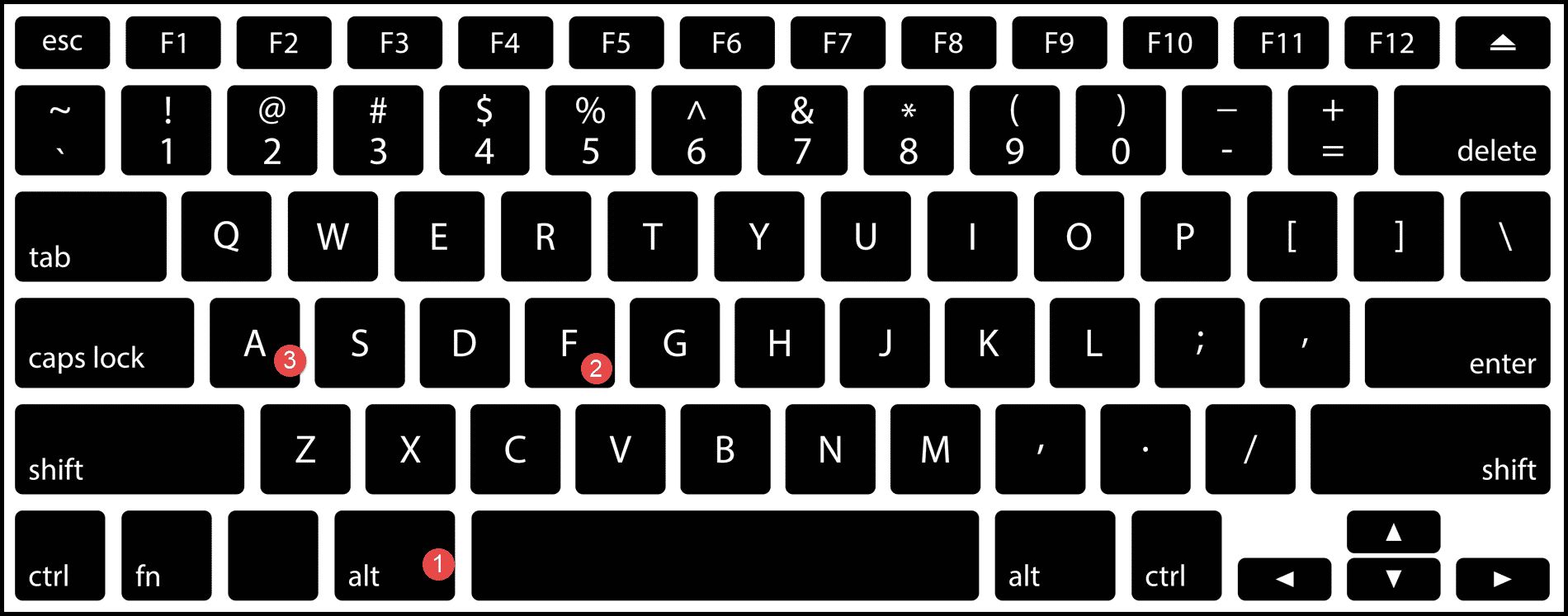
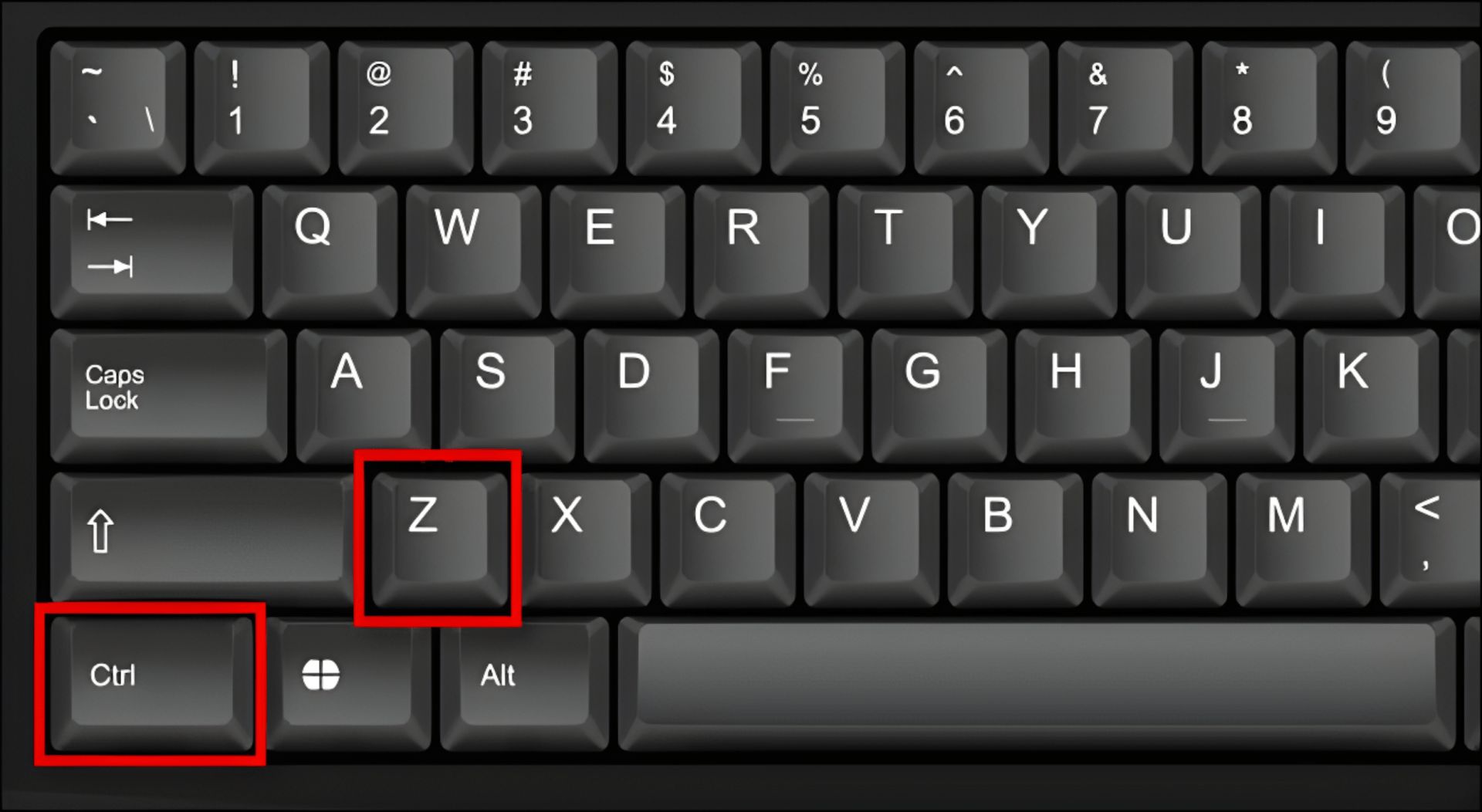
The first group of articles tackles keyboard efficiency and document formatting. They show you how to create bullet points without touching the mouse, undo mistakes with a simple key combination, and save a document using a shortcut instead of hunting for the file menu. A second theme covers moving your work out of Docs: you’ll learn how to attach a Google Doc directly to an email, download a Google Form as a Word file, and export a plain Google Doc for offline use. These are straightforward transfer tasks that avoid copy-paste formatting headaches.
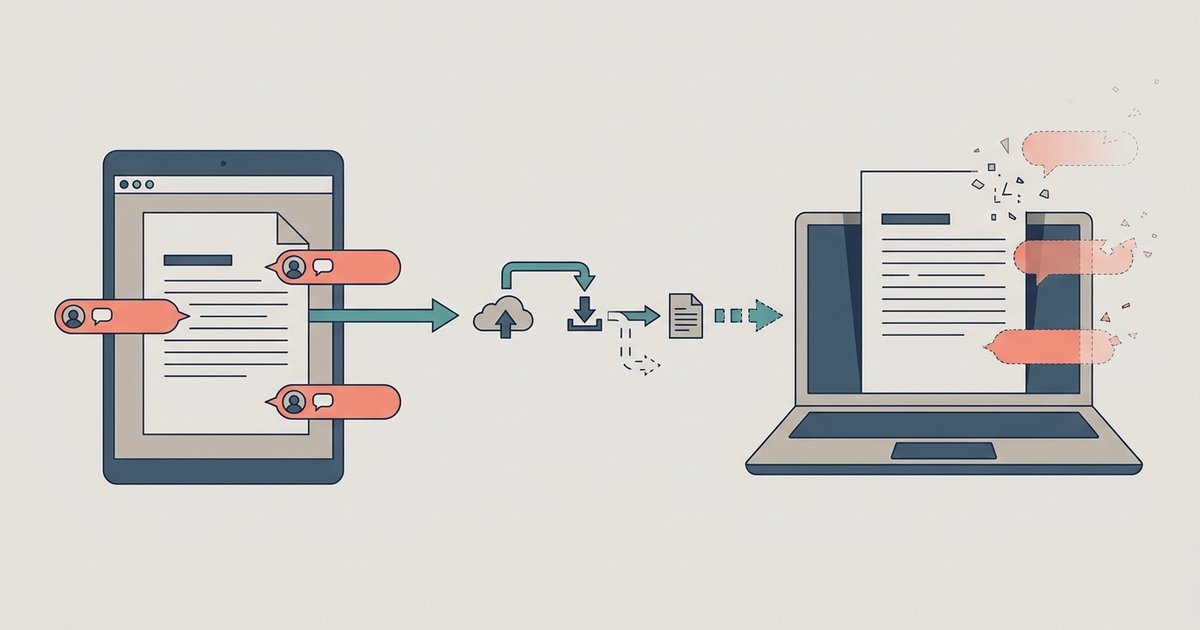
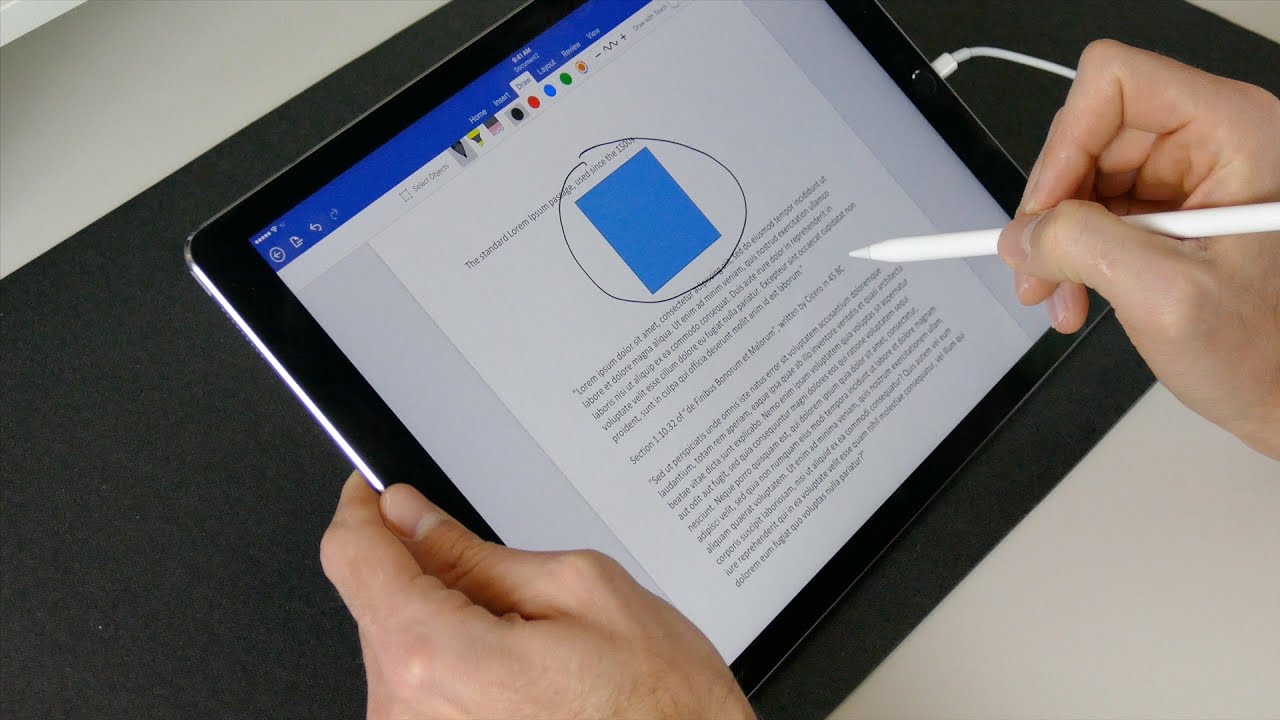
A third set of articles deals with trickier situations around comments and hardware. One guide walks you through writing with an Apple Pencil on Google Docs, which is useful for tablet users who prefer handwriting. The remaining pieces address a common frustration: comments disappearing when you export to Word. Rather than offering a workaround, they explain the correct export settings to keep your annotations intact, and how to download a PDF that includes comments. These are presented as safe, standard procedures, not as ways to bypass restrictions or hide edits. If you’ve ever lost feedback during a review cycle, these articles help you preserve it properly.