This tag collects articles about getting the most out of gaming laptops, written for owners who want to handle routine setup, maintenance, and troubleshooting themselves. Whether you just unboxed a new machine or are dealing with a stubborn setting on an older one, these guides assume you are comfortable following step-by-step instructions but not necessarily fluent in BIOS jargon or keyboard shortcuts.
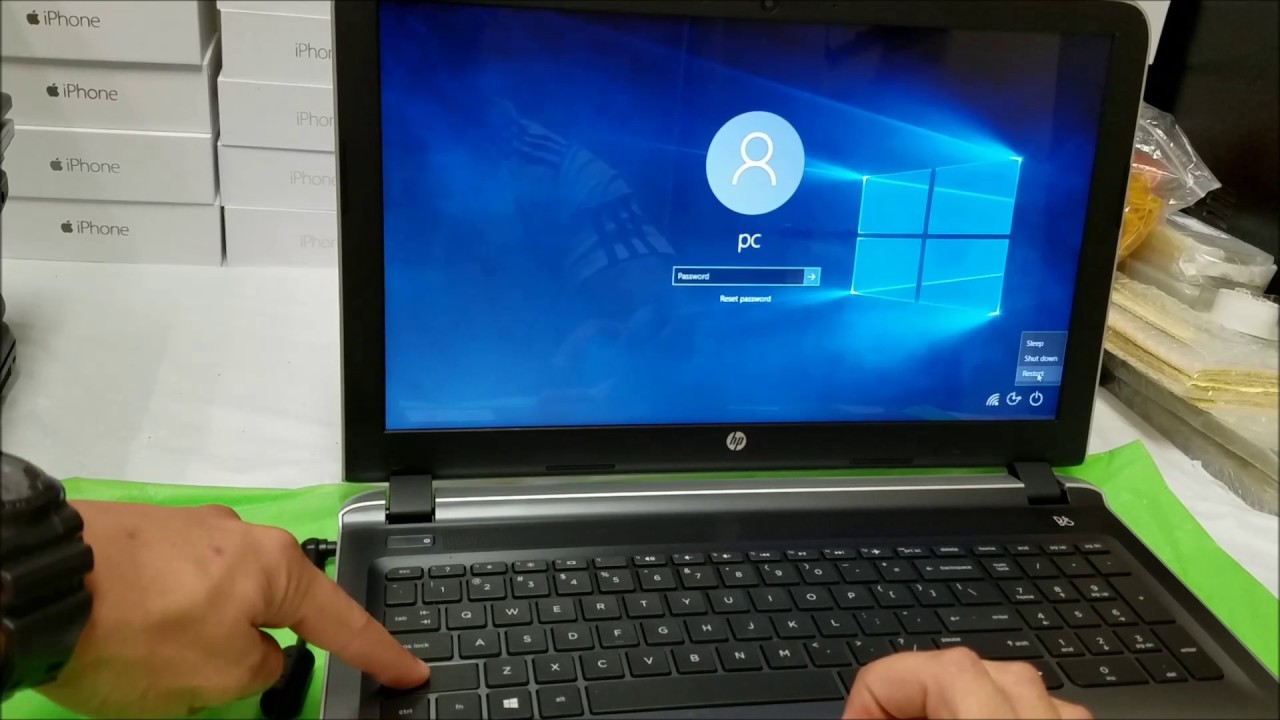
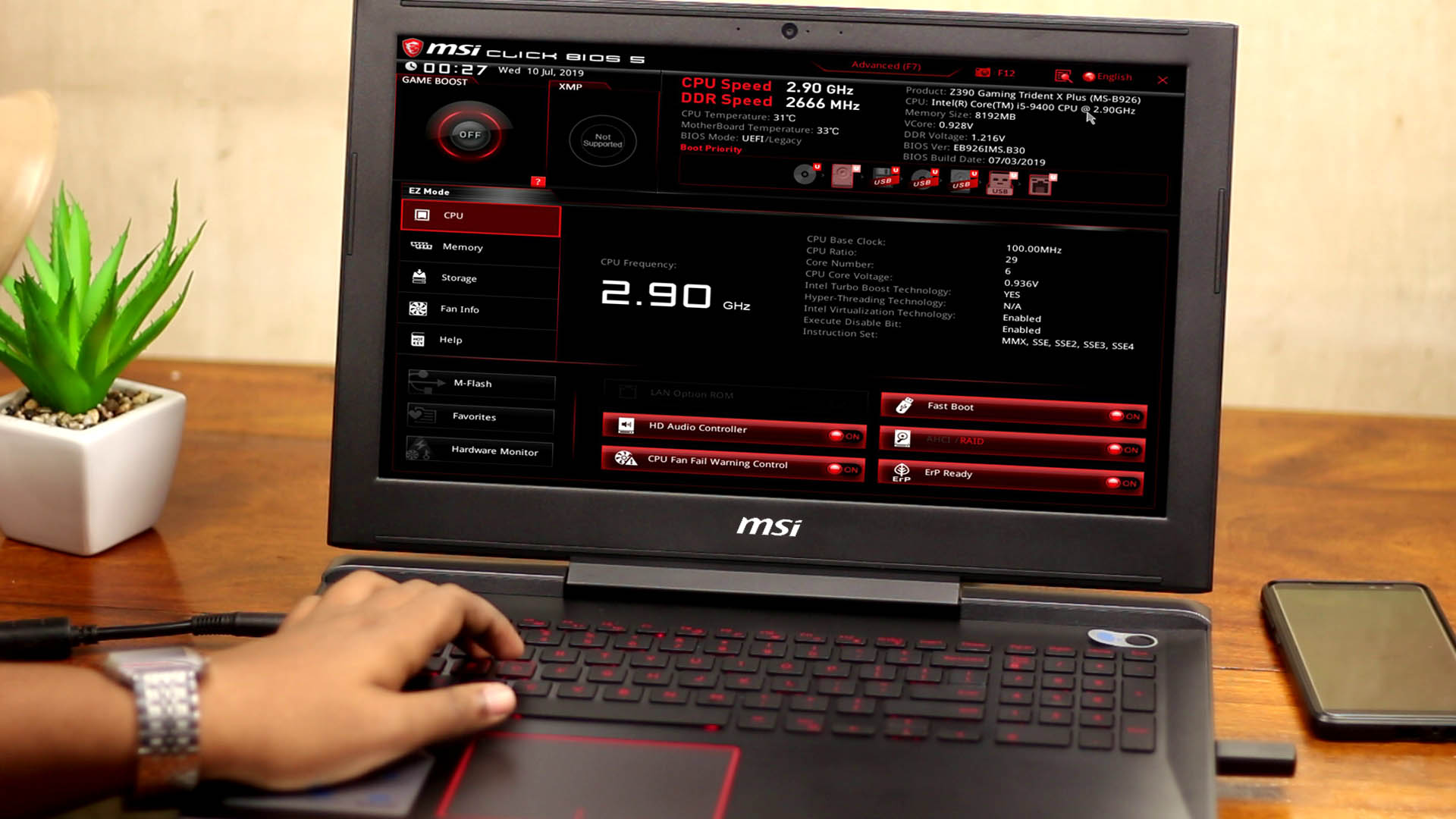
The articles fall into two practical themes. The first is everyday control and customization: you will learn how to remap the M1, M2, and M3 hotkeys on an Asus gaming laptop, turn on the keyboard backlight on an HP Omen, and capture a screenshot on an Asus TUF model without hunting for third-party software. The second theme is system-level recovery and configuration. For example, the guide on entering the BIOS on an MSI gaming laptop helps you adjust boot order or hardware settings safely, while the factory reset walkthrough for the HP Pavilion Gaming laptop is framed as a way to restore a clean, stable system before selling it or fixing persistent software errors, not as a method to bypass any protections.
One article stands apart by focusing on performance improvements through legitimate software tweaks rather than hardware upgrades. That guide explains how to turn a standard laptop into a gaming-capable machine using free tools like driver updates, power plan adjustments, and graphics settings, all within the bounds of the manufacturer’s intended use. None of these pieces encourage risky or unauthorized behavior; they are straightforward, safe procedures for common owner-level tasks.