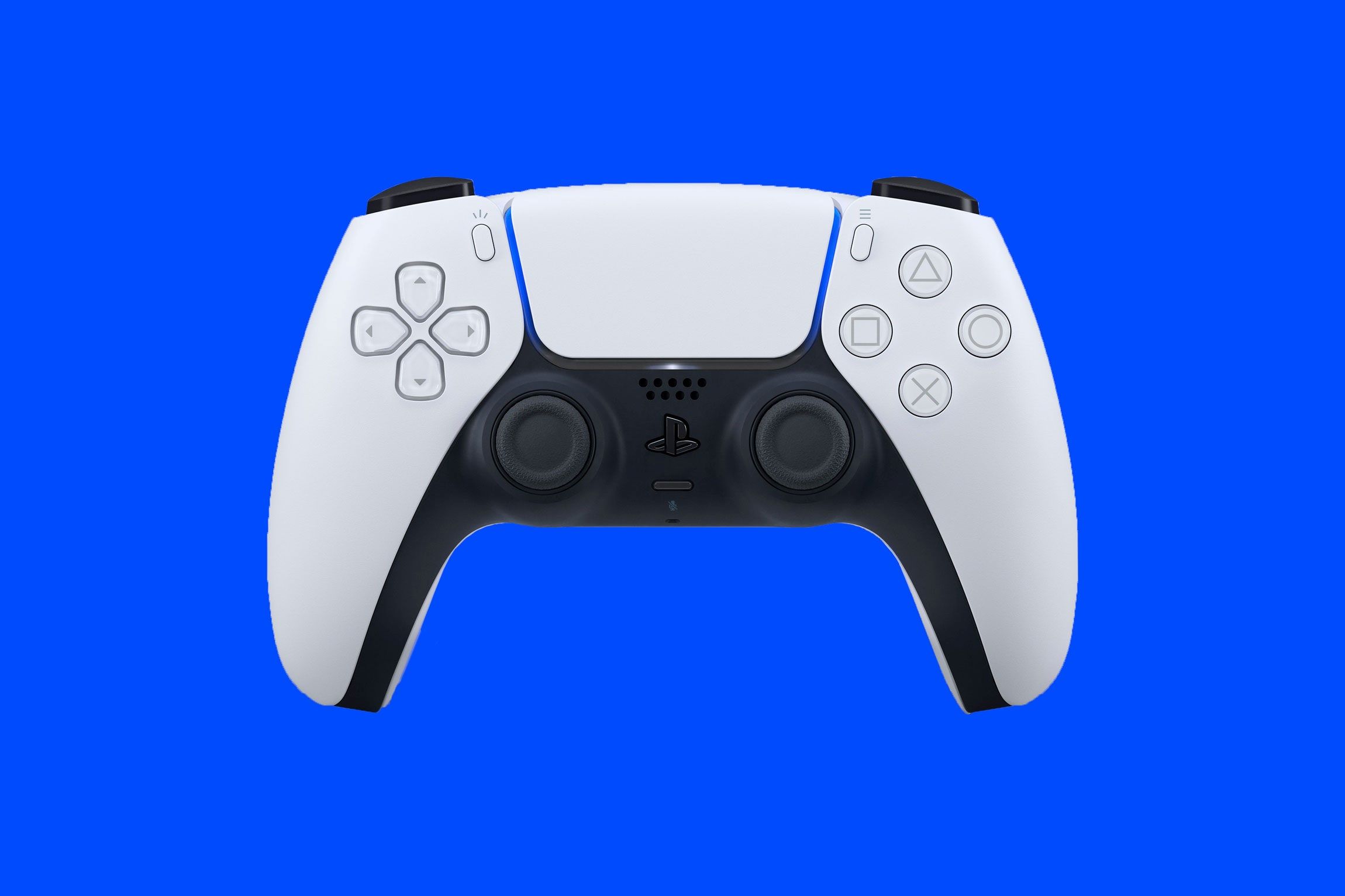
This tag collects robots.net’s coverage of gaming accessories, from input devices like keyboards and mice to peripherals such as headsets, capture cards, and external GPUs. It is written for gamers and PC builders who want practical, buyer-focused guidance, whether they are upgrading a single component, outfitting a new setup, or troubleshooting a specific gear problem. The articles assume a hands-on interest in performance, comfort, and compatibility, not just specs on paper.
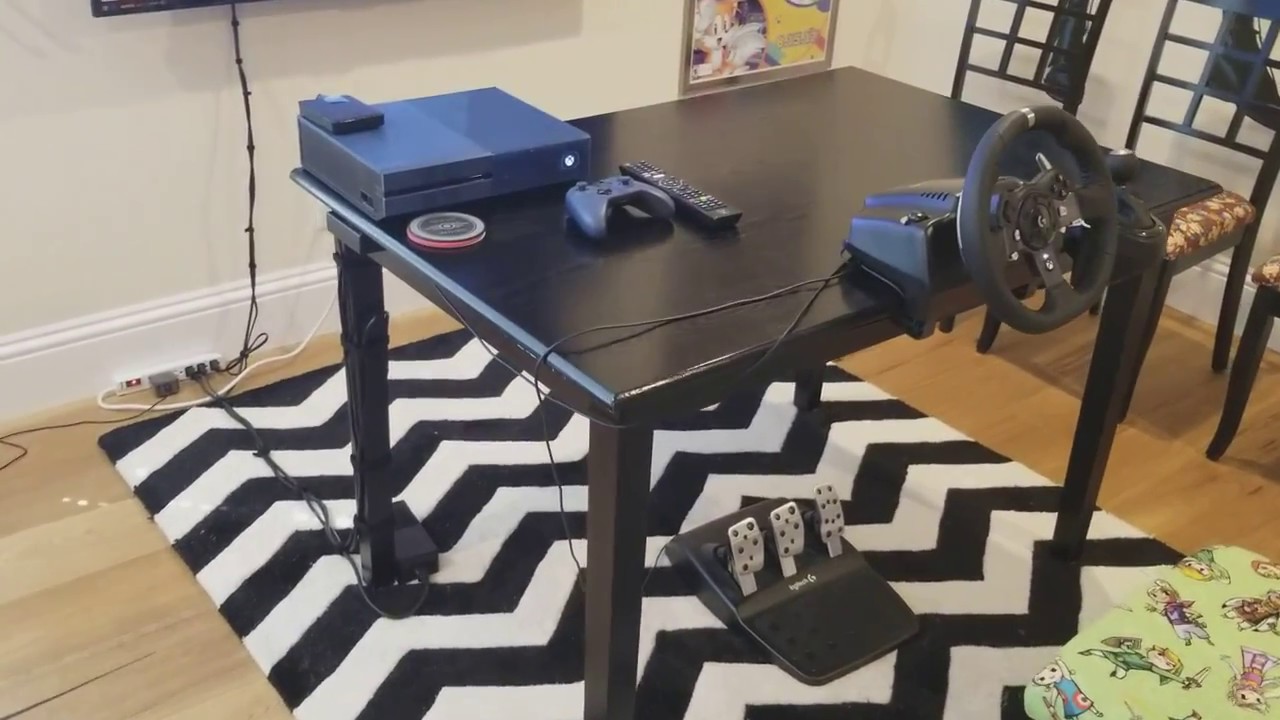
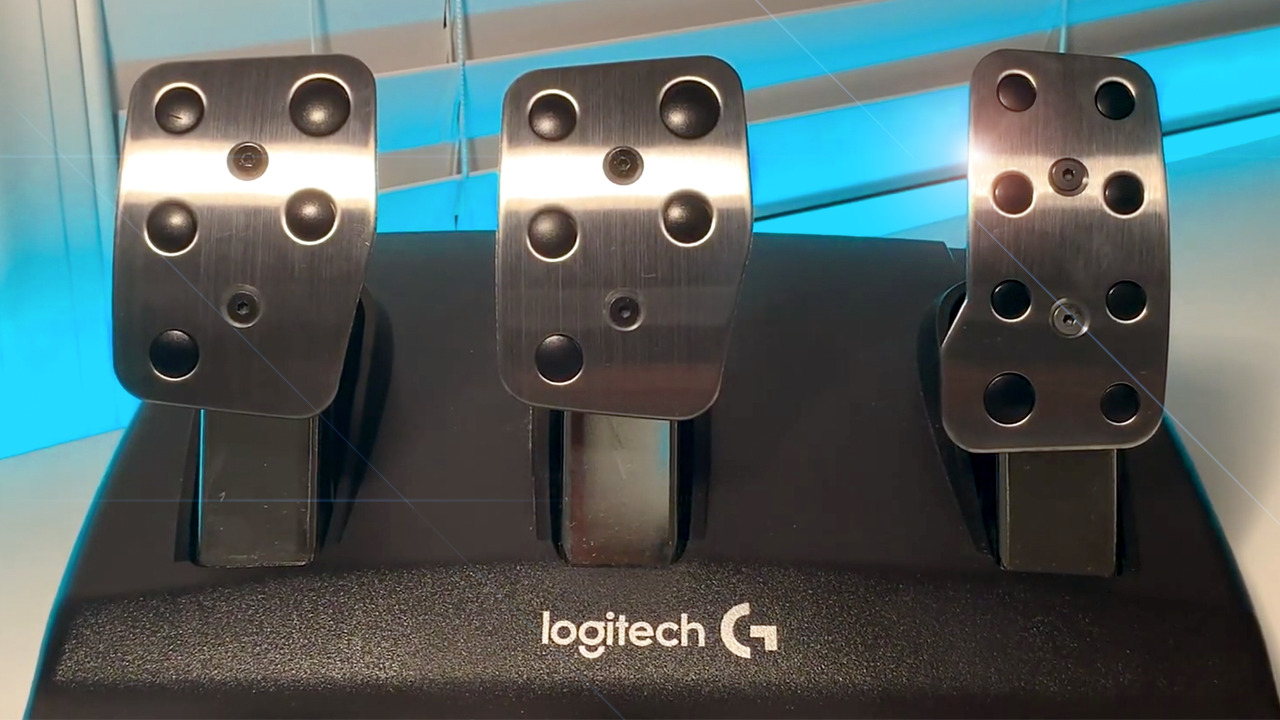
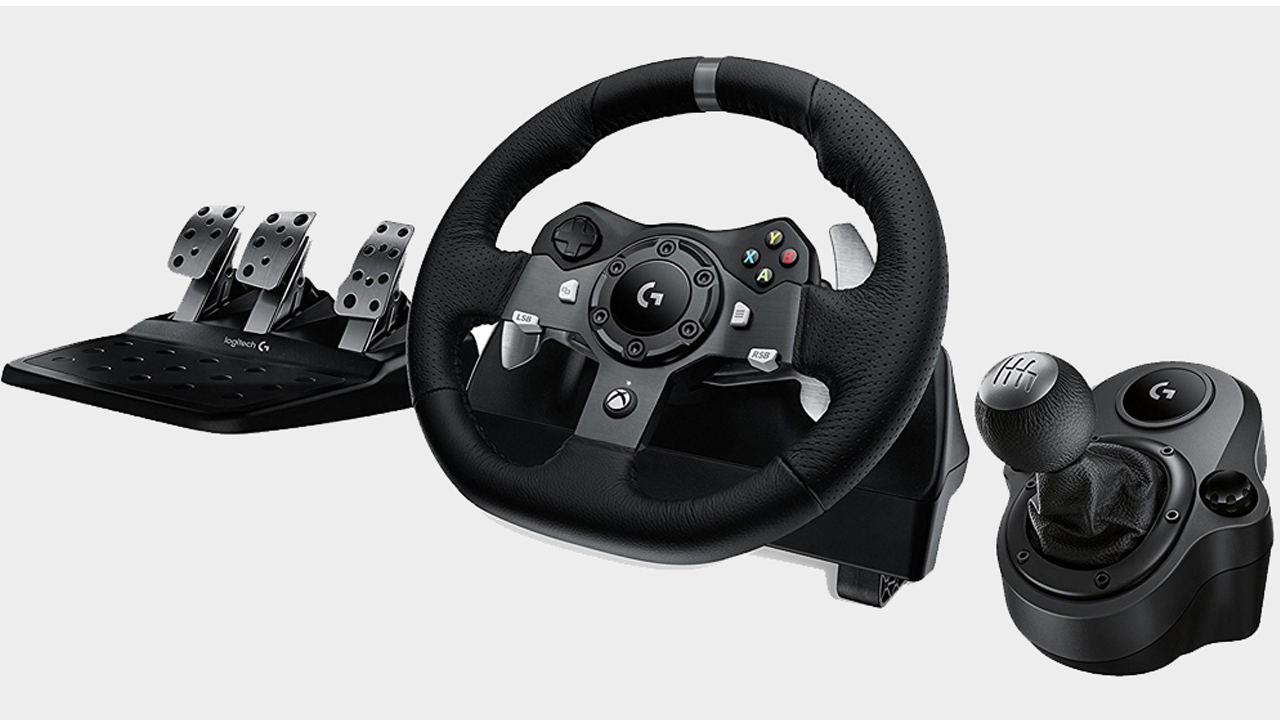
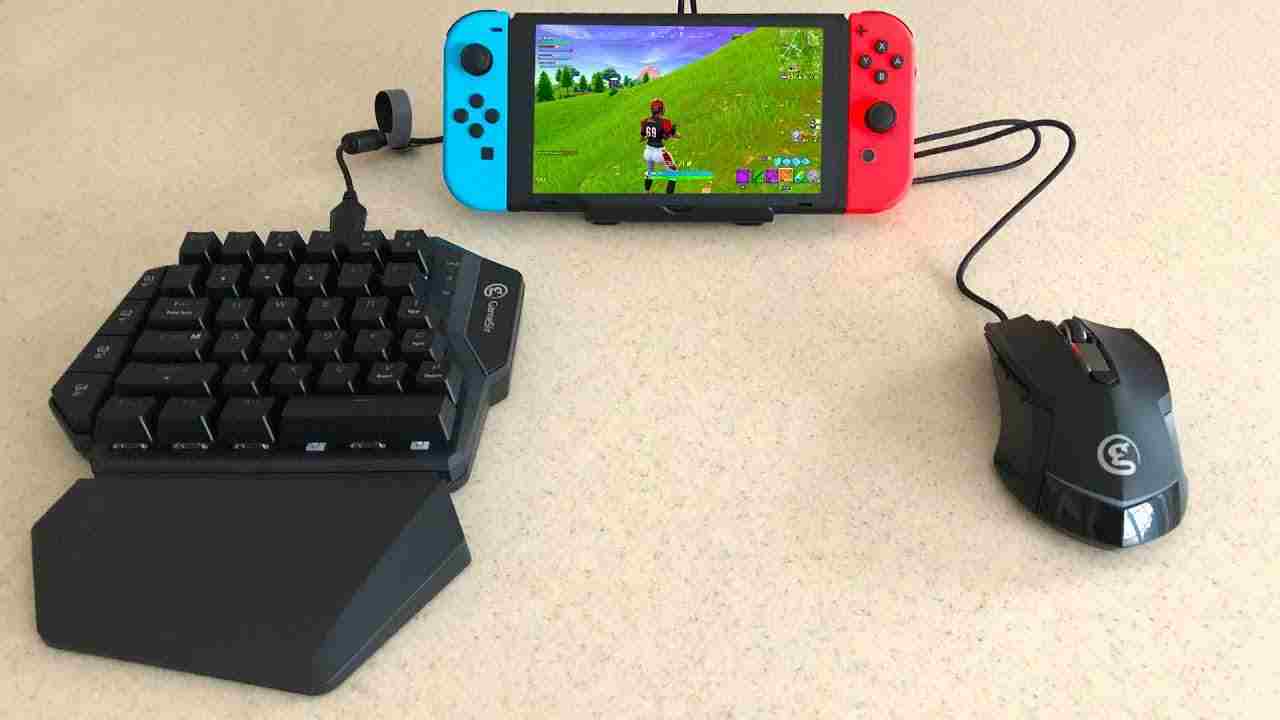
The pieces here help readers choose, configure, and sometimes modify their gear. A strong theme is selection and comparison: you will find roundups of mechanical keyboards (Ducky, Redragon, Logitech, SteelSeries), gaming mice and mouse pads, plus broader picks like blue light glasses and surround-sound headphones. Another theme is setup and optimization, guides cover building a custom keyboard from scratch, connecting a keyboard and mouse to a Nintendo Switch, or calibrating a Logitech G920 racing wheel. A third theme is adaptation and problem-solving: some articles explain how to use a capture card for streaming or recording, while others address comfort and safety, such as making a brake pedal less stiff or choosing HDMI switches to reduce cable clutter. Notably, the tag also includes a few game previews (like *ELEX 2*) that sit alongside the hardware content.
For legal and safety angles, the site frames things as legitimate alternatives or best practices, for example, selecting an external GPU to extend a laptop’s life rather than overclocking unsafely, or using blue light glasses to reduce eye strain during long sessions. The tone is practical and instructional, helping readers get the most from their purchases without encouraging risky workarounds.