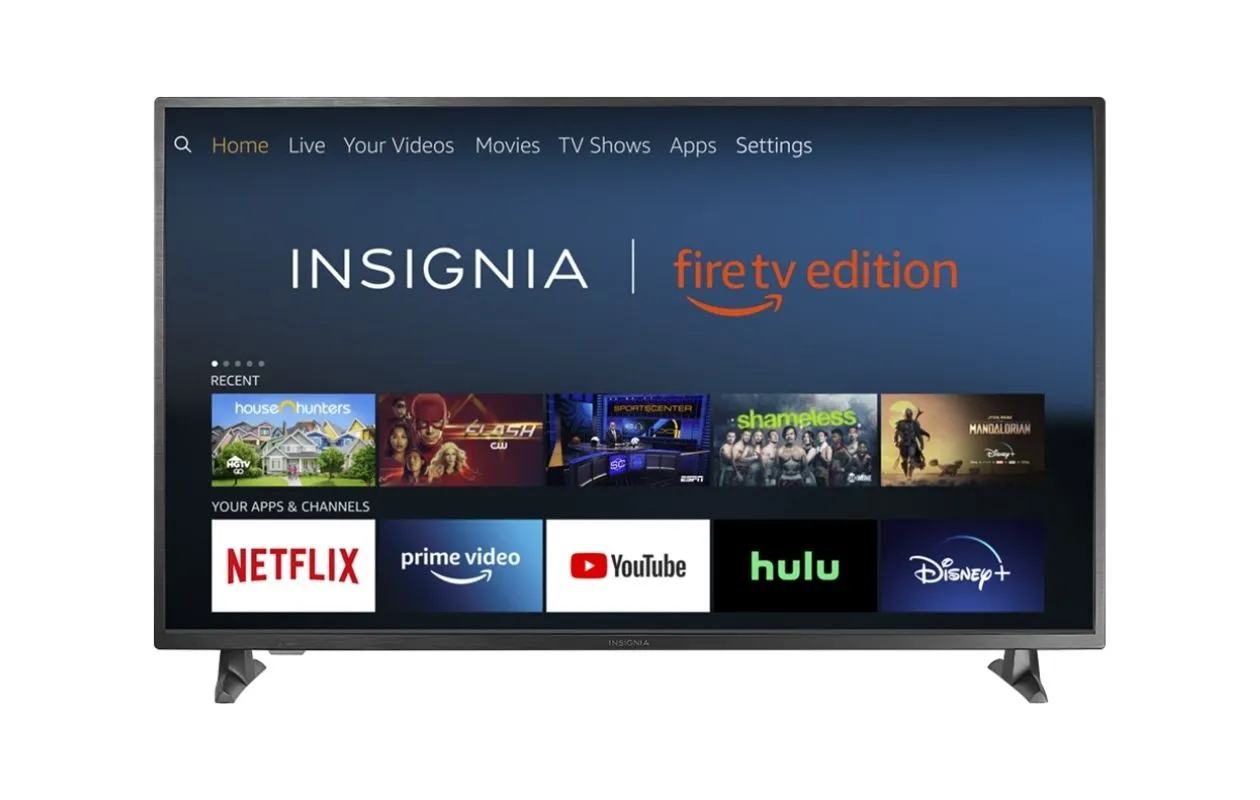
The Fire TV tag on Robots.net is a practical resource for anyone using Amazon’s streaming devices, whether you own a Fire TV Stick, Fire TV Cube, or a smart TV with Fire OS built in. It is written for everyday viewers who want to get more out of their device without calling a technician or digging through confusing menus. The articles here are short, task-focused guides that assume you are comfortable with a remote but not necessarily with advanced network or display settings.
Many of the posts solve setup and connectivity problems. For example, you can learn how to connect a Fire TV to an AV receiver or how to connect a Fire TV Cube to an AV receiver, which is helpful if you are trying to route sound through a home theater system. Others focus on account and app management, like how to sign out of HBO Max, how to restart the Prime Video app on a smart TV, or how to access Amazon Music. A few articles address the broader family of streaming devices, such as how to set up and use a Firestick, or how to record Amazon Prime Video legally.
Several posts also take a practical, security-conscious angle on content access. Instead of encouraging risky workarounds, they explain legal IPTV player apps for Firestick or how to jailbreak a smart TV in a way that emphasizes safety and legitimate alternatives. Others compare Fire TV and smart TV platforms, or help you estimate costs, like how much a 32-inch smart TV costs. You will also find guidance on connecting other devices, like viewing Blink cameras on a Samsung TV or getting the Xfinity app on a Vizio, so the tag genuinely covers the everyday “how do I make this work” questions that come up when your living room is full of different brands.