Articles written for owners of Amazon Fire tablets, whether they are new users setting up a device for the first time or more experienced owners looking to customize and manage their hardware. The content is aimed at everyday consumers who want practical, step-by-step guidance for common tasks, with a strong emphasis on making the tablet work for them without getting bogged down in technical jargon.
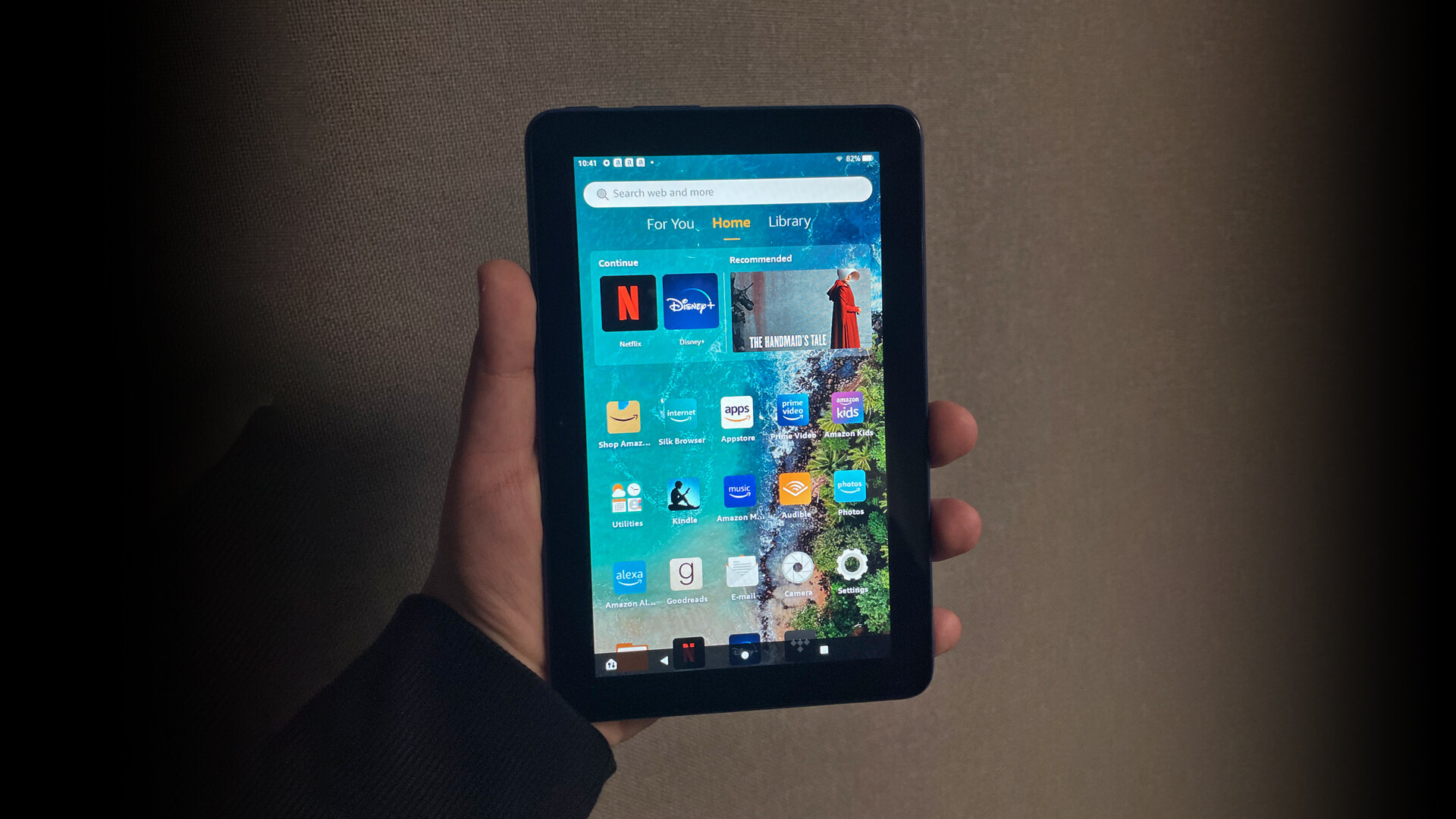
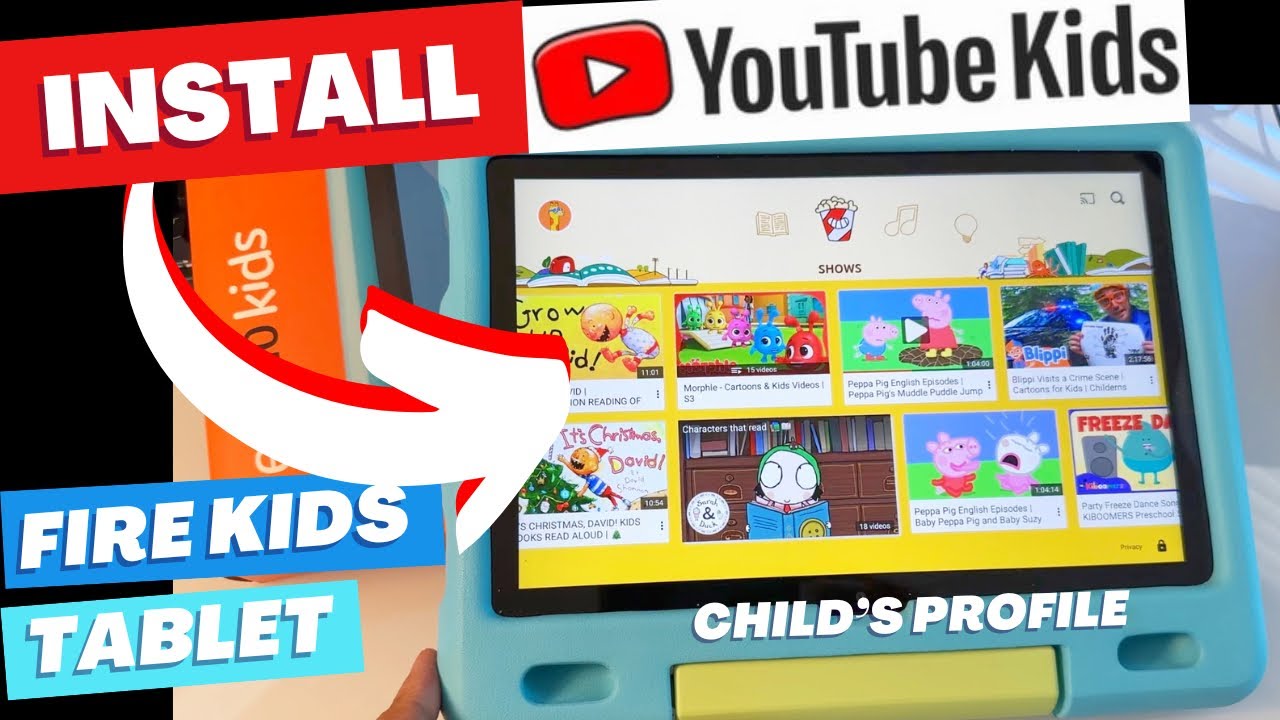
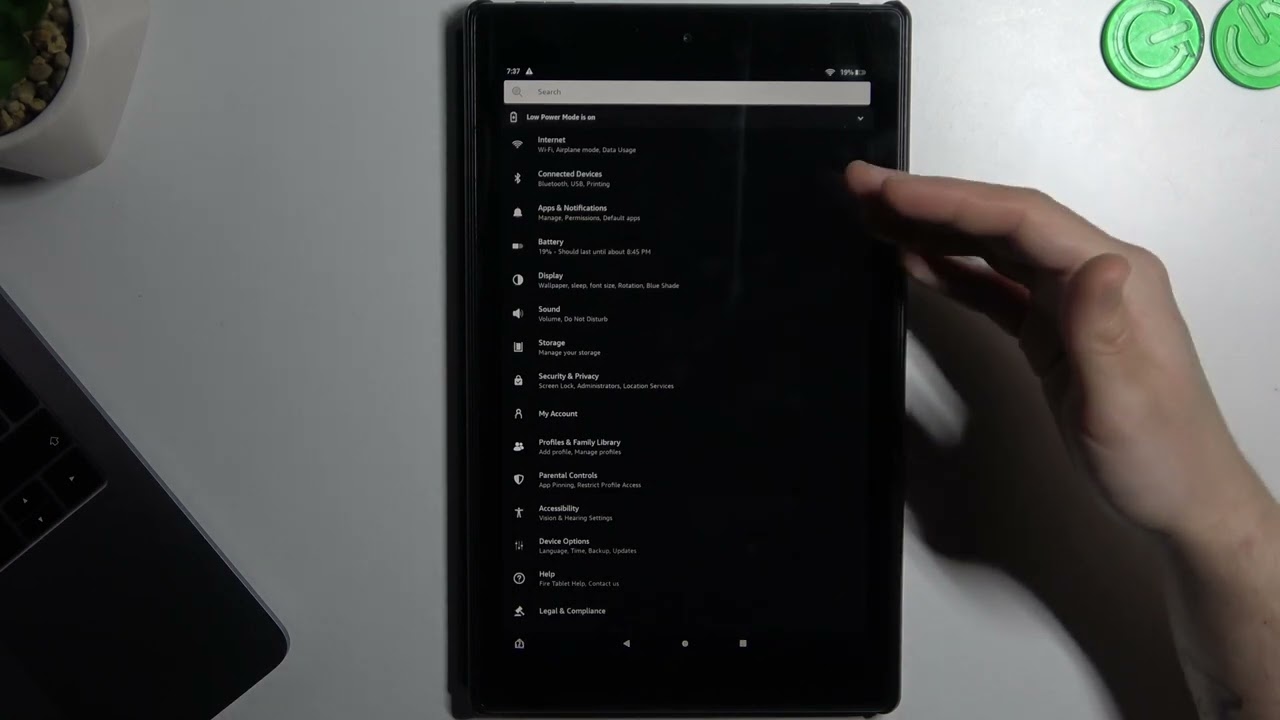
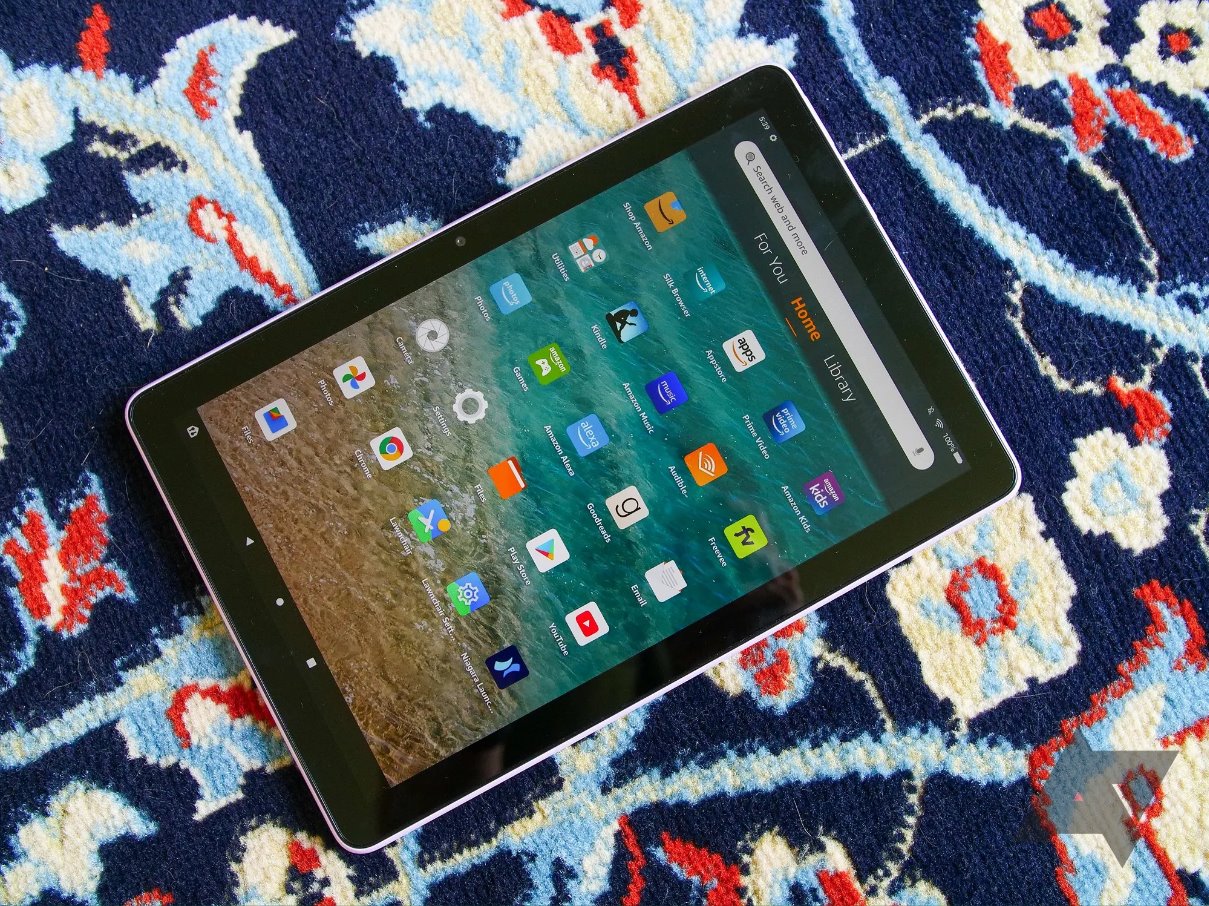
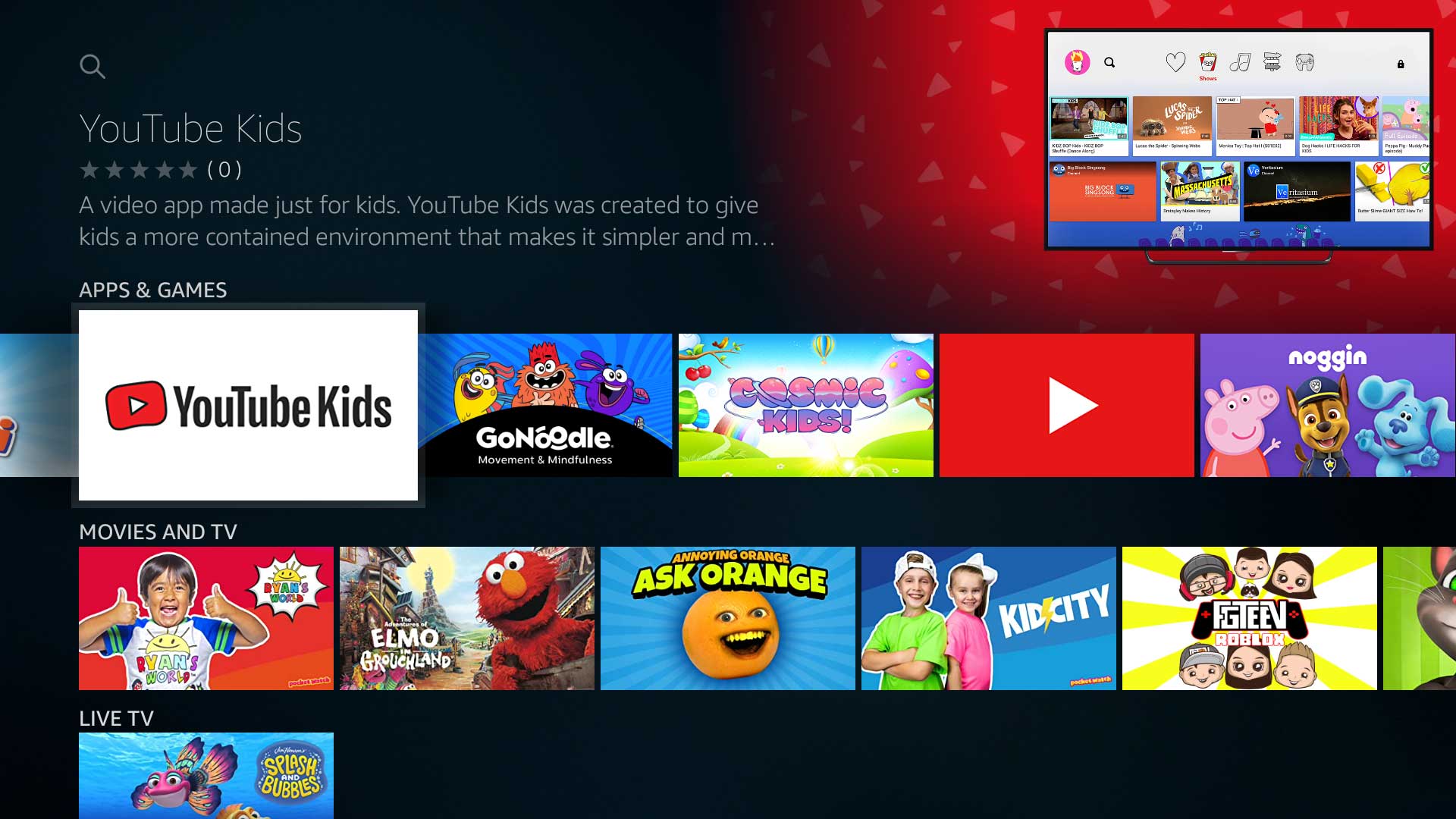
A clear theme running through these articles is basic device mastery and personalization. This includes how to navigate the interface, change the wallpaper, find hidden apps, and manage files through the File Manager. A second theme centers on expanding the tablet’s capabilities beyond the default Amazon ecosystem. Here, readers will find guidance on adding popular services like Netflix and YouTube Kids, as well as instructions for installing the Google Play Store to broaden app availability. A third, more cautious theme addresses security and maintenance, covering how to disable pre-installed Amazon apps, stop unwanted ads, and understand the implications of jailbreaking a Fire tablet, specifically whether it stops working after a system update. For those considering a new device or a memory upgrade, the tag also answers practical questions about SD card compatibility and what an Amazon Fire tablet actually is.