This tag collects articles about the FAT32 file system, specifically as it applies to everyday consumer electronics like smart TVs, GPS devices, and game consoles. It is written for non-technical users who have plugged a USB drive or SD card into a device and gotten an error, a blank screen, or a message saying the drive is unsupported. The focus is on practical fixes for common compatibility problems, not on low-level disk management.
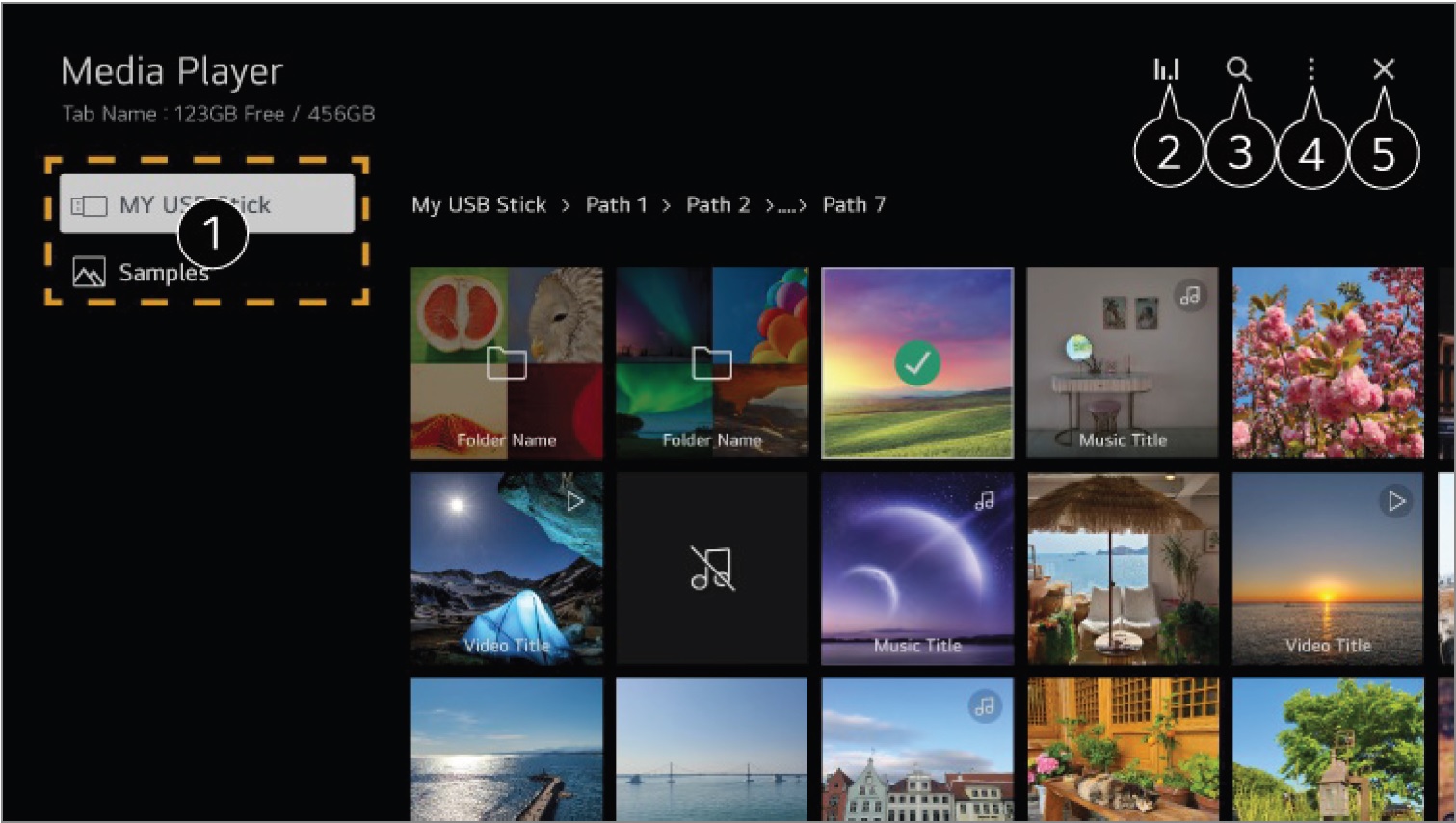
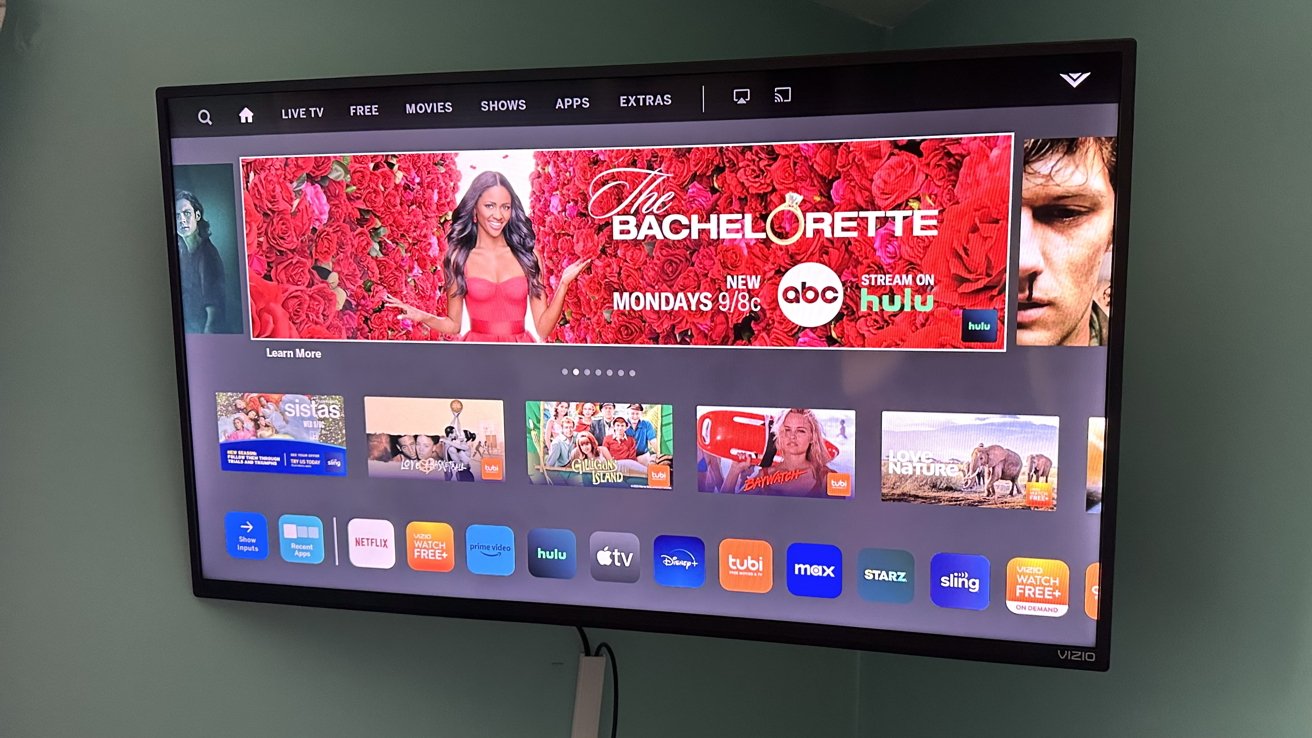
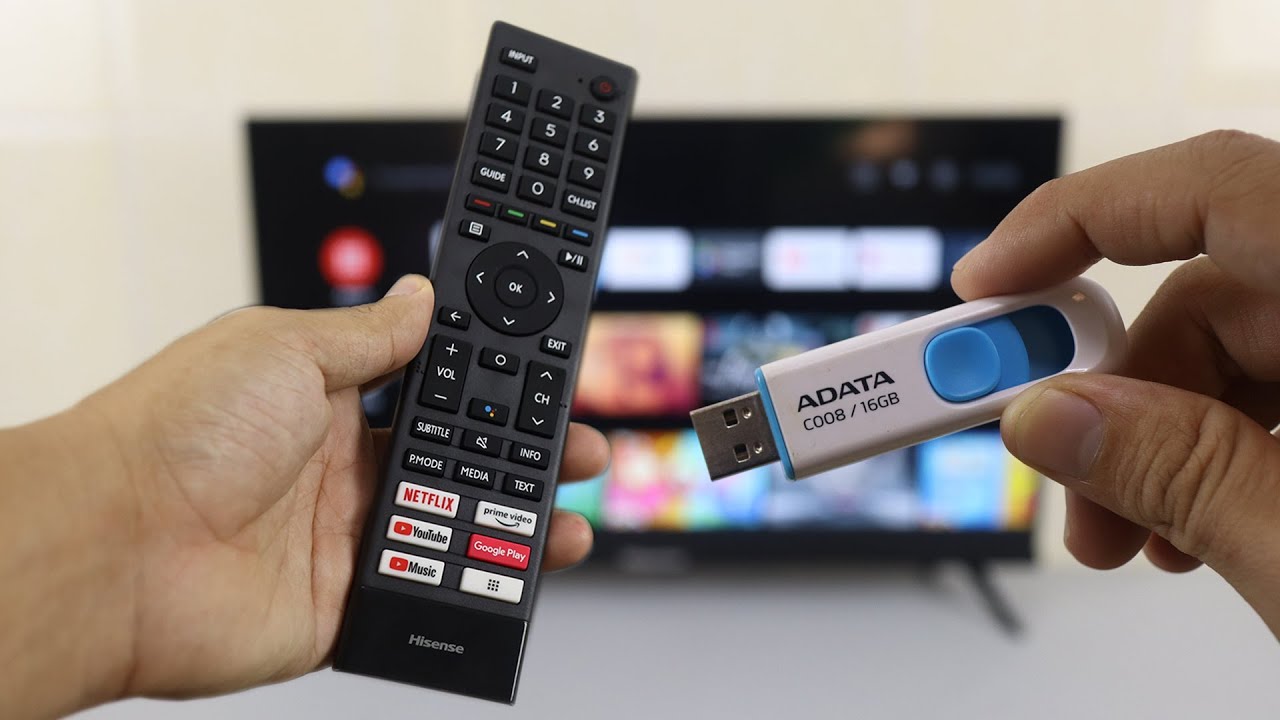
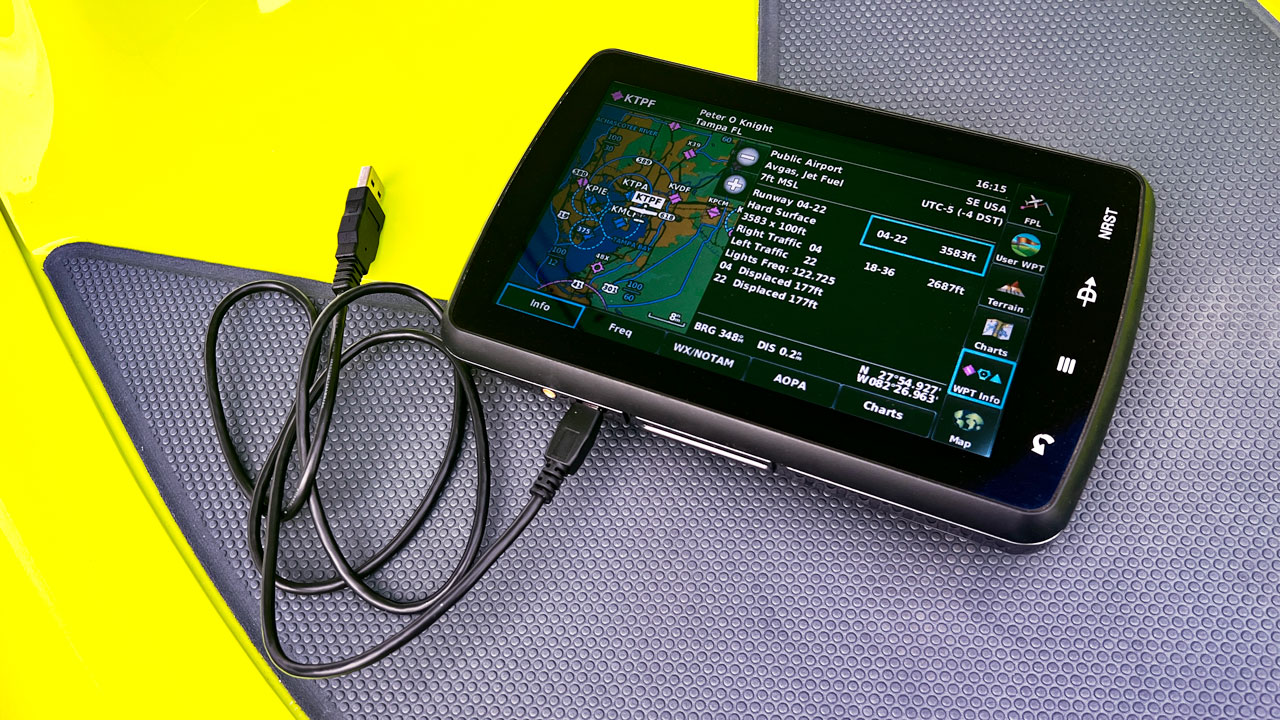
The articles solve two main kinds of issues. First, they address recognition failures, for example, why a Garmin won’t see an SD card, or why a Vizio TV or Hisense TV refuses to play a USB drive. These pieces walk through checking the drive’s format, the file structure, and the device’s port settings. Second, they cover the correct way to prepare a drive for a specific purpose, such as putting pictures on an LG Smart TV, downloading files to a thumb drive, or playing USB video on a Vizio. One article also takes a safety-conscious angle on the PS4 Safe Mode update, explaining which USB format is officially required so that a user does not accidentally corrupt their console or void a warranty by using the wrong setup.
Specific topics mentioned include the proper FAT32 allocation size for large drives, why some TVs only read drives formatted in FAT32 rather than NTFS or exFAT, and how to use a computer to reformat a drive without losing important data. The articles help the reader get their device to recognize the drive, transfer media successfully, and avoid common pitfalls like naming files incorrectly or using a drive with too many partitions.