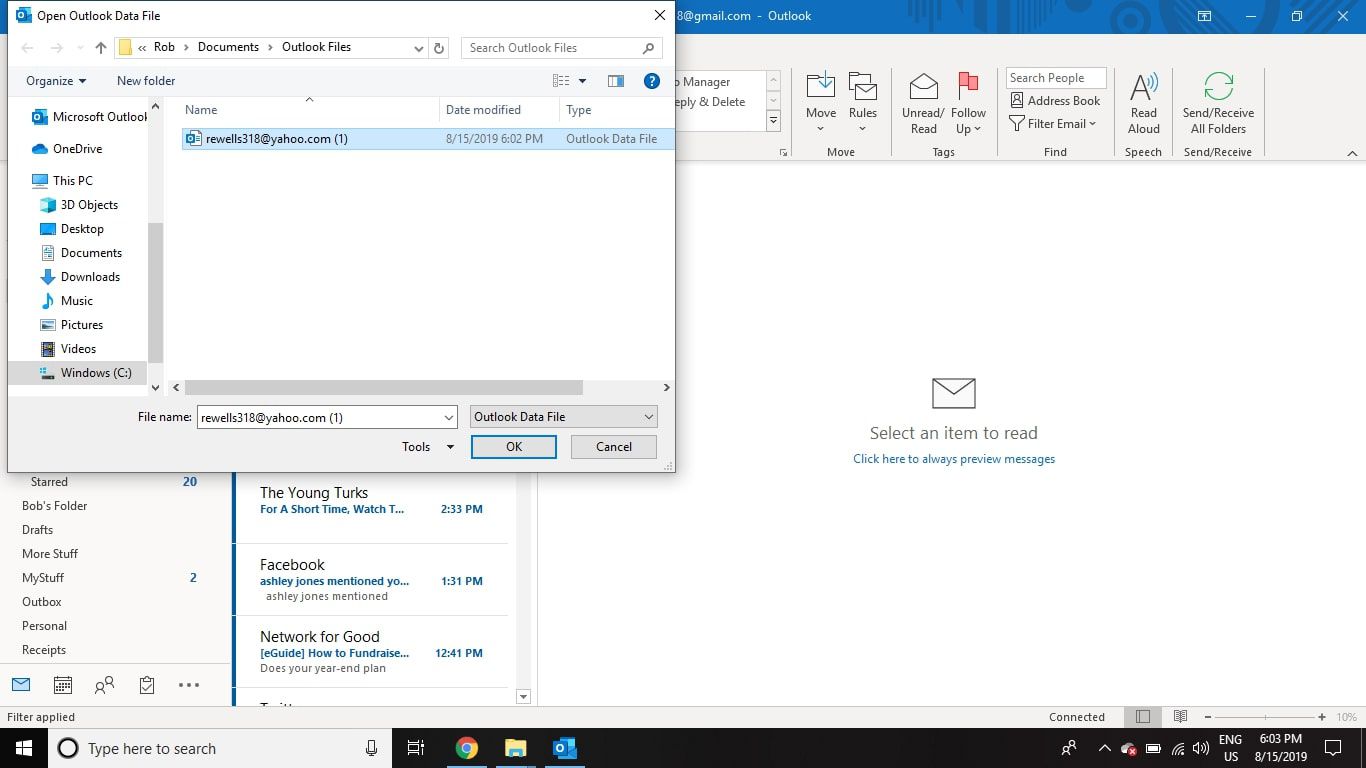
To download photos from Outlook email, open the message, hover over the attachment chip, click the dropdown arrow, and choose "Save to your device" (New Outlook/Web) or right-click and select...
To download email from Yahoo, you need to use one of several workarounds since Yahoo Mail does not include a direct button for downloading individual messages. The most reliable methods...
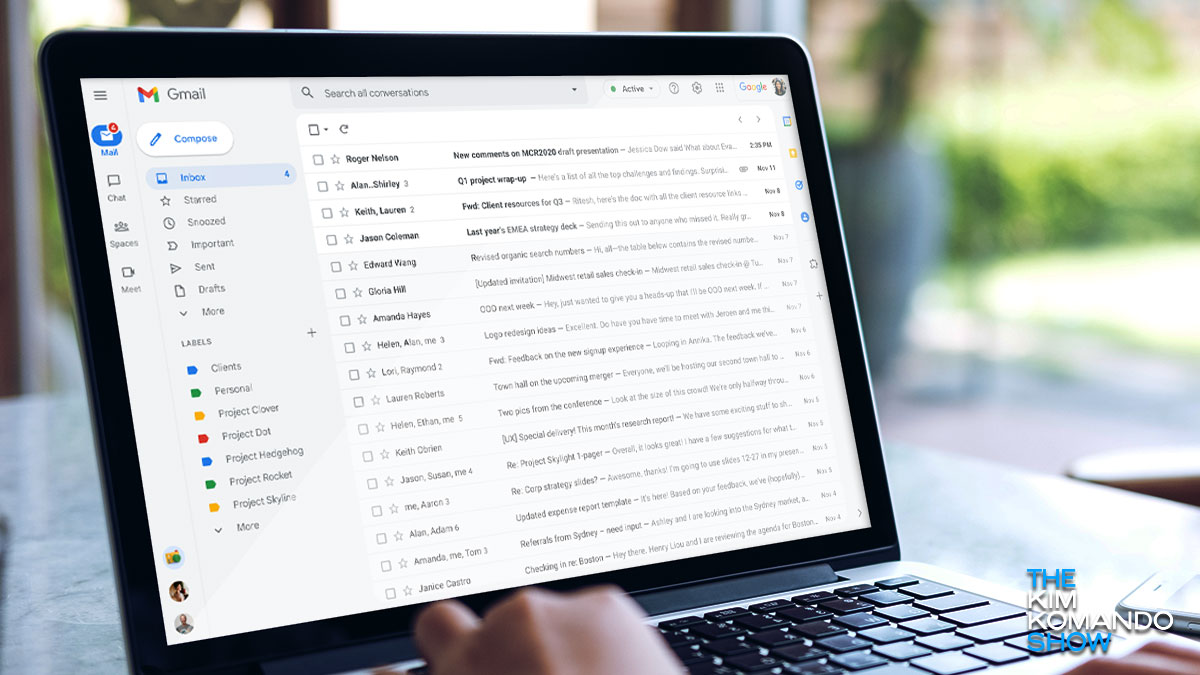
To download an email thread from Gmail, use the built-in "Print all" function and save the conversation as a PDF. This method captures the entire thread in a single, printable...
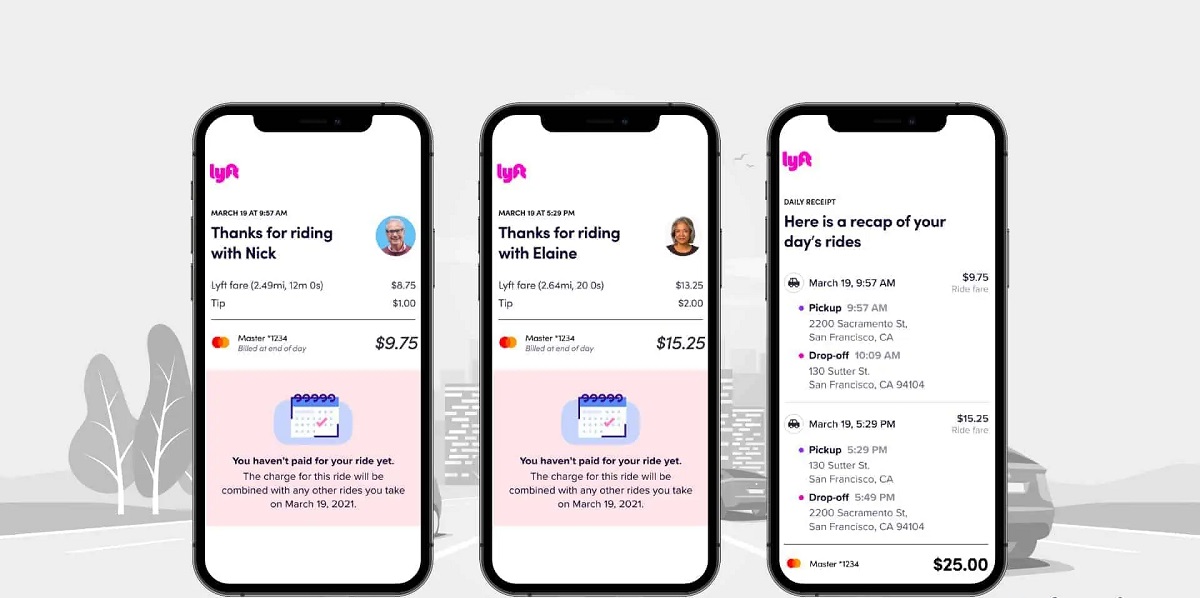
To download a Lyft receipt, the fastest method is to find it in the email automatically sent to you after each ride. If you need to download a Lyft receipt...
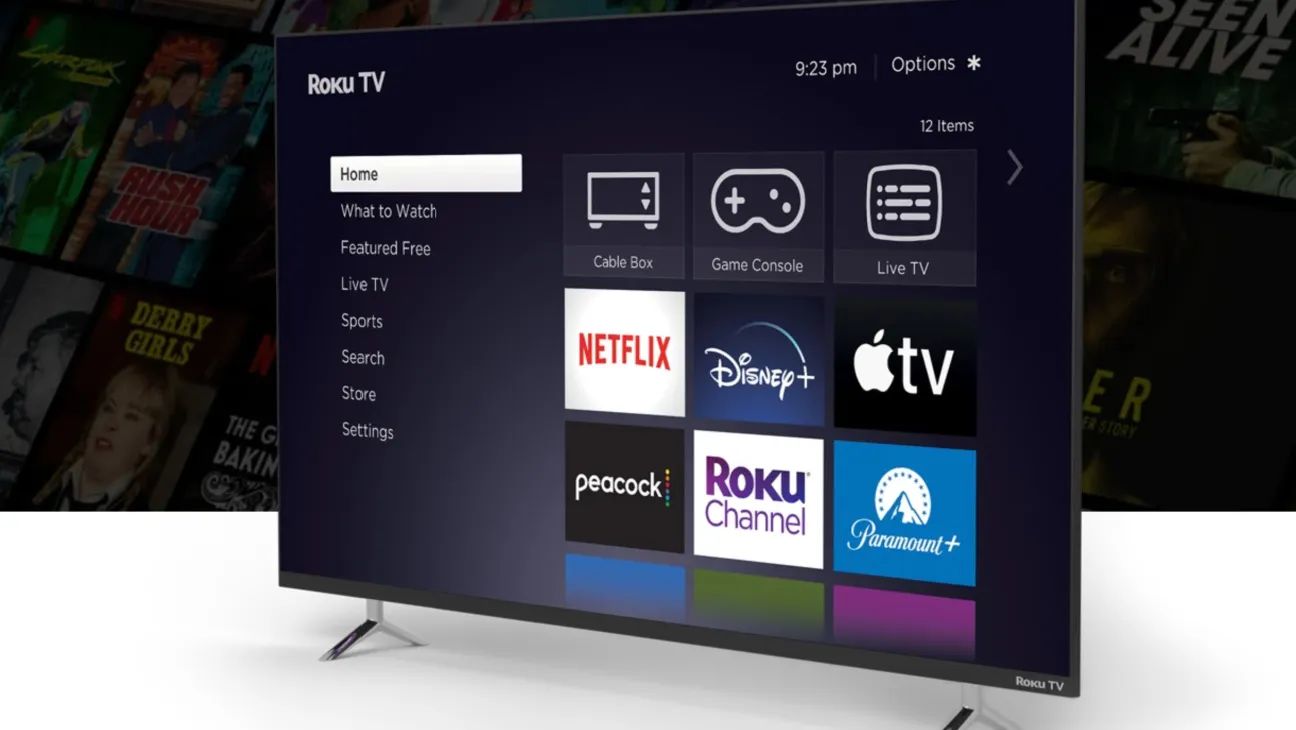
Before you change your Roku email Before you change Roku email, confirm that you can sign in to your Roku account and know your current password. If you no longer...
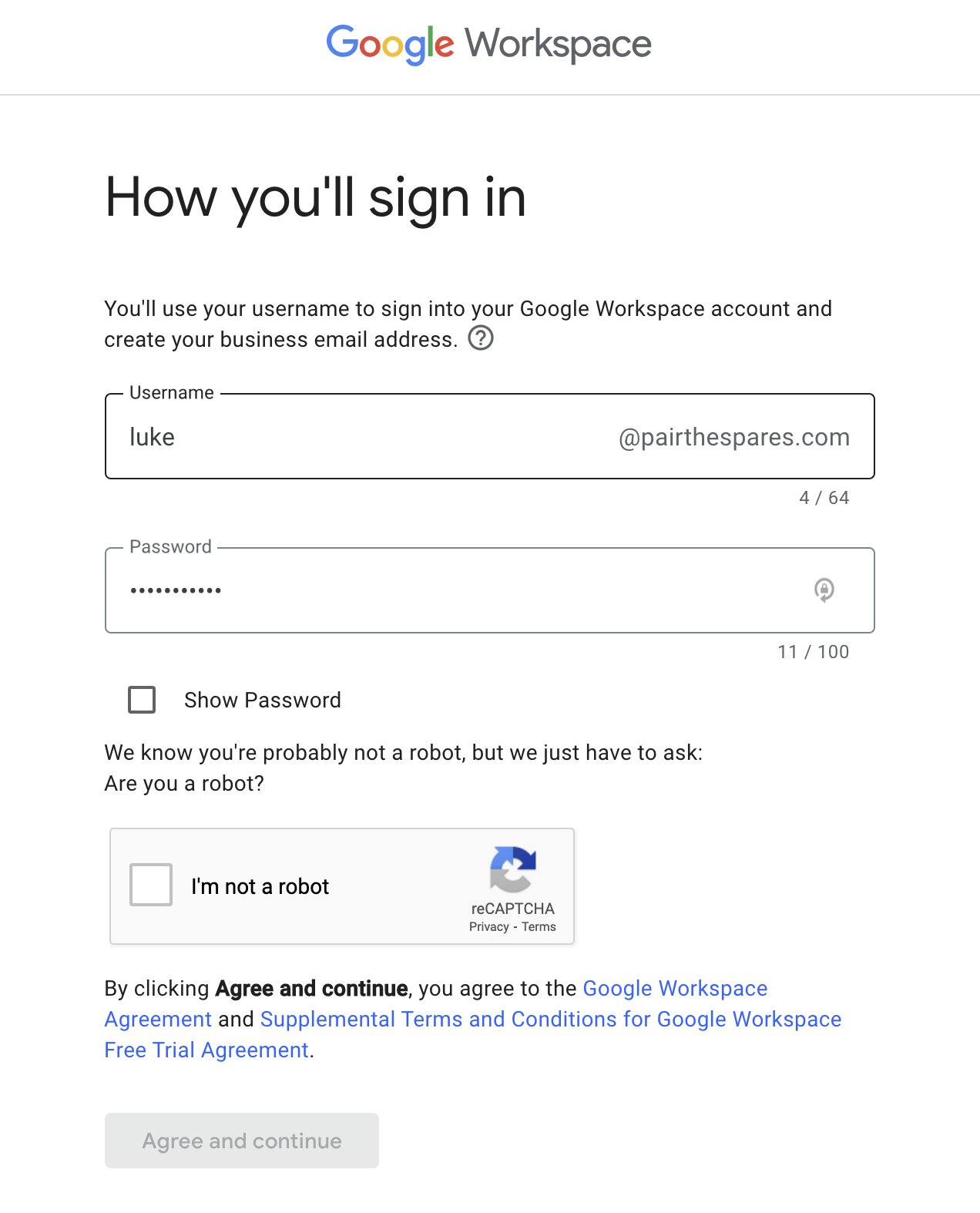
What to know before you add a new email to Google Workspace To add a new email to Google Workspace, you create a new user account in the Google Admin...
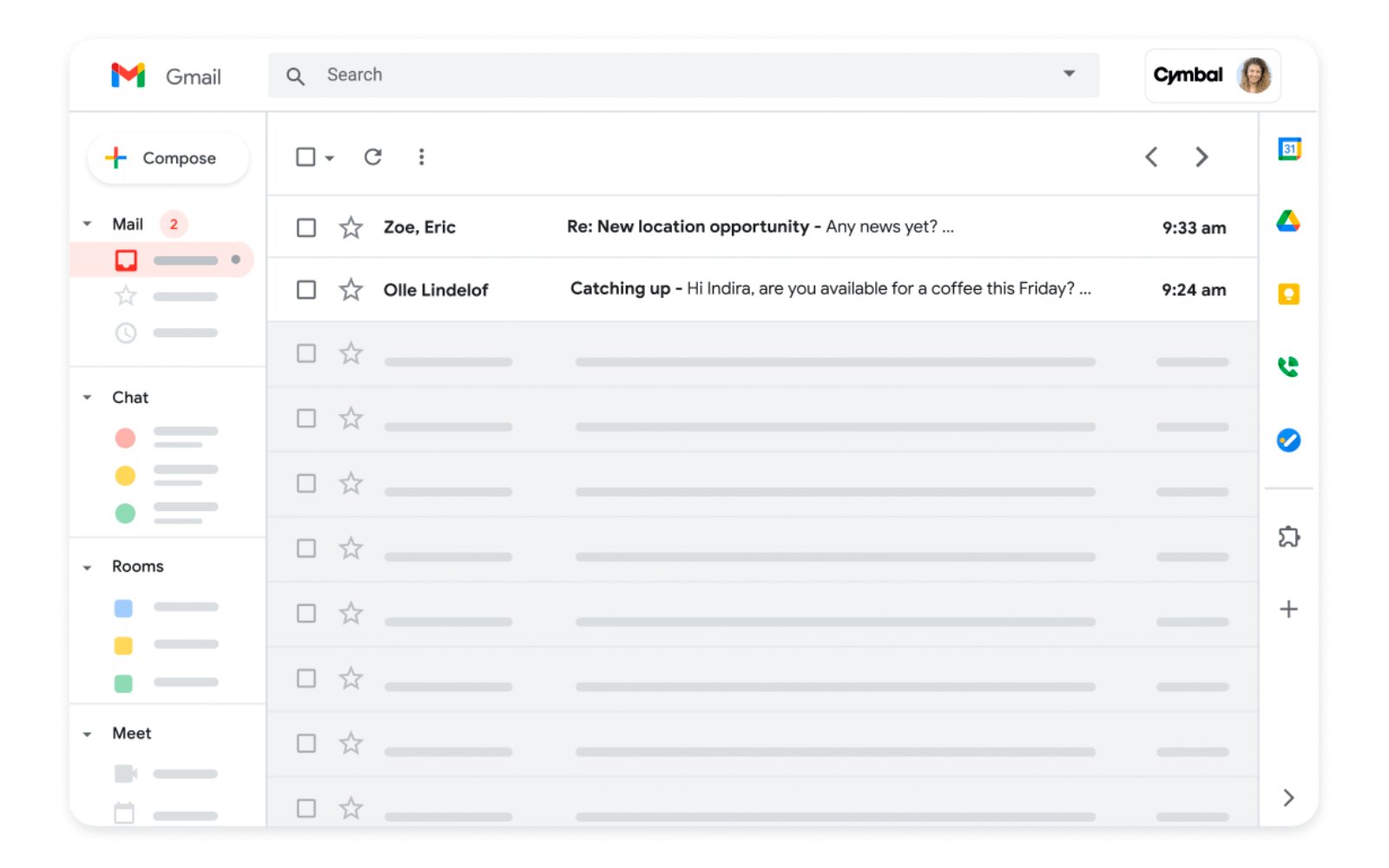
To access my Google Workspace email, the fastest method is to open a web browser and navigate to mail.google.com. Enter your full custom-domain email address and password, then click sign...
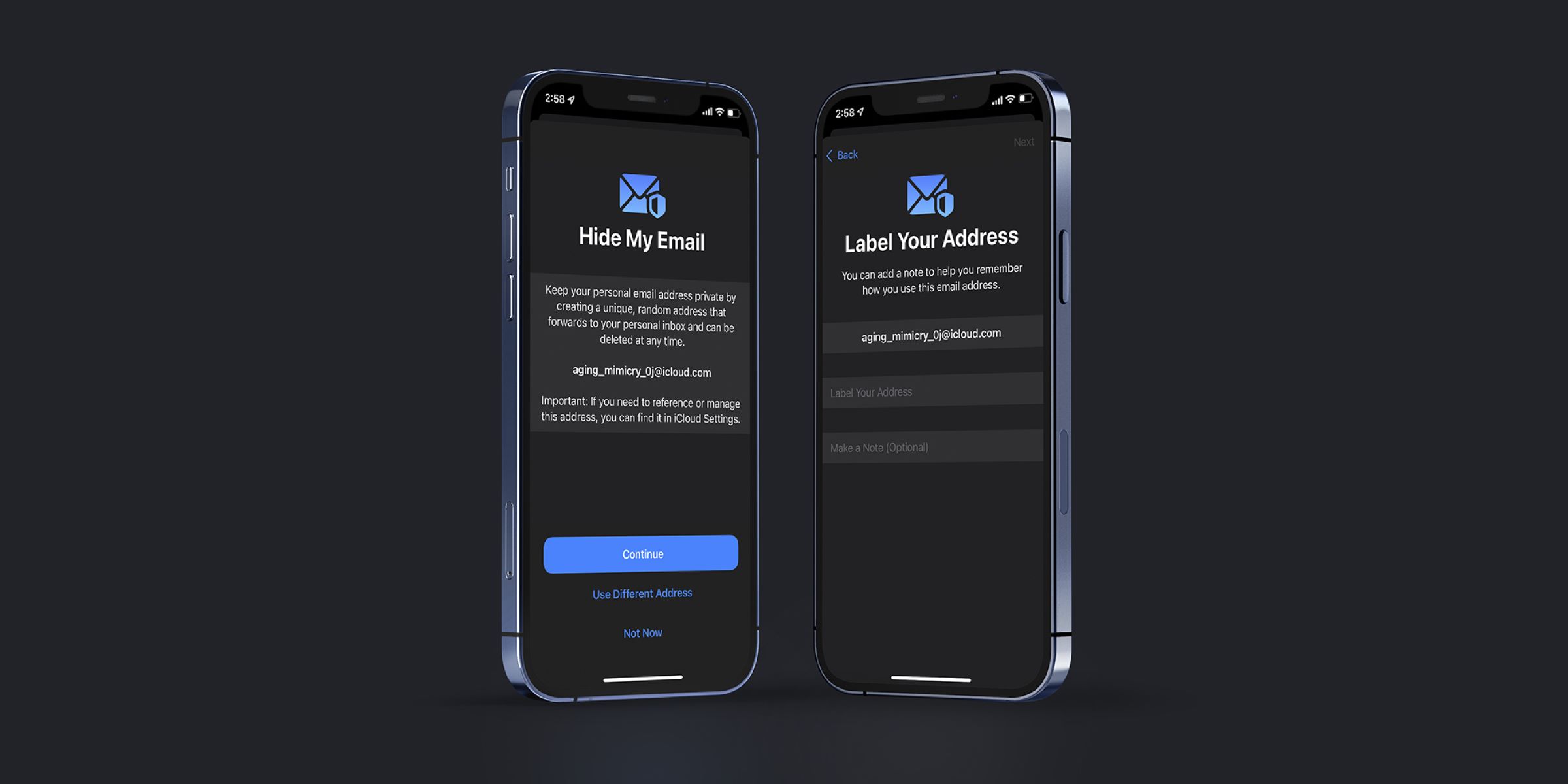
To deactivate hide my email on an iPhone or iPad, open Settings, tap your name at the top, then go to iCloud > Hide My Email, select the specific address...
To email Amazon customer service, start at the Contact Us page rather than searching for a direct email address, because Amazon no longer offers direct email support for most general...
To retrieve a deleted email, your first and best move is to check the Trash or Deleted Items folder in your email client, where most services temporarily store removed messages...
To delete an email, you typically select the message and click the Delete (trash can) icon, which moves it to a Trash or Deleted Items folder rather than erasing it...
To unarchive an email, you need to move it out of the archive and back into your inbox, and the exact steps depend on your email provider. The quick answer...
This website uses cookies so that we can provide you with the best user experience possible. Cookie information is stored in your browser and performs functions such as recognising you when you return to our website and helping our team to understand which sections of the website you find most interesting and useful.
Strictly Necessary Cookies
Strictly Necessary Cookie should be enabled at all times so that we can save your preferences for cookie settings.
If you disable this cookie, we will not be able to save your preferences. This means that every time you visit this website you will need to enable or disable cookies again.