This tag collects articles about getting digital content onto your devices, covering both the practical mechanics of downloading and the legal alternatives that keep you on the right side of copyright. It is written for everyday consumers, people trying to move a movie, song, or file from one screen to another, not for power users looking for grey-area tricks. The guides assume you have a specific goal in mind, like saving a Netflix show for a flight or grabbing a file from a shared folder, and they walk you through the steps without jargon.

A clear theme here is “streaming and purchase downloads”: you will find walkthroughs for saving movies and shows from services like Disney Plus, HBO Max, Tubi, and Vudu, as well as for moving purchased Amazon content to a laptop. Another theme is file and media management, which covers downloading from cloud services like Mega and Google Drive, pulling music from YouTube into Windows Media Player, and even handling specialty sources like Sketchfab models or Pixieset photos. A third, smaller group focuses on safety and legality: several pieces explain legal torrent and streaming alternatives, while others address why a download might fail (like Netflix’s restrictions) or how to pause and resume downloads on consoles like the PS4.

You will also see practical, non-risky advice on tools like an Internet Download Manager for browsers, and guides for converting YouTube videos to MP4. The tag does not teach you to bypass protections or pirate content; instead, it helps you work within the rules, whether that means finding a legitimate torrent proxy list, understanding why a service blocks offline viewing, or simply managing your own files more effectively.

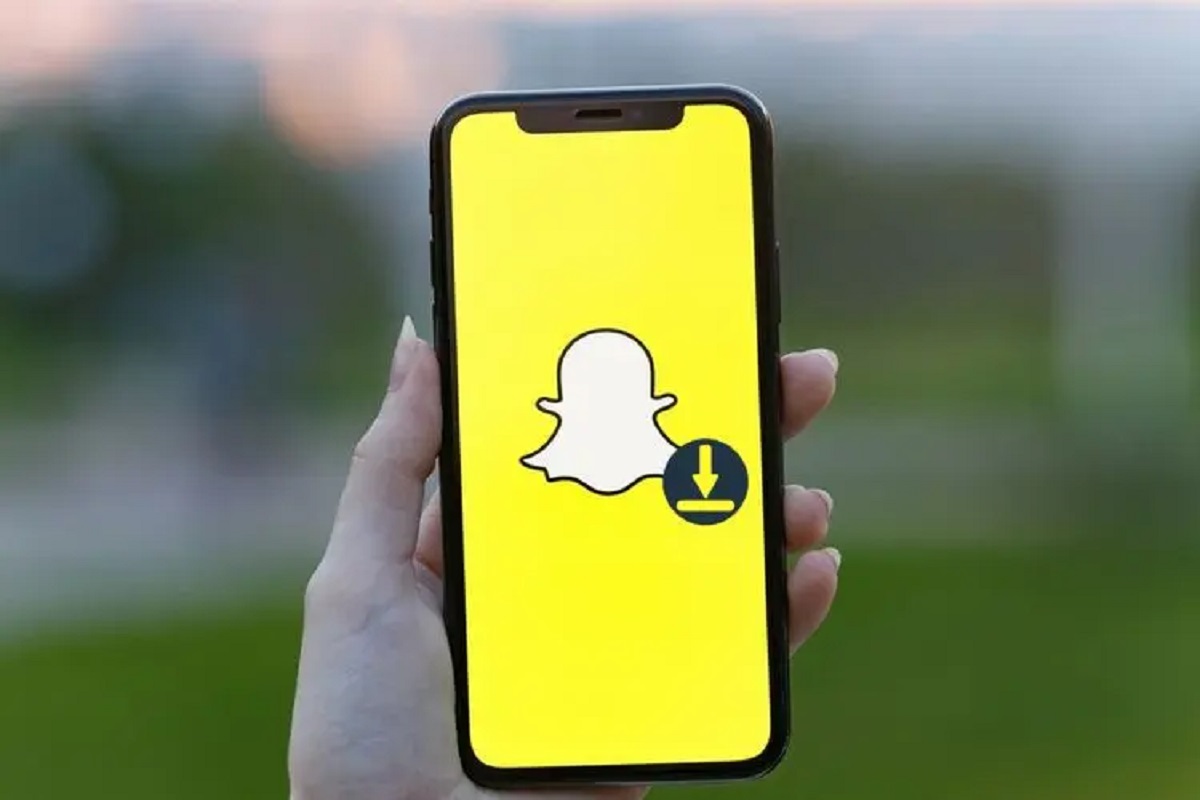
How To Download A Snapchat Story

The quickest way to download a Snapchat Story you created is to open your profile and tap the download icon next to the Story, saving the entire thing to your...

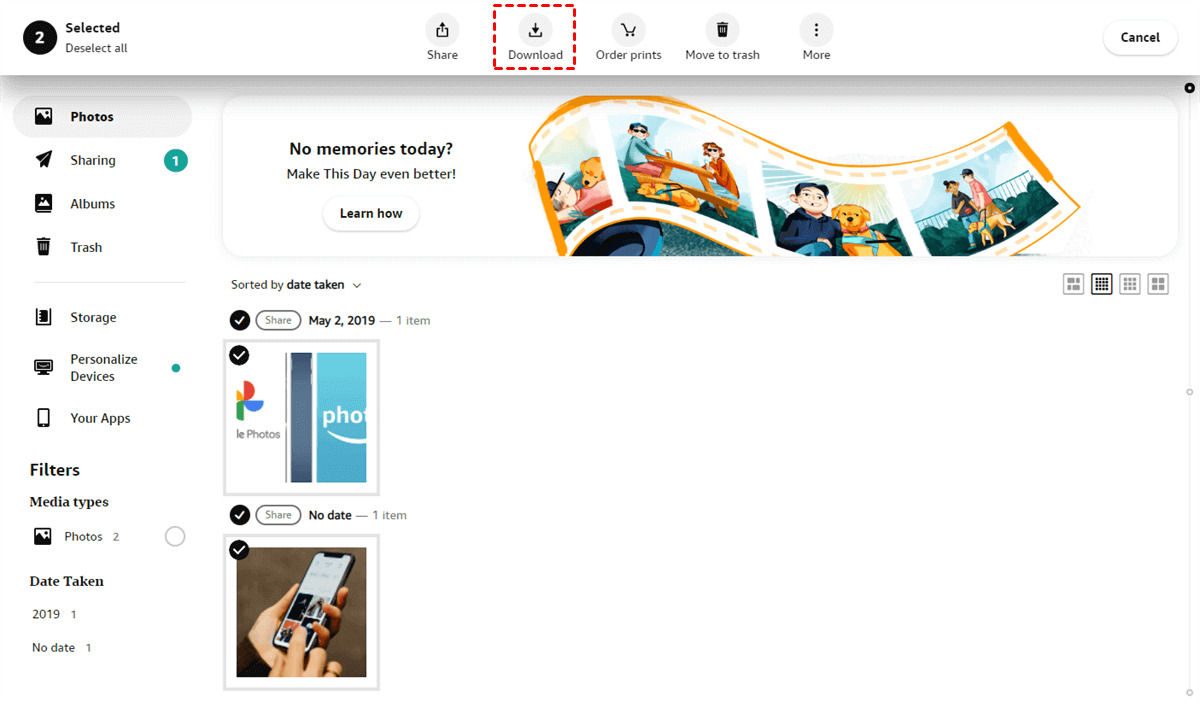
How To Download Pictures From Amazon Photos

To download pictures from Amazon Photos, sign in at amazon.com/photos, select the photos using the checkmark icon, click the Download button, choose your preferred quality and format, and the files...

How To Download From Hoopla

To download from Hoopla, you need a valid library card from a participating library and the Hoopla app installed on a supported device. Once you have those, you can borrow...

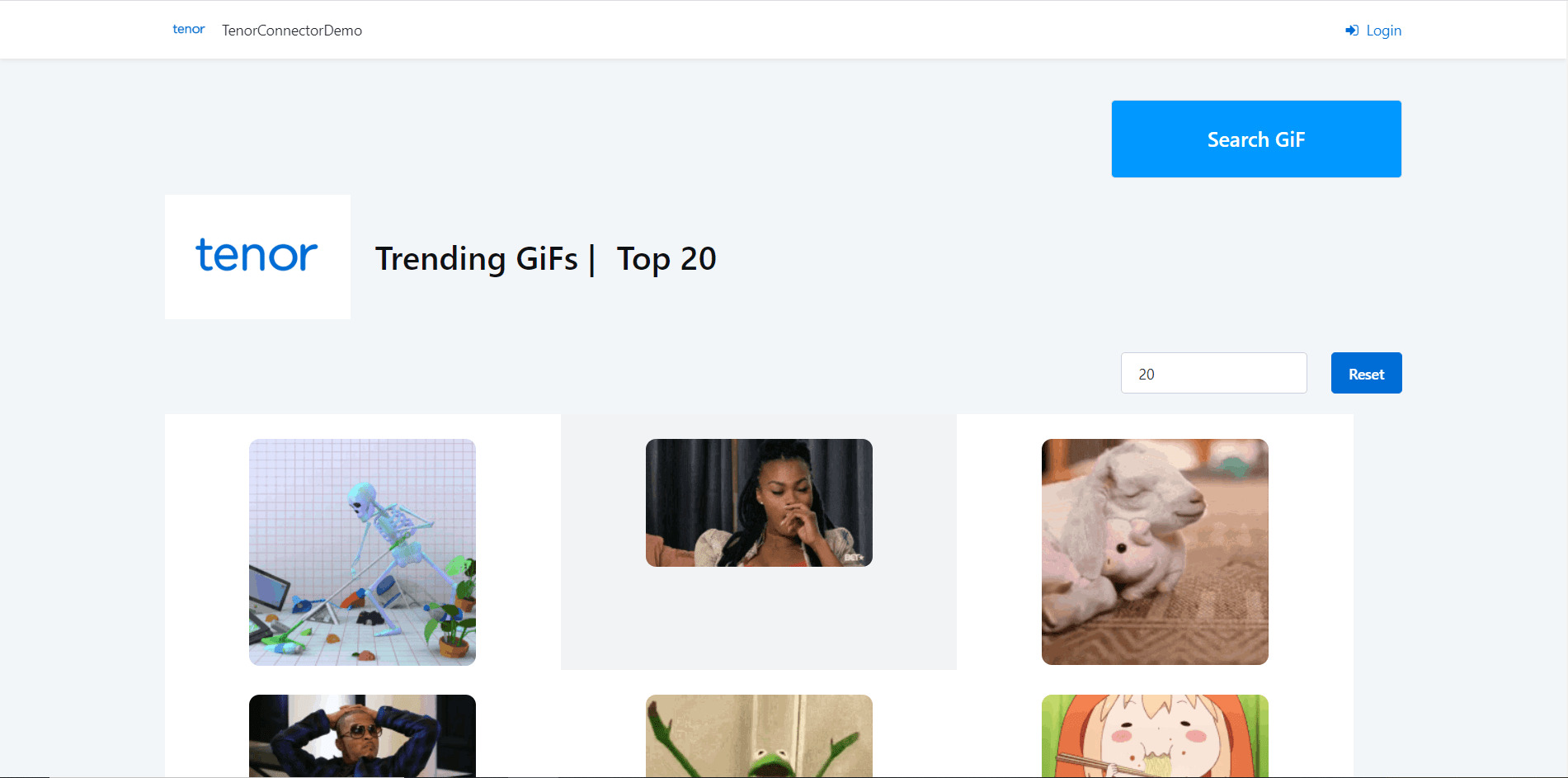
How To Download GIF On Tenor

To download a GIF on Tenor, open the GIF's dedicated page, right-click the image, and select "Save image as" on a desktop browser, or on mobile, tap and hold the...

How To Download Stuff On School Chromebook

How To Download Stuff On School Chromebook Yes, you can download on a school Chromebook, but with limits. School Chromebooks are managed by administrators who can block downloads, yet several...

How To Download Mods From Mod.io

To download mods from Mod.io, you have two main paths: grab a ZIP file manually and drop it into your game’s folder, or use the built-in Mod.io API that some...

How To Download Wetransfer Files

To download WeTransfer files, simply open the transfer link you received via email or direct message, no account is required. The entire process takes just a few clicks, starting from...

How To Download Twitter Space Recording

To download a Twitter Space recording, you need a third-party tool that extracts the audio from the Space's public URL. This is the only reliable method for listeners, as X...

How To Download Transcript From Teams

To download transcript from Teams after a meeting, open the meeting chat, select "Recap," then "Transcript," and choose your file format from the dropdown arrow next to "Download." This gives...

How To Download A Pinterest Board

To download a Pinterest board, you need to use a third-party browser extension or web tool since Pinterest does not offer a built-in "download all" button. This guide covers the...

How To Change The Default Download Location On Android

You can change the default download location on Android, but there is no single universal setting that controls where every file lands. The most common default path is `/storage/emulated/0/Download`, and...