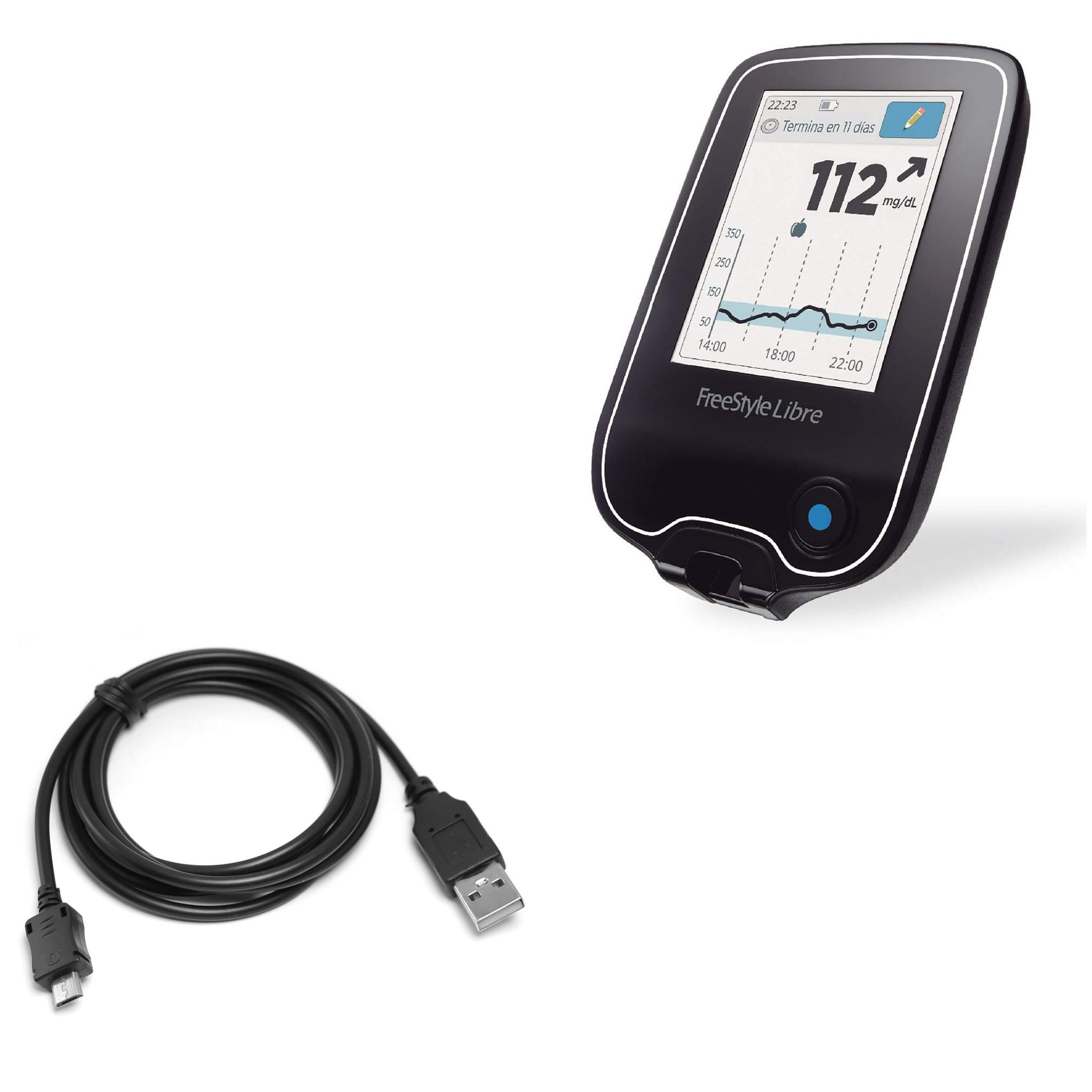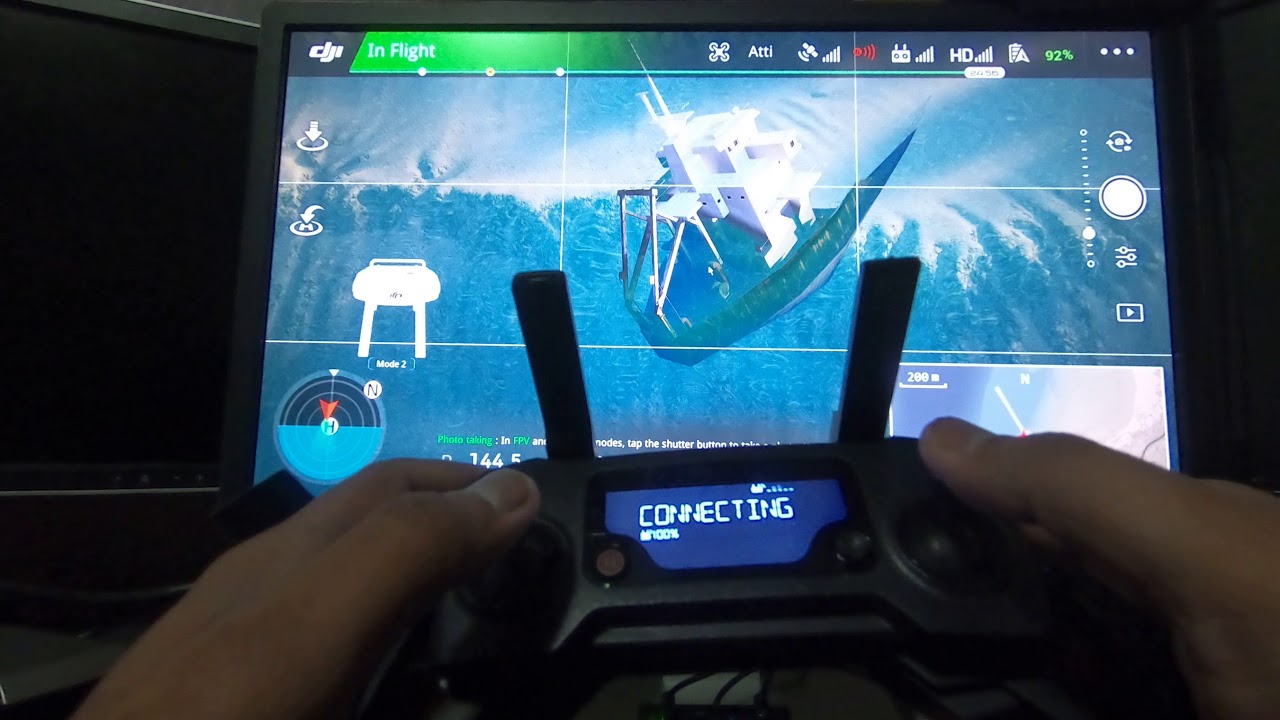
This tag collects practical guides for moving digital information between devices, operating systems, and apps. It is written for everyday users who are facing a transfer task, whether that means copying files off a phone, syncing a medical device to a computer, or switching browsers, and want clear, step-by-step instructions without jargon. The articles assume no special technical background, only a device and a goal.
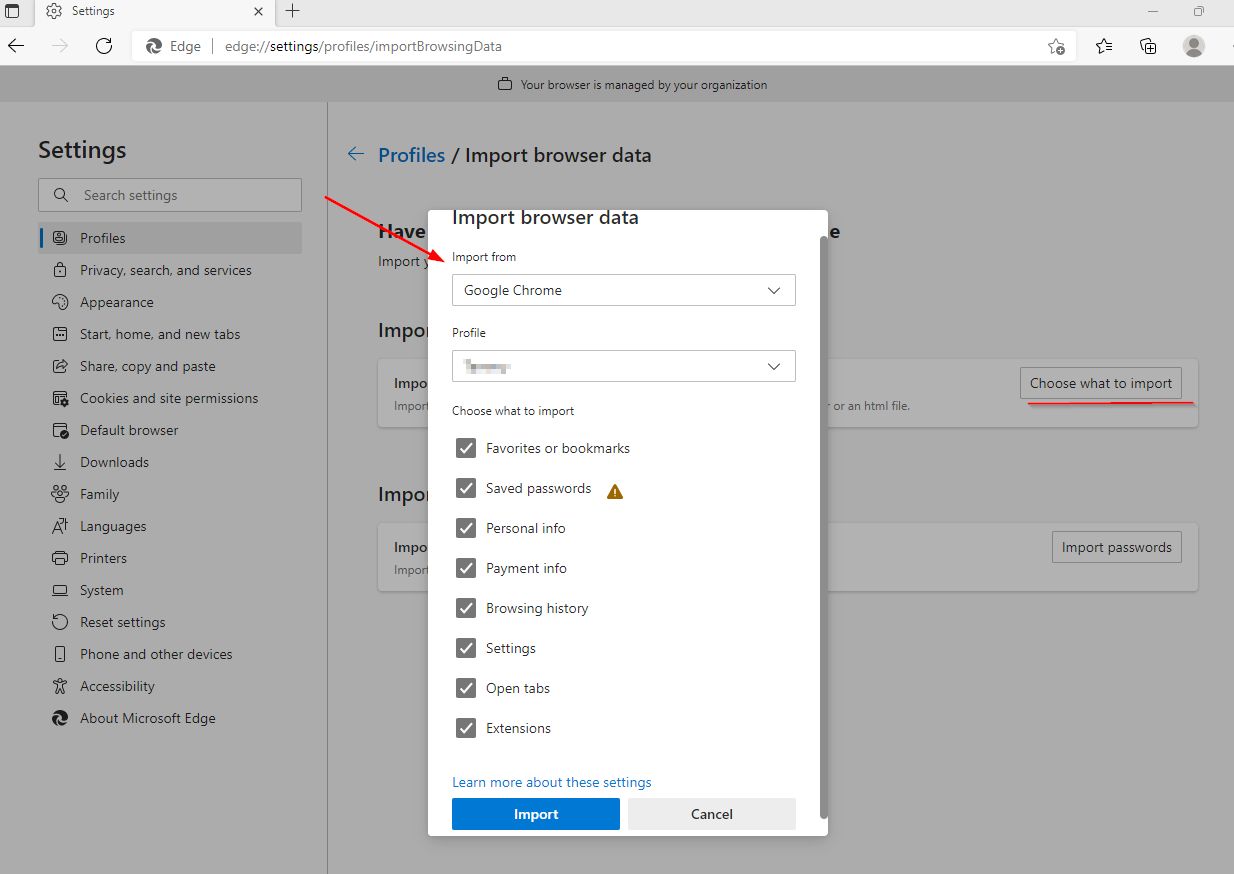
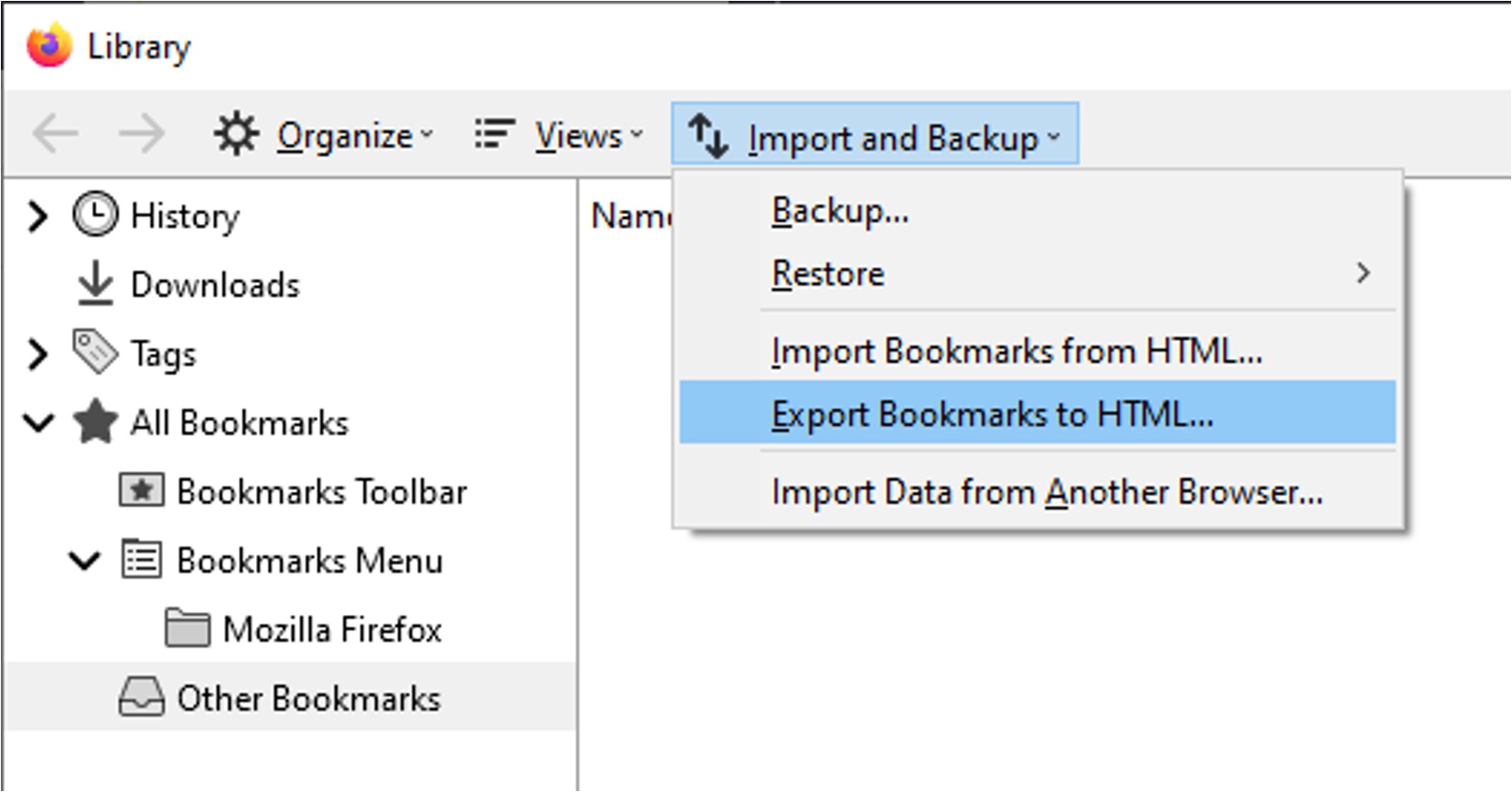
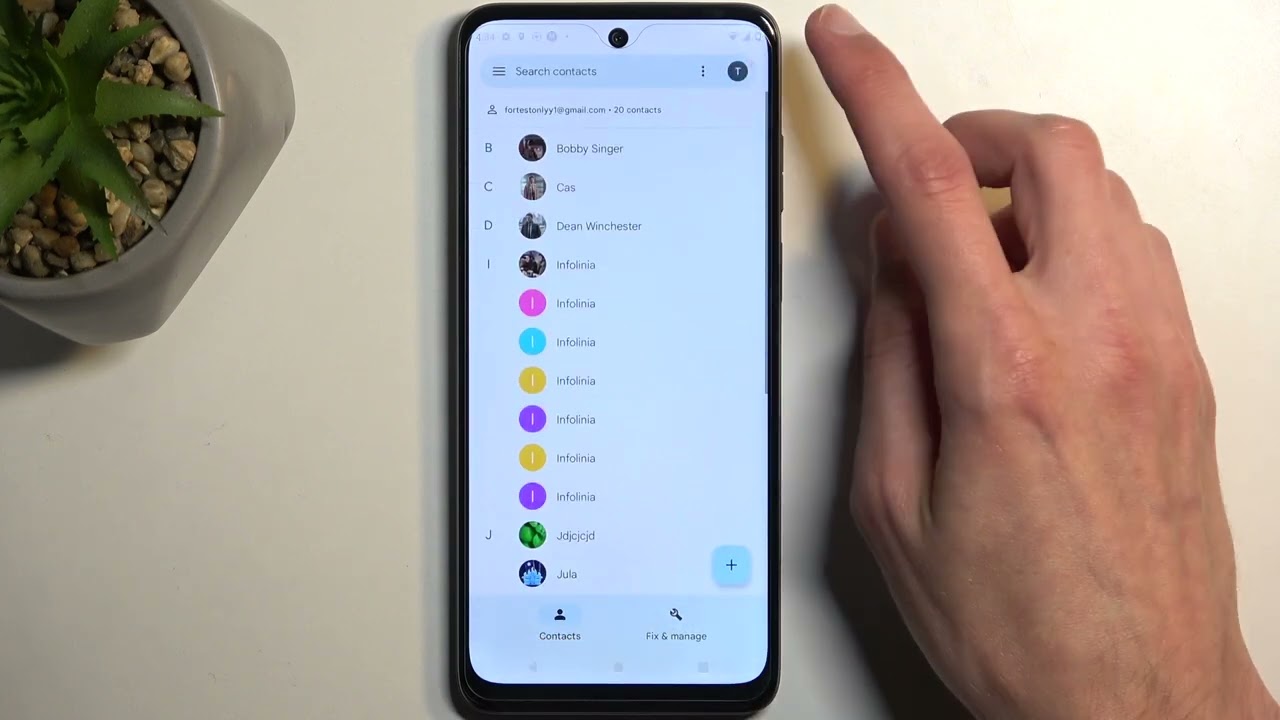
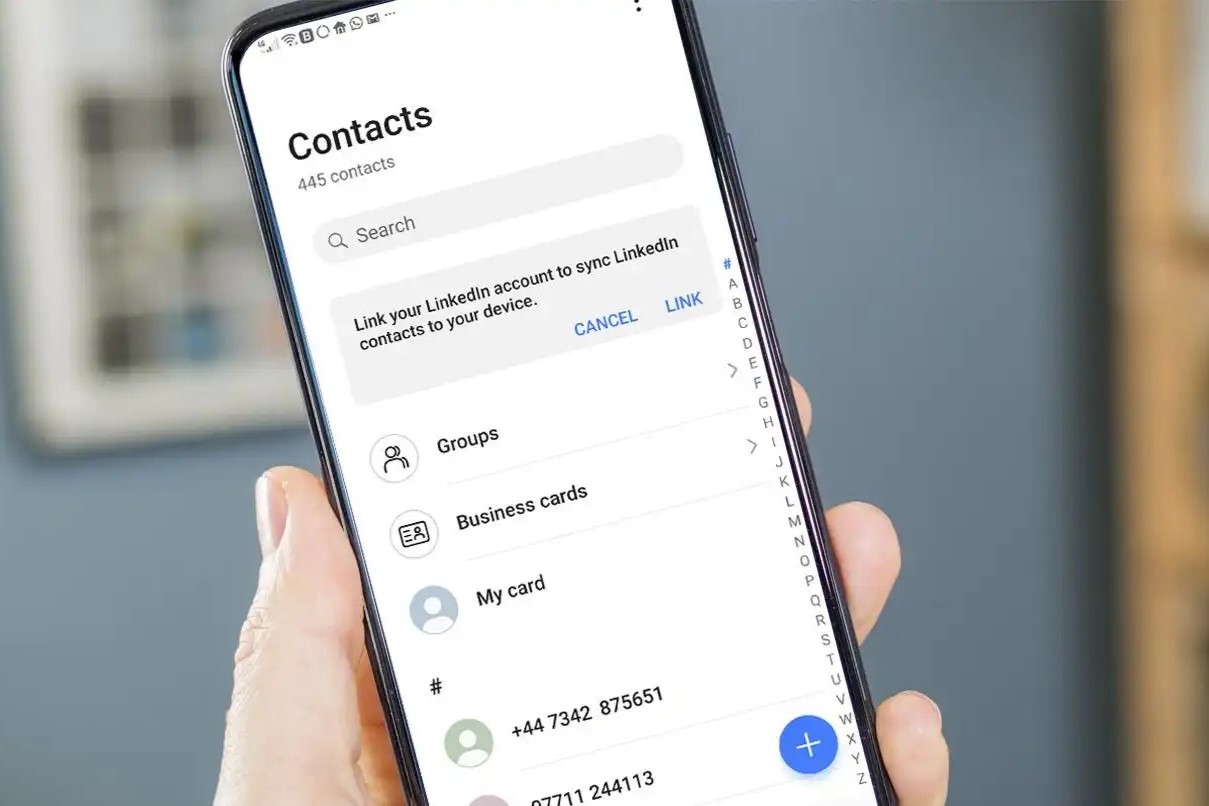
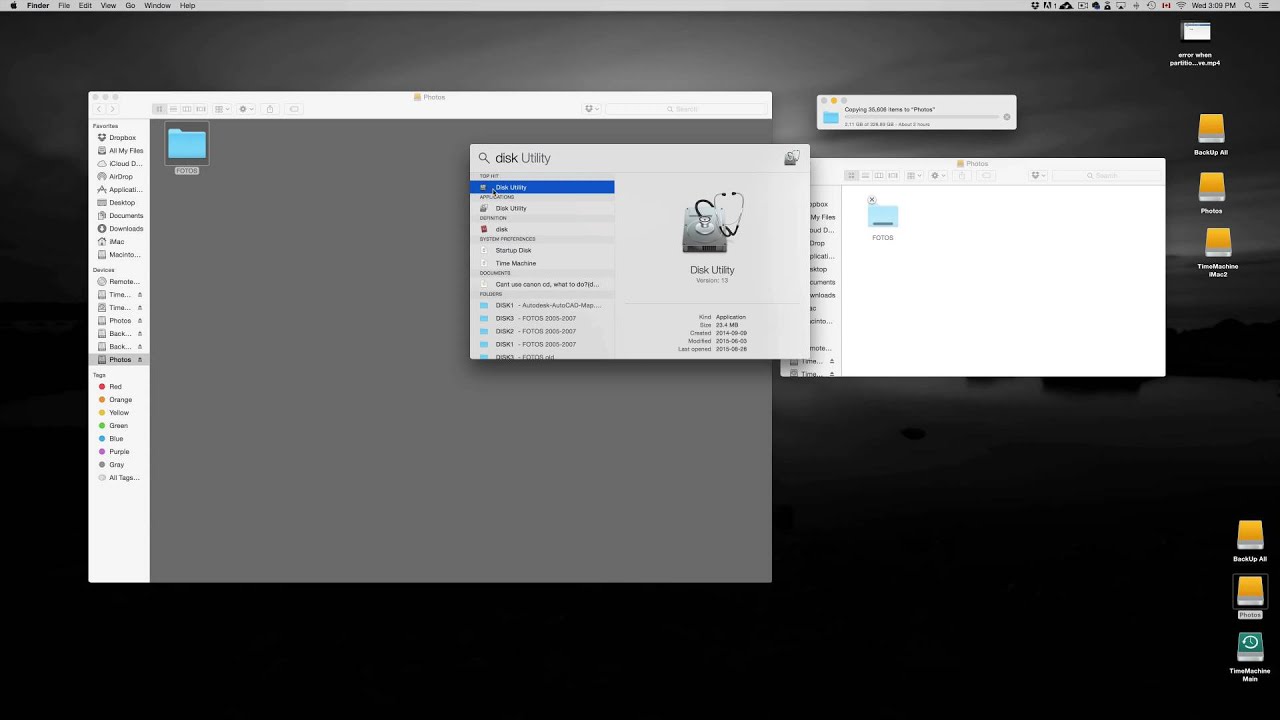
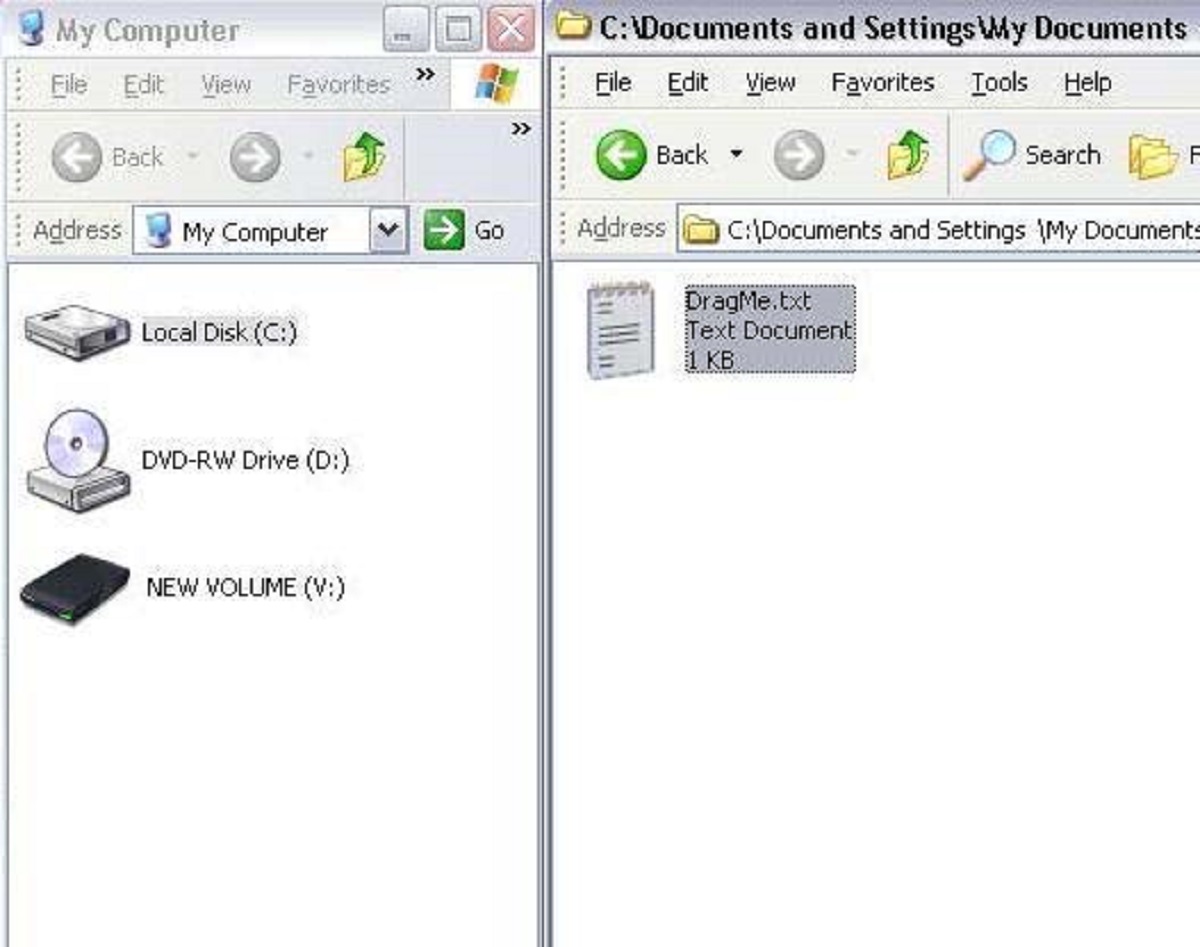
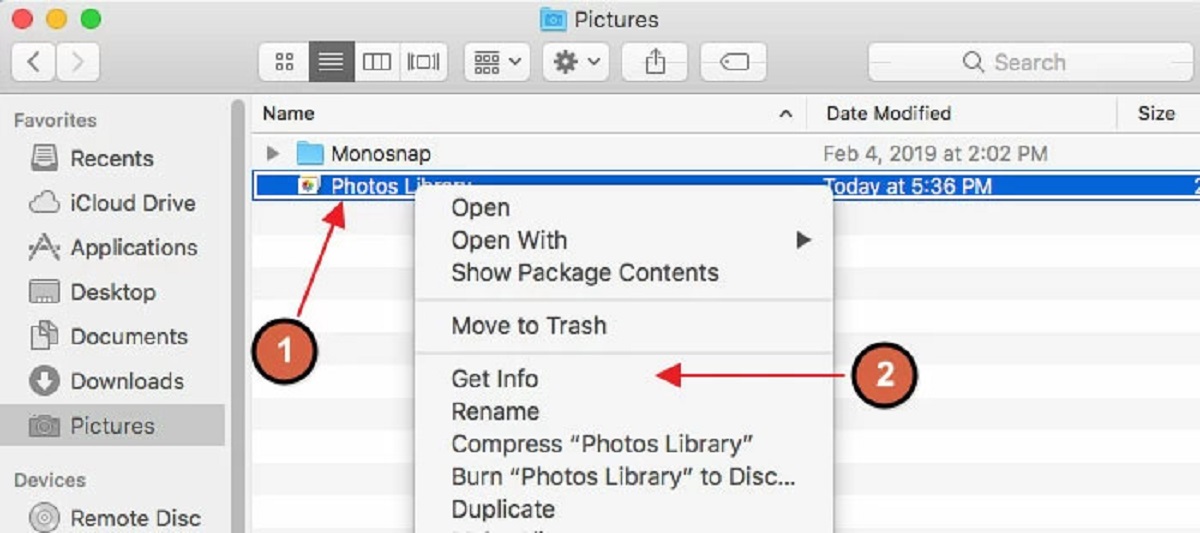
The problems covered here fall into two broad themes. The first is device-to-computer and device-to-device file movement: getting data off a continuous glucose monitor, pulling photos from a Mac onto an external drive, or copying the entire contents of one external drive to another on a Mac. The second theme is app and contact migration: moving browser bookmarks between Firefox and a new PC, shifting favorites from Chrome to Edge, or transferring contacts to a SIM card on Android and iPhone. Several pieces also address practical compatibility questions, such as how to use a Mac-formatted external drive on a Windows PC, how to connect a DJI controller to a computer, and how to access files on a Seagate drive.
A few articles take a security- or privacy-conscious angle rather than a simple “move it” approach. The guide on what happens to Face ID locks after transferring to a new iPhone explains the safety implications of app-level biometric data, so readers understand what carries over and what resets. Likewise, the contact-transfer tutorials emphasize legitimate carrier and OS methods, not workarounds. Across all eleven articles, the goal is the same: help you move your data safely, legally, and without losing anything important along the way.