This tag collects practical guides for managing the people and contact information stored on your everyday devices, phones, tablets, smartwatches, and the SIM cards inside them. It’s written for everyday consumers who want to tidy up their digital address book, move numbers between gadgets, or fix a sync problem without digging through confusing settings menus. Whether you’re setting up a new tablet, pairing a smartwatch, or just trying to get your iPhone and Android devices to talk to each other, these articles walk you through the steps in plain language.
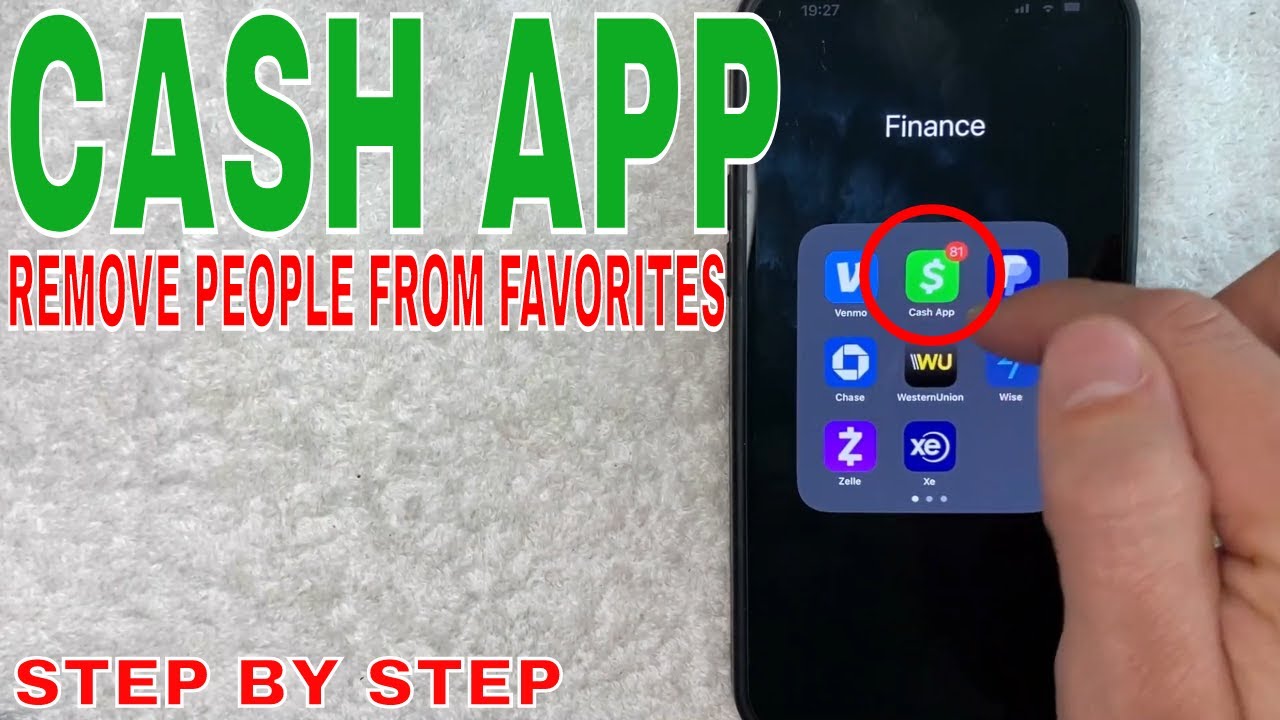
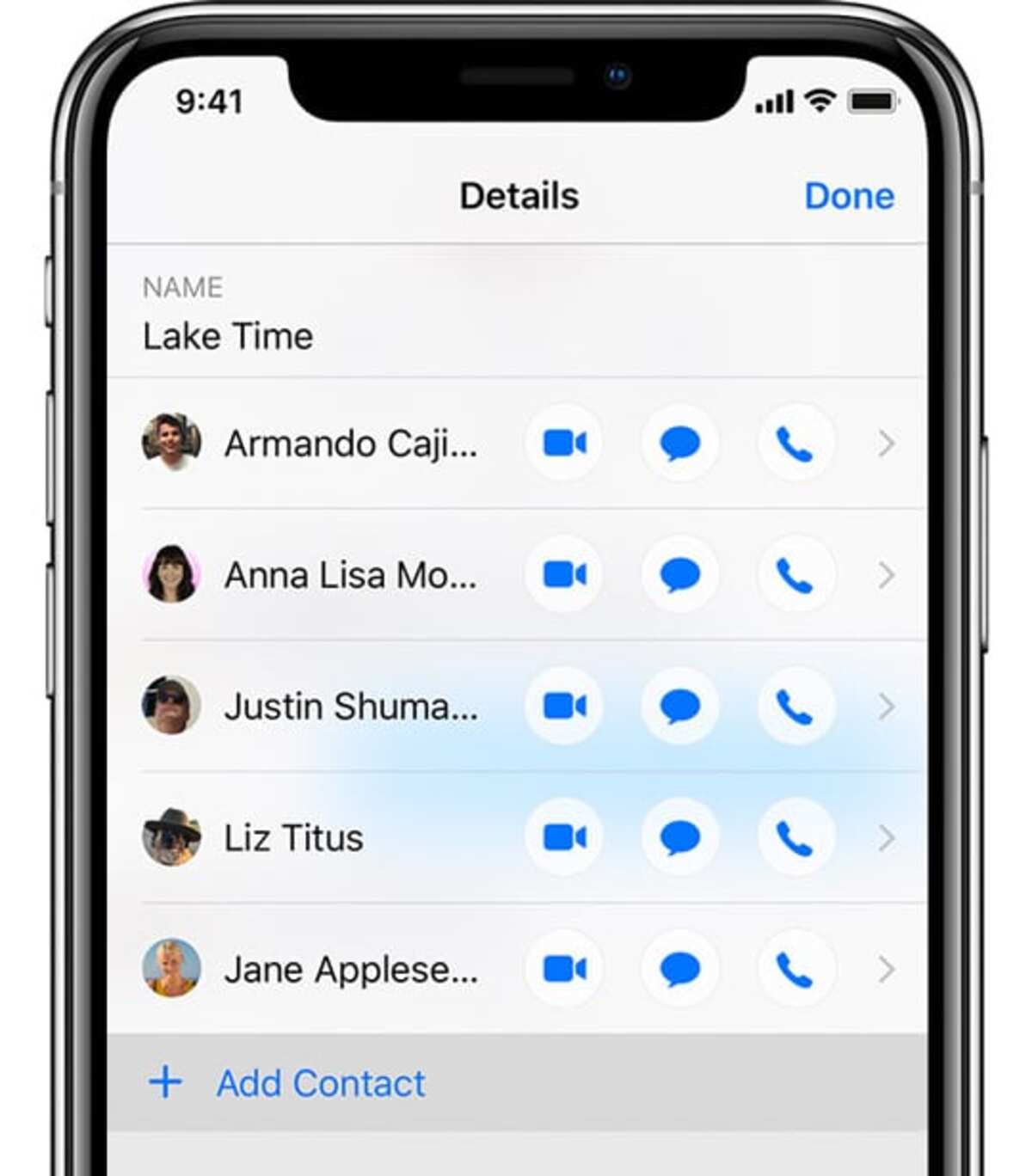
The articles fall into a few clear themes. One is moving contacts between devices and storage: you’ll find guides on adding people to iMessage, syncing your Android phone to a tablet, and transferring contacts to a Fire tablet. Another theme is SIM card management, there are step-by-step tutorials for saving data to a SIM on Android, moving contacts onto an iPhone SIM, and viewing what’s already stored on the card. A third theme is cleanup and separation: articles like “How To Unsync My Tablet From My Phone” and “How To Remove Someone From Cash App” help you cut digital ties, whether that’s stopping device-to-device syncing or removing a person from a payment app for your own privacy and peace of mind.
Instead of risky workarounds, several pieces frame their advice around safe, legitimate choices. For example, the Cash App removal guide focuses on managing your own account and protecting your financial data, while the smartwatch syncing article helps you set up a wearable without exposing more of your contacts than you intend. These are not about bypassing security, they’re about taking control of your own information, cleaning up old connections, and making sure your contacts end up exactly where you want them.