This tag collects articles about the everyday hardware that sits between you and your computer: keyboards, mice, and the connections that make them work. It is written for anyone who has ever looked at a peripheral and wondered what a particular key is called, or who has a wireless receiver that will not pair, or who owns a well-loved mouse that has started misbehaving. The focus is practical, hands-on help for common frustrations, not advanced tinkering or risky modifications.
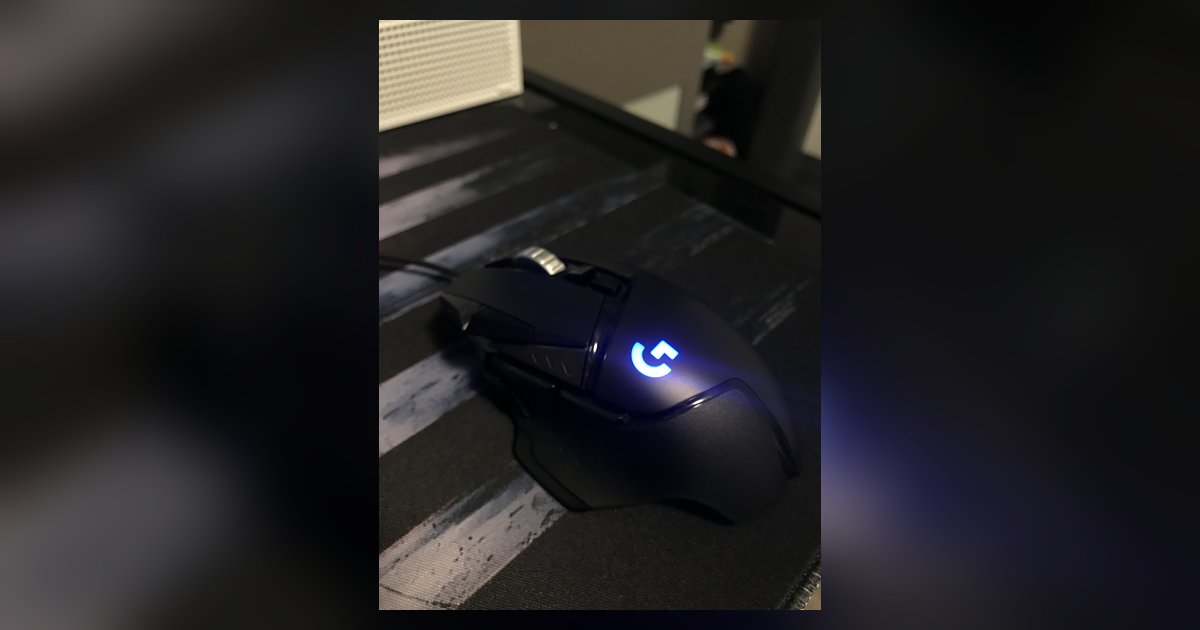
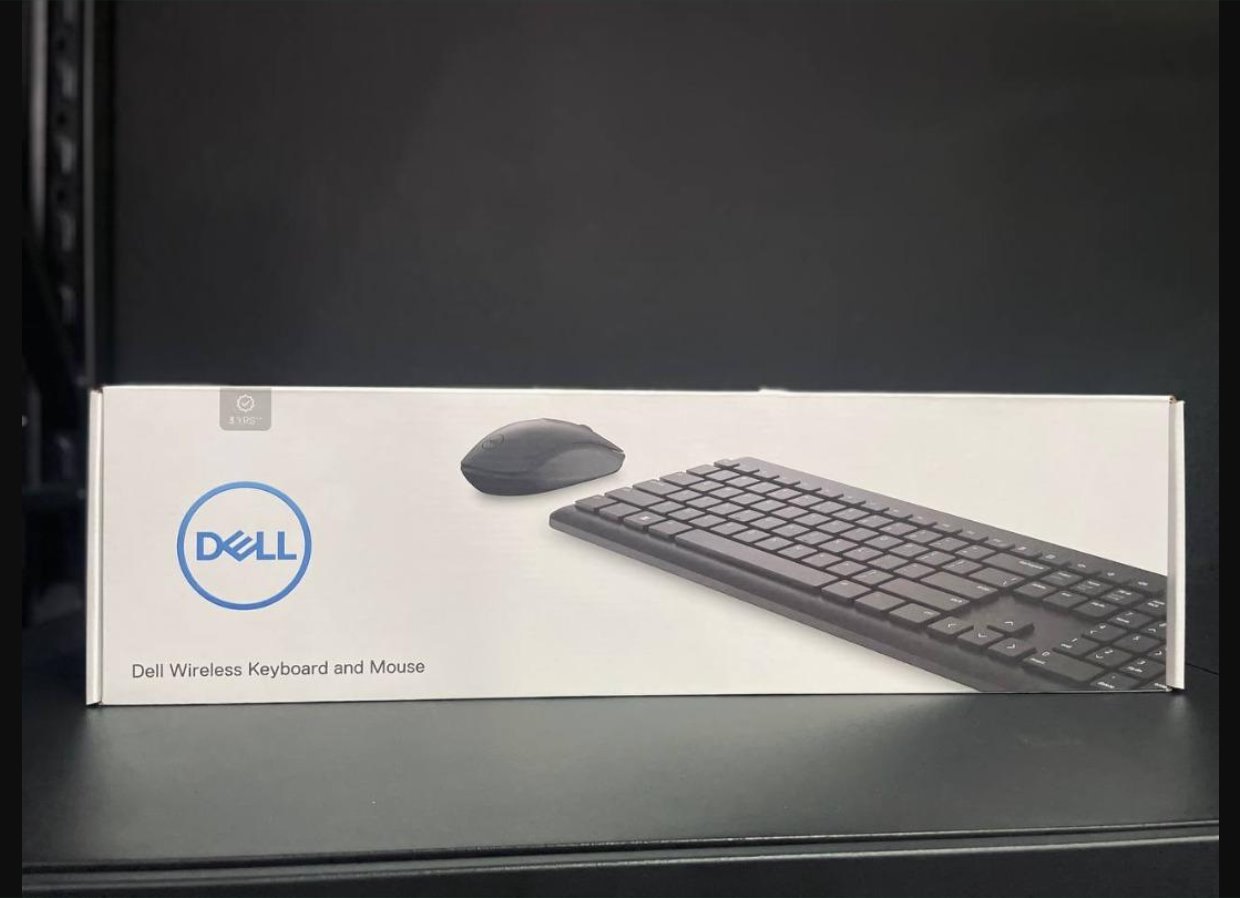
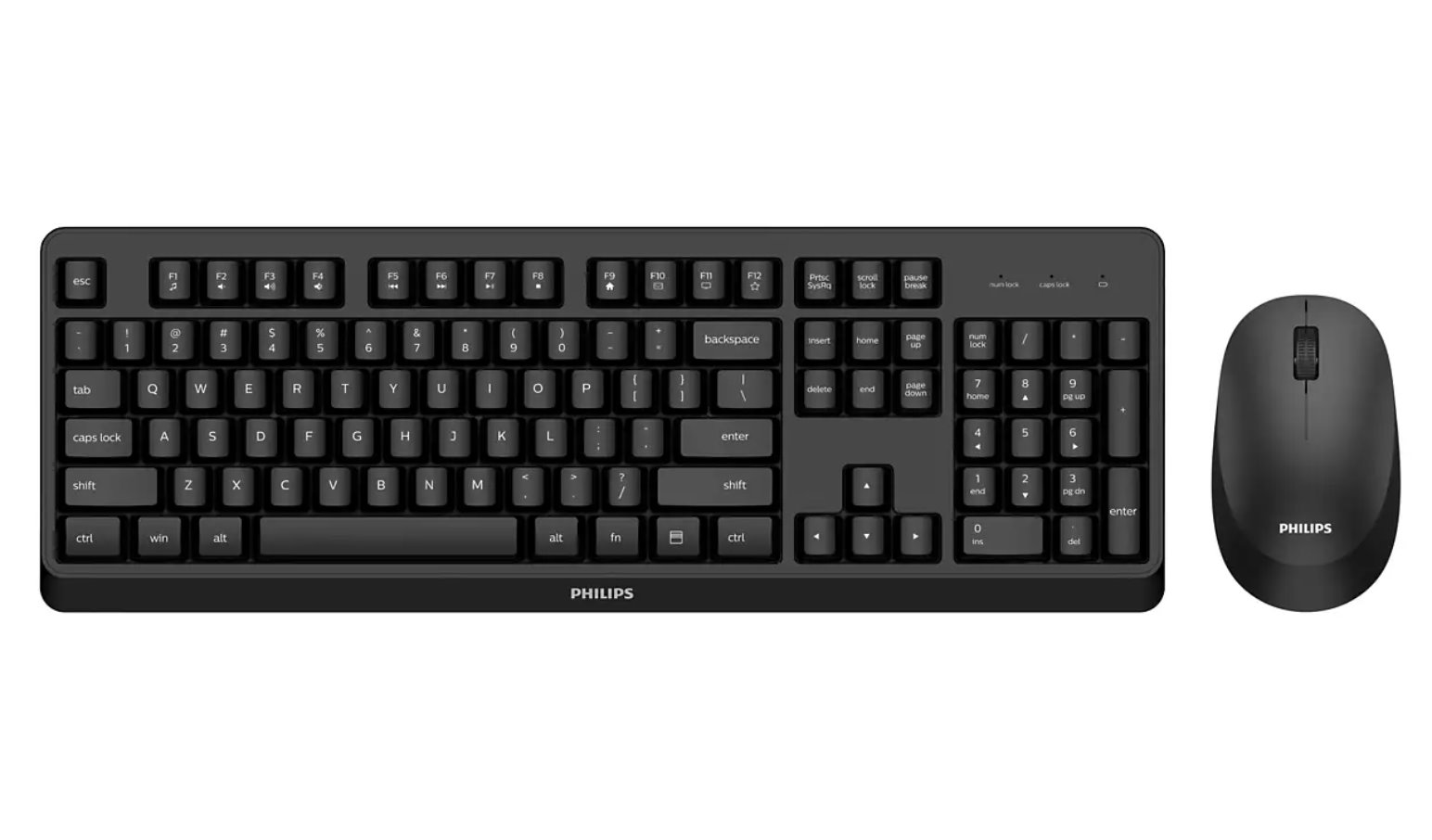
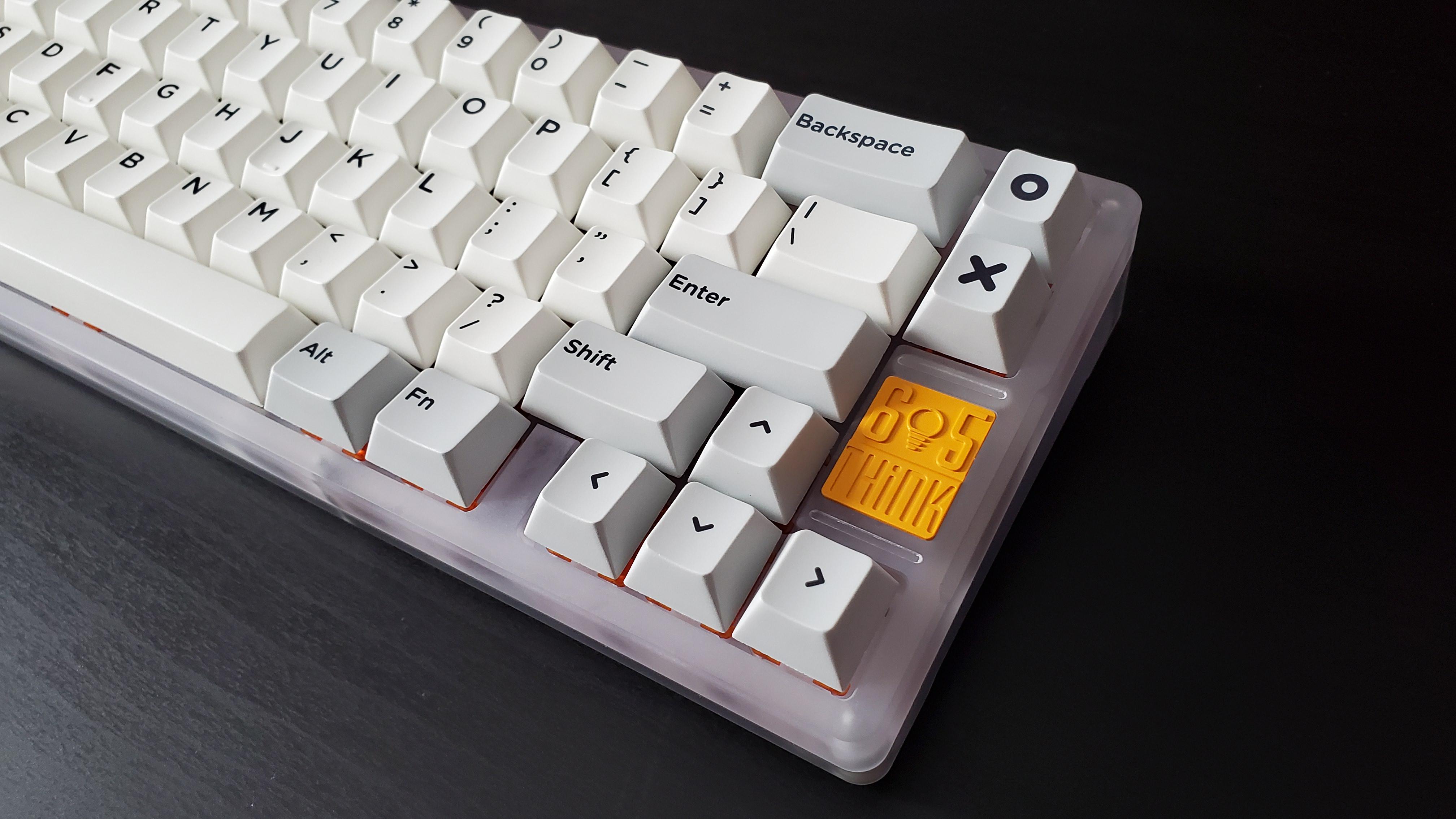
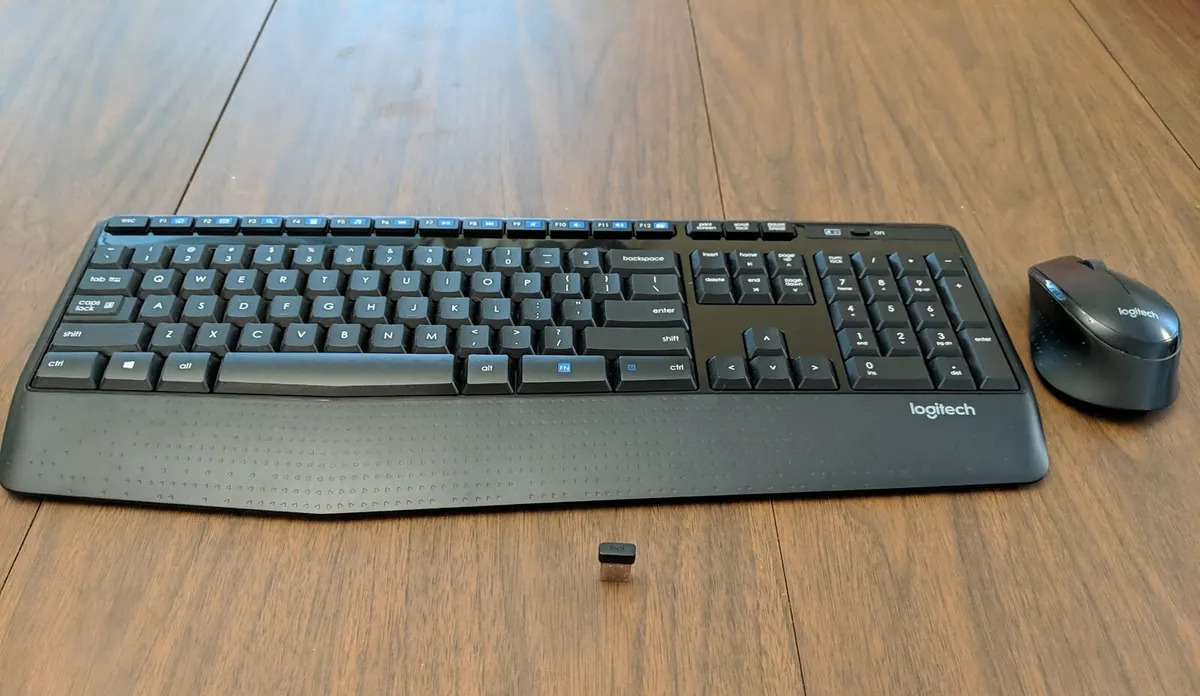
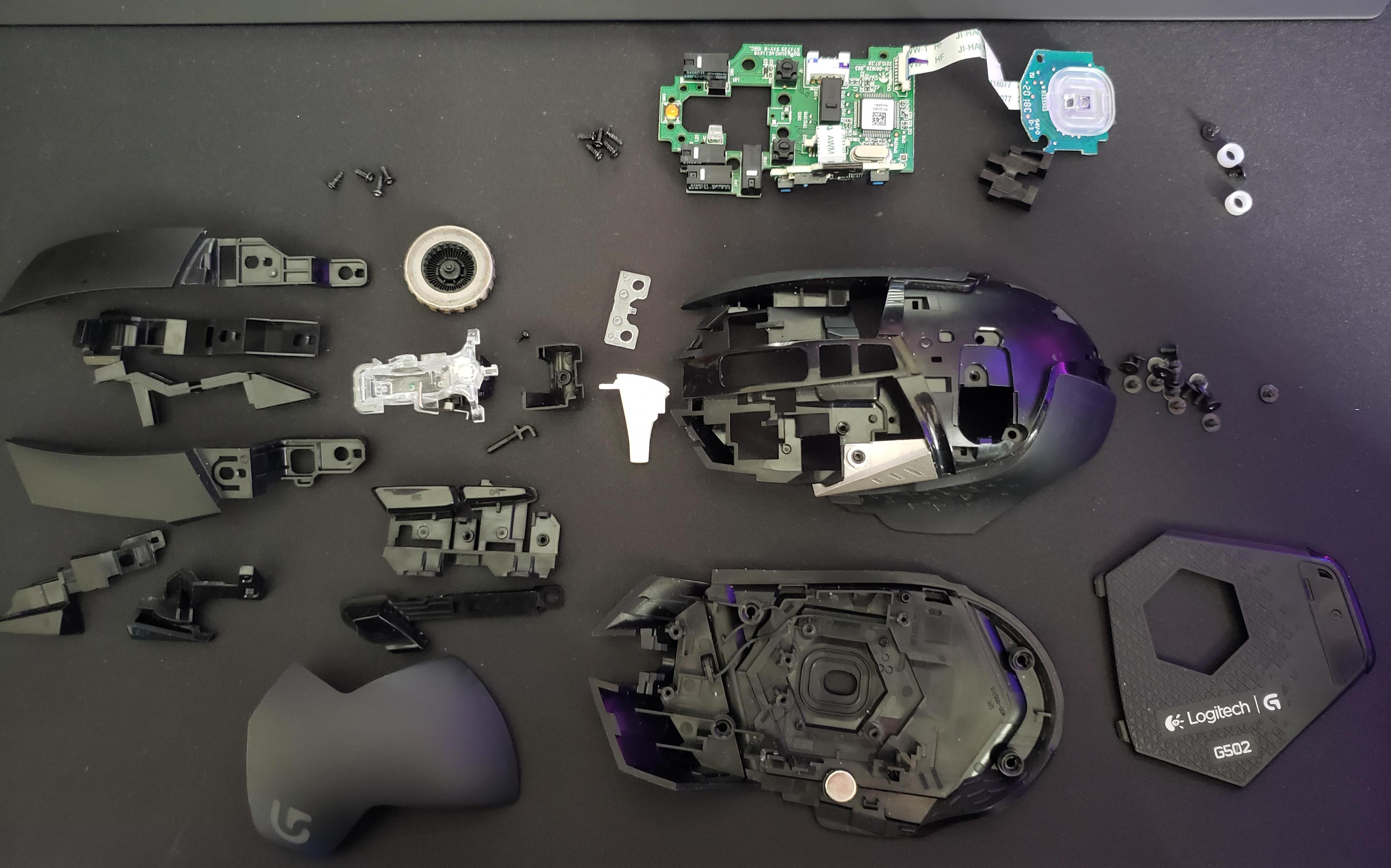
The articles here fall into two clear themes. The first is identification and connection: pieces like "What Are The Different Keys Called On A Keyboard" and "How To Connect Wireless Keyboard And Mouse" help you understand your hardware and get it talking to your PC, whether that means pairing a Dell wireless keyboard or setting up a Logitech mouse from scratch. The second theme is repair and maintenance, but always from a safe, legal angle. For example, "Logitech G502 Double Click Fix Without Soldering" shows you a non-destructive way to address a common switch issue, and "How To Take Apart A Logitech G502" walks you through disassembly for cleaning or inspection, without encouraging void-warranty hacks or bypasses. These are about extending the life of your gear through careful, reversible steps, not about cheating the system.
Specific topics you will see covered include naming the key groups on a standard keyboard, connecting a Logitech K345, pairing a Dell wireless keyboard, and reviving a double-clicking G502. The common thread is enabling you to use your peripherals with confidence, whether that means plugging in a new device, diagnosing a connection problem, or performing a gentle fix that avoids soldering iron and voided warranties alike.