This tag collects practical, everyday guides for using Apple’s Face ID across a range of apps and device functions. It is written for iPhone and iPad owners who want to set up, manage, or troubleshoot facial recognition on their own devices, not for security researchers or developers. The articles assume you already own the device and are looking for clear, step‑by‑step instructions.
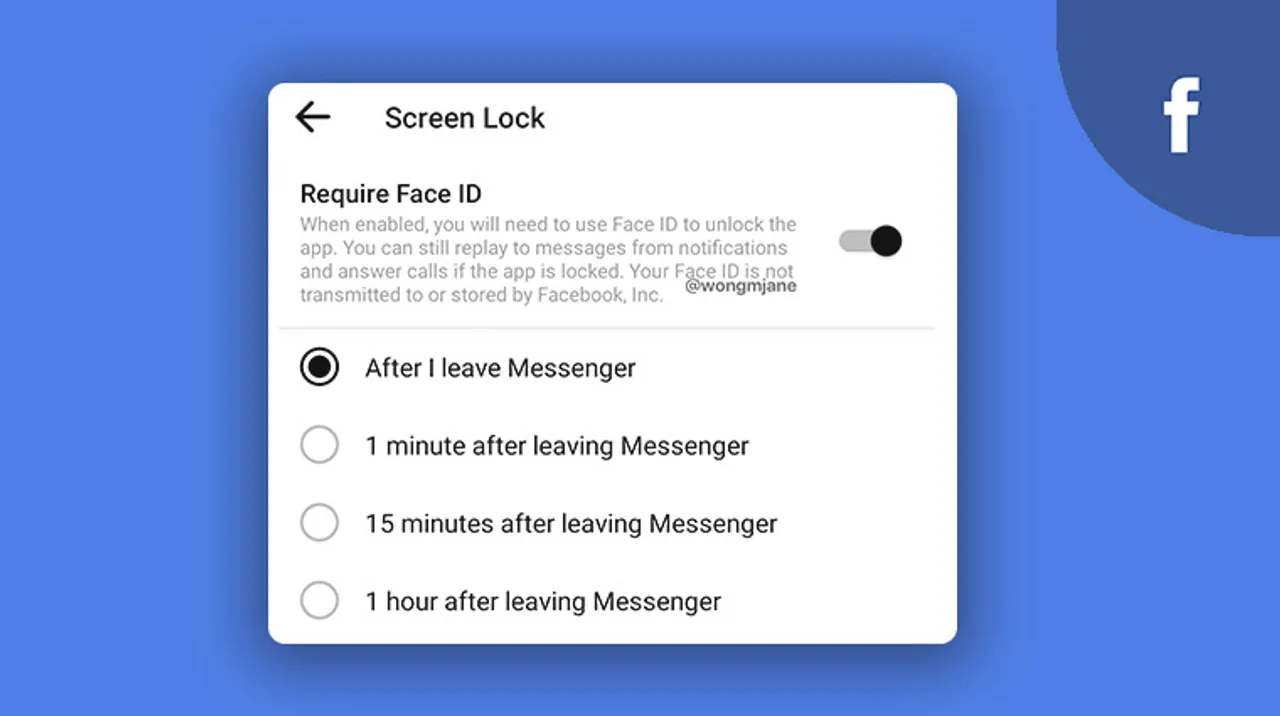
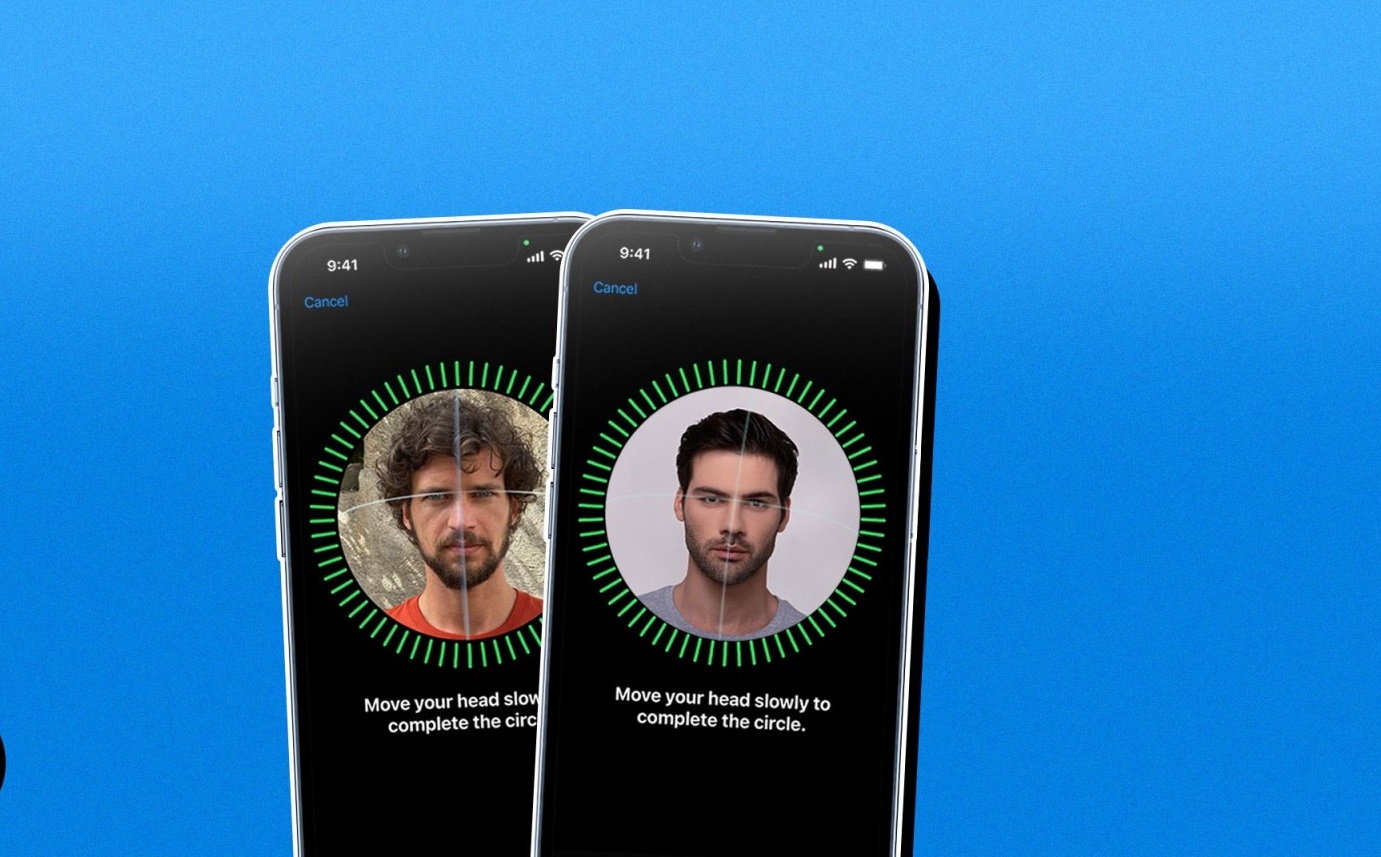
The pieces here solve three kinds of common problems. First, they help you enable Face ID where it is not turned on by default, such as in the Bank of America app, on Facebook, or on Instagram. Second, they show you how to manage the feature once it is active, for example, using Face ID to unlock locked Notes, or learning how to review and adjust your Face ID settings. Third, a few articles address device ownership and access from a safety and legal‑alternatives angle. For instance, one guide explains how to remove someone else’s Face ID from your phone if you have taken ownership of a second‑hand device, and another walks through what to do if you need to find your own Face ID passcode as a recovery step. These are framed as legitimate ways to regain control of your own hardware, not as methods to bypass or trick the system.
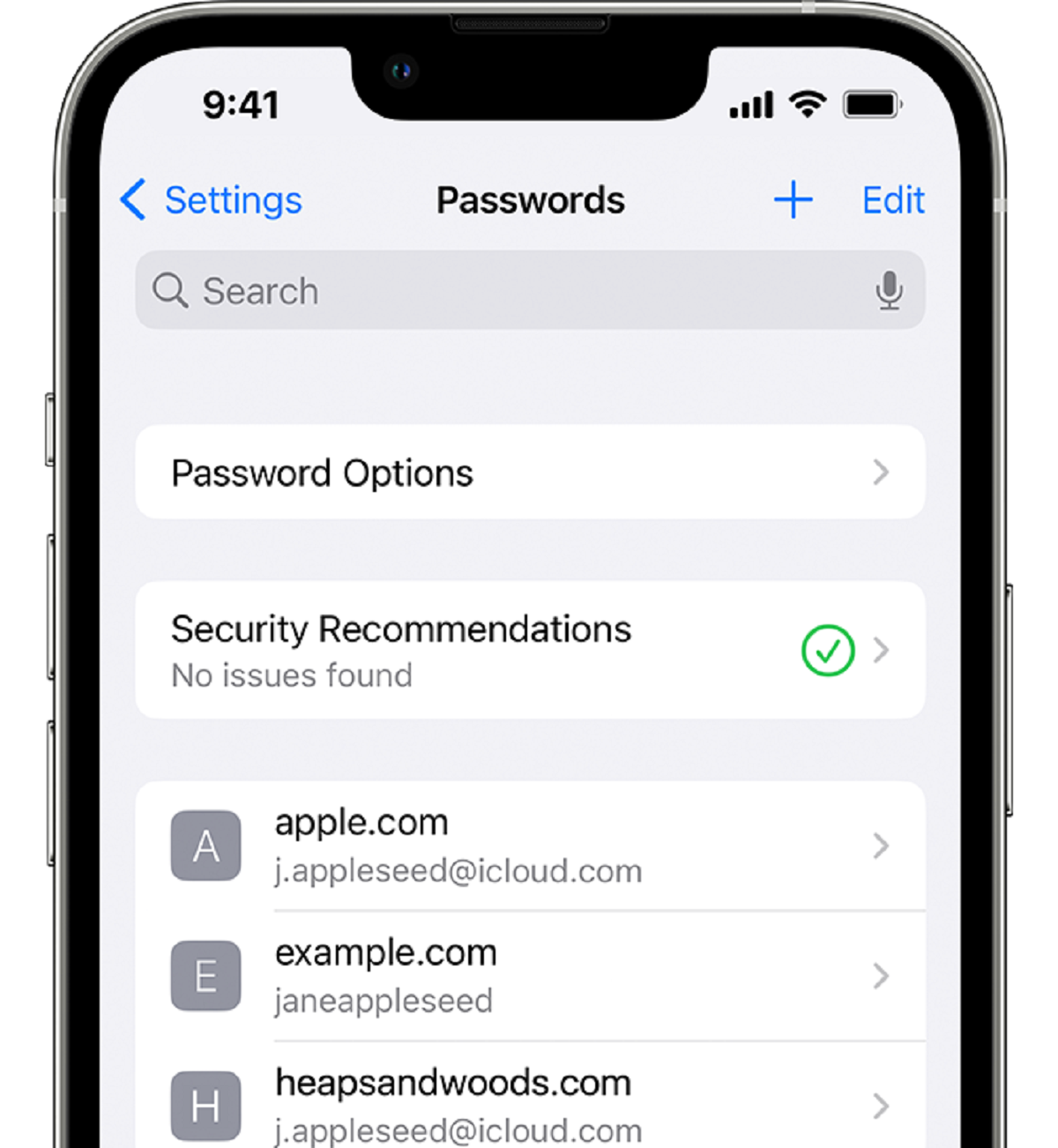
Specific topics covered include “How To Find Face ID Passwords,” “How To Add Face ID On Instagram,” “How To Open Locked Notes With Face ID,” and “How To Remove Someones Face ID From Your Phone.” Together, these articles help you turn Face ID on where you want it, keep it working smoothly, and maintain proper access to your own accounts and files.