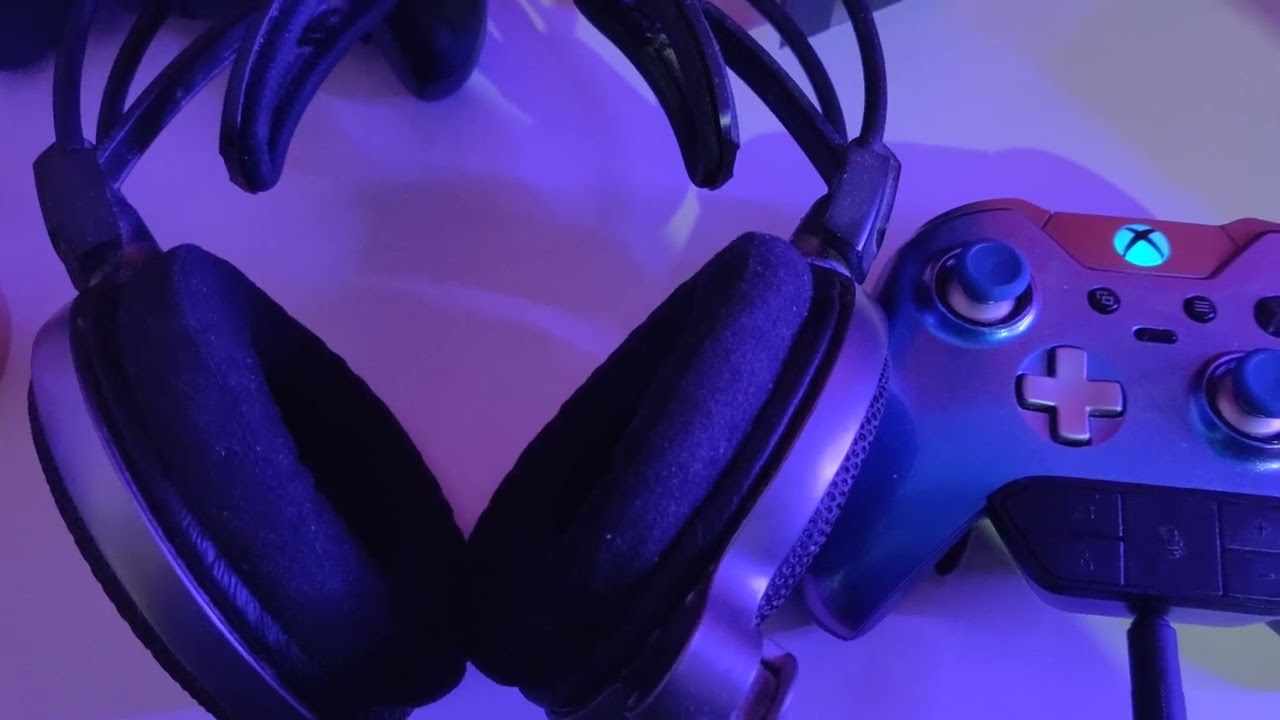
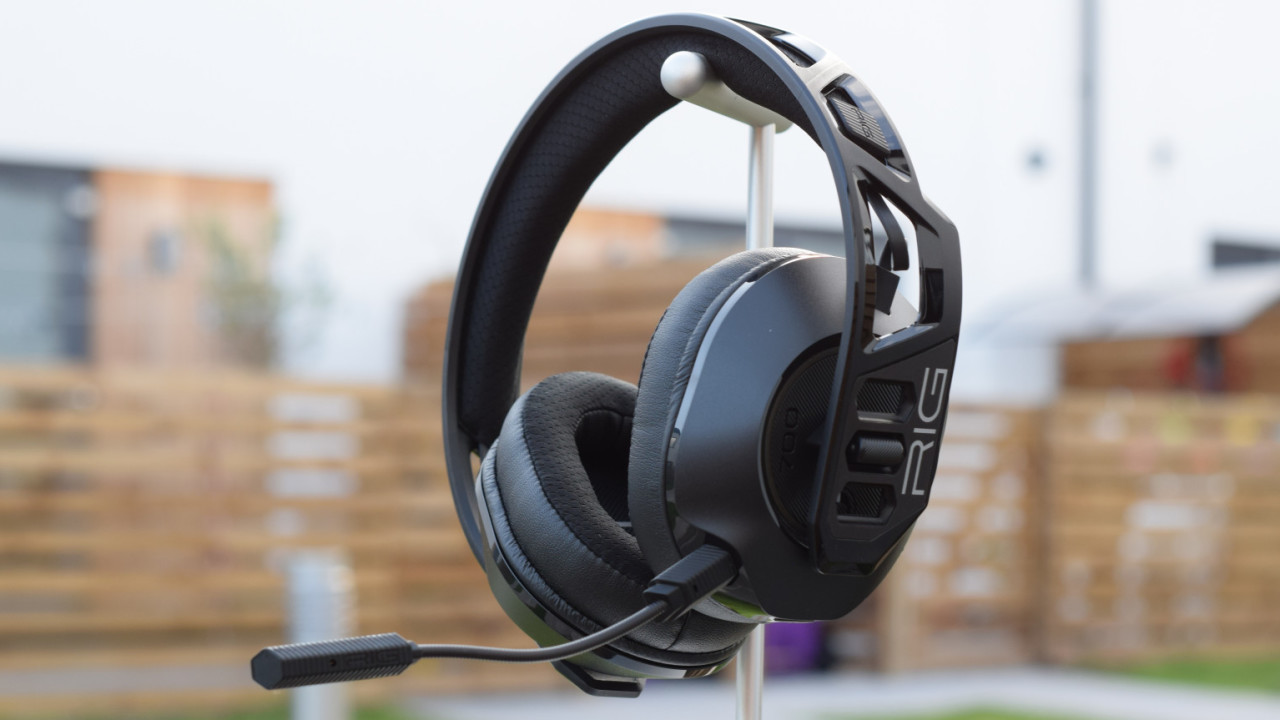
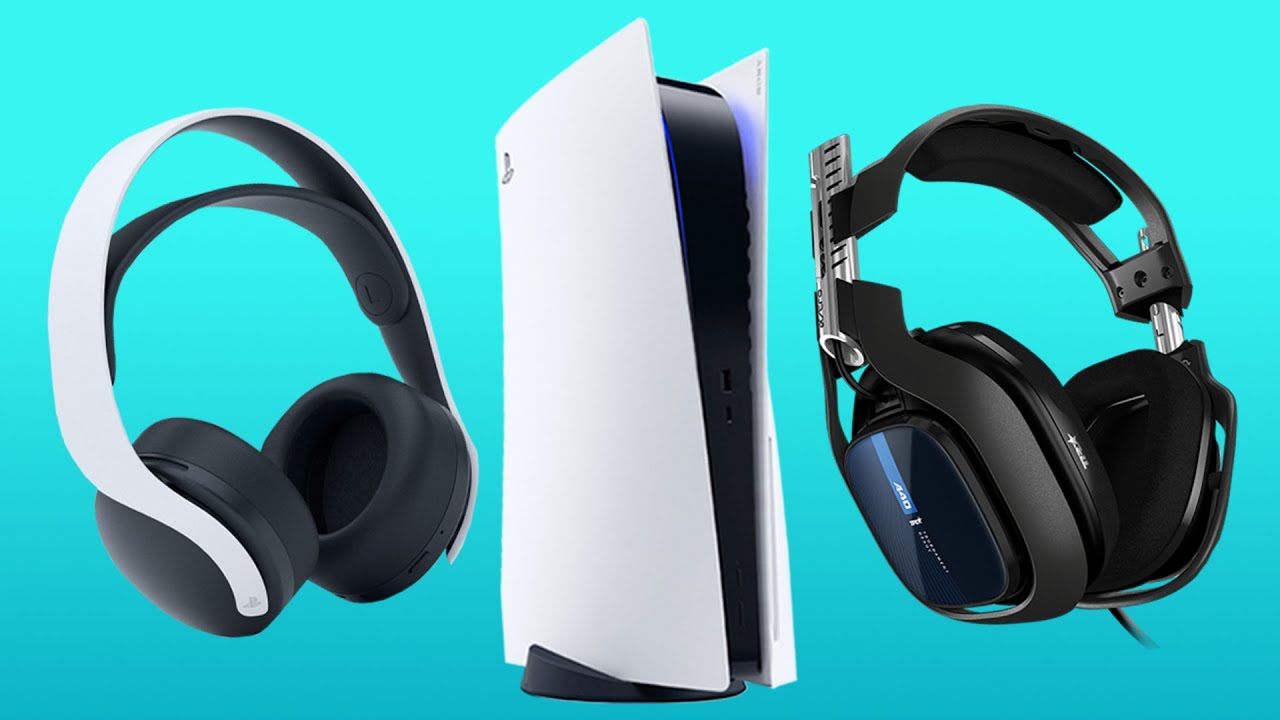
This tag collects practical guides for anyone dealing with audio problems on everyday consumer devices, streaming boxes, TVs, soundbars, gaming consoles, headsets, and computer speakers. Whether you’re a casual viewer, a remote worker, or a console gamer, these articles are written for non-technical readers who want clear, step-by-step fixes without jargon or guesswork.
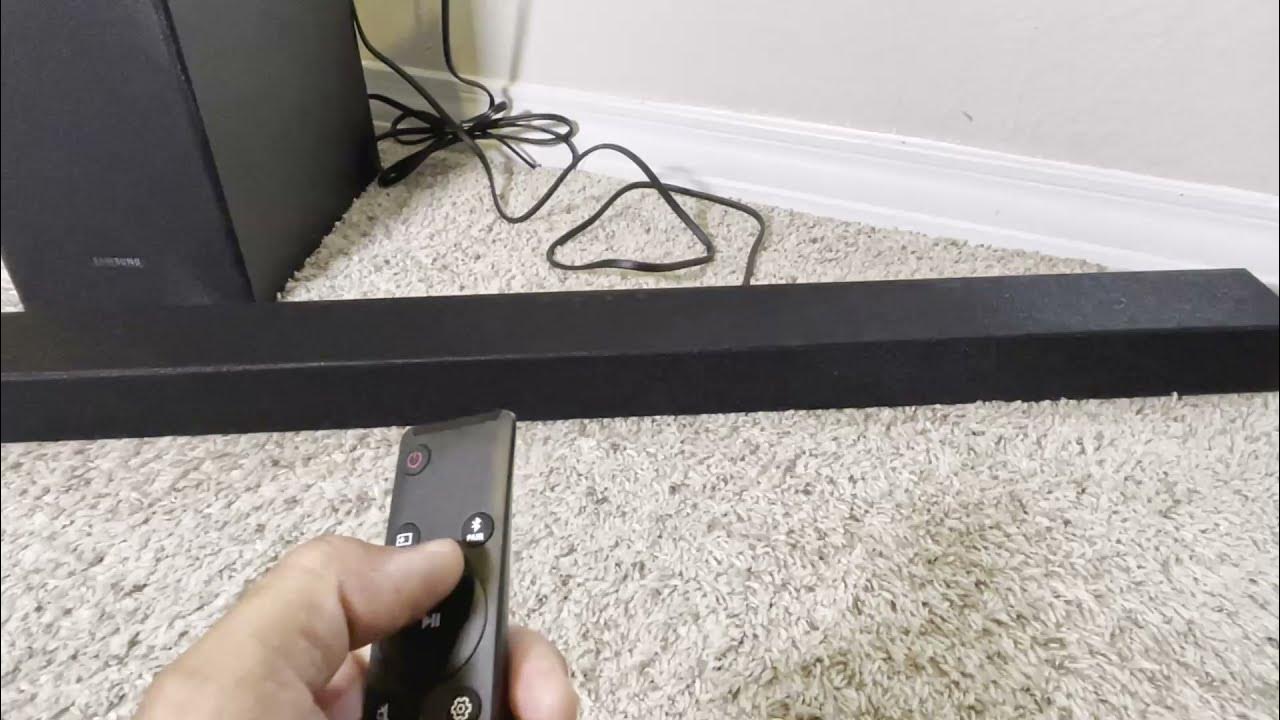
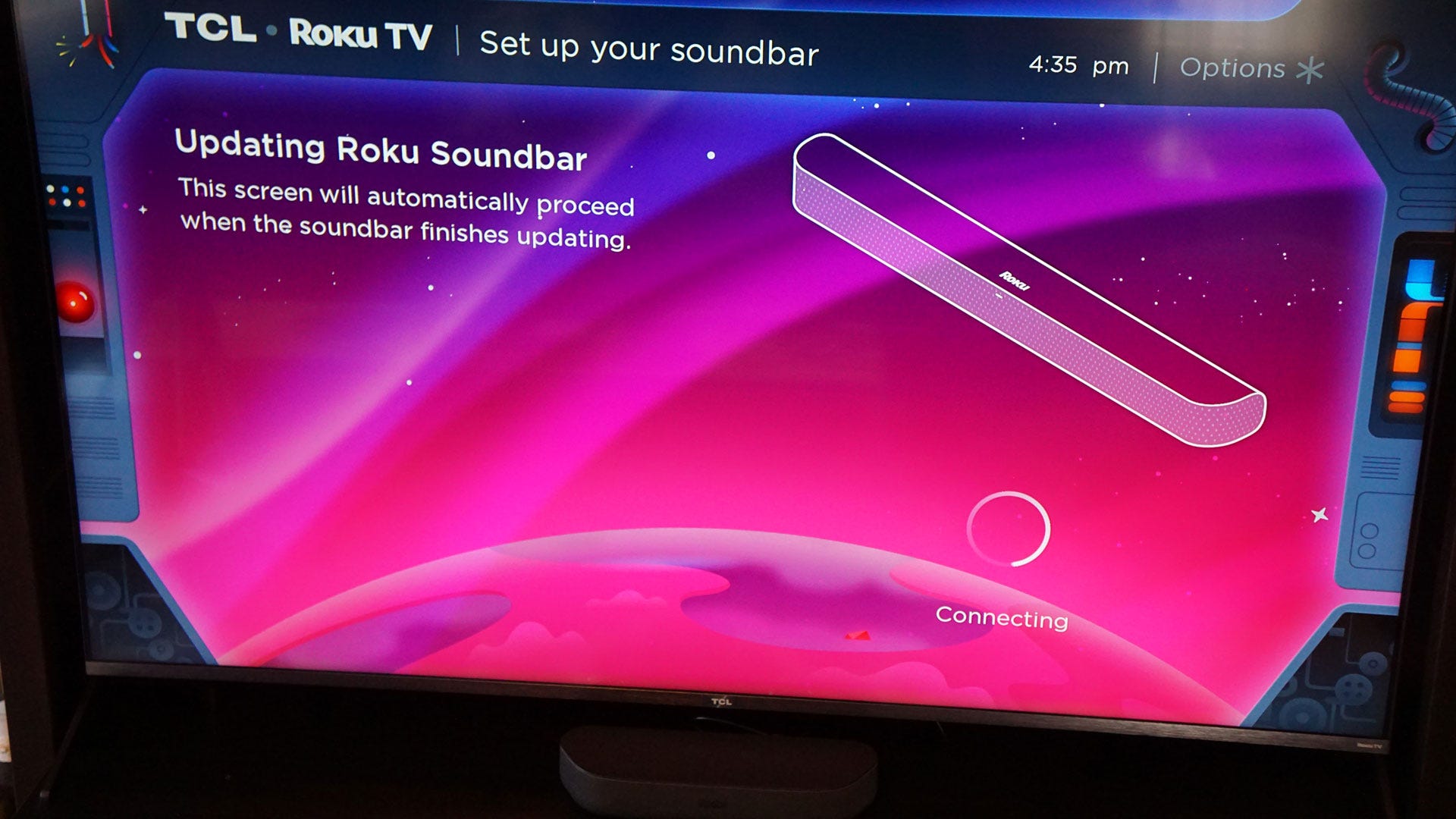
The articles cluster around three common trouble spots. First, several pieces address missing or weak sound from popular streaming platforms and hardware: you’ll find help for when HBO Max produces no audio, when a Roku TV goes silent, and when Logitech speakers seem too quiet. Second, a group focuses on voice and microphone problems during calls or gaming, including a guide to fixing speaker mode when the other person can’t hear you, plus troubleshooting for headset mic issues on gaming rigs. Third, there’s a smaller set covering specific device quirks, such as how to locate the ID set on a Samsung soundbar (useful for pairing or setup) and how to resolve PS5 audio that cuts out mid-game.
Across these topics, the goal is always to help you restore normal function safely and legally. The Samsung soundbar article, for instance, explains how to retrieve your device’s identification code for legitimate pairing, not for bypassing any protection. Similarly, the mic and speaker guides focus on proper settings, cable checks, and software configurations, so you can get back to clear conversations and immersive gameplay without resorting to risky workarounds.