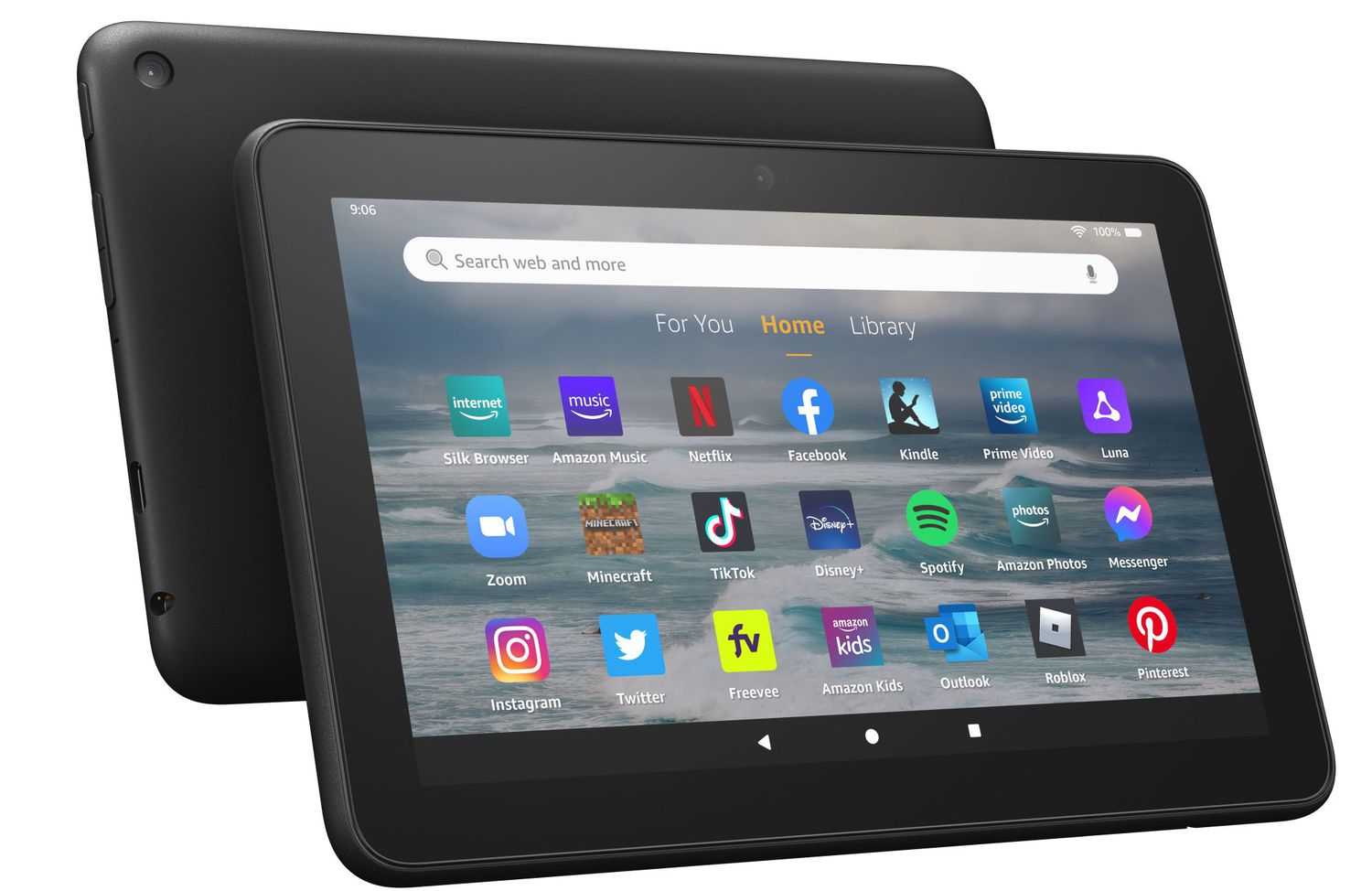
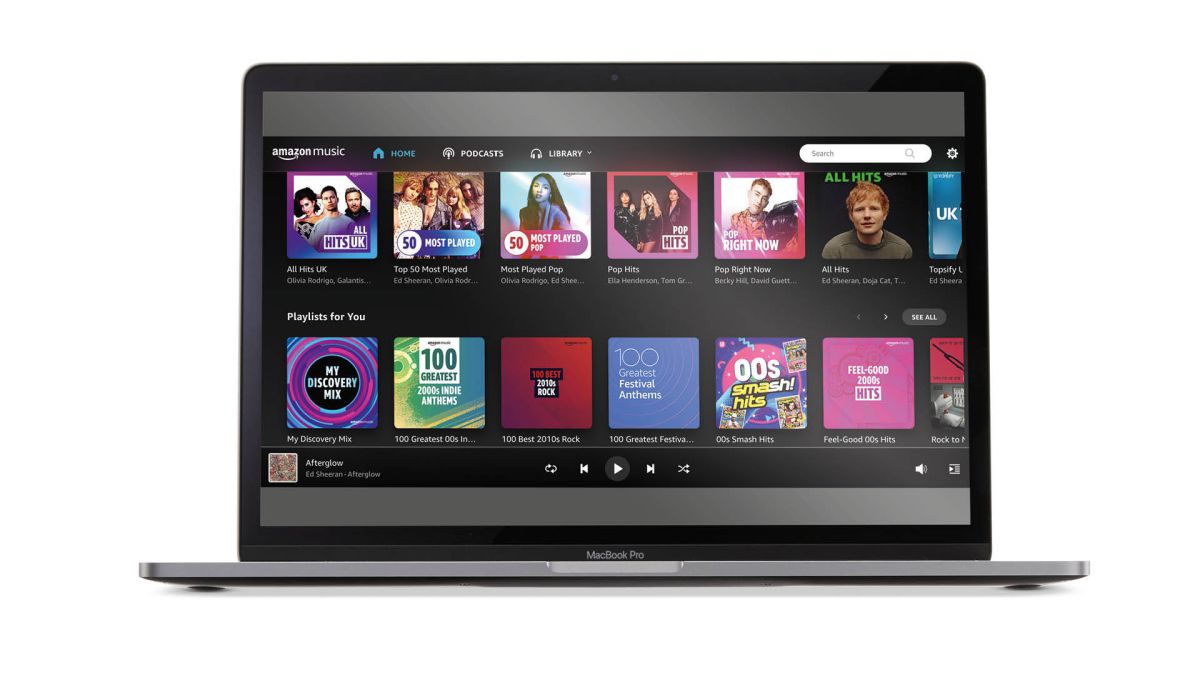
This tag collects practical, step-by-step guides for getting the most out of Amazon’s ecosystem, specifically focused on Fire tablets and Amazon Music. It is written for everyday owners, people who may have just unboxed a new device, are troubleshooting a family member’s account, or are trying to fix a setting they no longer understand. If you use an Amazon Fire tablet or share an Amazon Music family plan, these articles are aimed directly at you.
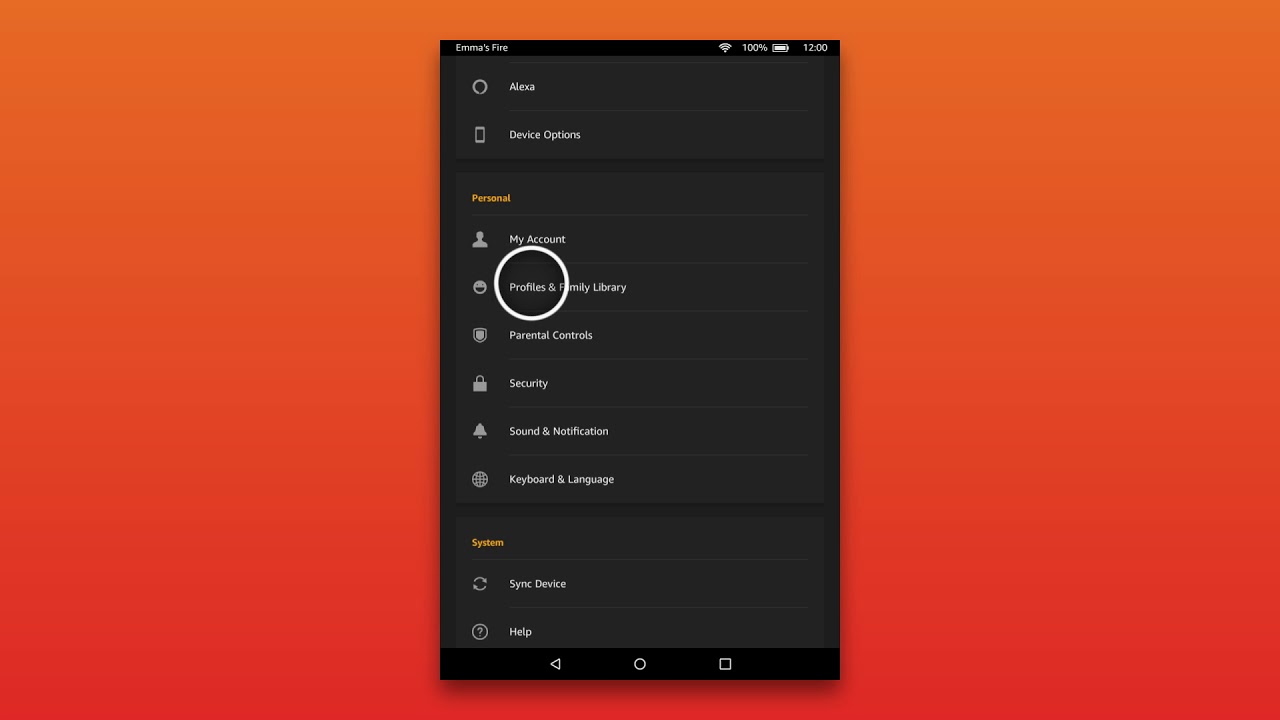
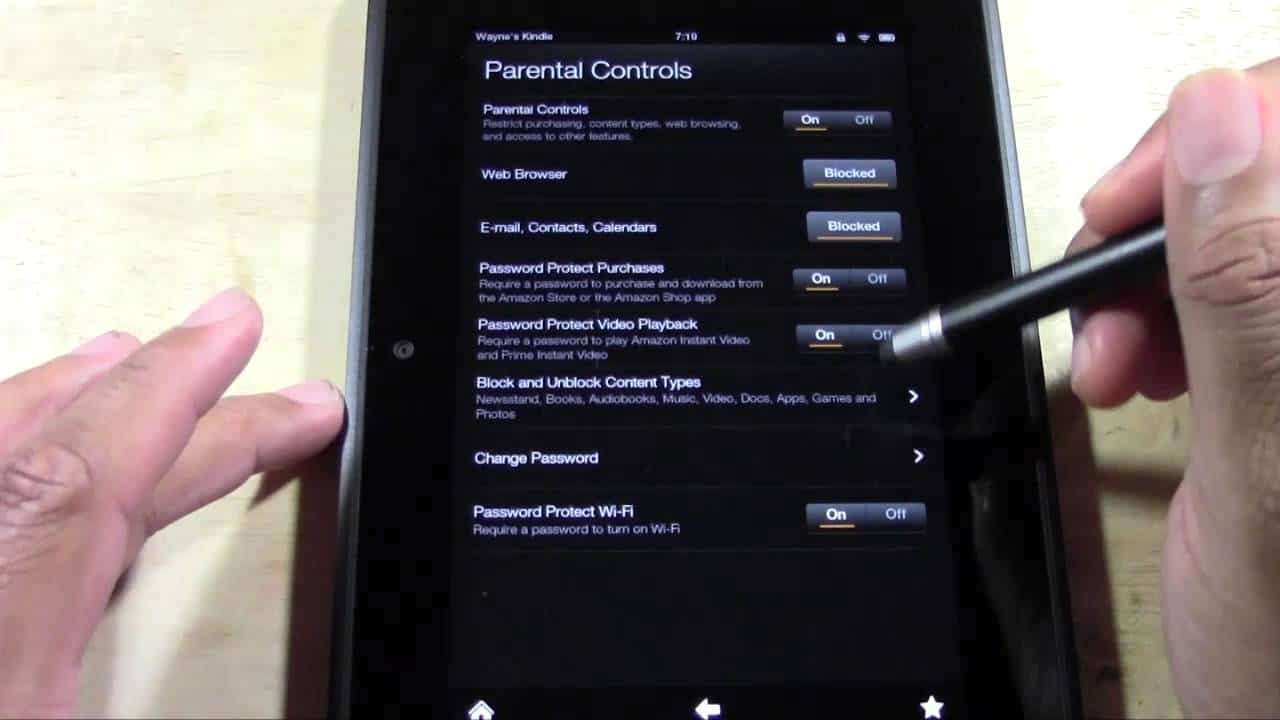
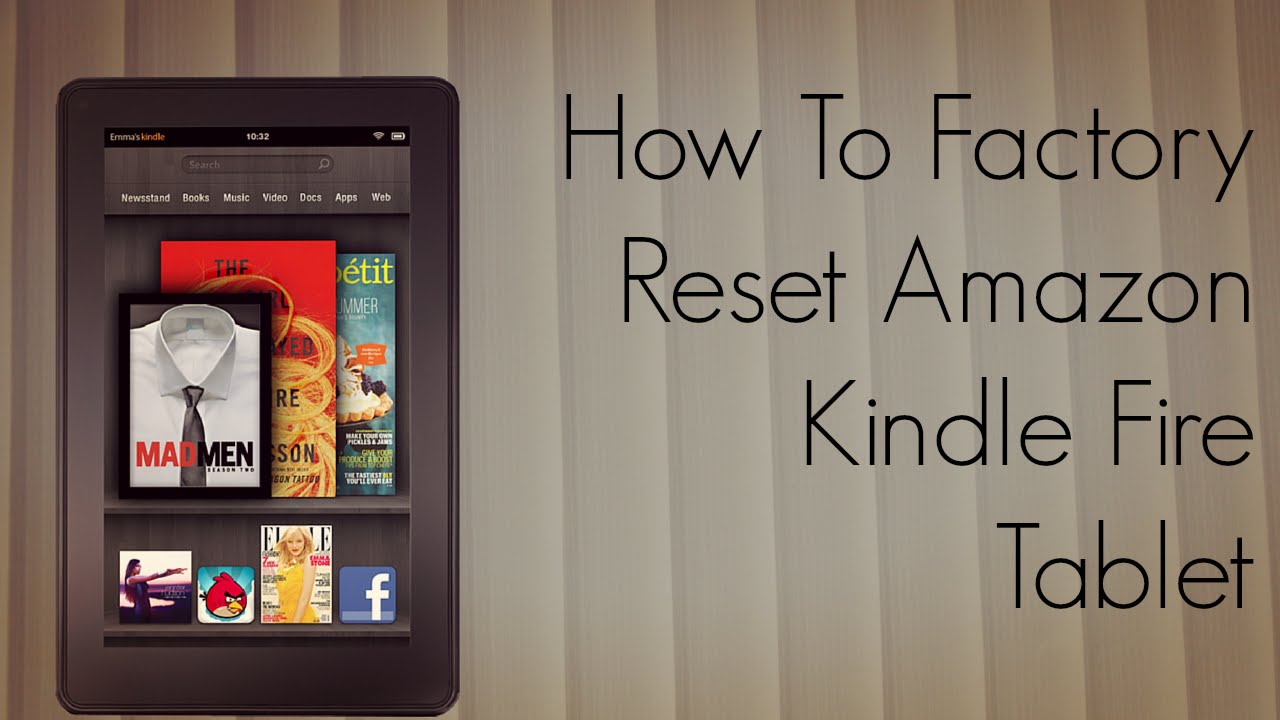
The articles here cluster around two clear themes. The first is account and device setup: you’ll find help with adding people to an Amazon Music family plan, registering a Fire tablet for the first time, and even a guide for registering a Fire tablet when you don’t have, or don’t want, an Amazon account. The second theme is recovery and reset. These pieces walk you through factory resetting a Fire tablet, which is often the cleanest fix for a sluggish or misbehaving device, and resetting a forgotten parental controls password. There’s also a guide for changing the country on your Fire tablet, which is useful if you’ve moved or travel frequently and need access to a different region’s app store.
Rather than offering risky workarounds, these articles frame their advice around legitimate, user-authorized actions: restoring your own device, managing your own family accounts, or recovering access you’ve lost. They help you solve real problems, like a locked parental control screen or a tablet stuck in the wrong region, without ever suggesting you bypass security or pirate content. The goal is to keep your devices working the way you intend, safely and within Amazon’s terms.