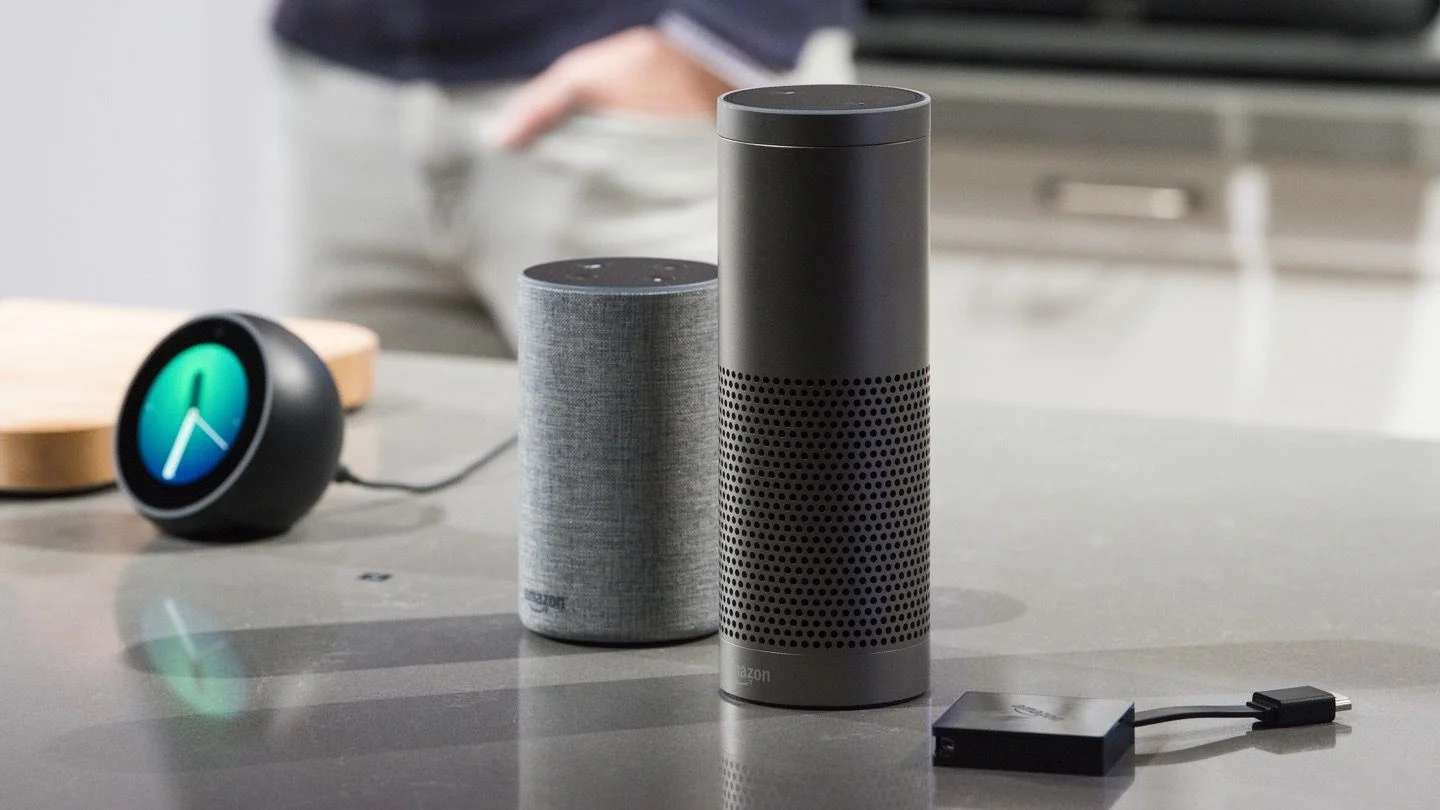
Practical, step-by-step guides for anyone who owns an Amazon Echo, Fire tablet, or a smart home setup built around Alexa. The articles are written for everyday consumers, people who want to get their music playing, connect their devices, or fix a glitch without calling tech support. If you have just unboxed an Echo or have been using Alexa for years, these pieces focus on common tasks and troubleshooting rather than advanced programming or hidden features.
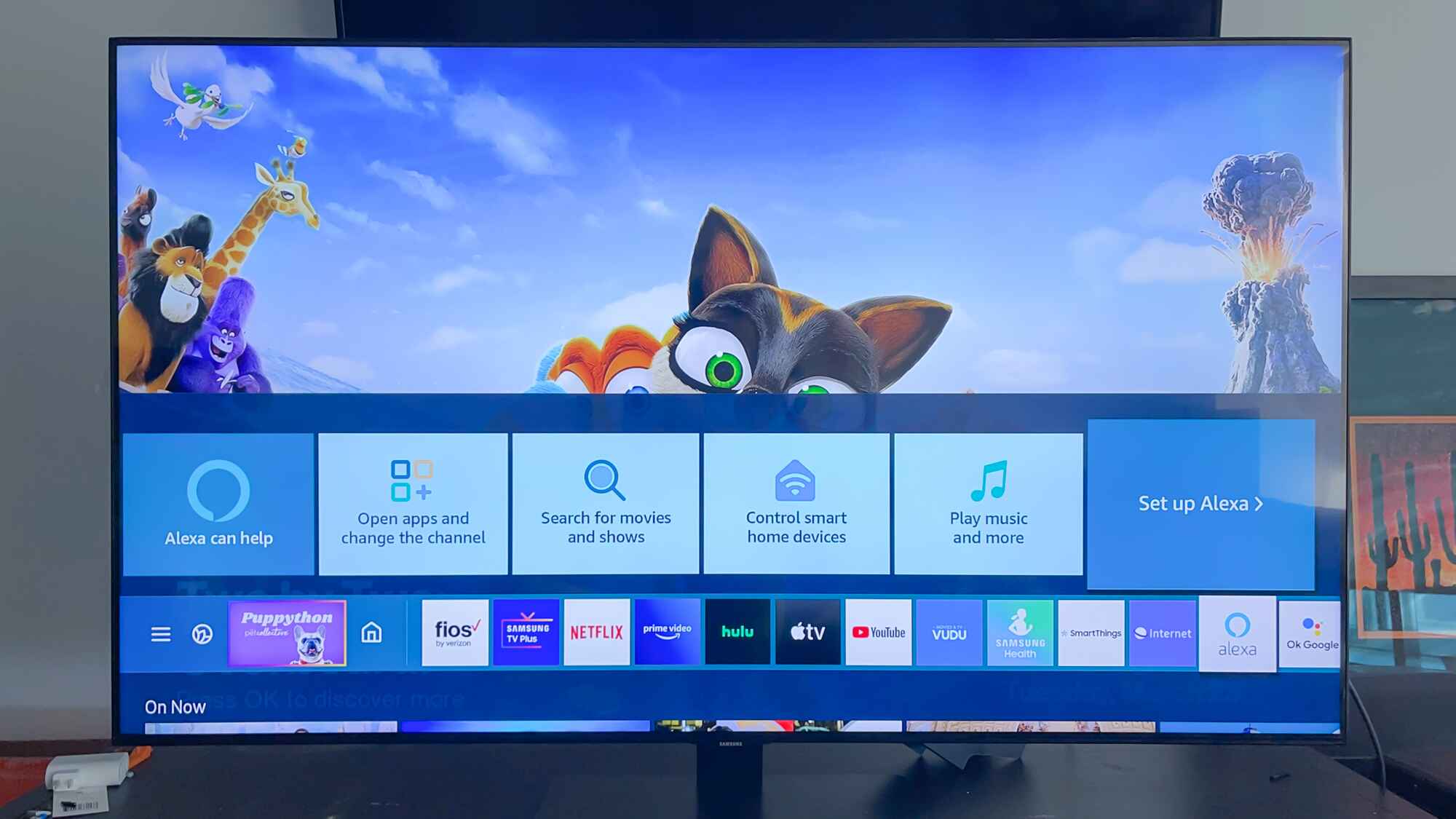
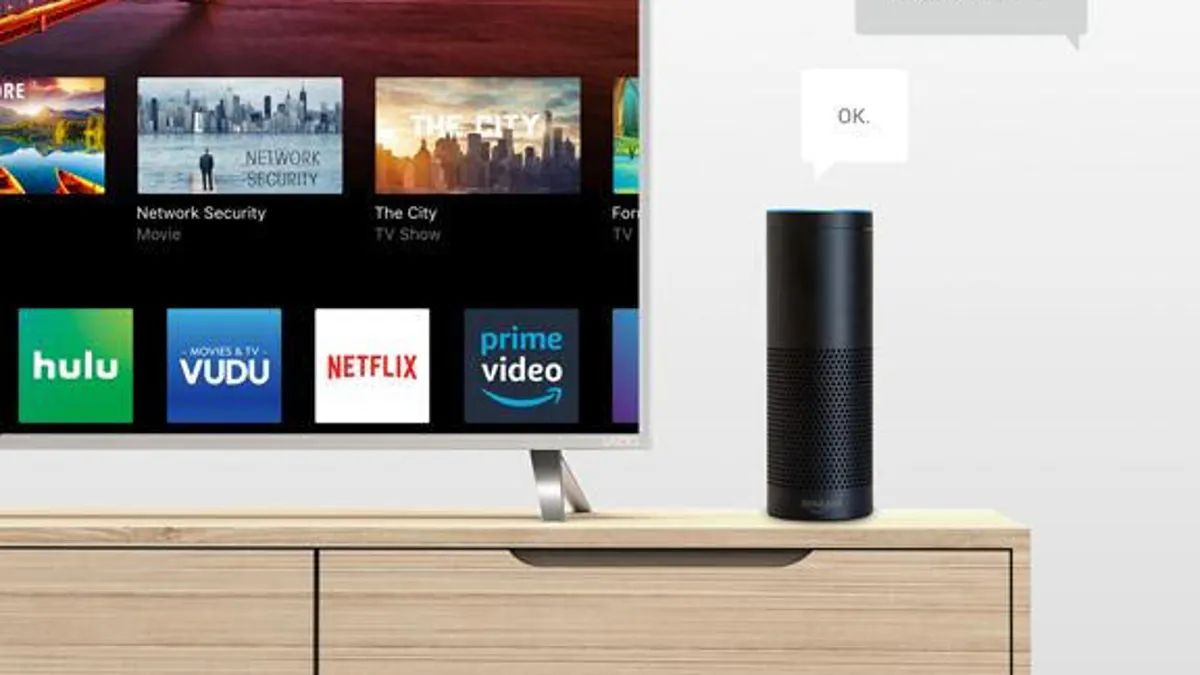
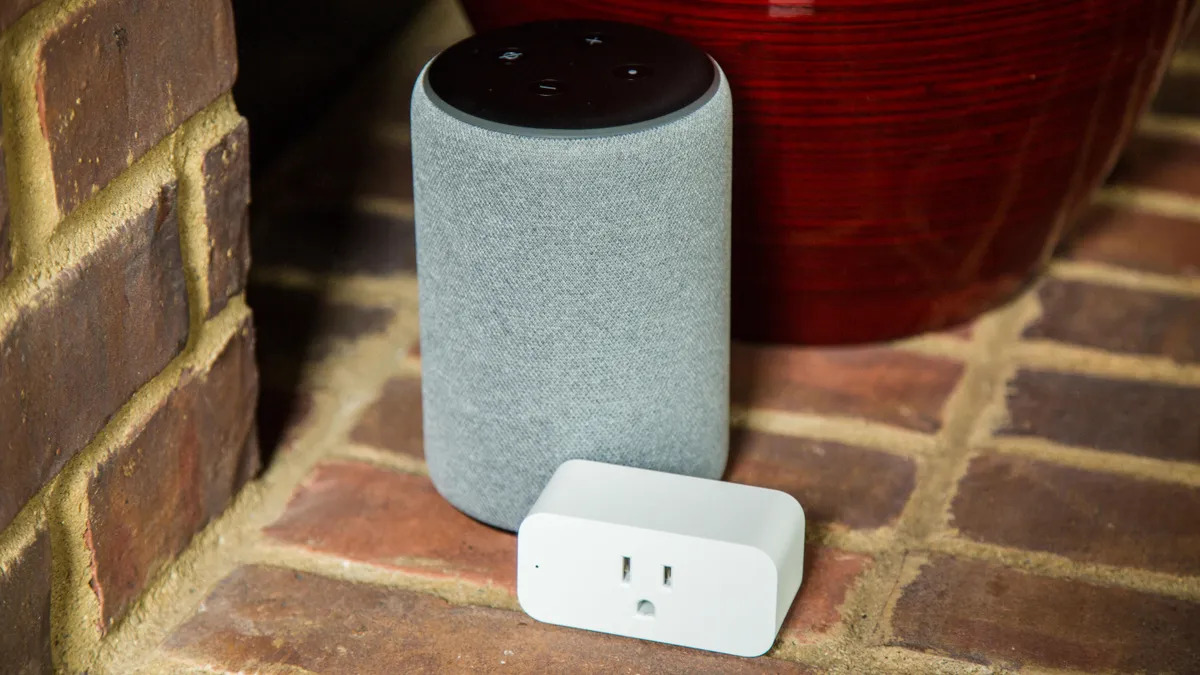
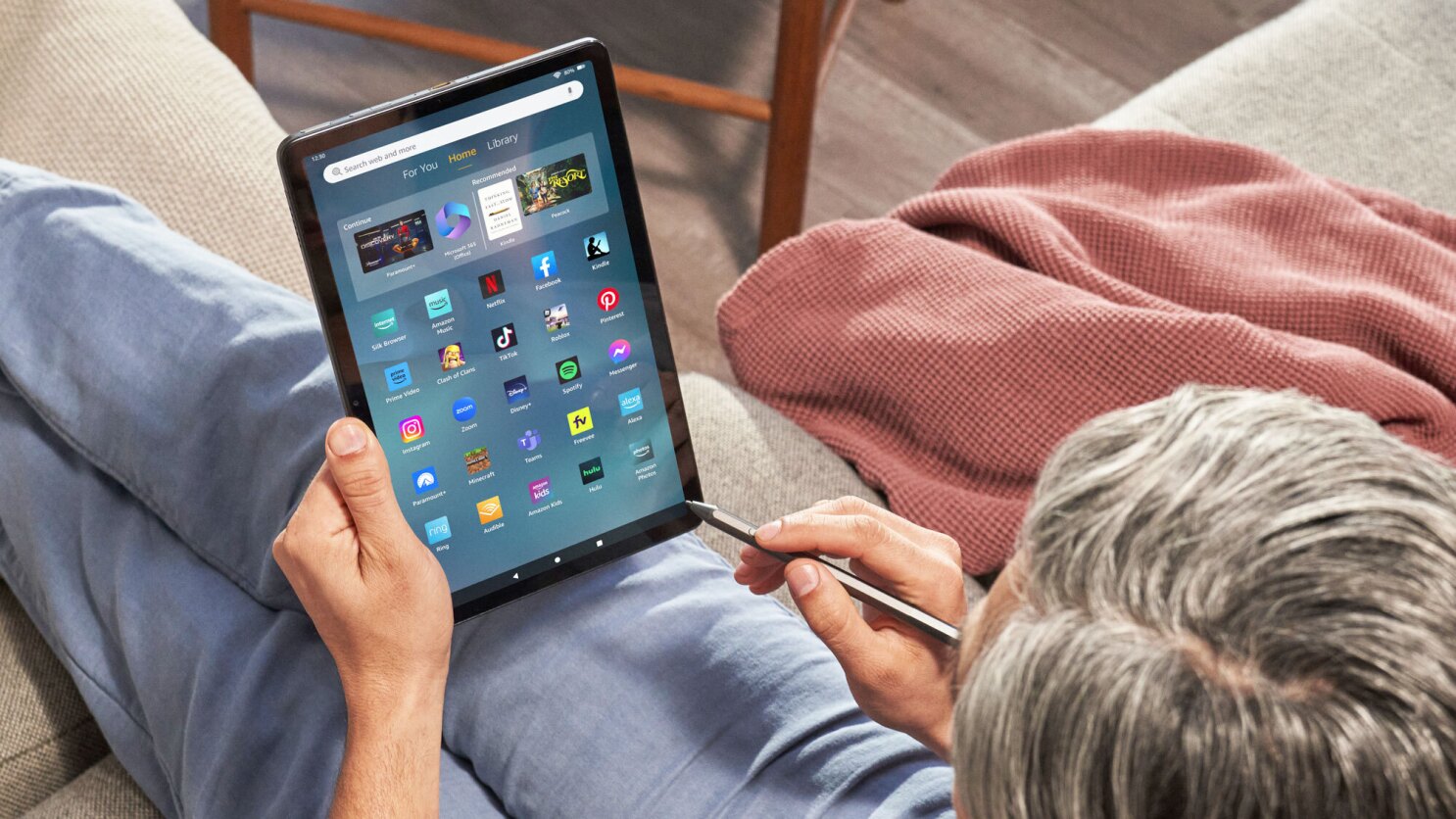
The articles fall into two clear themes. The first is audio and entertainment setup: you’ll find help with playing Amazon Music, Spotify playlists, repeating songs, and getting Amazon Music Unlimited working on your Echo. The second theme is device connectivity and smart home control, covering how to connect Alexa to new Wi-Fi, pair it with Bluetooth speakers, link a Roku TV or Samsung smart TV, and even view Blink cameras on your television. A third, smaller group deals with Fire Tablet basics, including making video calls, registering the device, and using Alexa on the tablet itself.
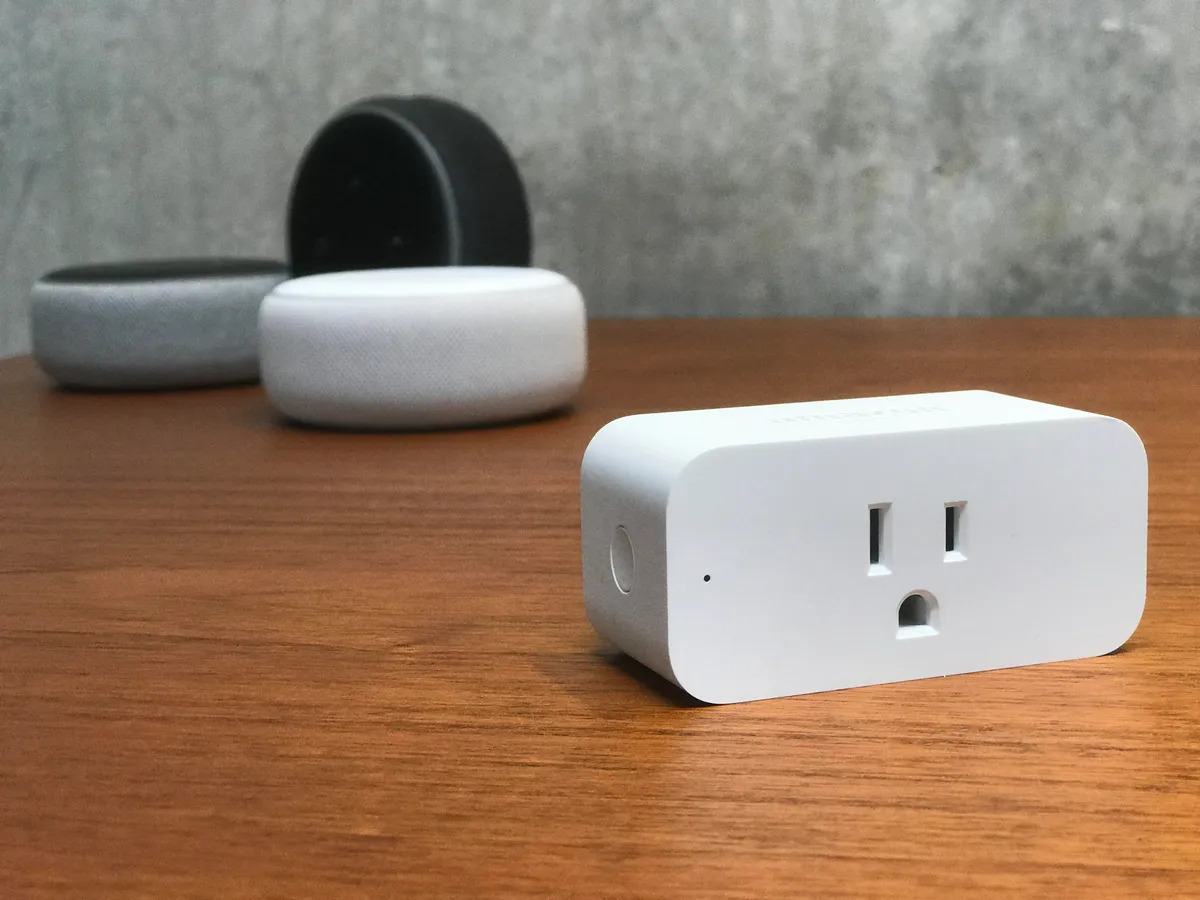
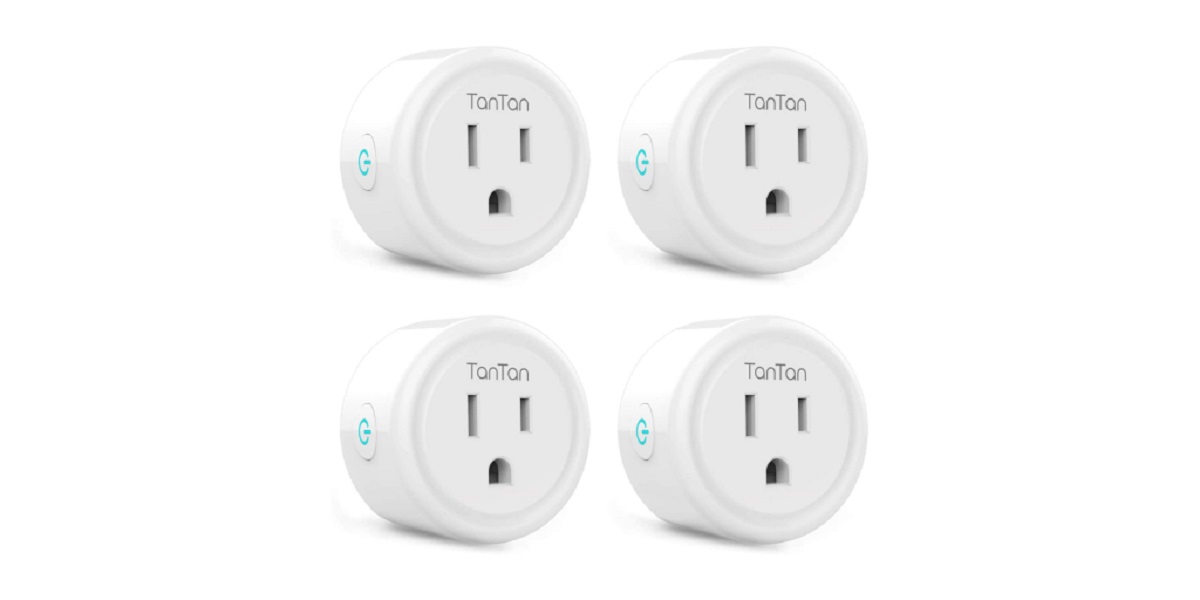
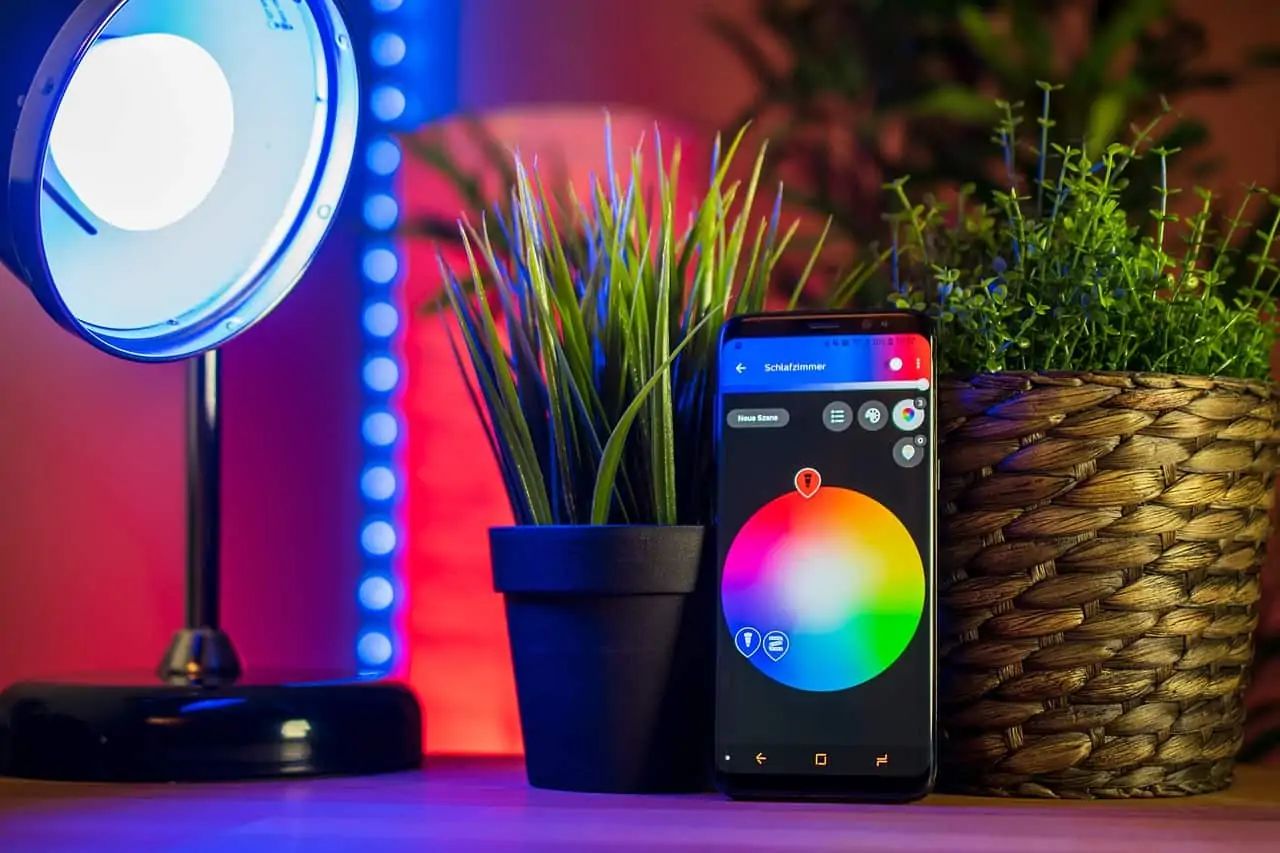
Several articles also address setup and security angles in a responsible way. For example, you’ll learn how to connect Alexa to Wi-Fi without using the app, set up Alexa without a smartphone, and register a Fire Tablet without an Amazon account, all framed as legitimate alternatives for users who lack a mobile device or prefer not to share account details. Other pieces help you rename smart plugs, schedule them to turn on and off, or troubleshoot why a smart light is unresponsive. These guides are about making your existing devices work safely and legally, not about bypassing restrictions.