This tag collects our articles about QuickBooks Desktop, the small-business accounting staple. It is for anyone who uses QuickBooks Desktop at work, owners, bookkeepers, office managers, or accountants, and needs clear, practical answers to specific interface questions or transaction-handling problems. The pages here are short, focused guides, not general tutorials.
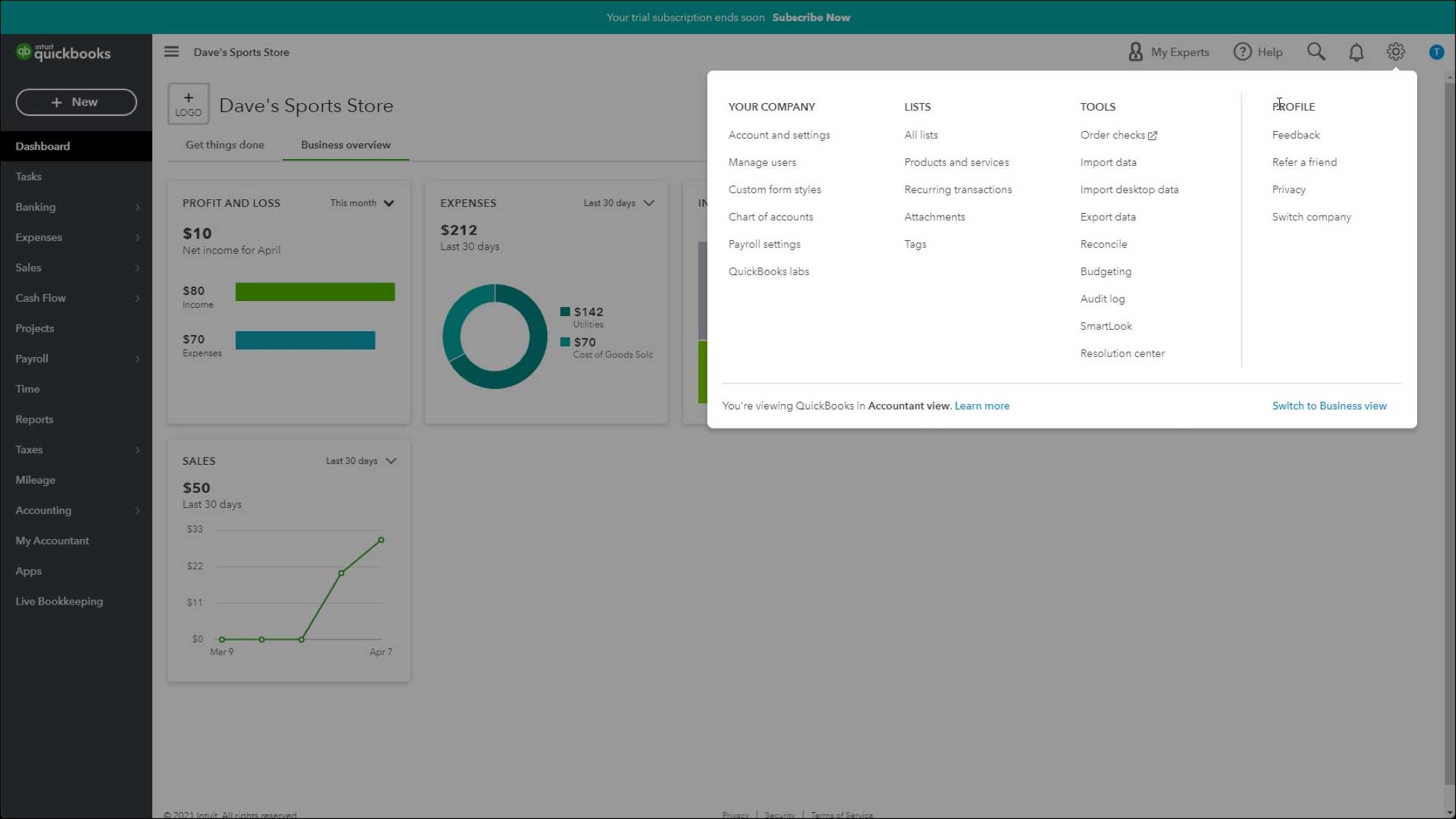
The articles cluster around two main themes. The first is navigation and configuration: several pieces help you locate the Settings menu, understand what the “Revert” command actually does, and see how default ledgers get assigned to new customers and vendors when you have never set one. The second theme is data entry and tax reporting. Here you will find guidance on importing credit card transactions correctly, and on preventing QuickBooks from automatically lumping non-wage payments into 1099-NEC boxes, a legal-compliance issue where getting the default wrong can lead to incorrect filings. That last one is framed as a way to keep your tax forms accurate, not as a trick to avoid reporting.
Whether you are hunting for a buried setting, trying to clean up a messy import, or double-checking how the software classifies payments, these articles tell you what to click and what to expect. They are written for the moment you are already in QuickBooks and just need the next step explained plainly.