Practical, plain-language guides for anyone who uses the Zelle payment service through their bank or credit union. These articles are written for everyday consumers, not power users or developers, who need clear answers to common questions about sending money, managing their account, or fixing a transfer that did not go through. Whether you bank with a national institution like Chase or Wells Fargo, or a smaller credit union such as Suncoast or State Employees Credit Union, the content is designed to help you navigate Zelle’s specific rules and limits without calling customer support.
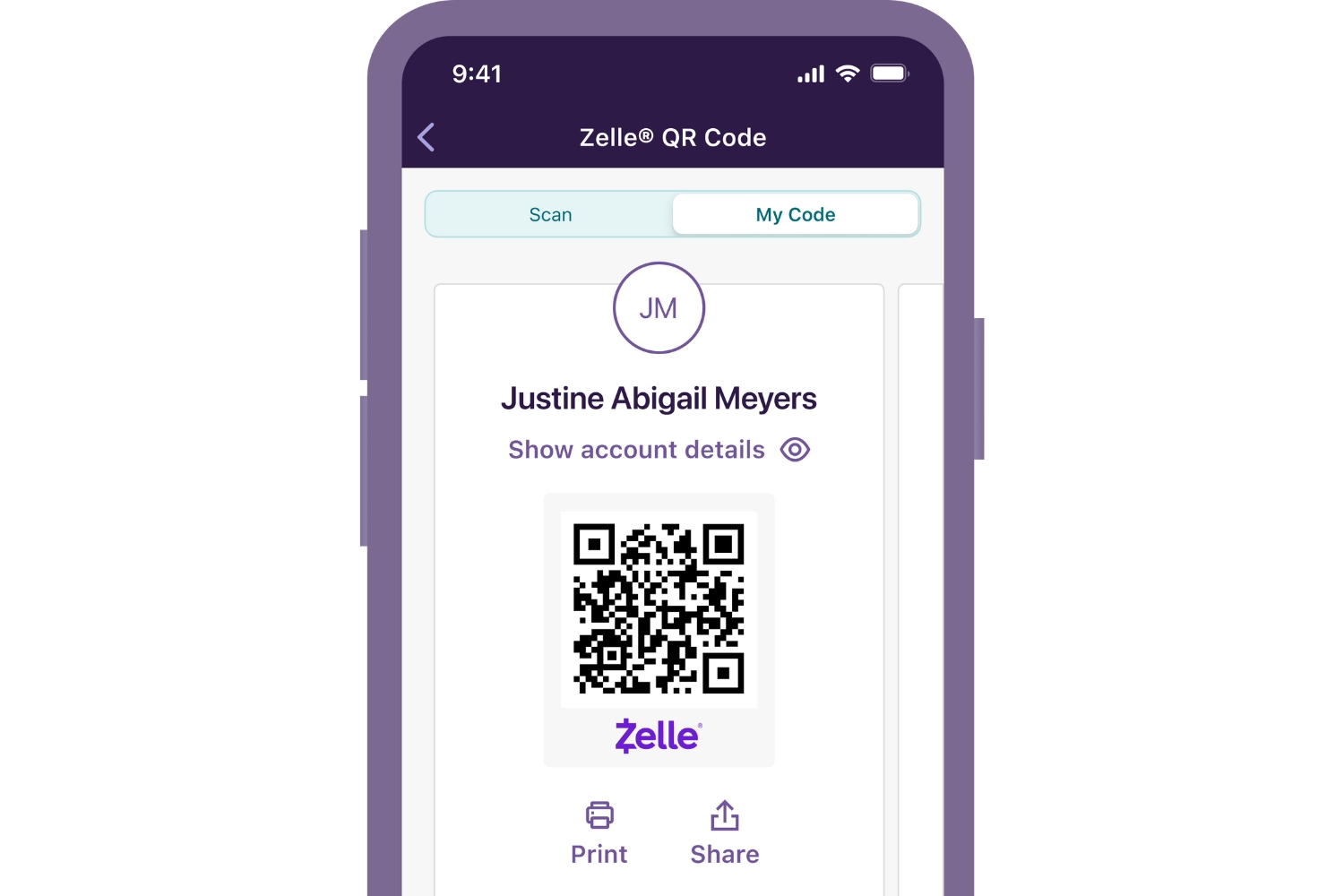
A large share of the articles focus on account and transaction management. You will find step-by-step help on how to cancel a pending payment, delete a saved recipient, change the name displayed on your profile, or unlock a temporarily restricted account. Other pieces explain how to raise your send or daily limits, and what to do when a payment is stuck in “pending review” or takes three days to clear. A second theme covers identity and access, for example, how to find your Zelle ID or name, share your Zelle link, or set up the service with a prepaid card or a secondary account. A third group addresses safety and alternatives: articles explain how refunds work, how to avoid common mistakes, and how Zelle compares with Venmo, so you can choose the right tool for a given situation. Throughout, the emphasis is on legitimate, secure use of the service, not on bypassing limits or exploiting glitches.