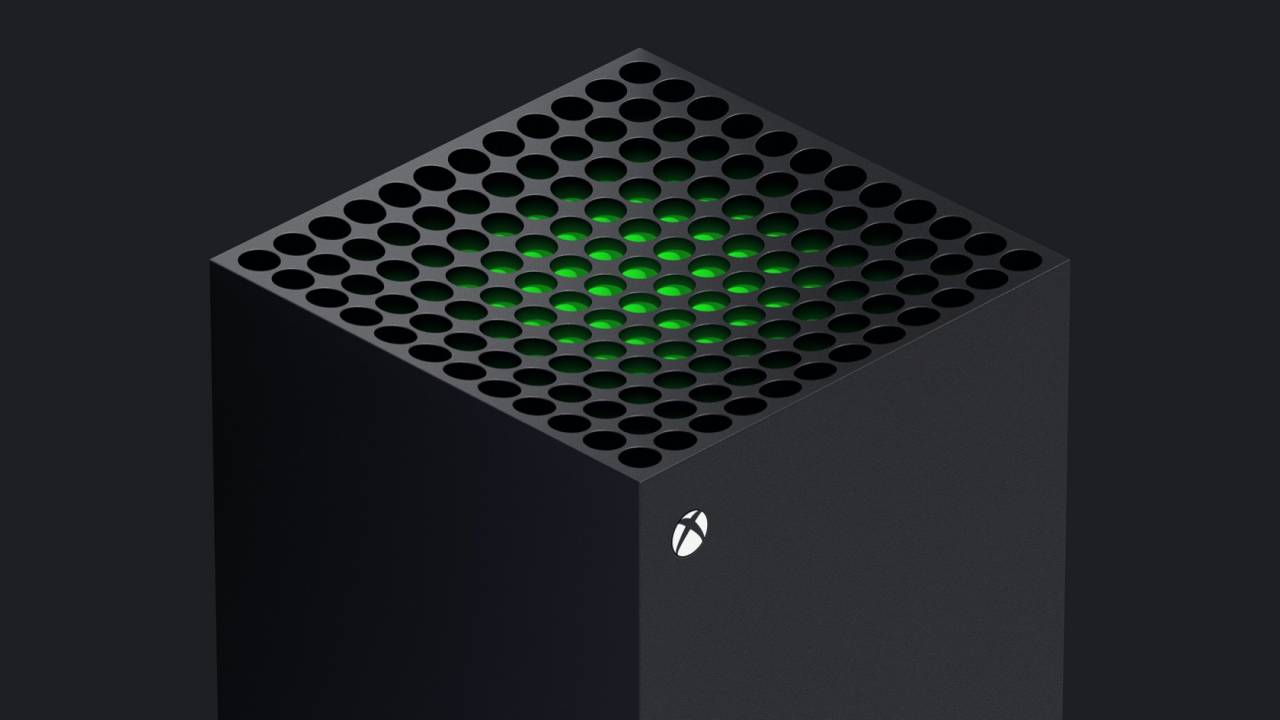
Practical, reader-tested guidance for anyone living with Microsoft’s console, whether you just unboxed one, inherited an older model, or are deciding if it’s worth picking up in 2024. The articles here speak to owners who want to get more from their hardware without wading through jargon or shady corners of the internet. If you’re troubleshooting a connection, setting up a wheel or headset, or simply trying to download games while away from home, this is the page that points you to straightforward fixes.
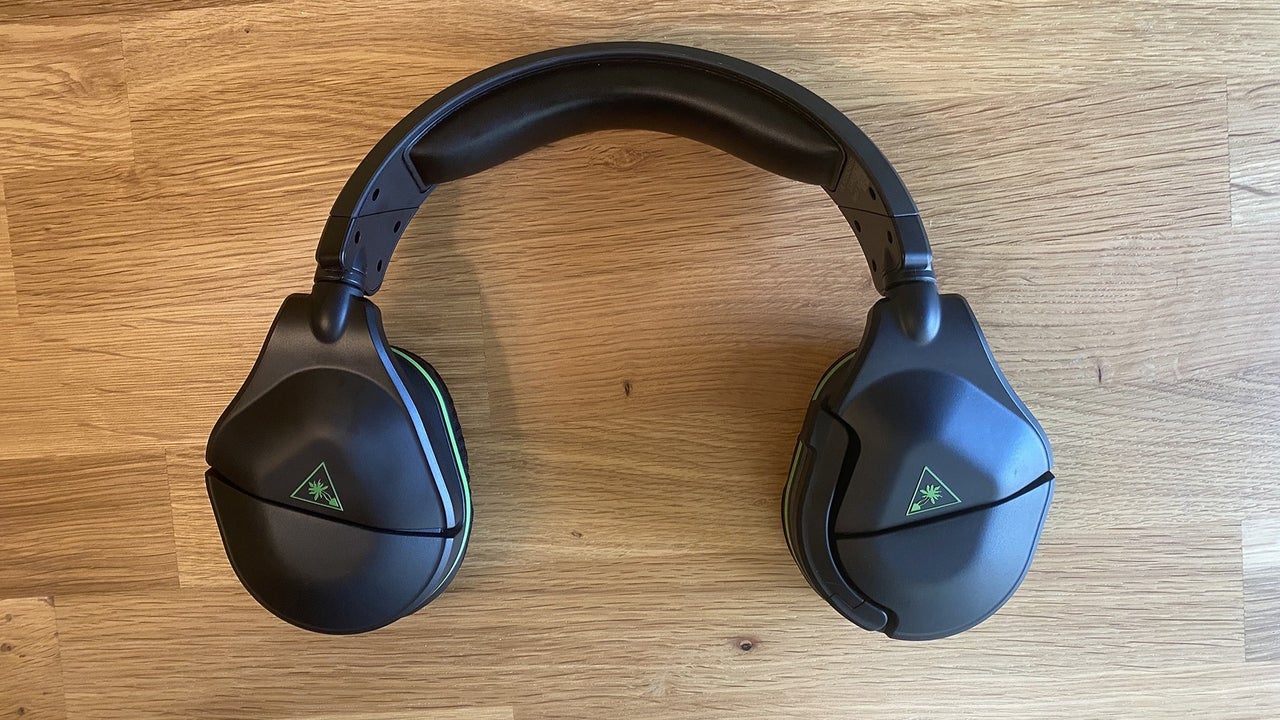
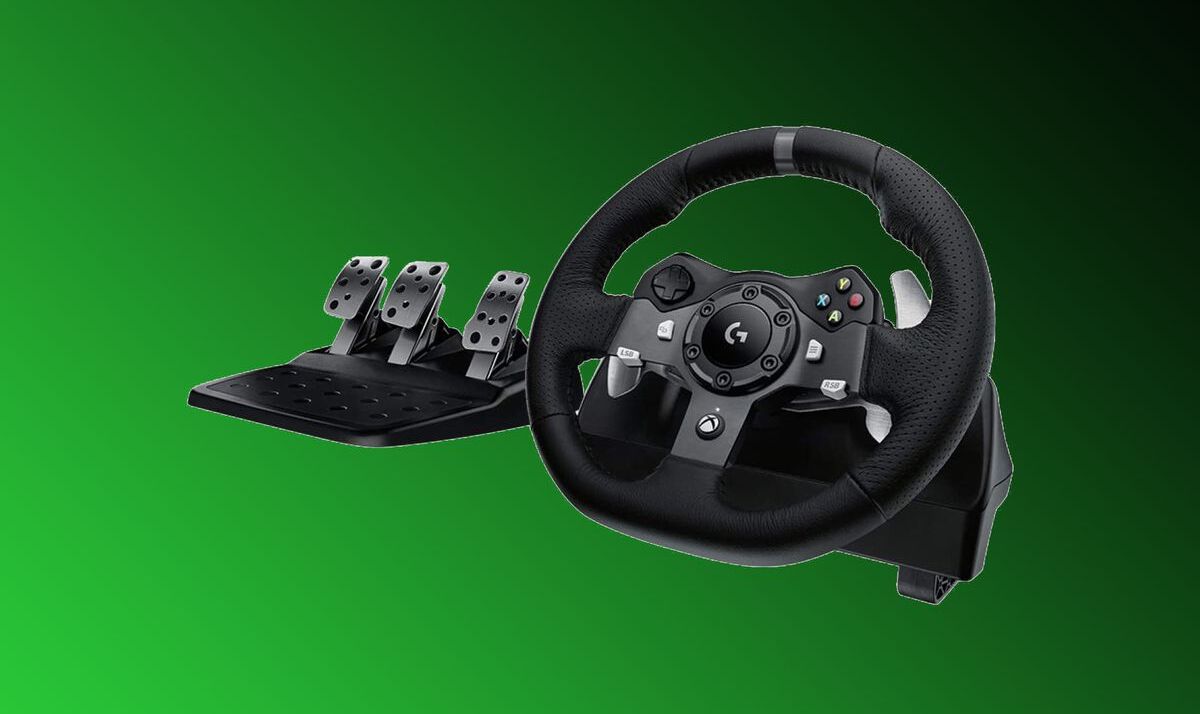
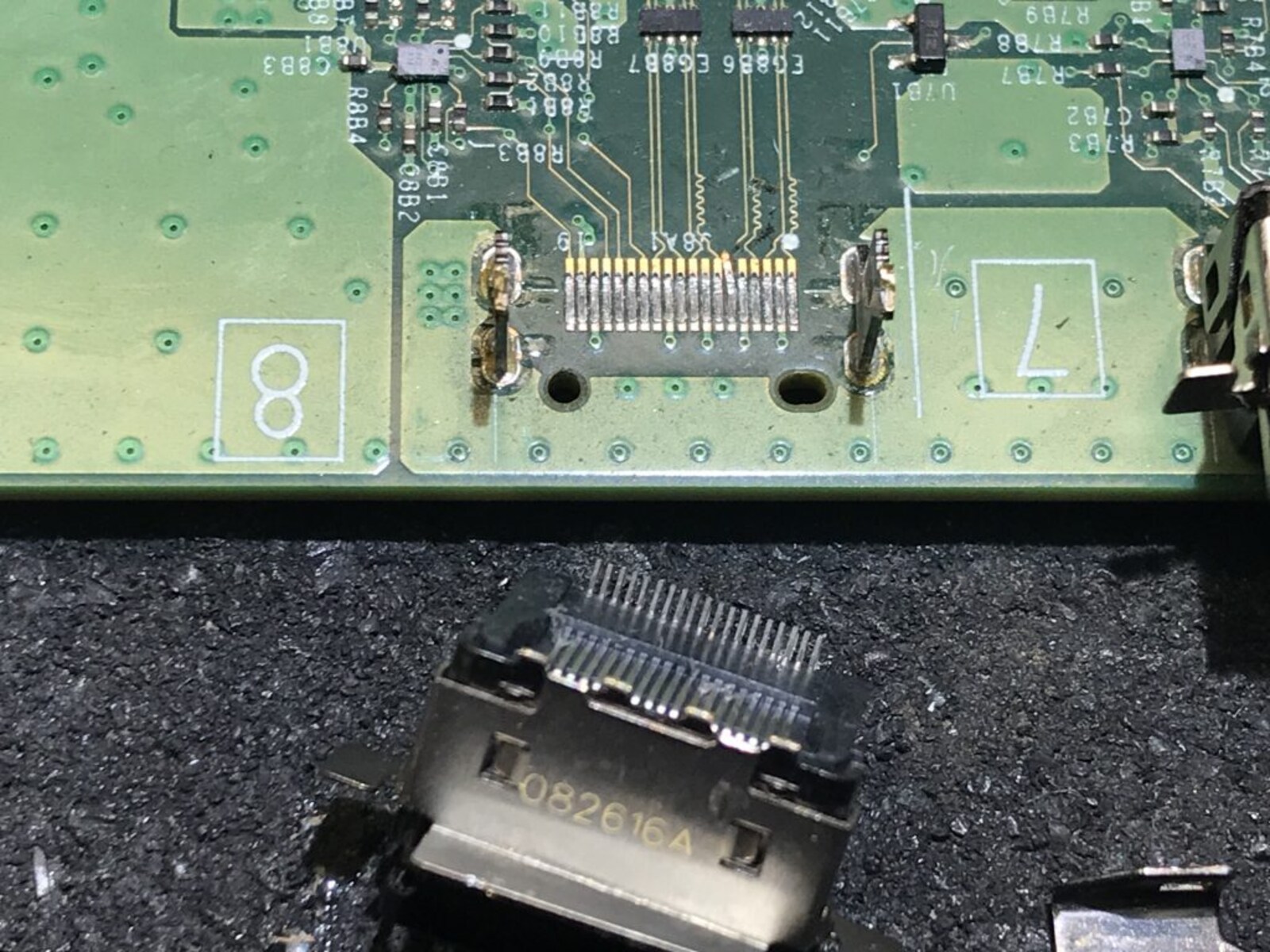
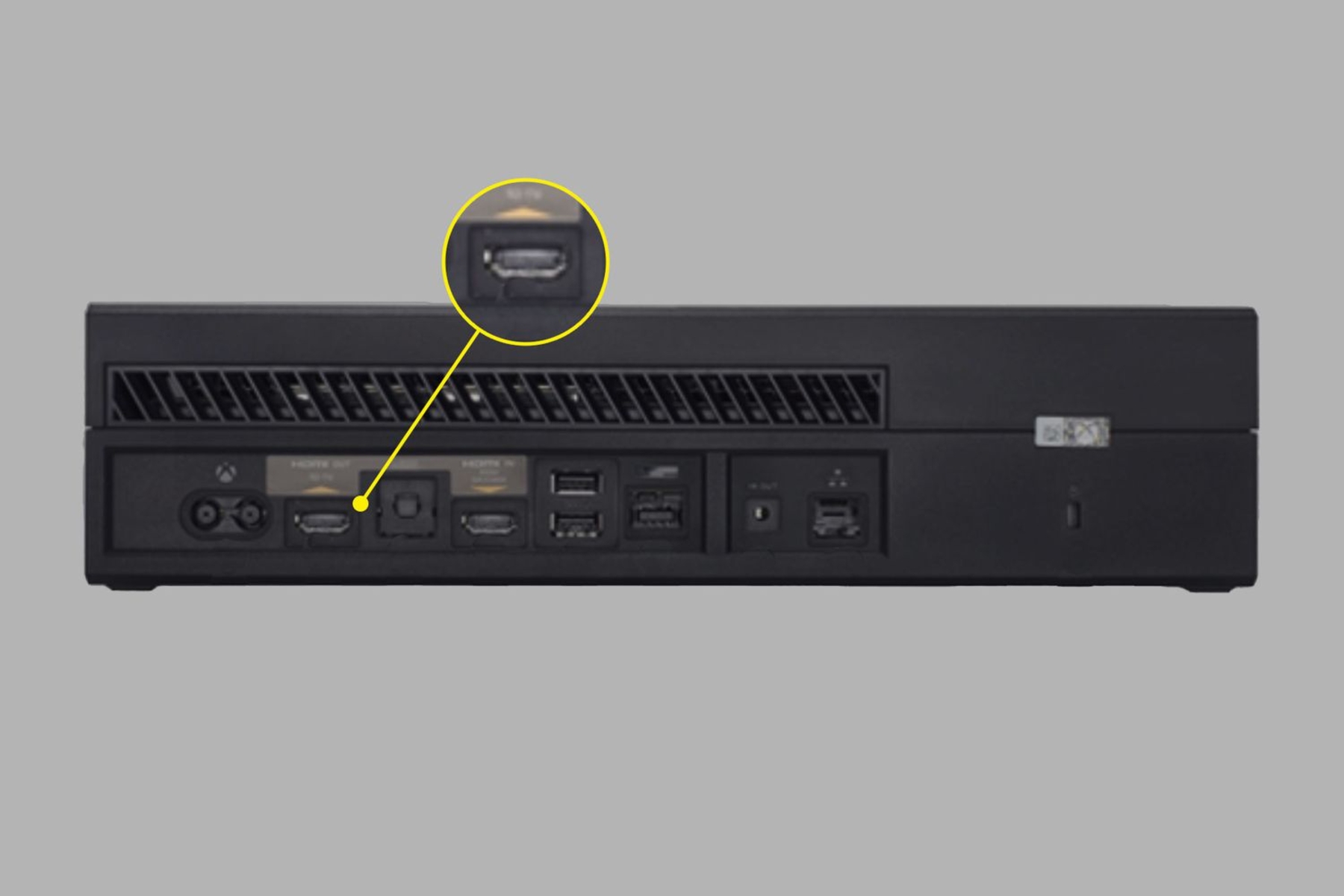
The articles cluster around three clear themes. First, setup and repair: you’ll find step-by-step help for common physical issues like a loose or damaged HDMI port, plus guides for pairing racing wheels and headsets to the console. Second, gameplay and buying decisions: reviews of major releases like Cyberpunk 2077, Outriders, and Crash Bandicoot 4 help you decide where to spend your money, while previews of Dying Light 2 and Hitman 3 give you a sense of what’s worth waiting for. Third, broader Xbox ecosystem knowledge: pieces on backwards compatibility, haptic feedback, and the then-upcoming Xbox Series X explain how the platform fits together, and a guide to streaming on Twitch shows you how to share your sessions safely.
Notably, the tag also covers legal and safe ways to extend your console’s life, like enabling downloads while the system is off, or understanding what Project xCloud means for your library. Nothing here encourages risky behavior; instead, the tone is about informed ownership, whether that’s fixing a port yourself or simply knowing what to expect from a new game. You’ll leave with practical skills and clearer expectations.