Practical, hands-on guides for anyone who owns a Nintendo Wii or Wii U and wants to get more out of the hardware, whether that means connecting it to a modern television, exploring its library through legal channels, or understanding what homebrew software can legitimately do. It is aimed at everyday owners, not just tinkerers, and the articles assume you are starting from a basic level of comfort with consoles and files.
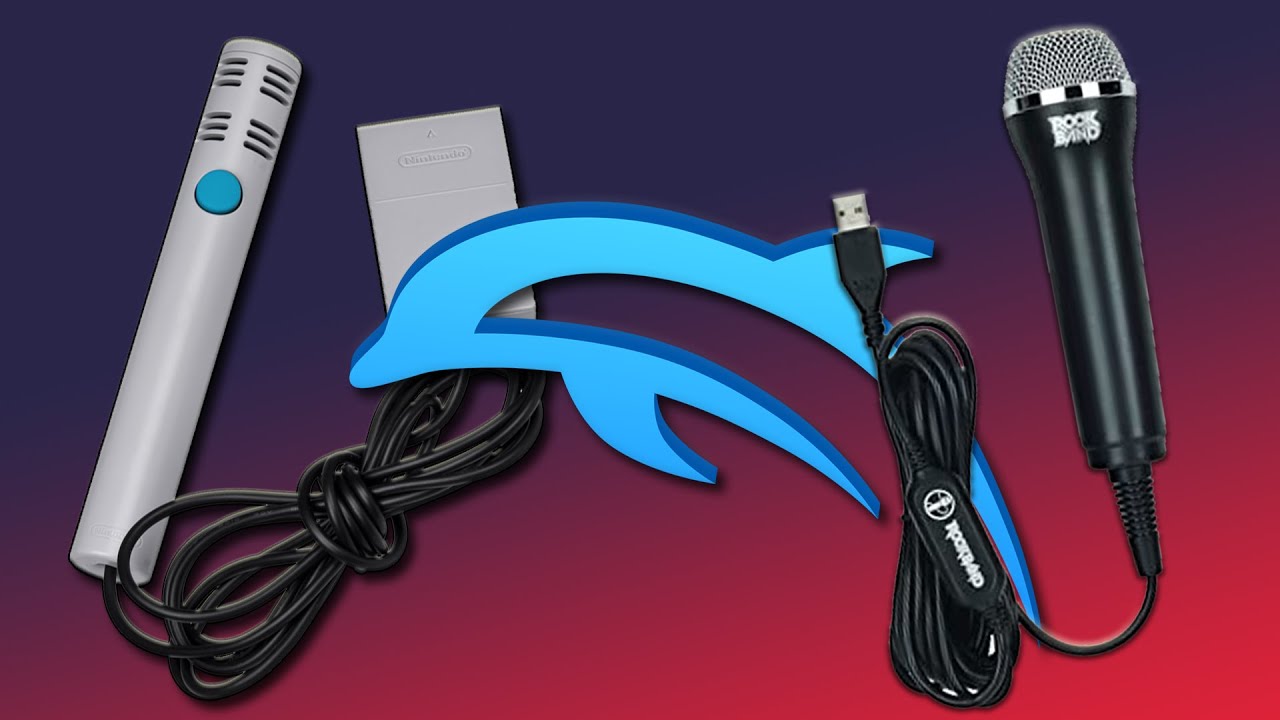
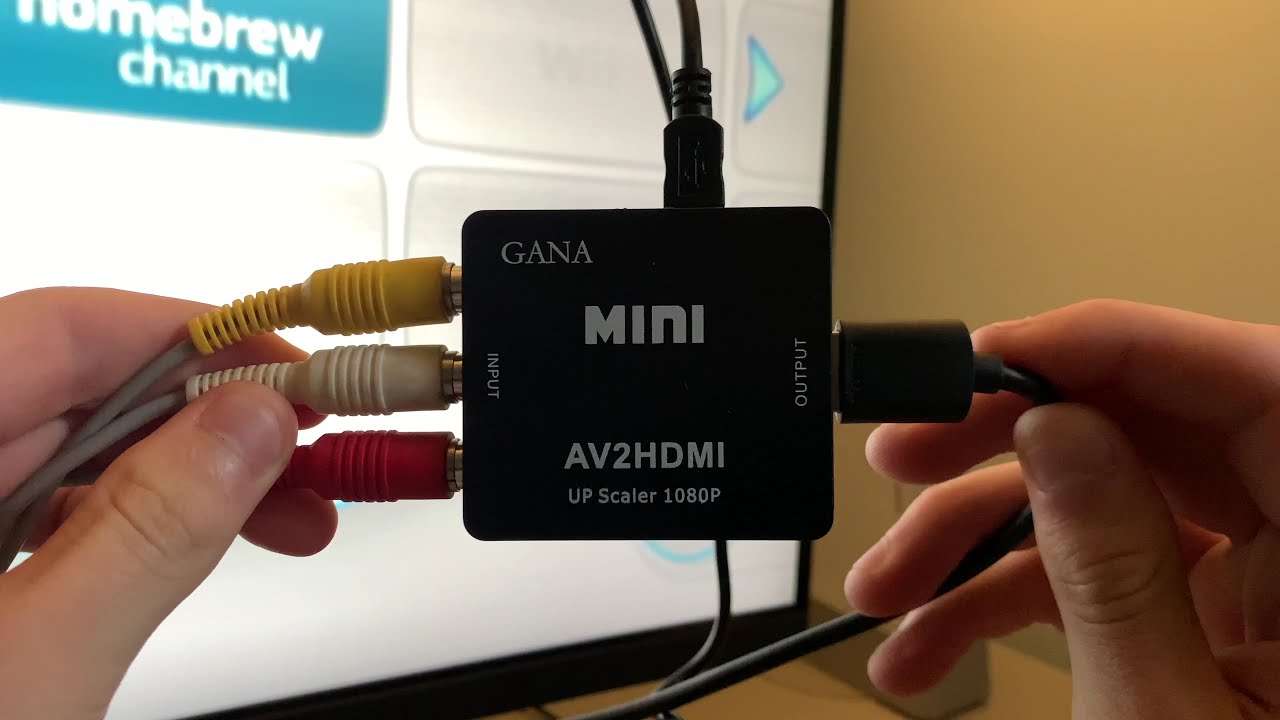
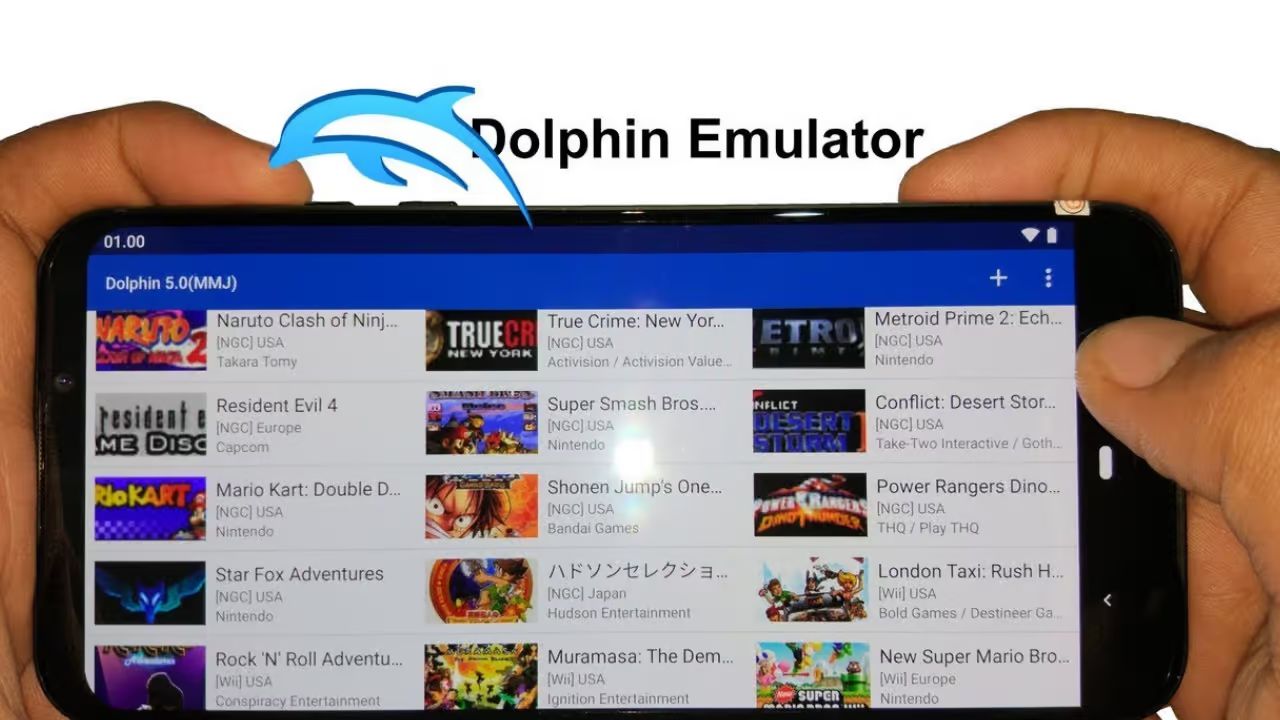
The first theme is setup and connectivity. Several articles walk you through the specific steps of hooking a Wii up to a smart TV, covering the different cable options, display settings, and common pitfalls like input lag or aspect ratio issues. The second theme is legal access to games. Rather than encouraging piracy, these pieces focus on the lawful side of emulation and backups, for example, explaining how to build a Dolphin emulator library from games you already own, or what the Wii homebrew channel can and cannot do under copyright rules. A third, smaller theme is the practical mechanics of downloading and organizing game files, but always framed within the boundaries of fair use and personal backups.
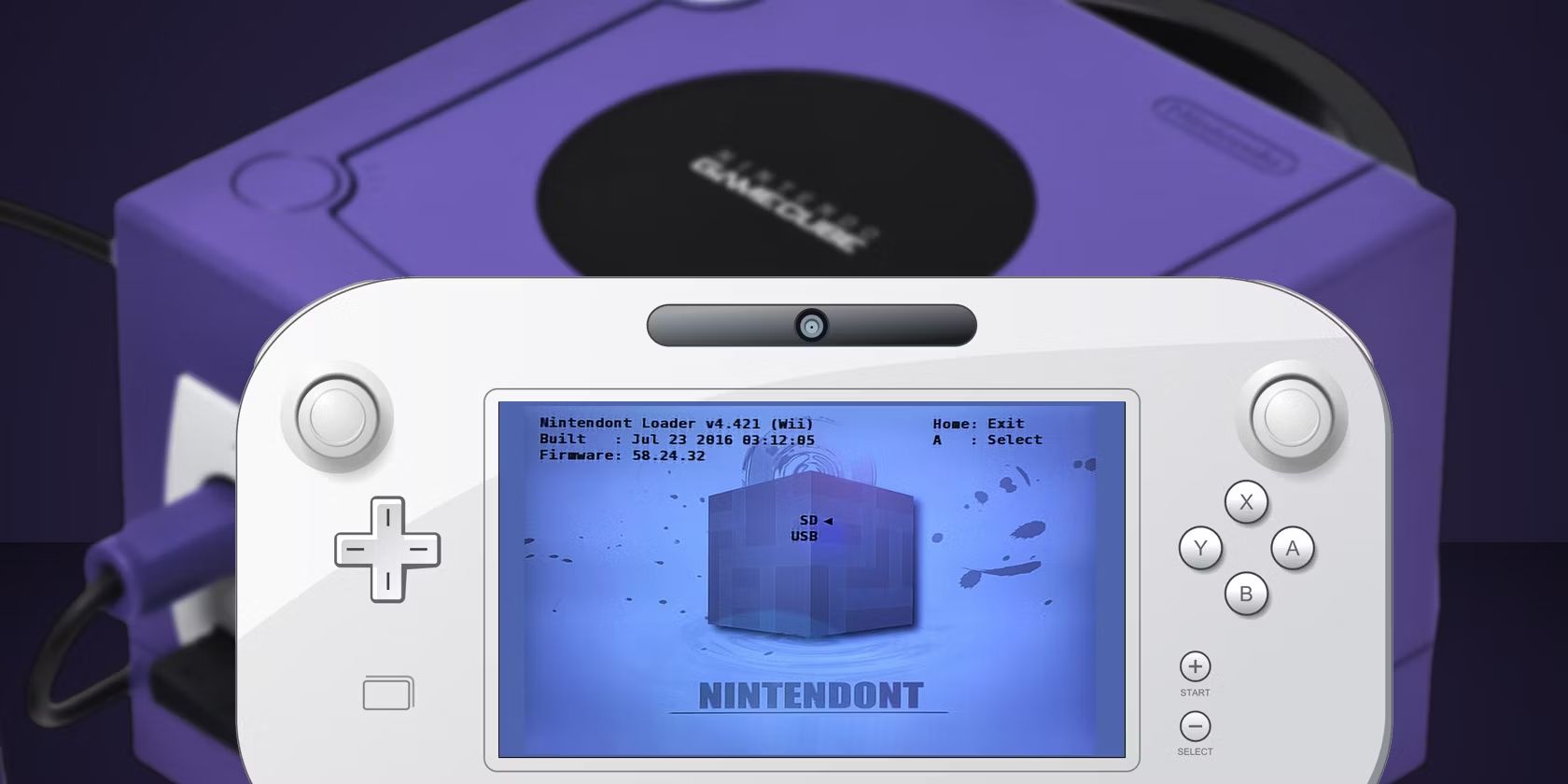
Specific topics you will see include a beginner’s guide to downloading free Wii and Wii U titles, a walkthrough for getting GameCube games running on Wii homebrew, and separate articles on legal Wii game backups for the Dolphin emulator and on setting up a Wii with a smart TV. The overall goal is to help you make informed, safe choices, so you can enjoy your console without risking your hardware or your legal standing.