This tag collects practical, step-by-step guides for getting video content to play on the devices and apps you already own, aimed at everyday viewers who just want a show, movie, or clip to work without a headache. Whether you are wrestling with a smart TV, a game console, or a phone, these articles are written for non-technical users who need clear, direct instructions, no jargon, no guesswork.
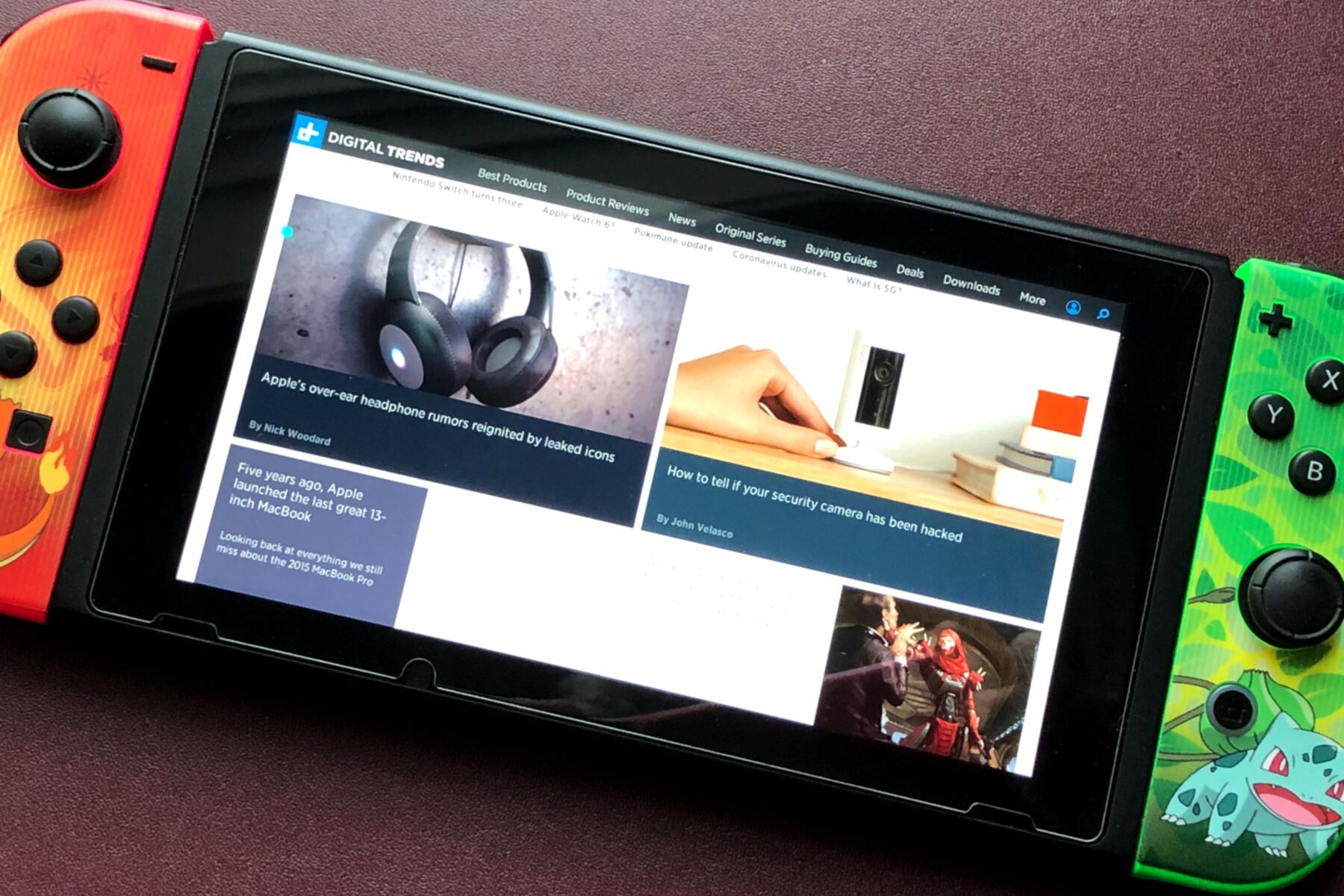
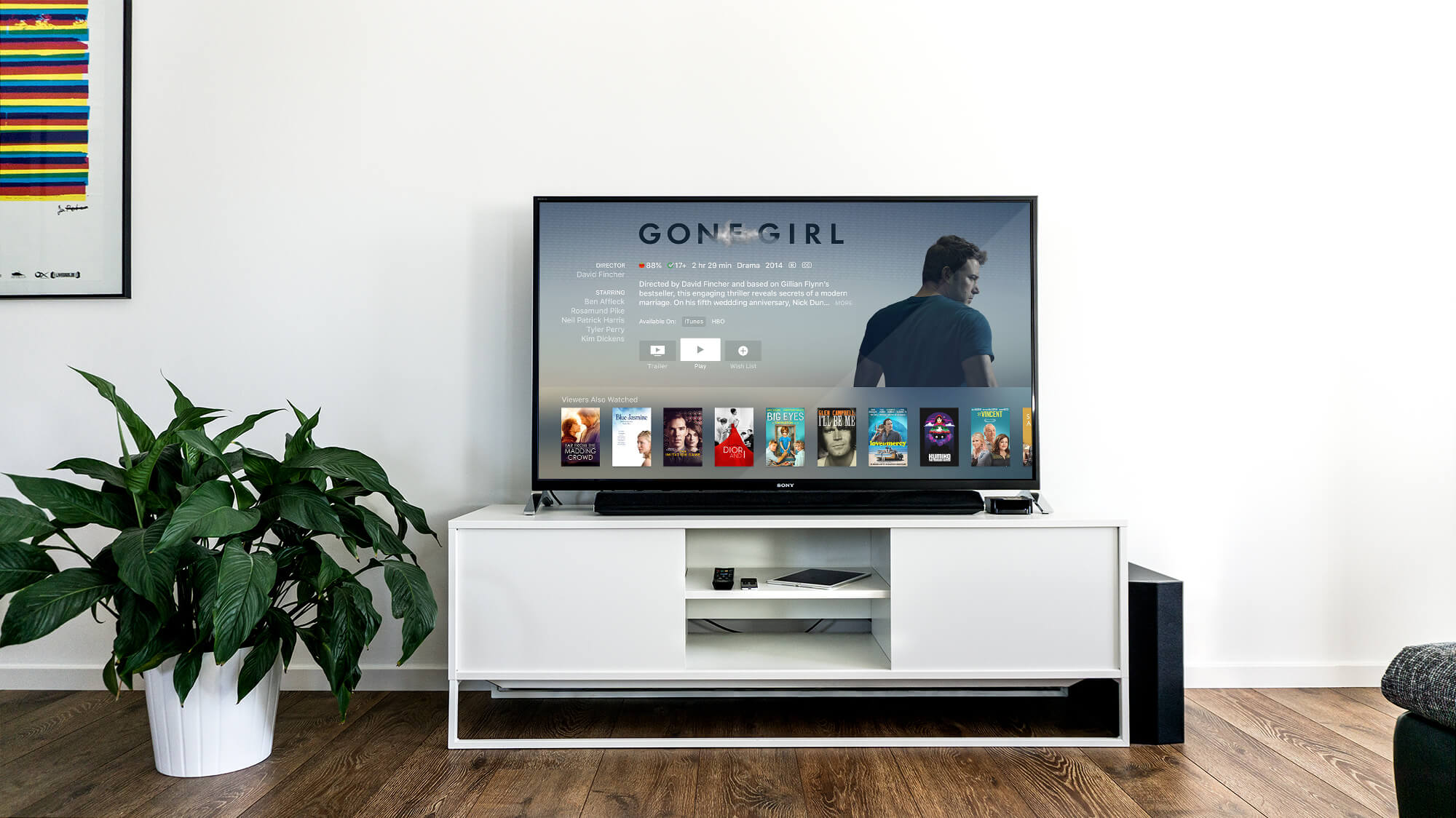
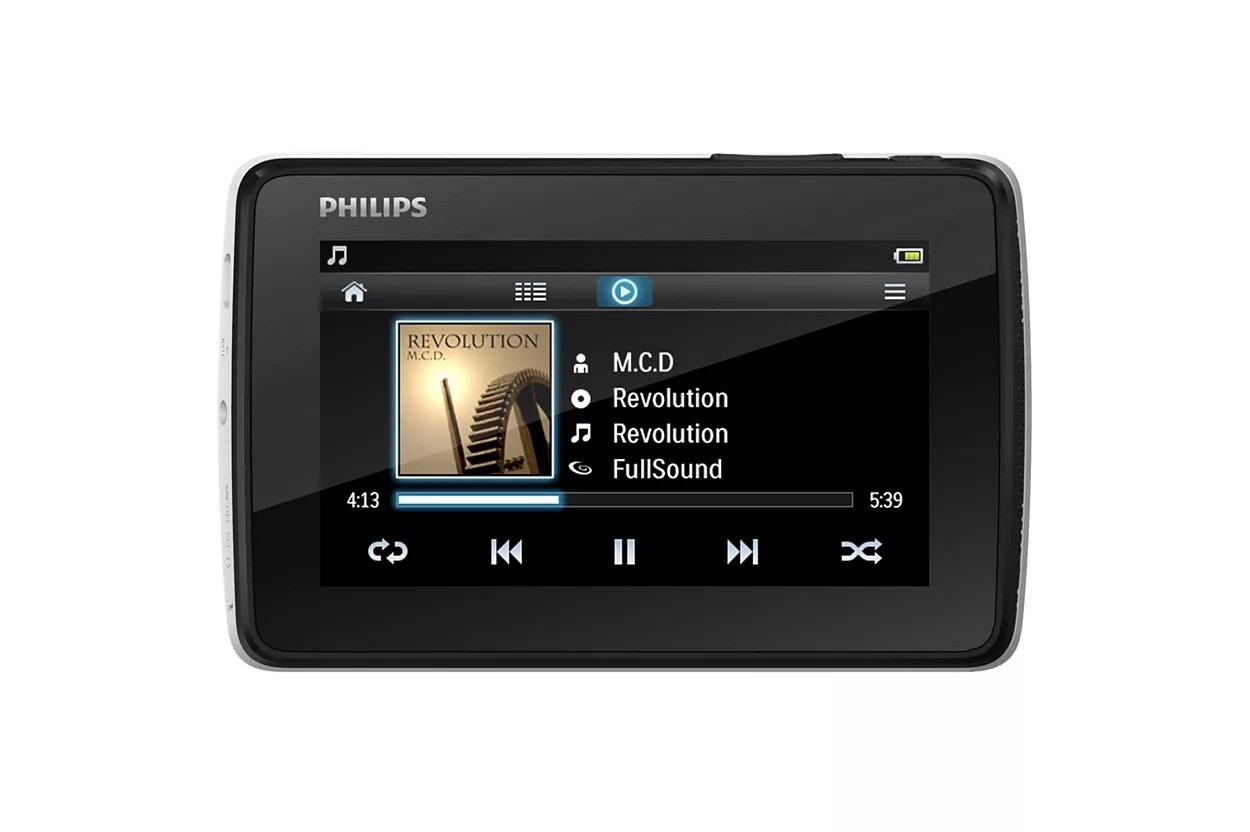
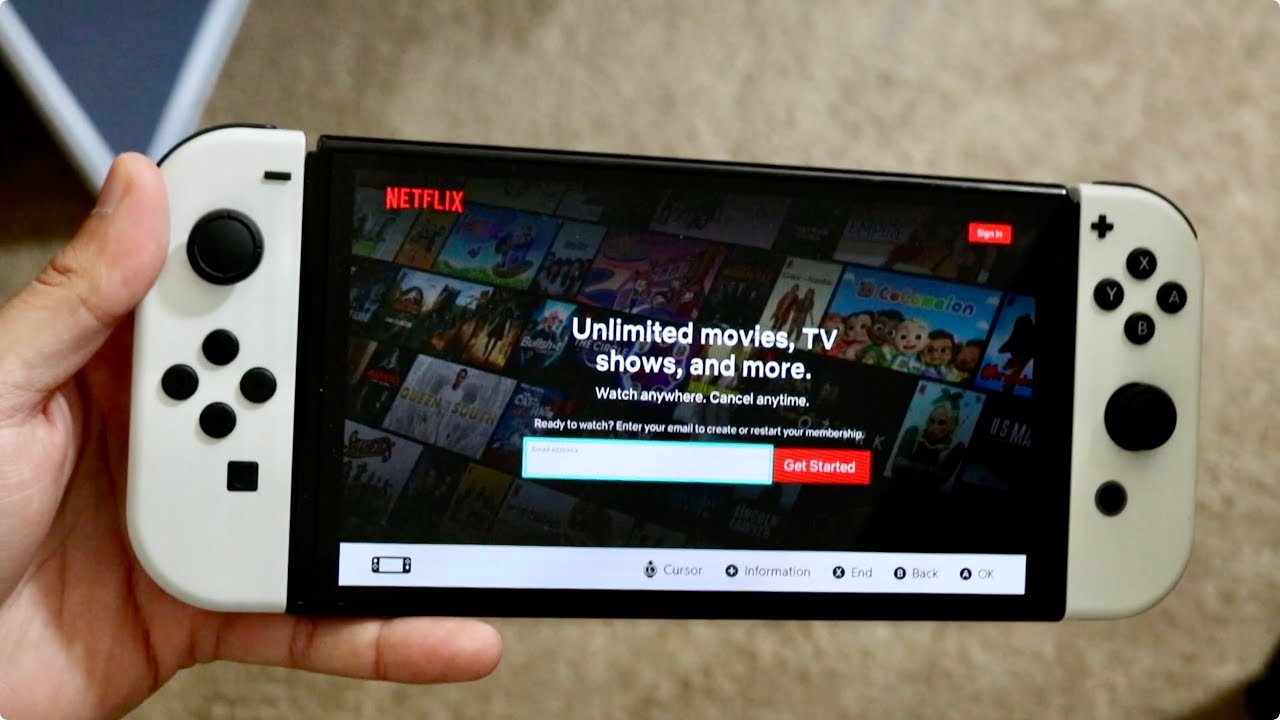
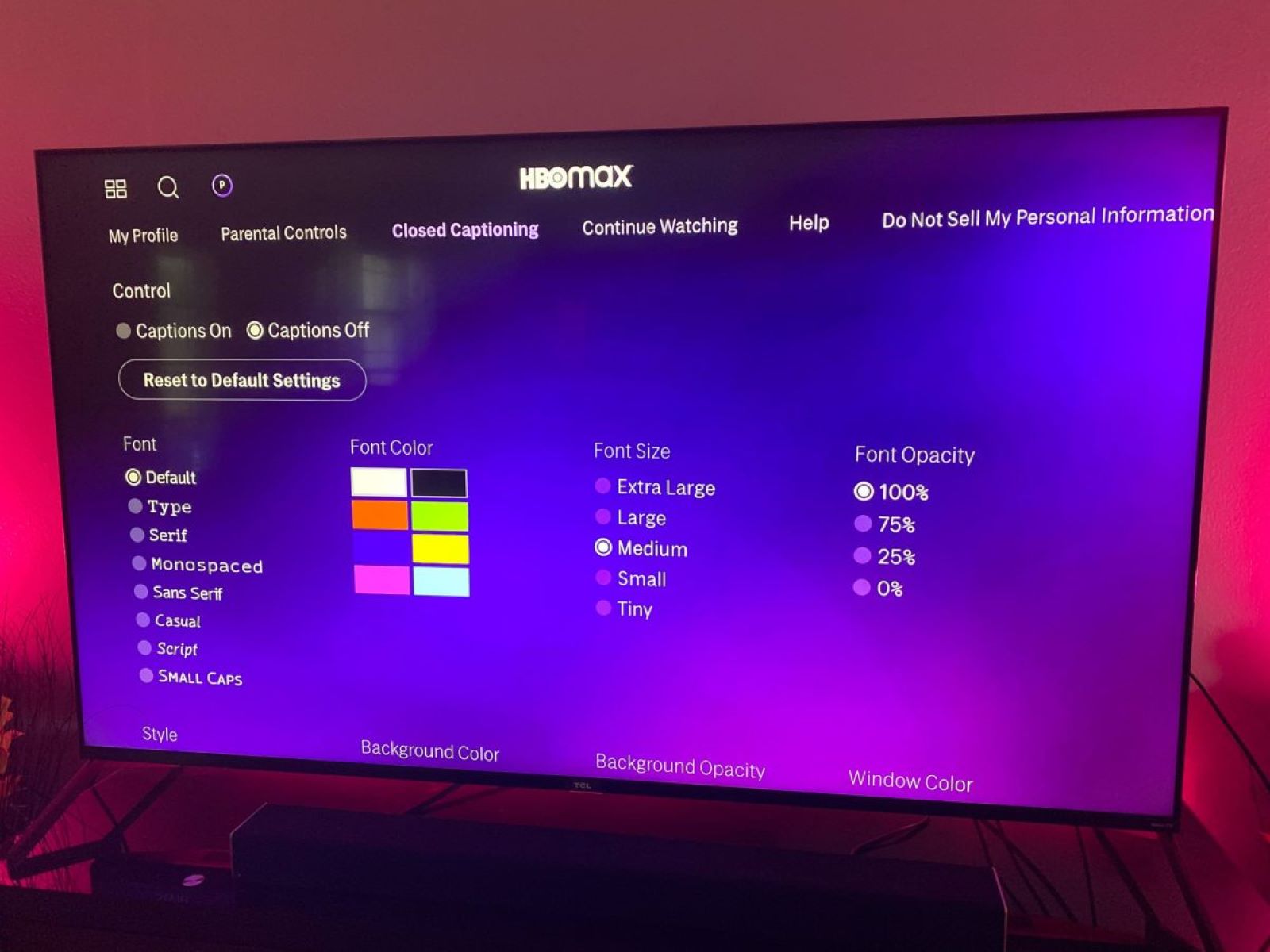
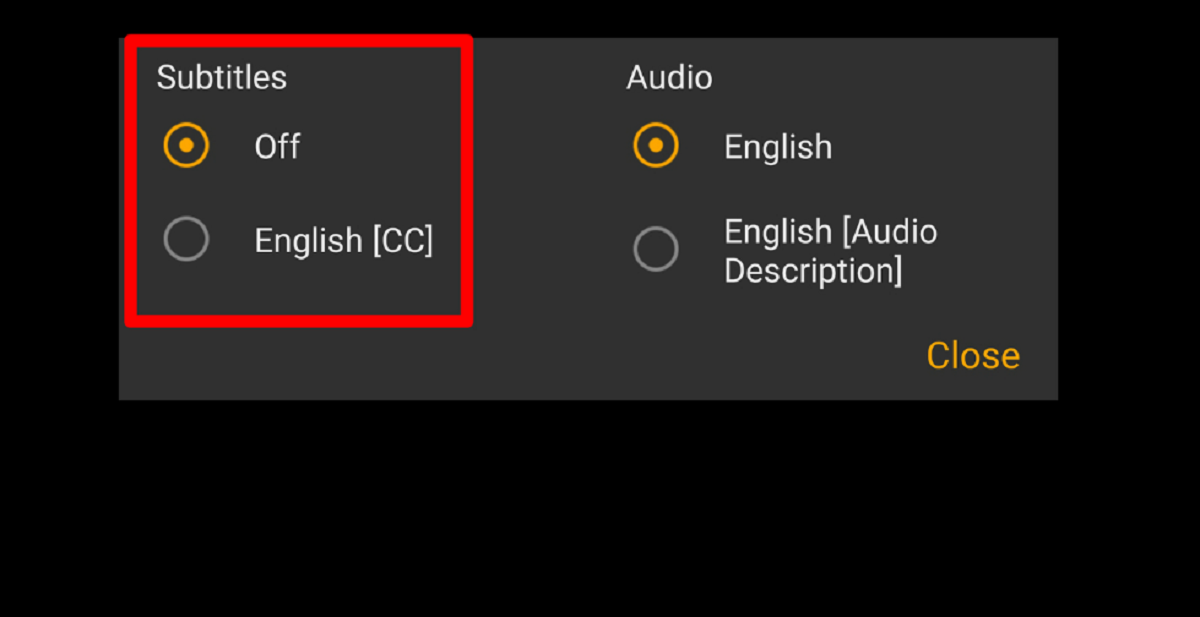
The problems covered here fall into two main themes. First, there are the “where is that setting” fixes: things like turning on subtitles for Tubi or HBO Max, or figuring out why Instagram suddenly has sound on when you expected it muted. These are quick corrections for confusing interface choices. Second, there are the “get it onto my screen” challenges, which involve moving videos from one device to another or adjusting display options. For example, you can learn how to download movies on a Nintendo Switch for offline travel, or how to play video files from a USB stick on a smart TV. A separate, responsible angle appears in articles about watching content legally and safely, such as explaining how to use the Switch’s built-in browser to stream supported services, or how to convert your own purchased DVDs for a personal MP3 player, always staying within the rules of the services you use.
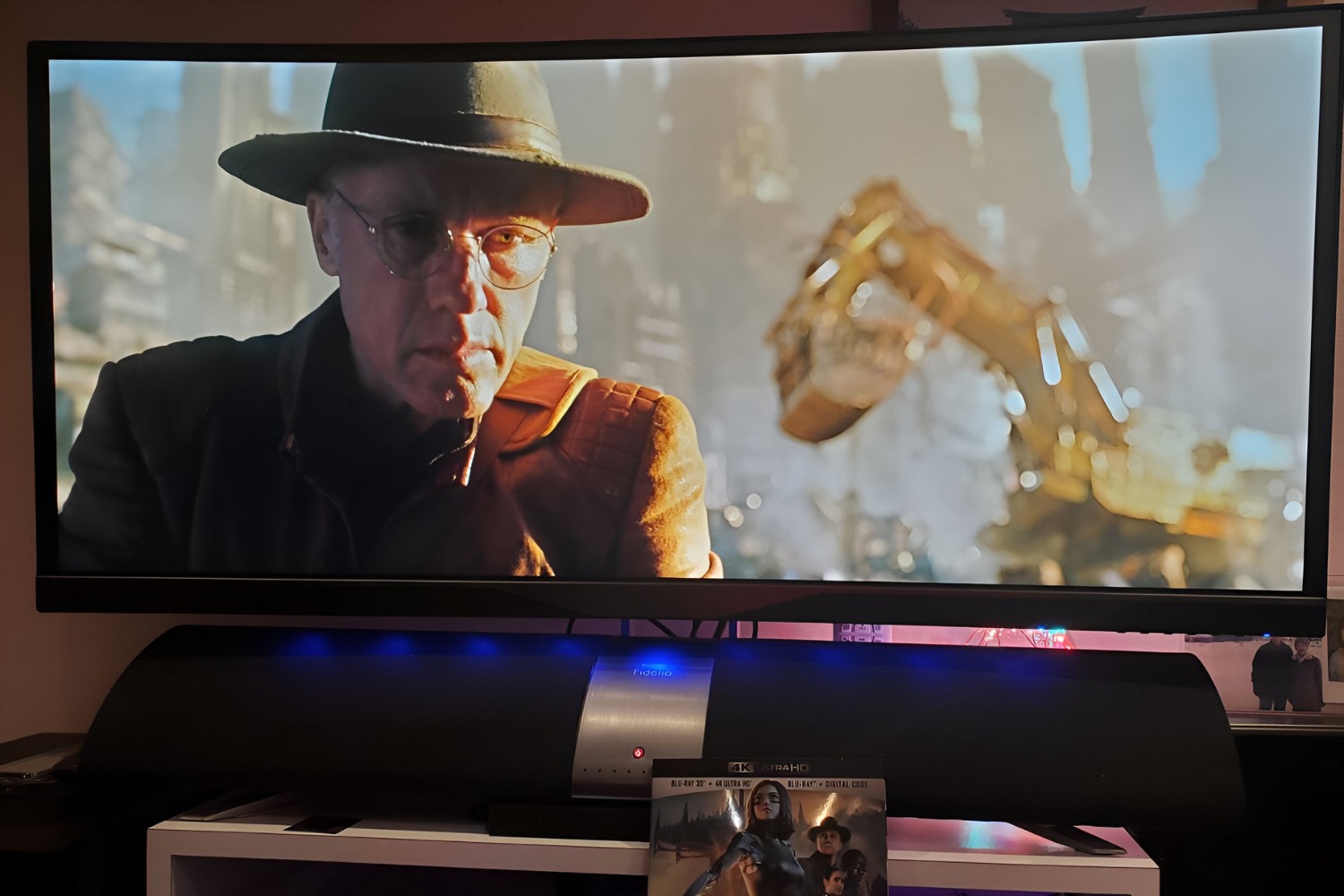
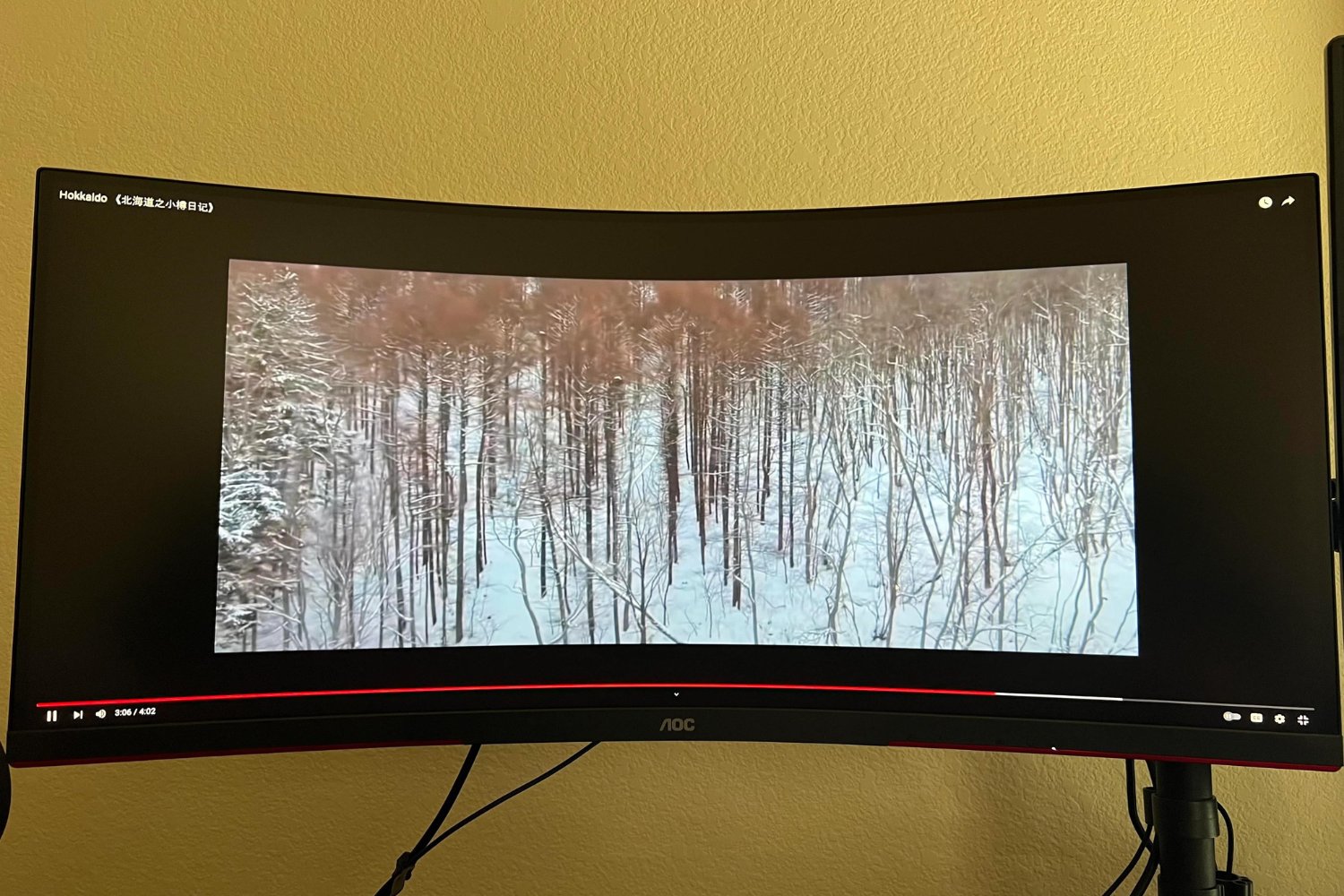
Specific topics you will see include guides for HBO Max, Tubi subtitles, YouTube on an ultrawide monitor, and fullscreen viewing on that same wide screen. The tone throughout is practical and above-board, focusing on making legitimate content work better, never on workarounds for paid services or unauthorized copying. If you have ever stared at a black screen or a missing caption button, this tag has your fix.