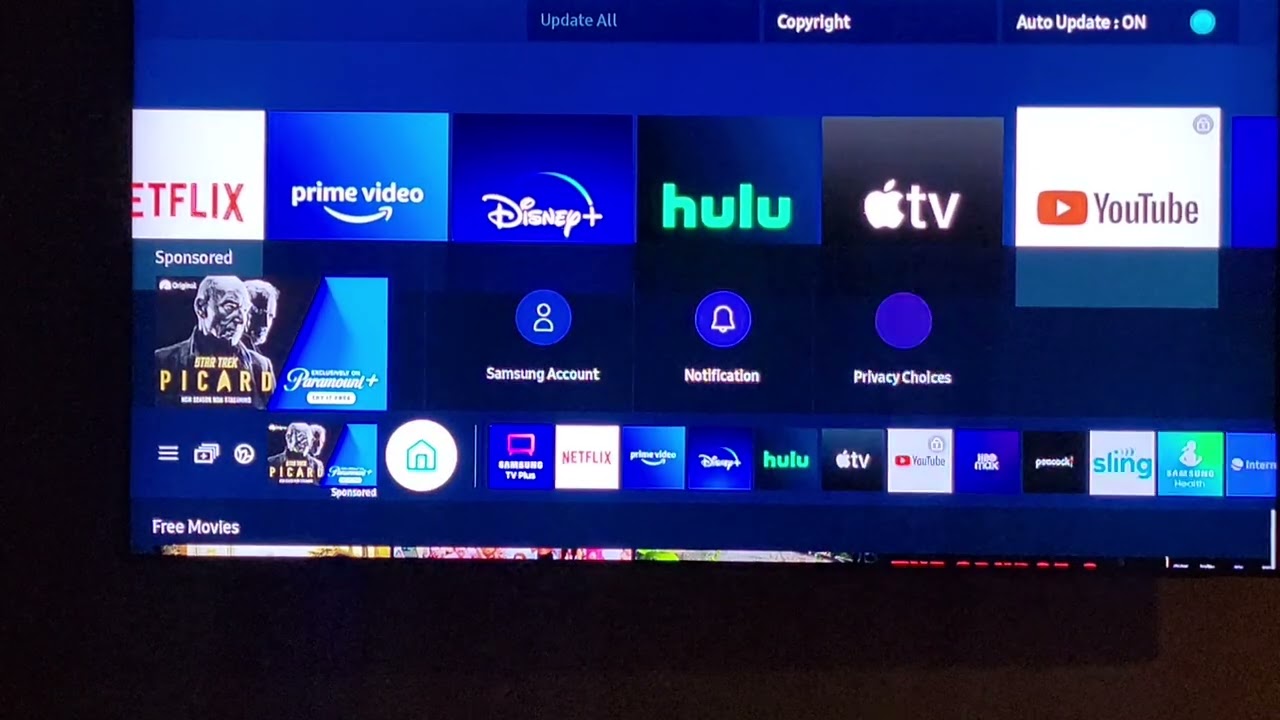
This tag collects step-by-step guides for removing apps from a range of smart TVs and tablets, written for everyday users who want to clean up their devices without digging through confusing settings menus. Whether you’re dealing with a brand-new Samsung tablet that came preloaded with corporate management software, or a Hisense TV that insists on showing apps you never asked for, these articles walk you through the process in plain language. The content is aimed at consumers who own the hardware and simply want control over what runs on it, no technical background required.
The articles here fall into two broad themes. The first is reclaiming your screen from unwanted factory-installed or carrier-pushed software. For example, the guide on removing Soti Mobicontrol from a Samsung tablet helps you disable a mobile device management tool that may have been installed by an employer or retailer, while the pieces on deleting preloaded apps on Hisense and uninstalling YouTube from a smart TV focus on freeing up space and decluttering your home screen. The second theme is managing apps you added yourself, such as sideloaded software on LG webOS or a downloaded YouTube TV app on a Samsung TV, these guides help you reverse your own installations cleanly and safely.
Several articles also address the legal and security side of app removal. The instructions for uninstalling preloaded apps on Hisense, for instance, emphasize using only the manufacturer’s supported methods, so you avoid voiding warranties or exposing your device to unsafe workarounds. Likewise, the Soti Mobicontrol guide explains why you should only remove such software if you have legitimate ownership or permission, rather than attempting to bypass corporate controls. In every case, the focus is on giving you straightforward, above-board ways to manage your own devices, not on exploiting them.