This tag collects Robots.net’s articles about social media platforms, from the big names like Instagram, TikTok, and Discord to newer or niche services such as OnlyFans and VTuber tools. It is written for everyday users, small business owners, and digital marketers who want practical, plain-language guidance on how to use these platforms more effectively, whether that means posting better content, managing multiple accounts, or simply understanding how a feature works before you tap it.

The articles group into a few clear themes. One is content creation and sharing: you’ll find step-by-step guides on downloading Tumblr videos, adding Spotify music to an Instagram Story, or putting subtitles on Reels. Another theme is account management and troubleshooting, covering tasks like retrieving deleted Instagram messages, finding your Instagram password, or figuring out what “restricting” does on Instagram. For Discord, the tag explains how to search for servers, ping someone, or send a direct message without being friends. A third theme is professional tools and strategy, with reviews of social media management platforms like Hootsuite, Buffer, SocialPilot, and Later, plus beginner guides to social media listening and monitoring services like Brandwatch.

Some articles take a safety or legal-alternatives angle rather than showing risky behavior. For example, the piece on viewing a private Instagram account explains the legitimate options and boundaries, and the guide to OnlyFans focuses on how the platform works for creators and subscribers. Similarly, the article about the FBI monitoring social media is framed as a news and awareness piece, not a how-to. Across all 68 posts, the goal is to help readers do things like grow a small business, manage their online presence, or simply avoid common pitfalls, without encouraging hacking, bypassing, or cheating.
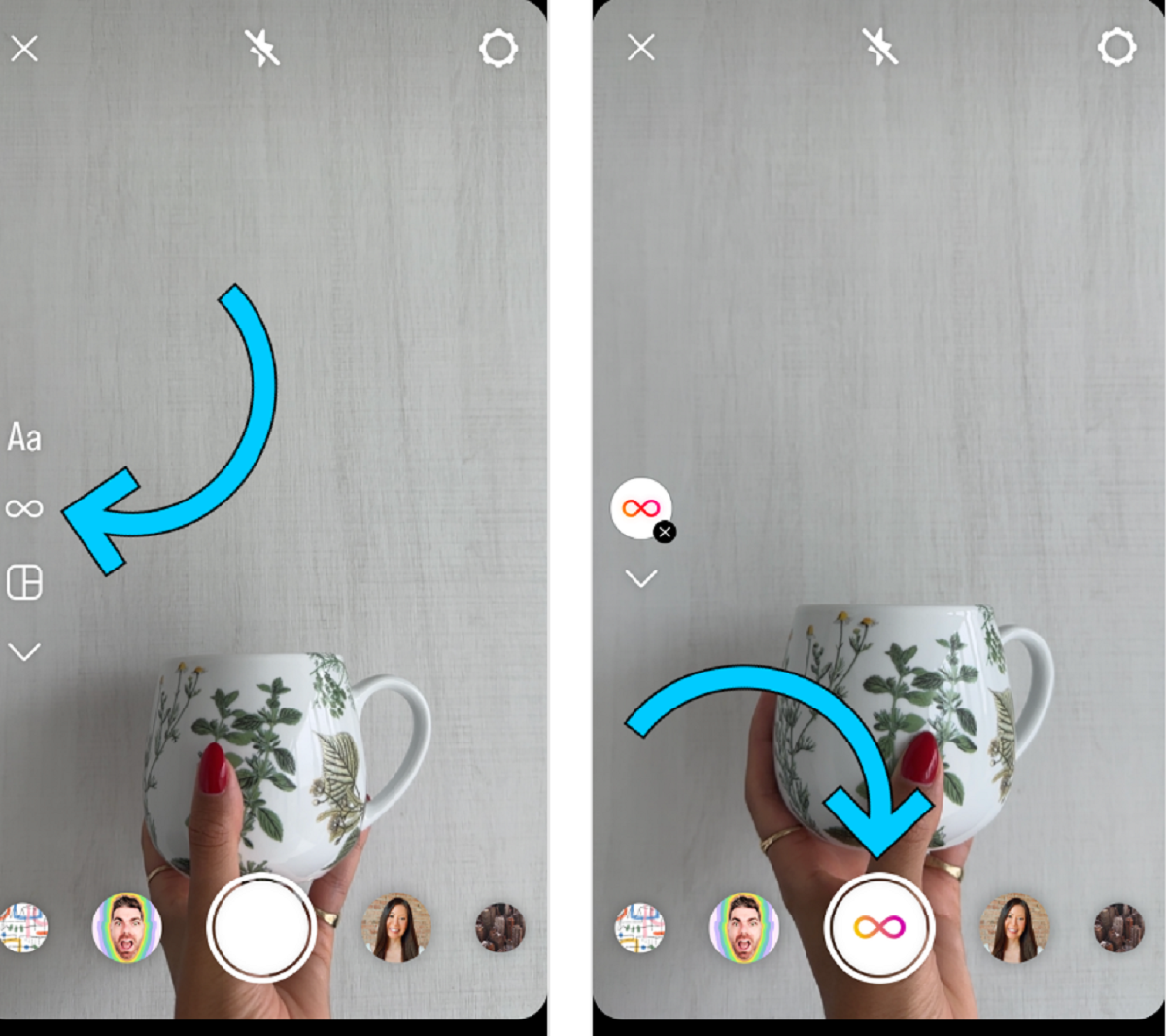
How To Do A Boomerang On Instagram

To do a boomerang on Instagram, open the Instagram app and swipe left or right to access the Stories camera. Then, tap the infinity symbol (∞) icon to enter Boomerang...

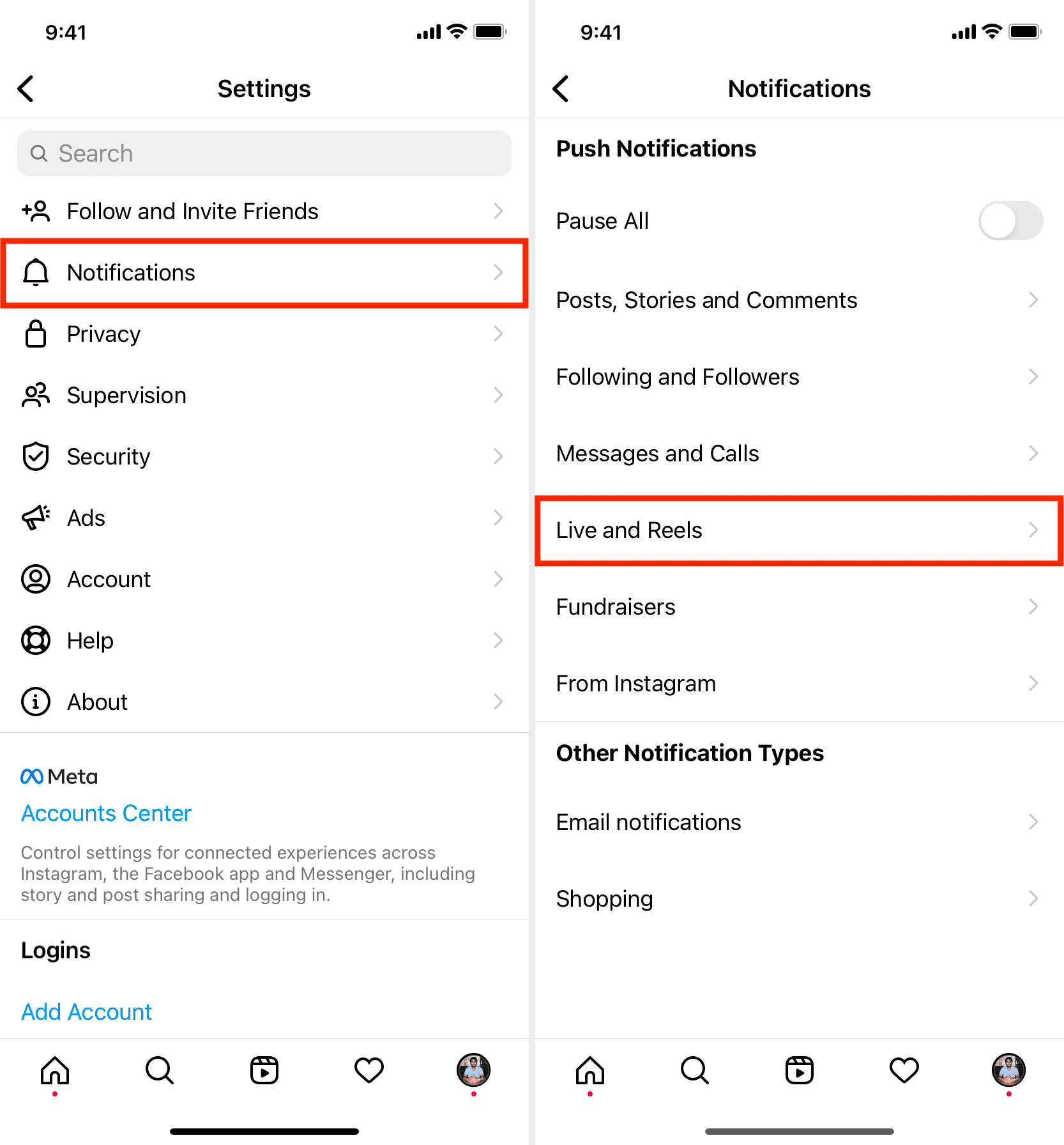
How To Go Live On Instagram

To go live on Instagram, open the Instagram app on your phone, swipe right from your feed to access the camera, and select "Live" at the bottom of the screen....

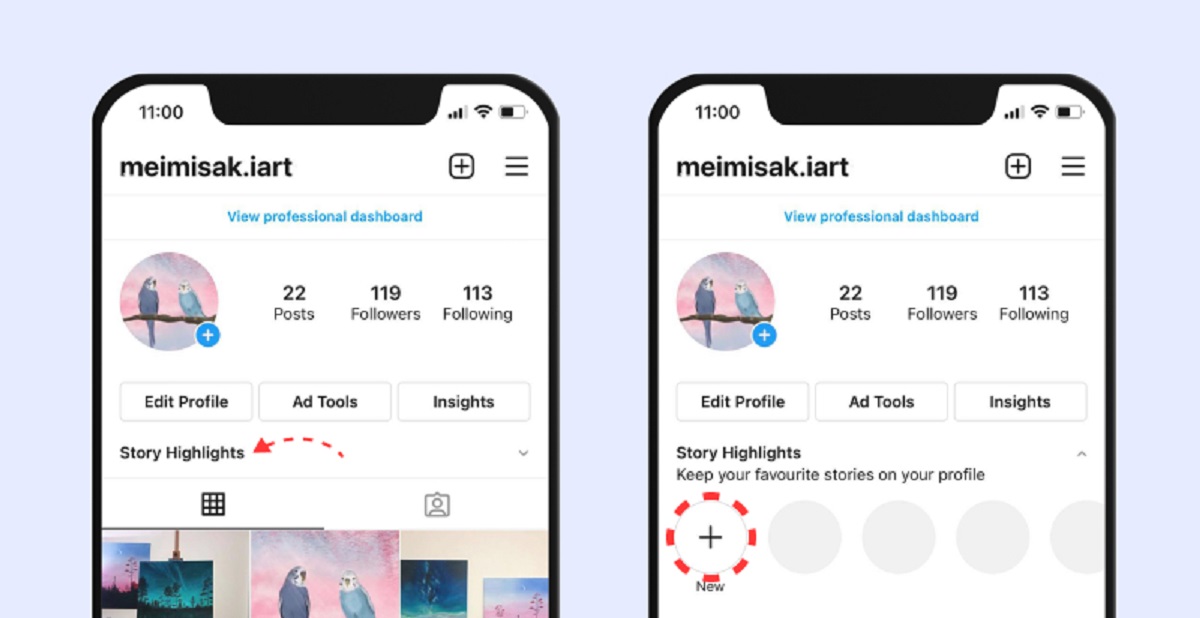
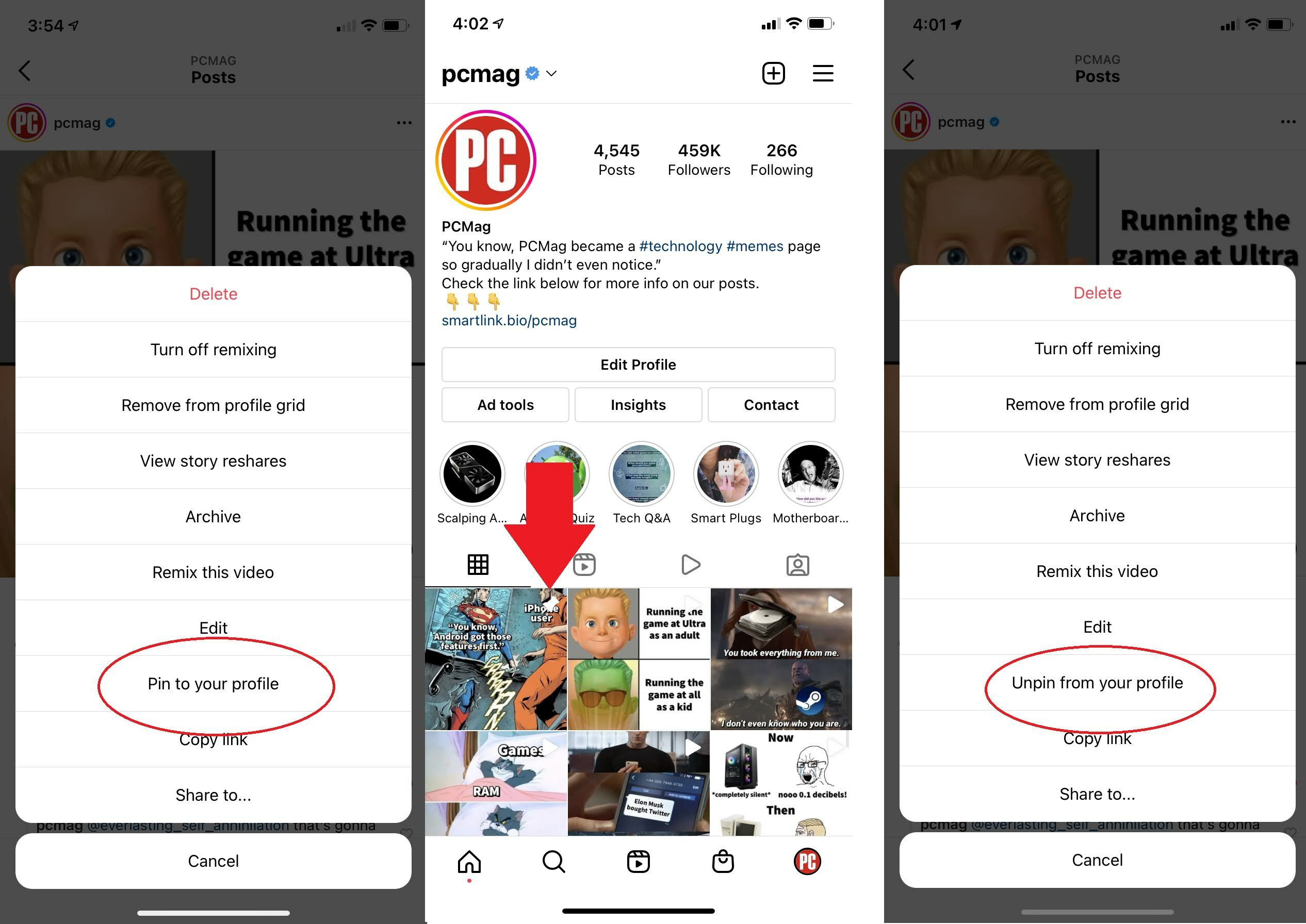
How To Create A Highlight On Instagram

To create a highlight on Instagram, you must first ensure your Story Archive is turned on, then select past Stories from that archive to build a permanent collection on your...

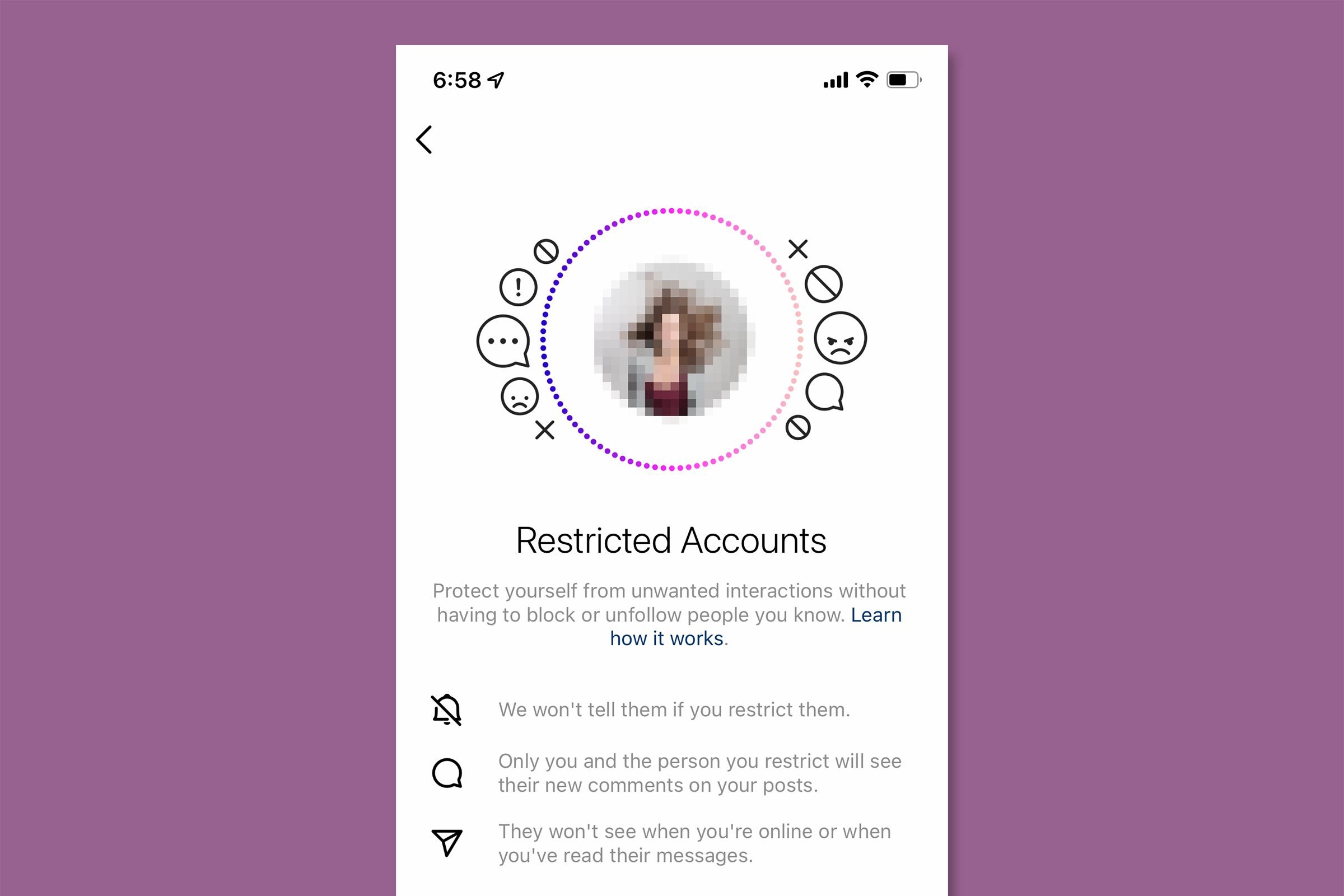
What Does Restricting Do On Instagram

Restricting on Instagram is a discreet feature that lets you limit another user's interactions with your account without them knowing. When you restrict someone, their comments on your posts become...

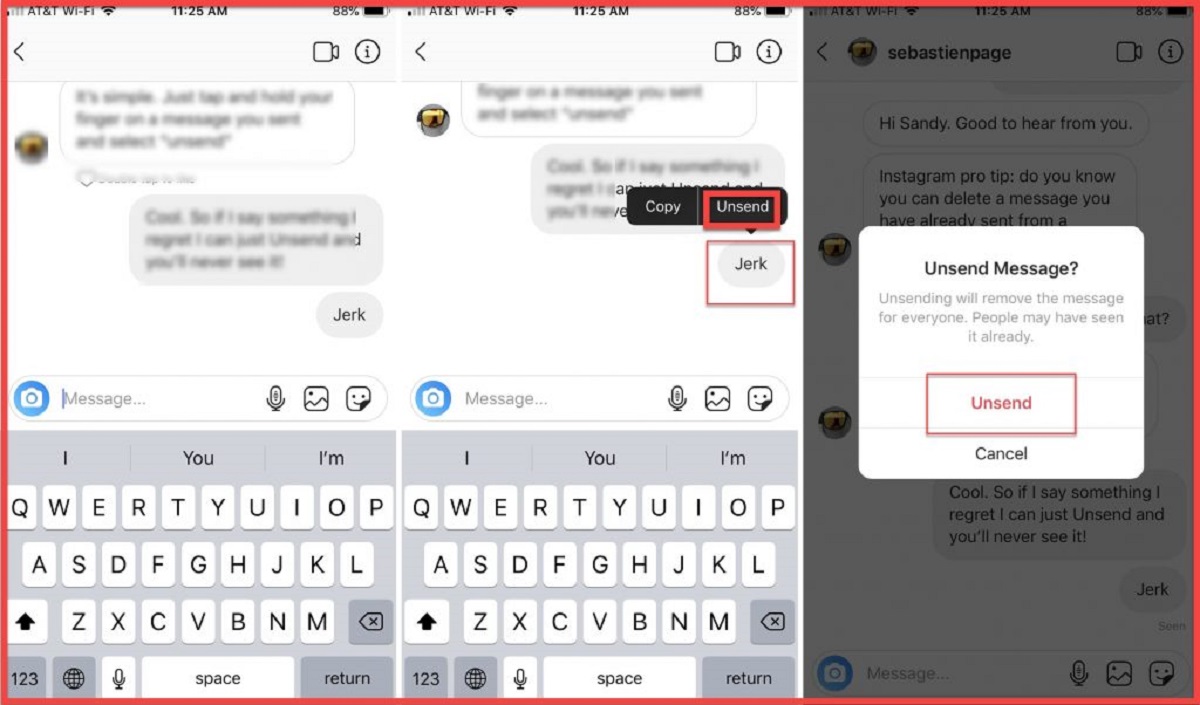
How To Retrieve Deleted Instagram Messages

You can retrieve deleted Instagram messages, but only if you act fast and use the right method. There is no undo button or "Recently Deleted" folder for direct messages, so...

What Is A Thread In Discord

A thread in Discord is a temporary sub-channel created within an existing channel to help organize conversations and reduce clutter. Instead of letting multiple discussions pile up in a single...

How To Ping Someone On Discord

To ping someone on Discord, type the @ symbol followed by their username and select the correct user from the auto-complete list that appears. This sends them a notification that...

How To Search For Discord Servers

How to search for Discord servers with Server Discovery The most direct way to search for Discord servers is through the built-in Server Discovery feature, which lets you browse curated...

How To Add Friend On Discord

To add a friend on Discord, you can send a friend request using their exact username, from their user profile, or from a server member list. This guide covers every...