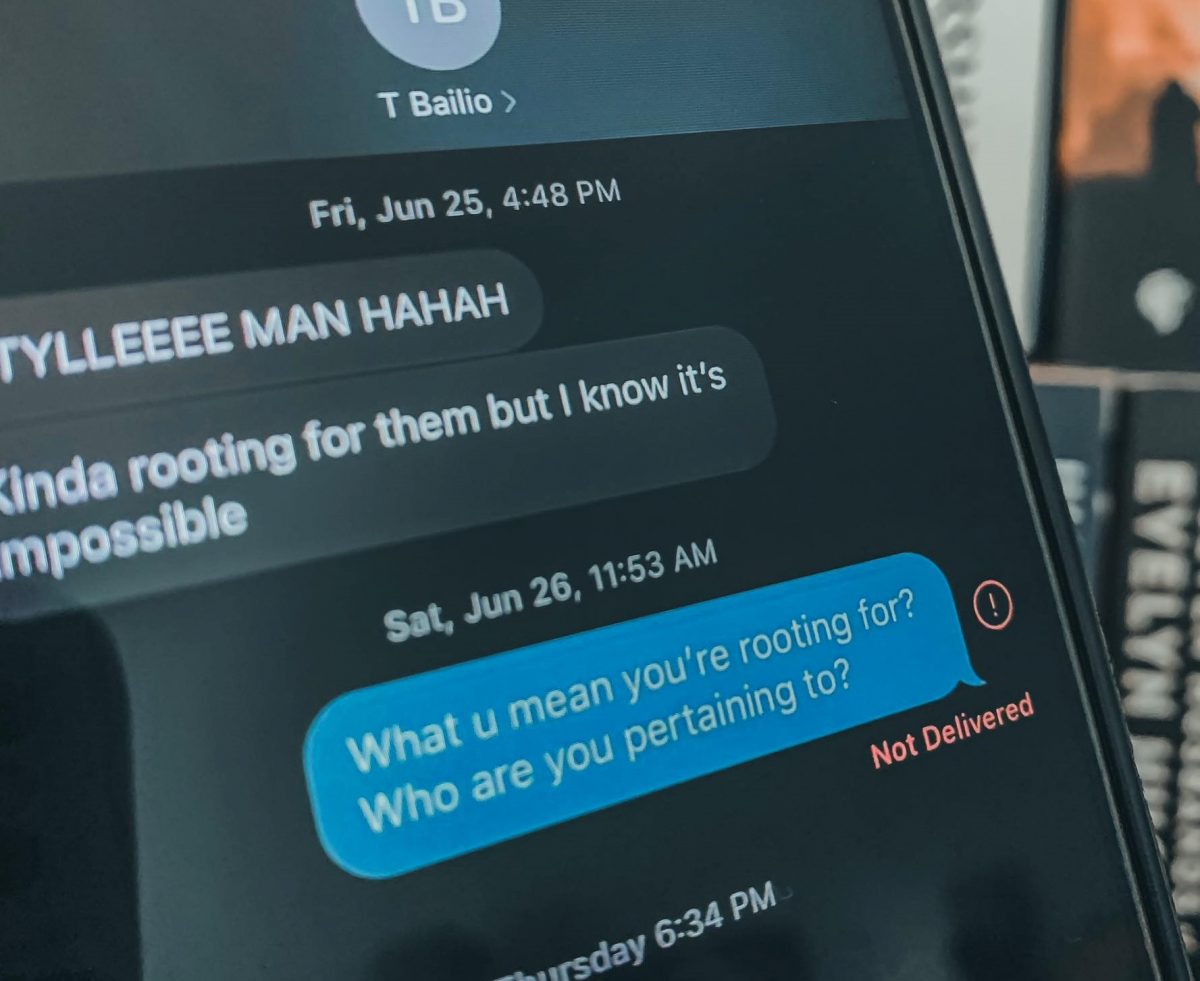
The SMS tag on Robots.net gathers practical, everyday guides for people who live in the messy middle of Android and iPhone texting. It is written for regular consumers, not developers or power users, who just want their group chats, message history, and cross-device texting to behave. If you have ever stared at a phone wondering why a text did not deliver, or tried to manage a thread that has spun out of control, these articles are for you.
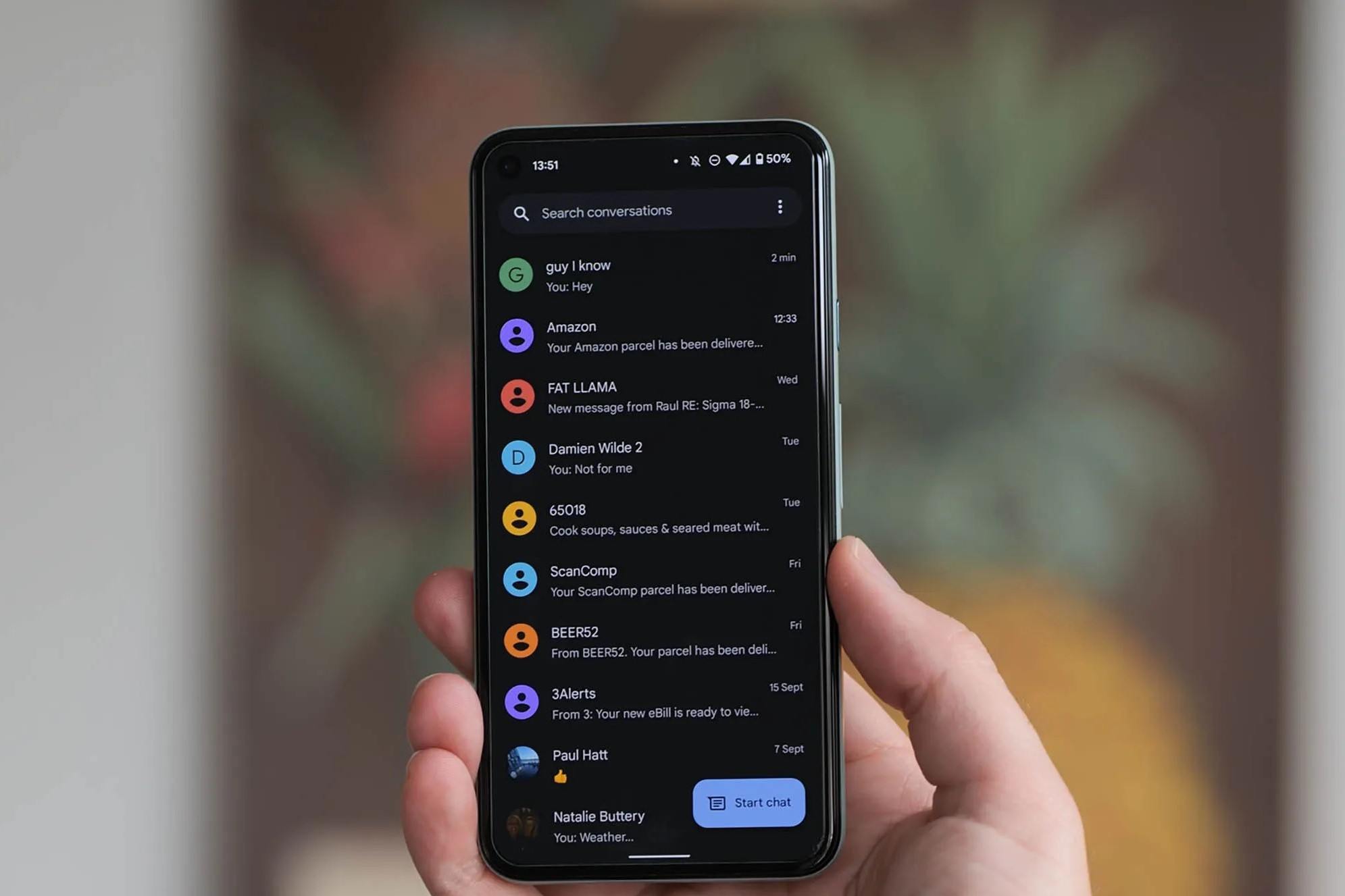
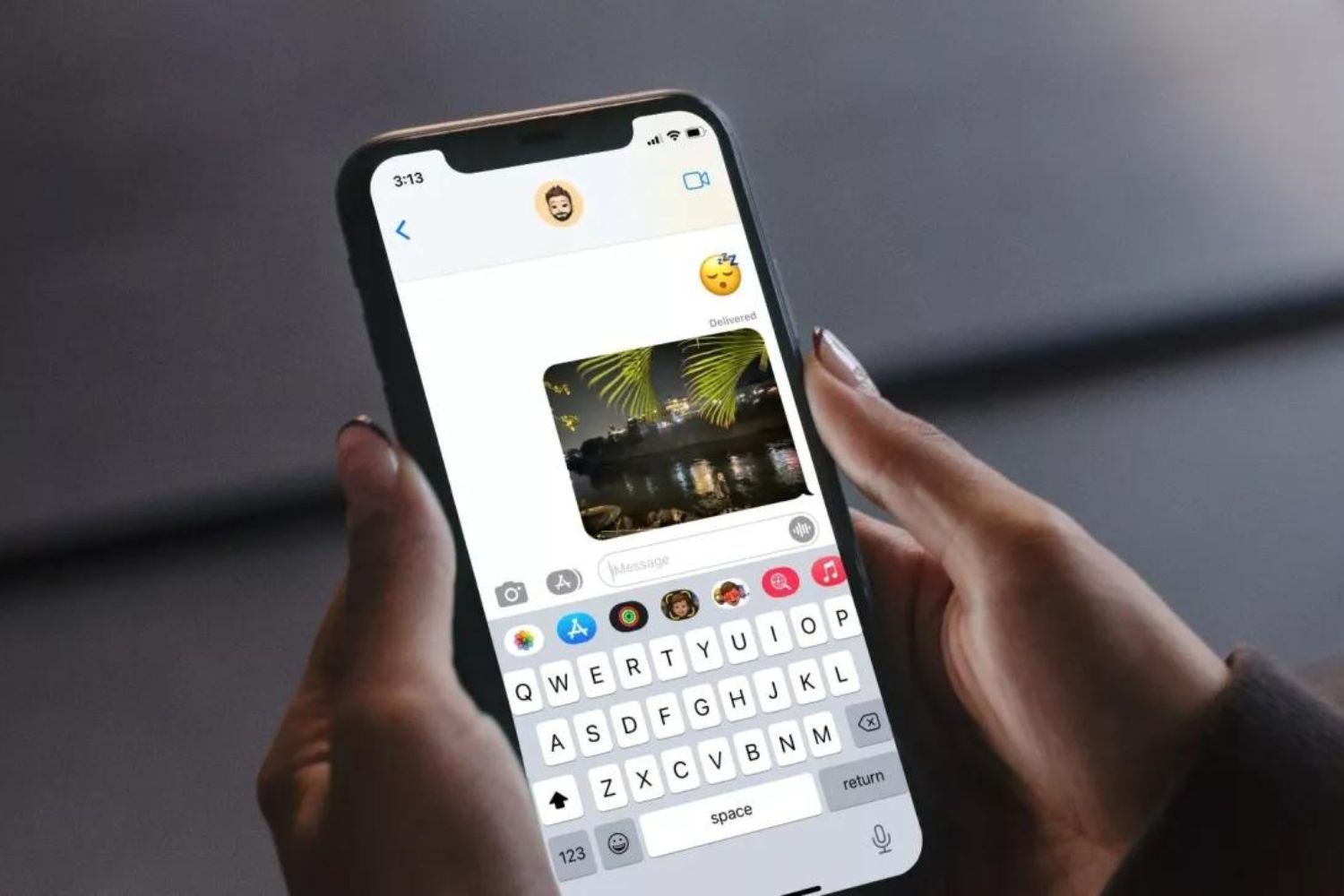
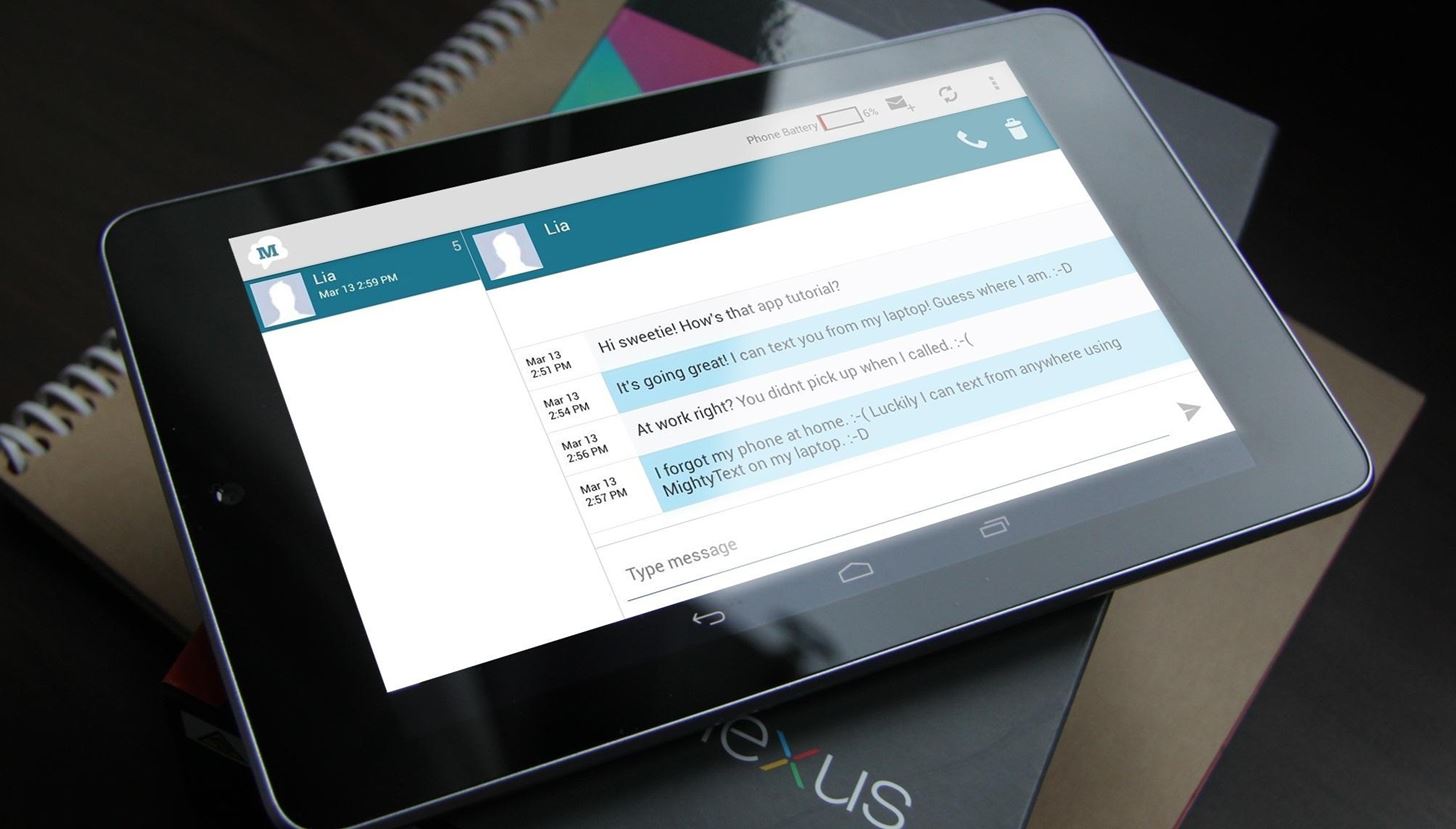
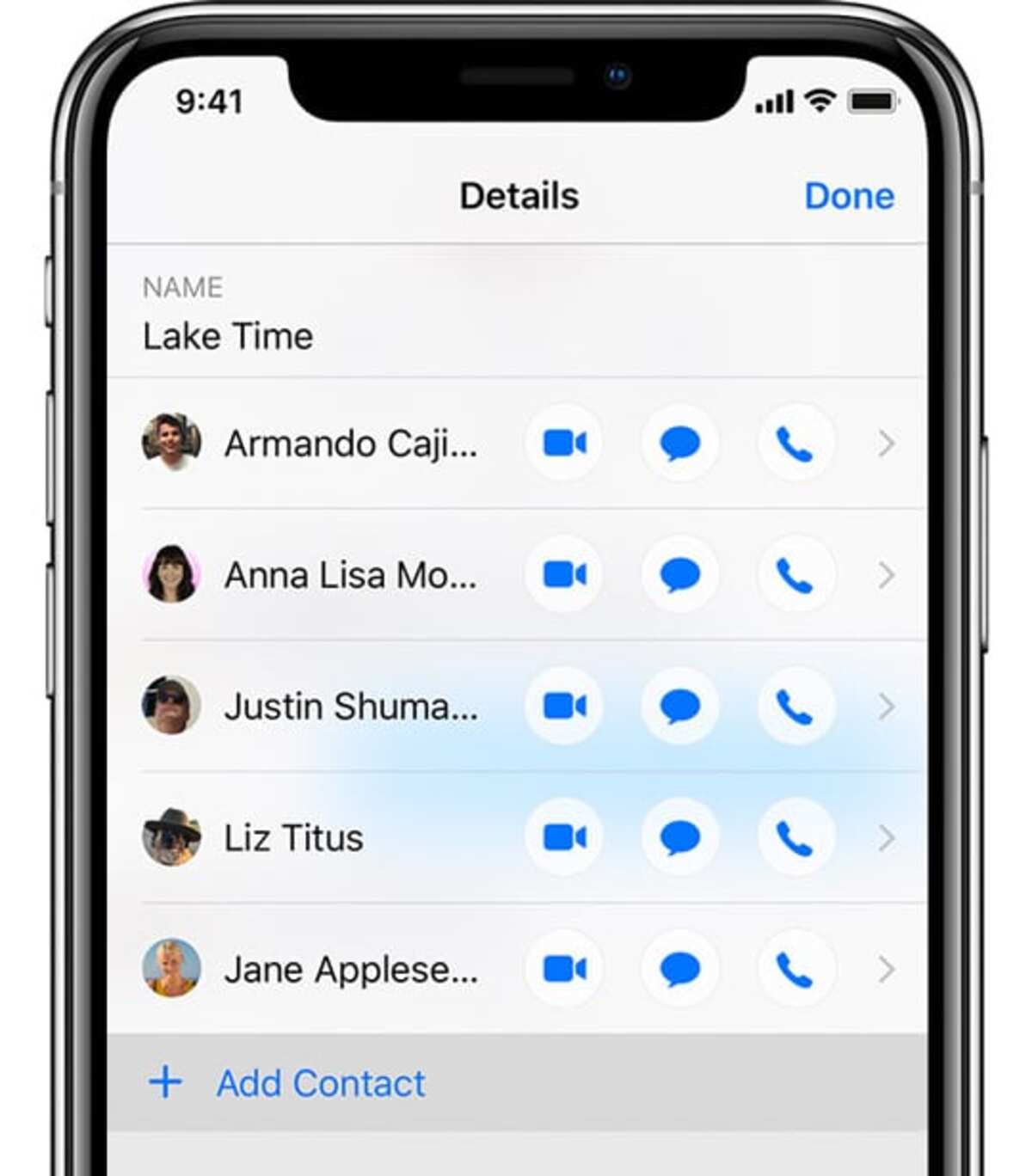
Several pieces focus on managing group conversations and message delivery. You can learn how to create and name a group text on Android, how to remove someone from a group thread on both Android and iPhone, and how to send group texts on a Pixel 6. The tag also covers the quirks of iMessage specifically, with guides on adding someone to an iMessage conversation, using iMessage on a Chromebook, and even checking iMessage history on a Verizon bill. A separate thread helps people send text messages from an Android tablet, which is a common request when a phone is charging or out of reach.
Beyond everyday messaging, a few articles take a security and safety angle. The guide on signs your Android phone is hacked helps you spot suspicious behavior, while the piece on knowing if someone blocked your text messages on Android frames that question as a diagnostic tool, helping you understand delivery failures without encouraging you to bypass any privacy controls. In all cases, the goal is to help you understand what your phone is doing, fix what is broken, and keep your conversations running smoothly within normal, supported features.