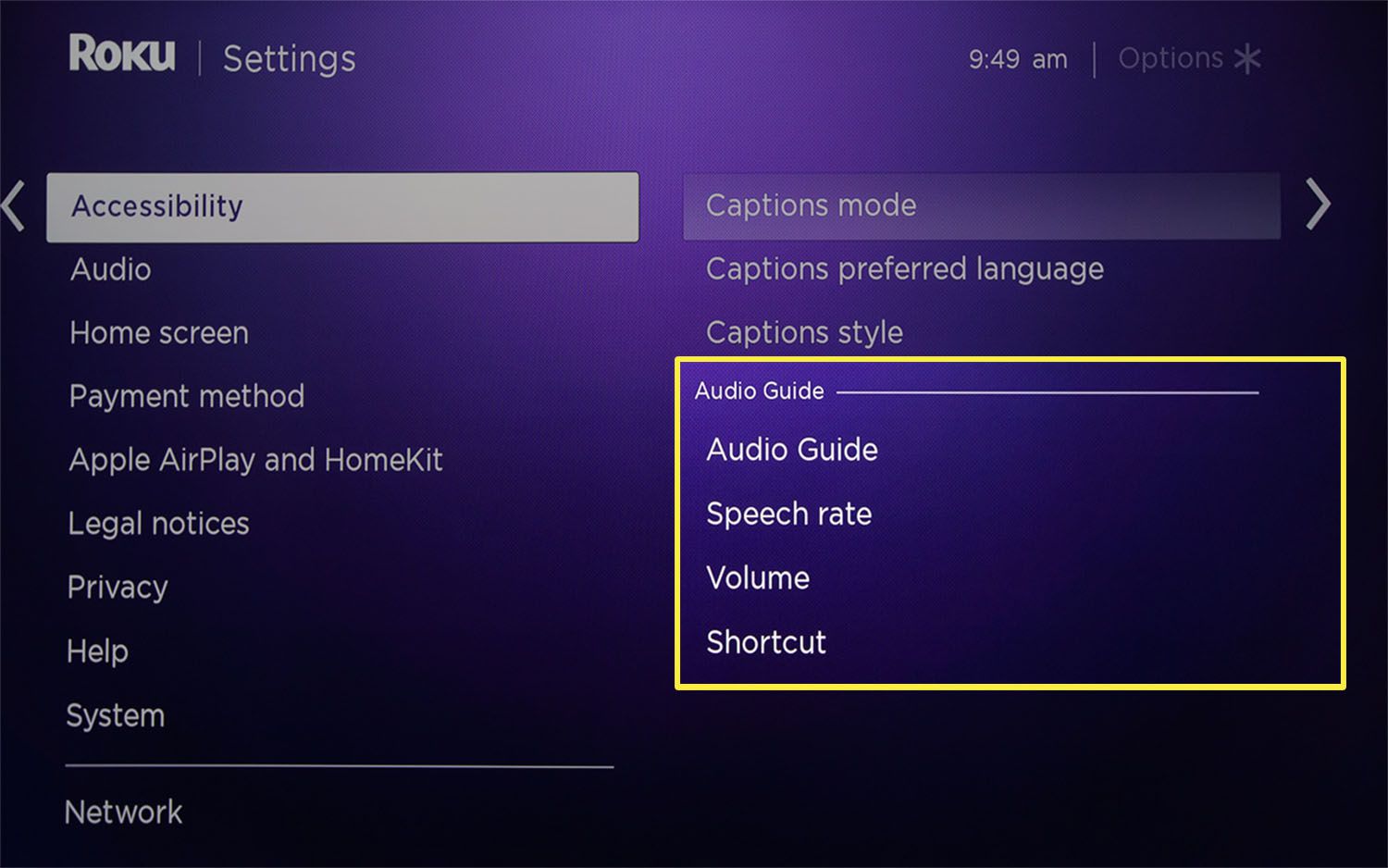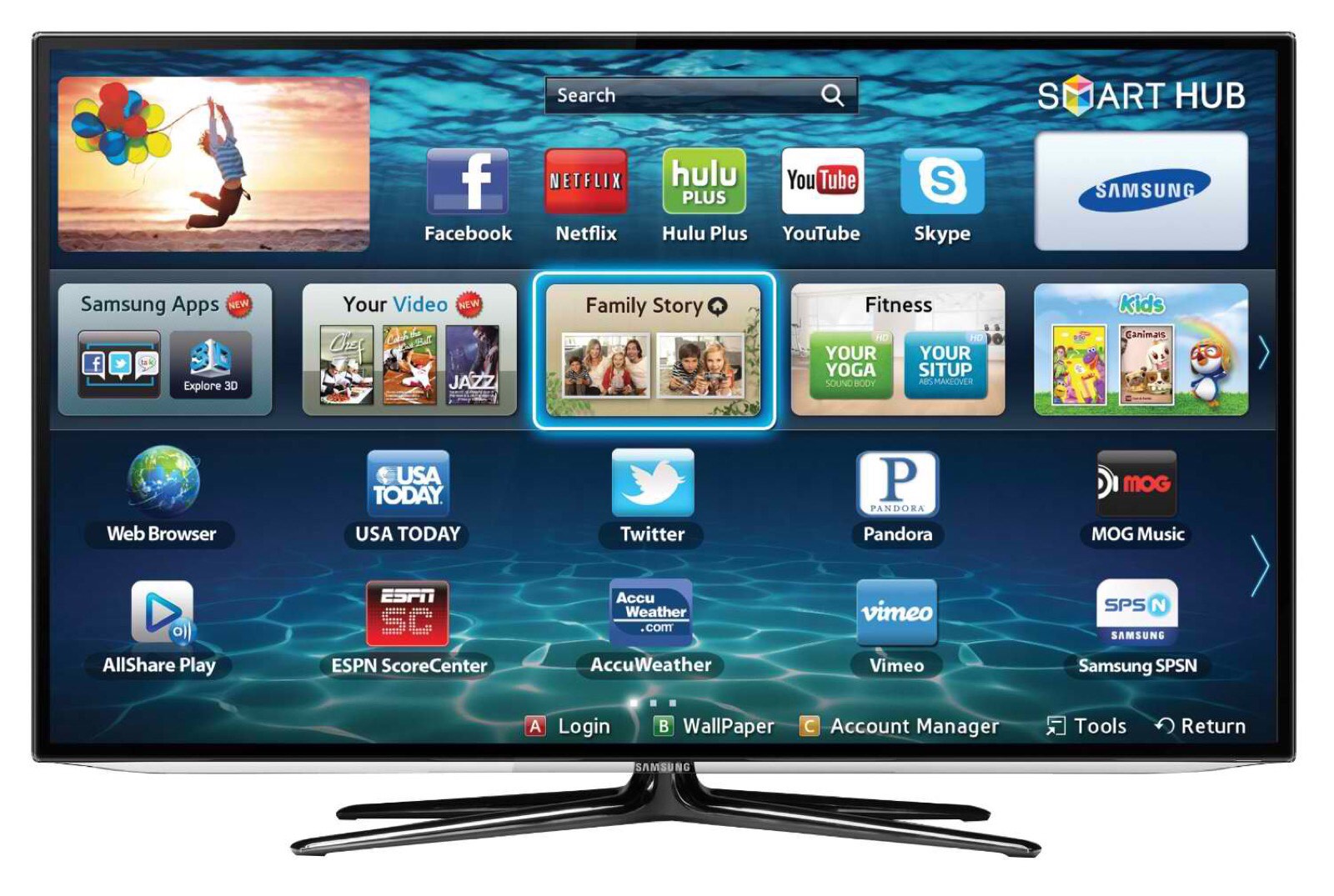
This tag collects articles about controlling the spoken audio feedback and voice features built into modern smart TVs and streaming devices. It is for anyone who has accidentally triggered a screen reader, narrator, or voice guide and wants to restore normal operation, whether you are helping a family member, setting up a new television, or simply finding the constant commentary disruptive. The focus is on practical, everyday fixes for common accessibility features that have become unintentionally active.
The articles here solve two main kinds of problems. First, they address persistent narration that reads menus, channel names, or on-screen text aloud, which can be confusing or frustrating during normal viewing. Second, they cover how to disable voice assistants that respond to remote-control commands or wake words, which may feel intrusive or drain battery life. Across both themes, the guidance is about turning off a feature you did not ask for, not about circumventing any security or content protection.
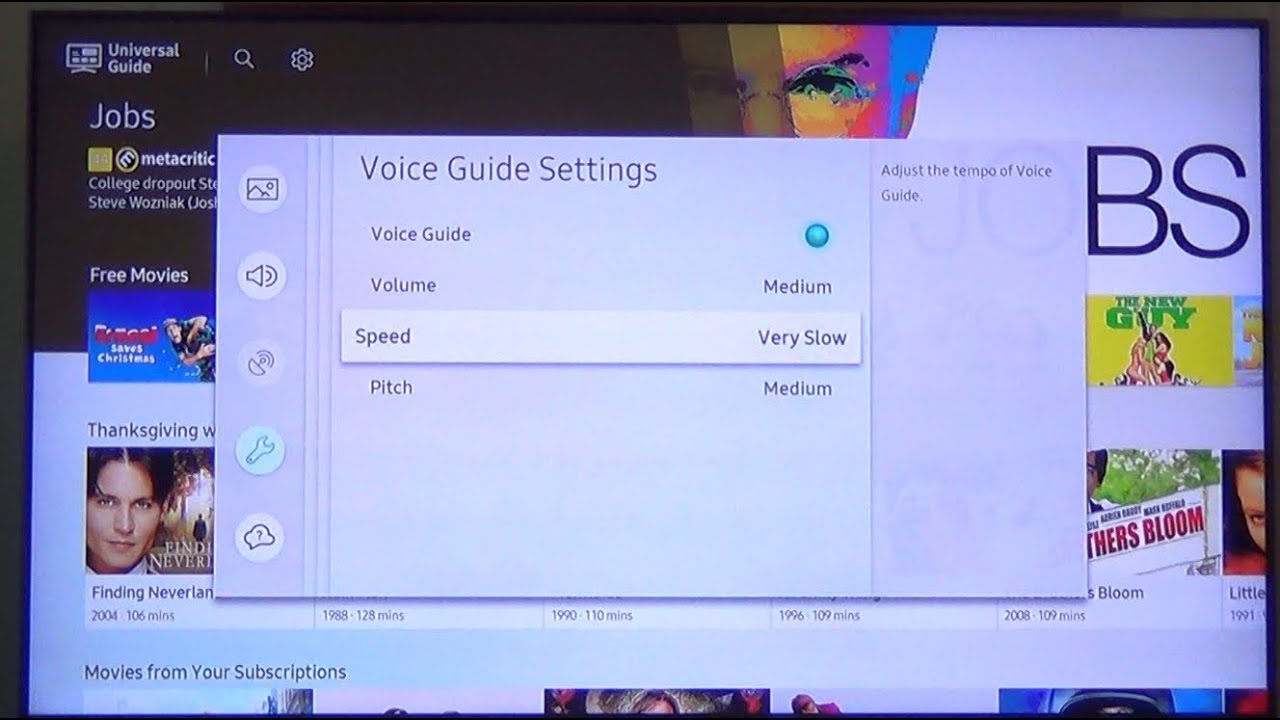
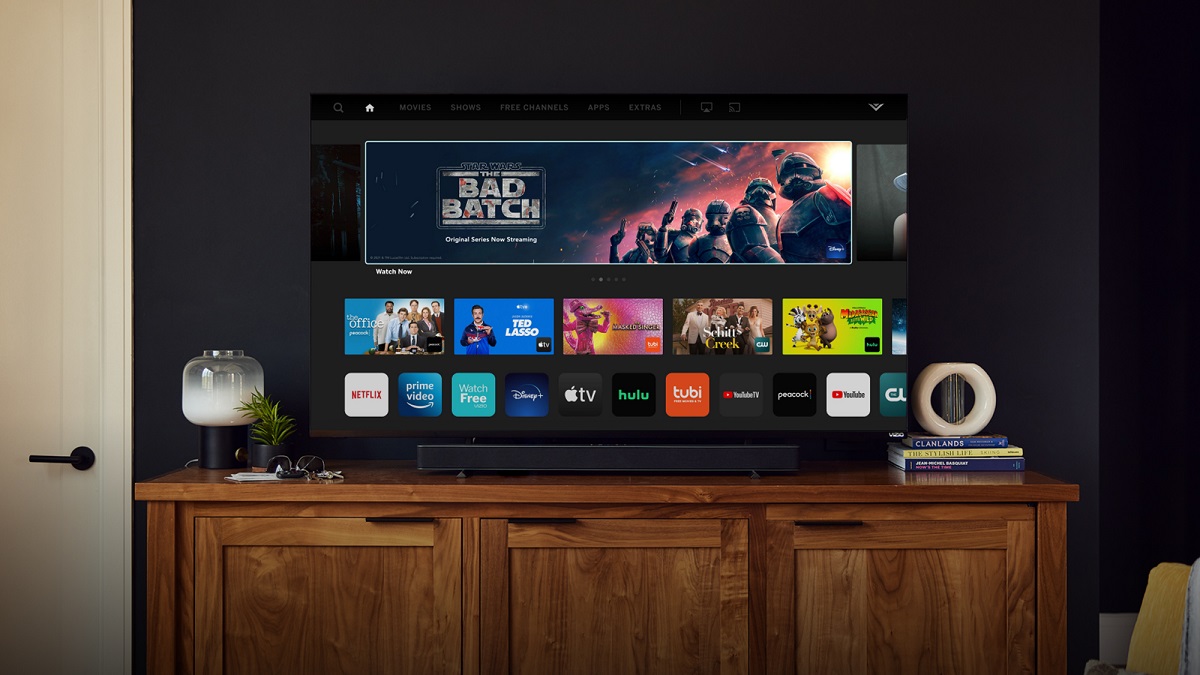
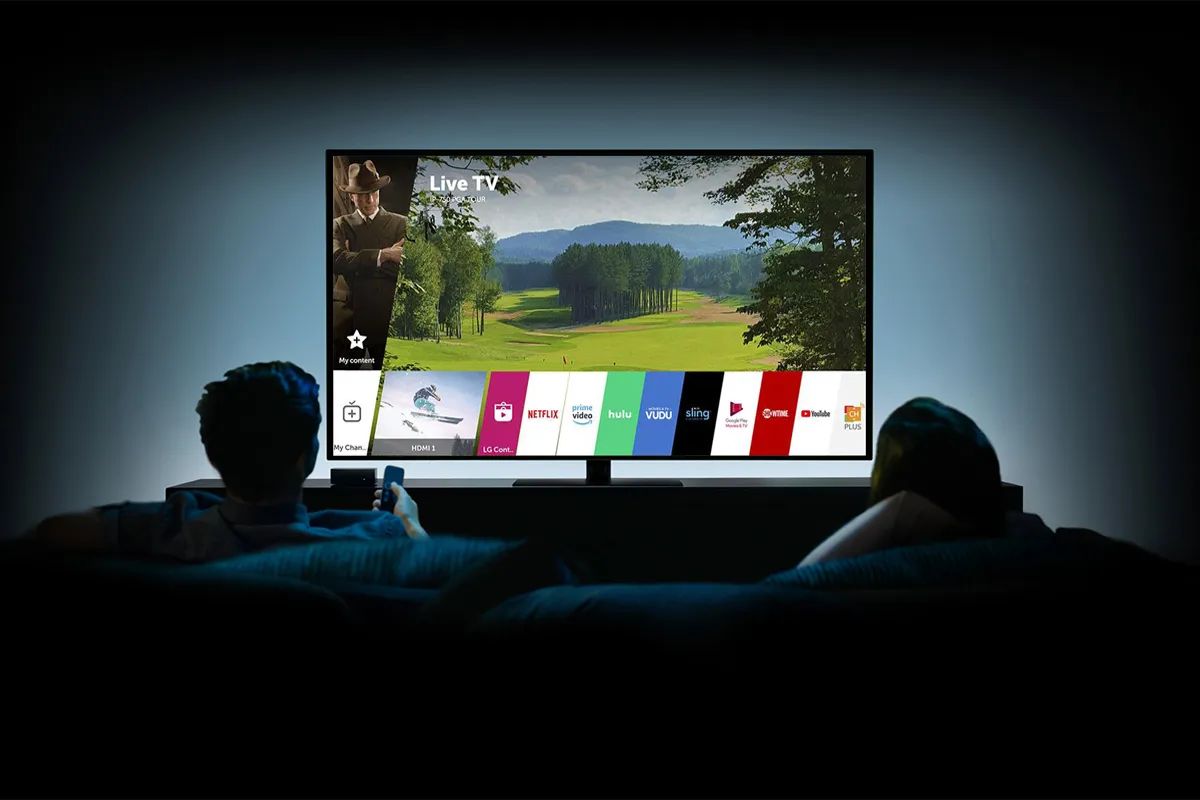
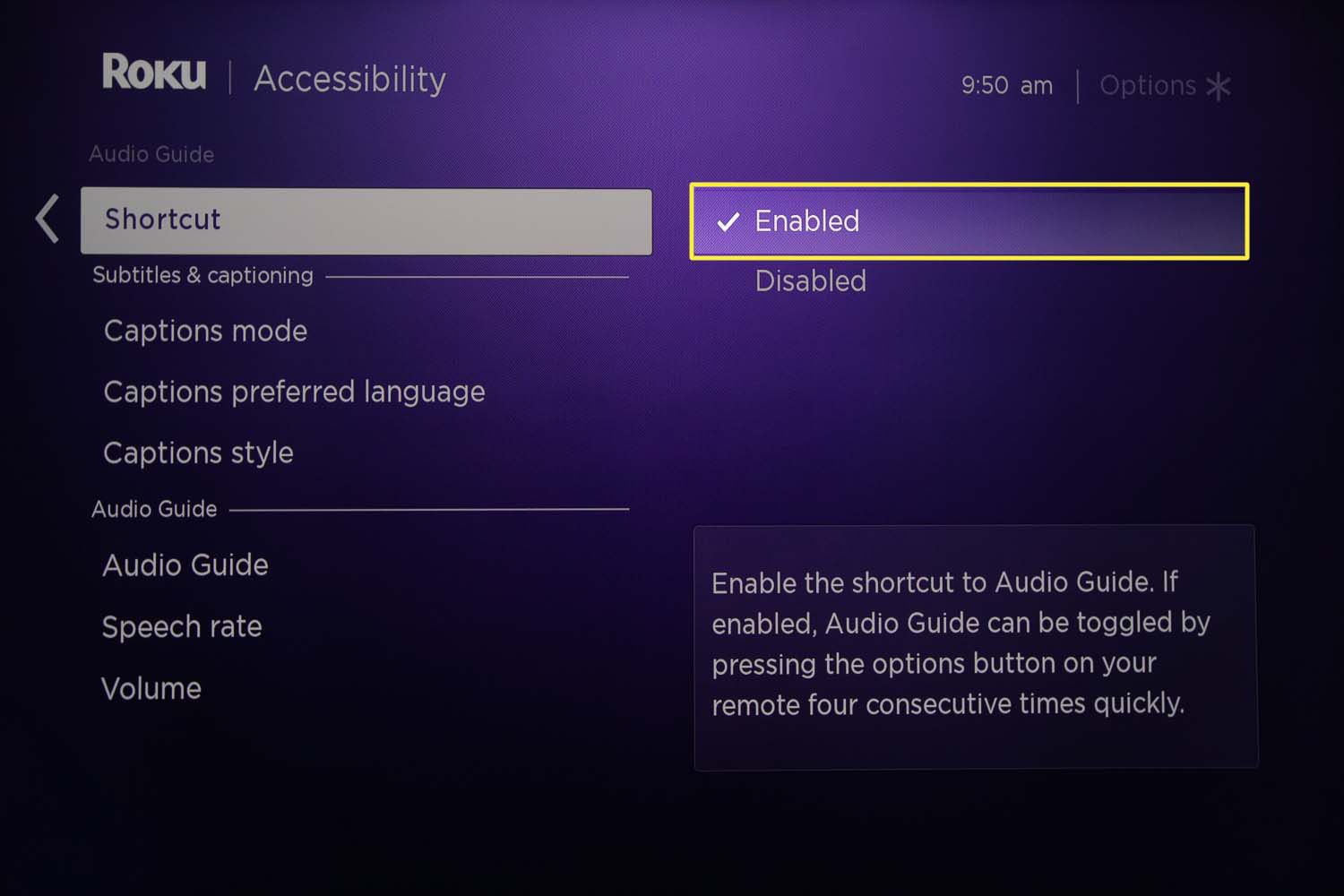
Specific topics include stopping the Roku narrator, disabling the Samsung TV narrator, and turning off the voice guide on Vizio sets. Other pieces walk through silencing the voice assistant on LG smart TVs or muting the spoken feedback on Vizio models. In every case, the articles help the reader regain quiet, manual control of their device, using only the standard settings menus and remote controls that came with the product. No article here covers bypassing, hacking, or unauthorized access, only legitimate, user-facing configuration changes.