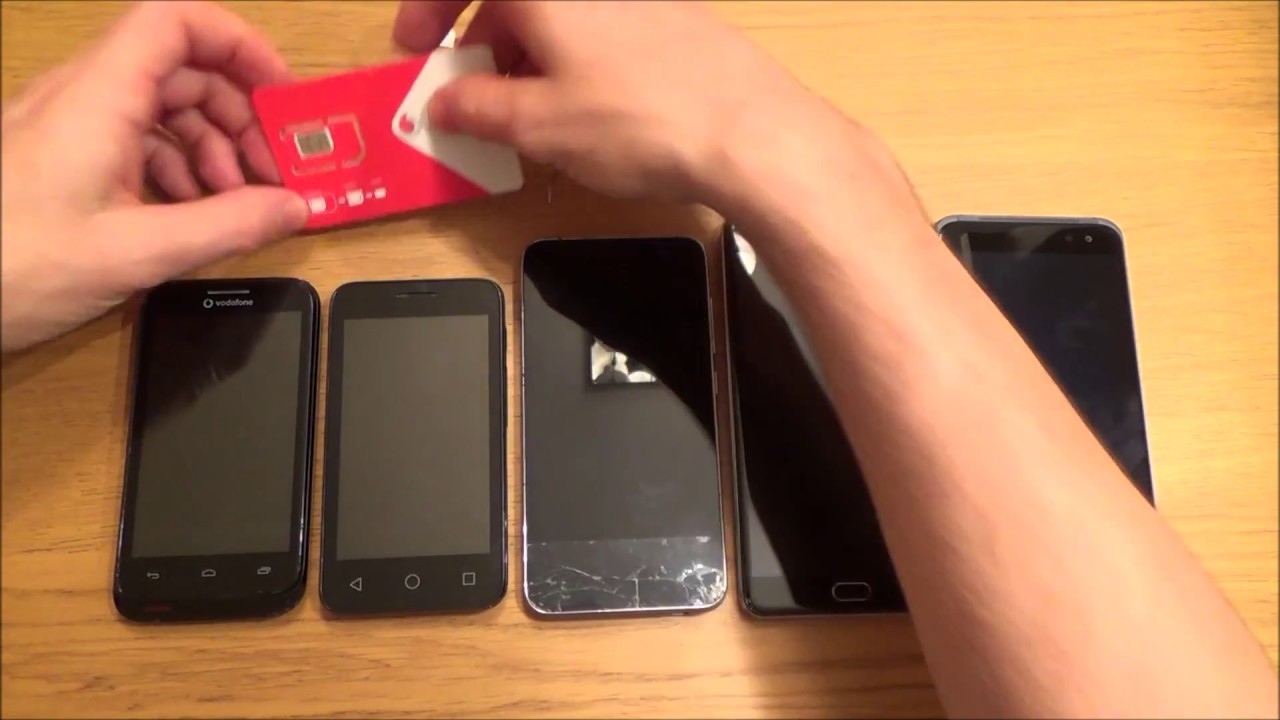
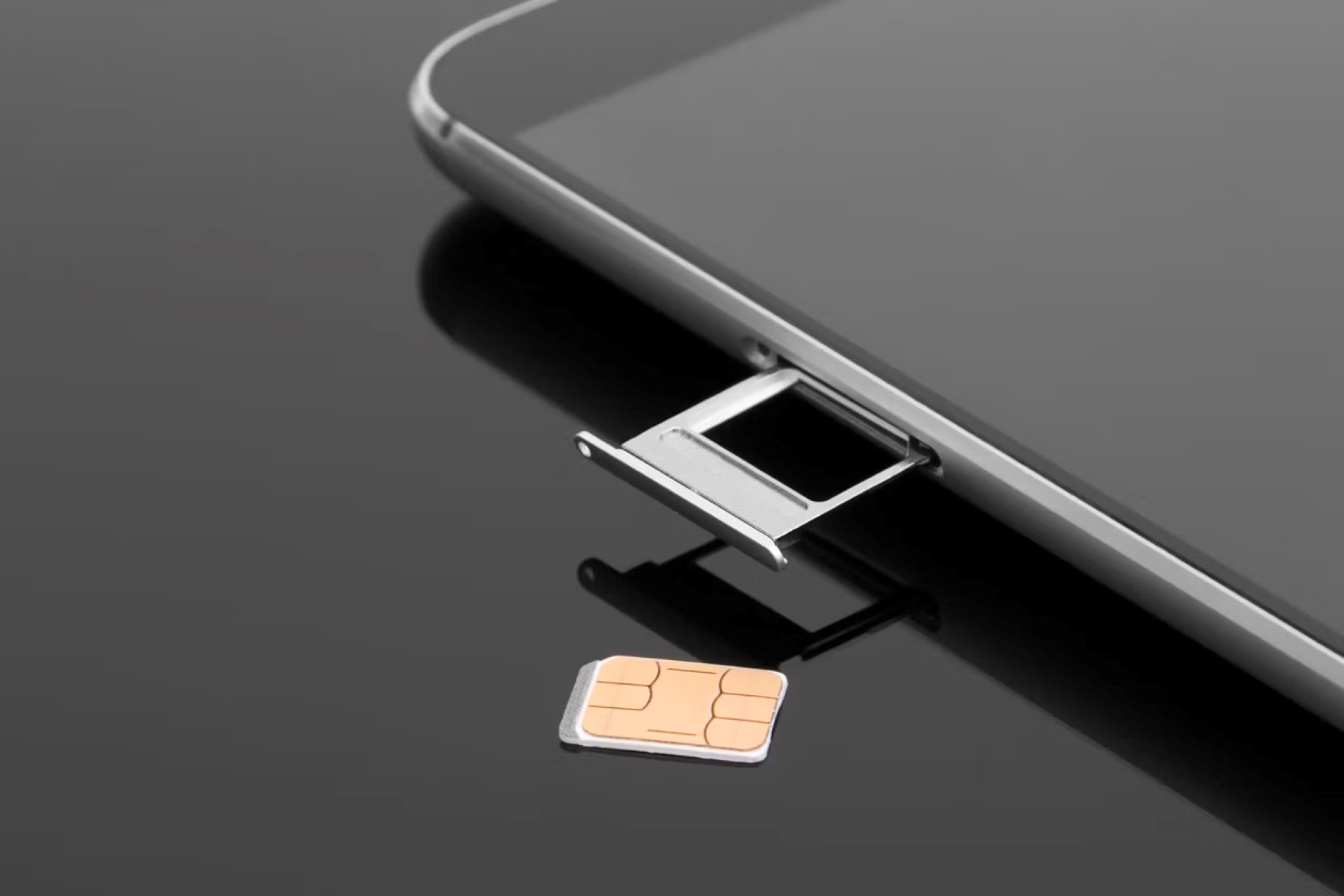
Locating the SIM card on android phones is straightforward for most modern devices: the physical SIM card slot is typically found in an external tray on the phone's edge. This...
You can absolutely complete setting up a phone without a SIM card on most modern devices. Yes, you can set up a phone without a SIM card, but only if...
To get your tablet off safe mode, simply restart it normally by pressing and holding the power button until the restart option appears, then tap it. On Samsung Galaxy tablets,...
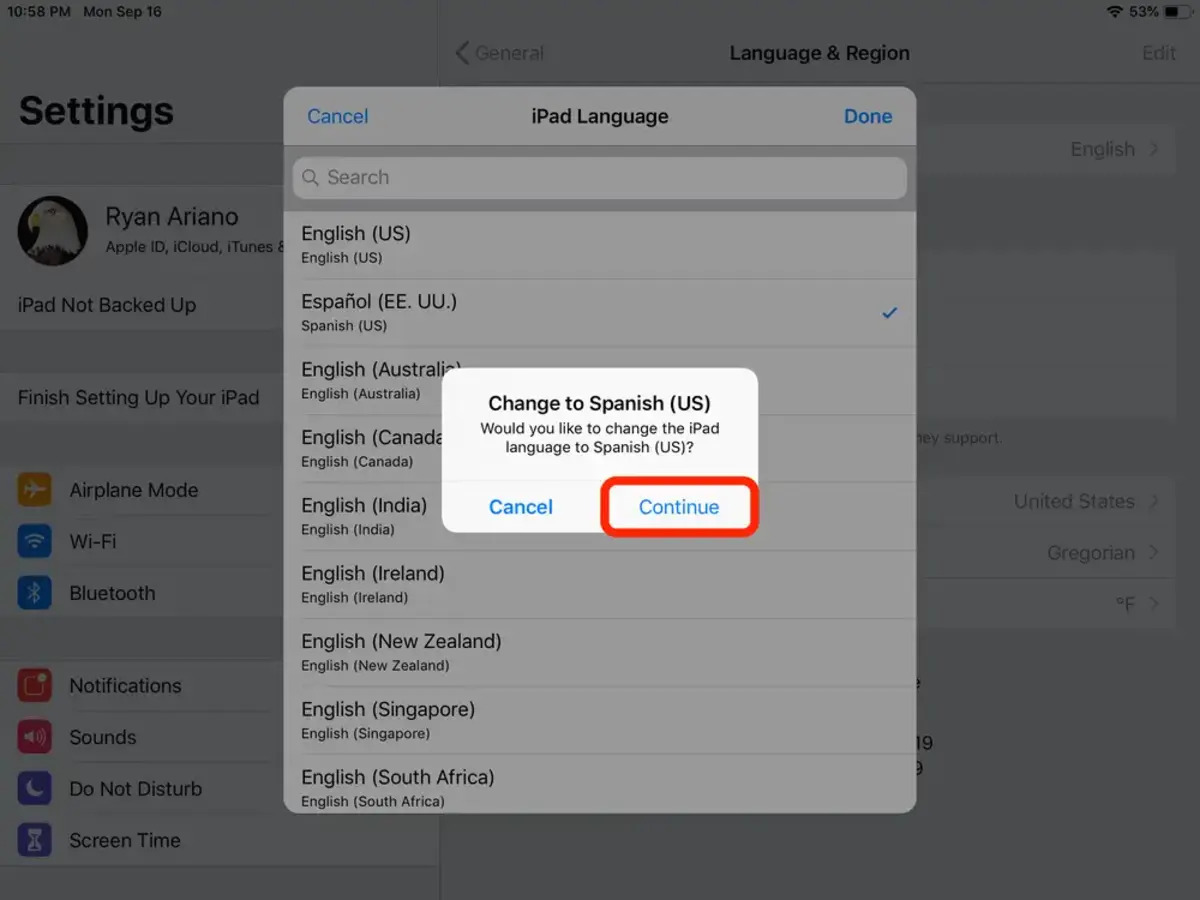
To change language on tablet from Spanish to english, open the Settings app (the gear icon) and look for "Ajustes" if your screen is still in Spanish. If you need...
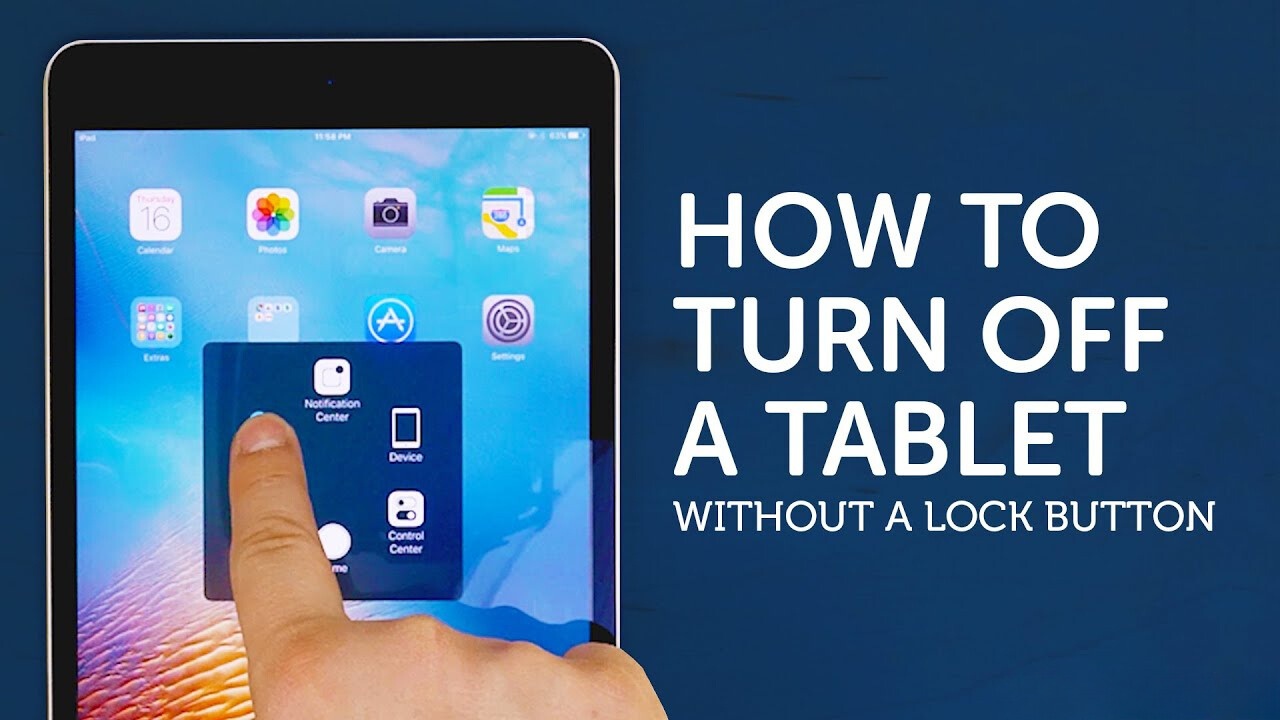
To turn off an android tablet, press and hold the power button until the power menu appears, then tap "Power off." However, on many newer models, a simple long-press activates...
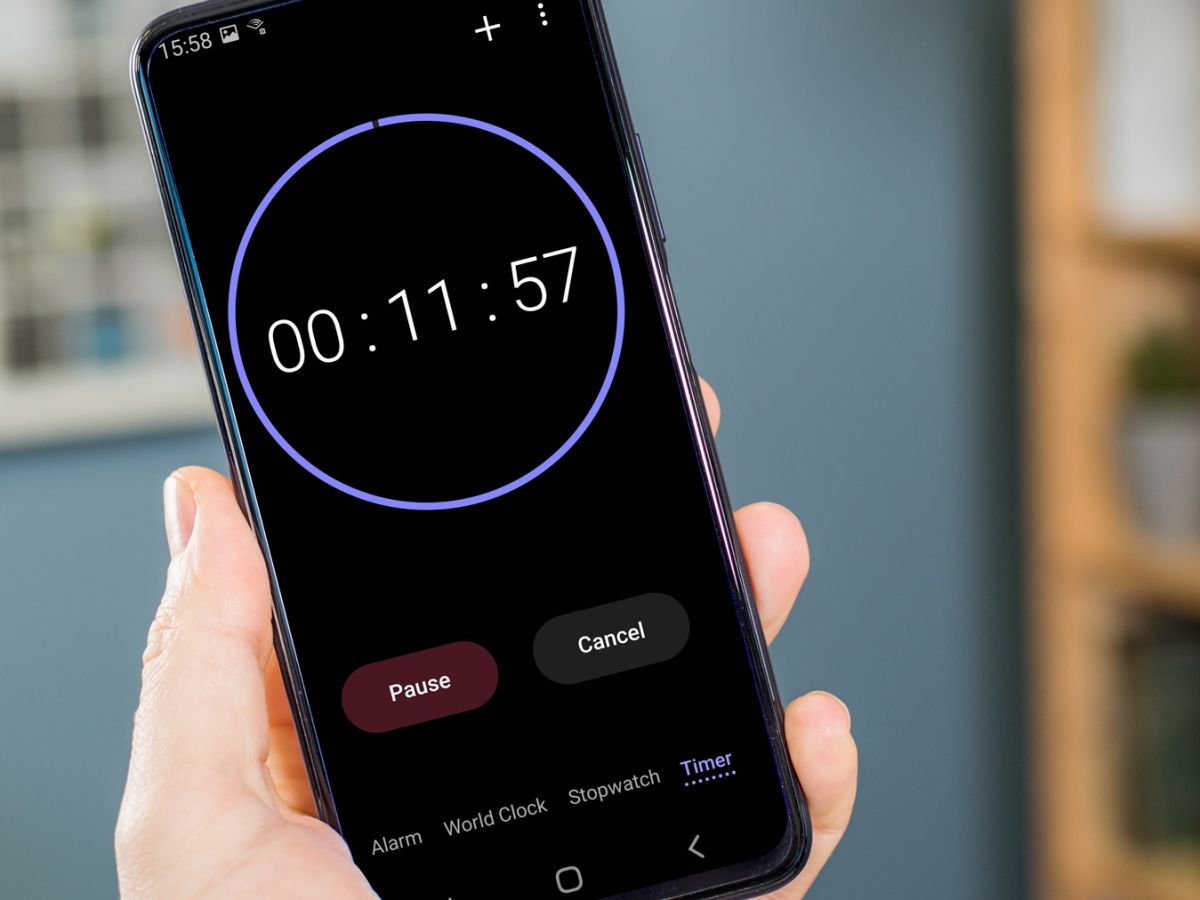
To turn off a Samsung Galaxy alarm that is ringing right now, tap "Dismiss" if your device is unlocked, or swipe the "X" icon in any direction if your device...
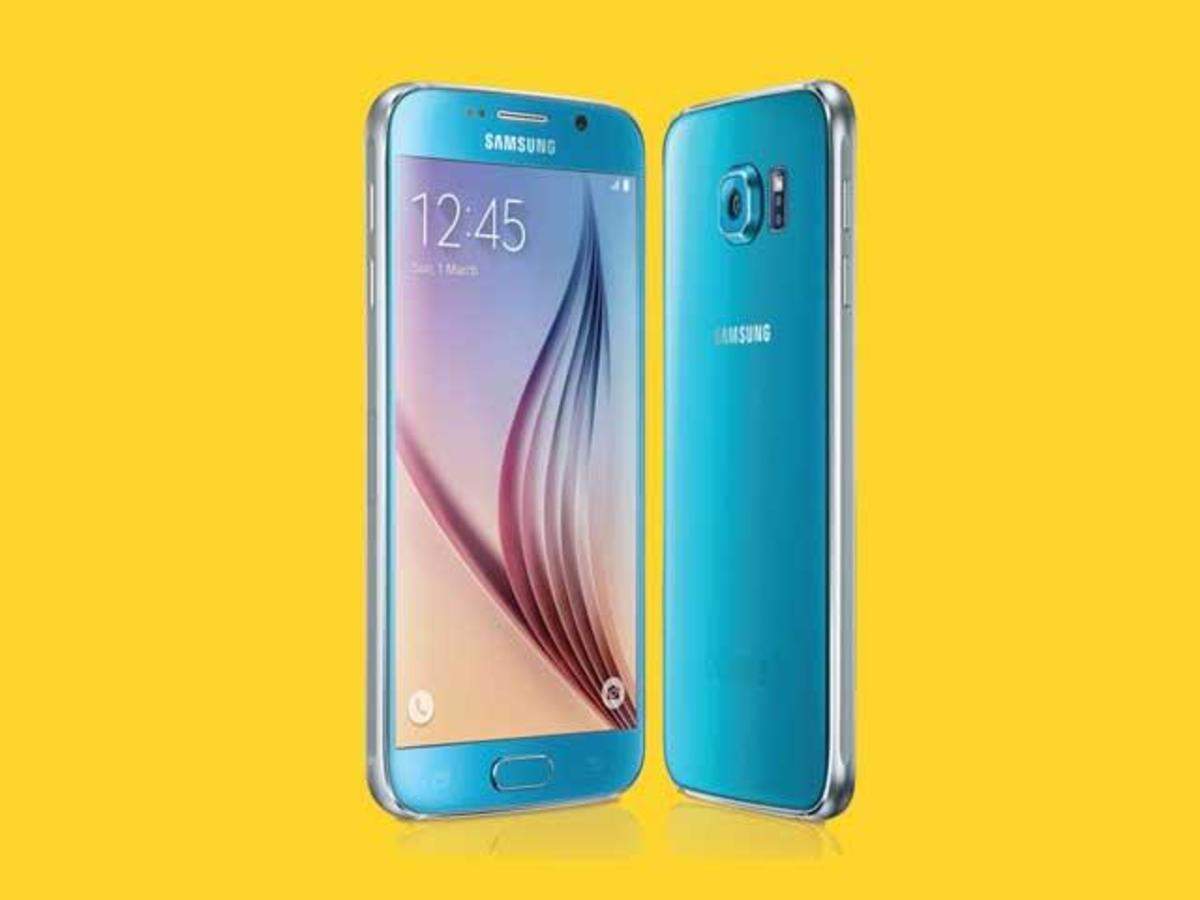
How To Use The Samsung Galaxy S6 Whether you're a seasoned tech guru or a novice user, this guide will show you how to use Samsung Galaxy S6 and navigate...
To forward a text message on a Samsung Galaxy, open the Messages app, long-press the specific message bubble you want to forward, tap Forward from the pop-up menu, then enter...
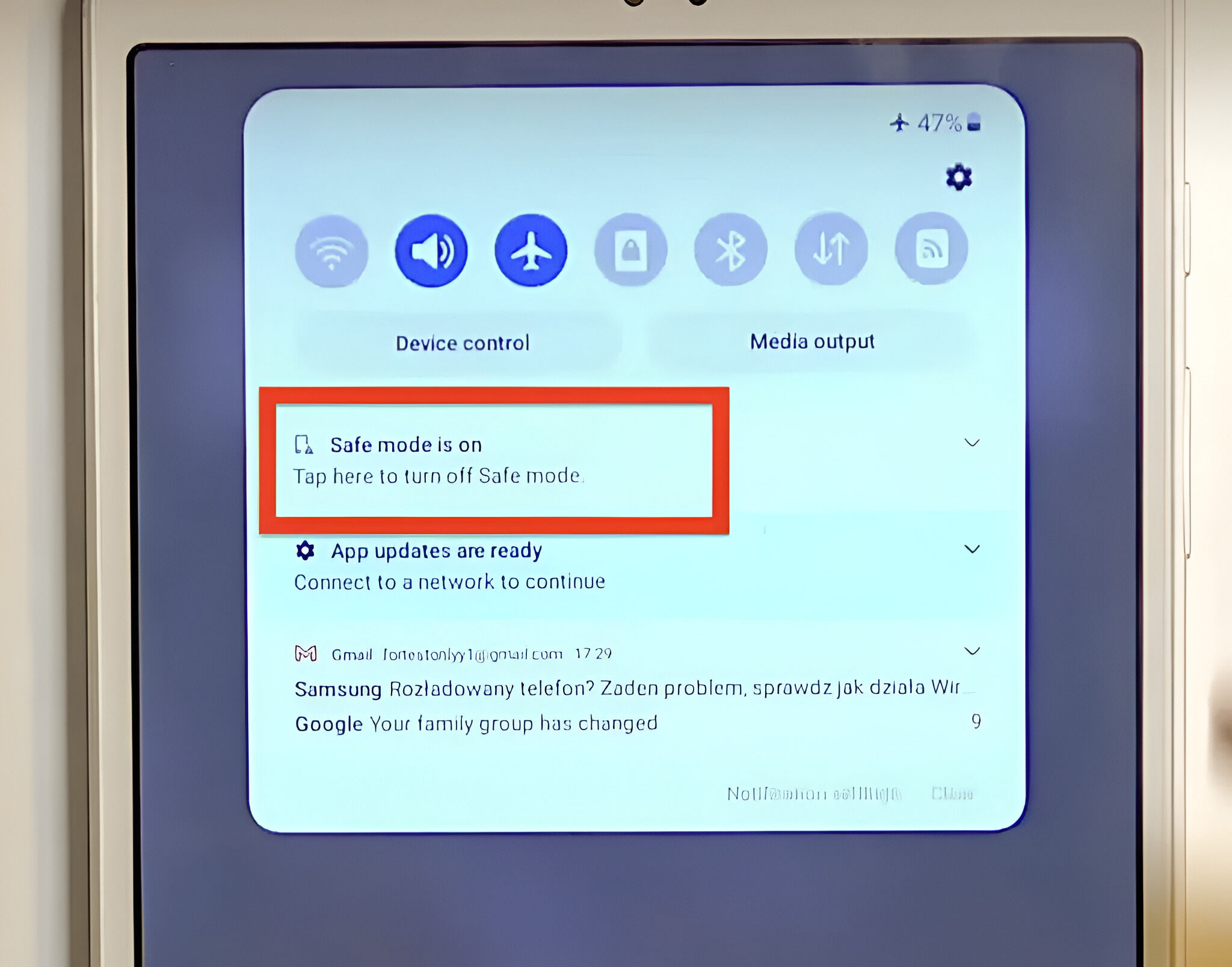
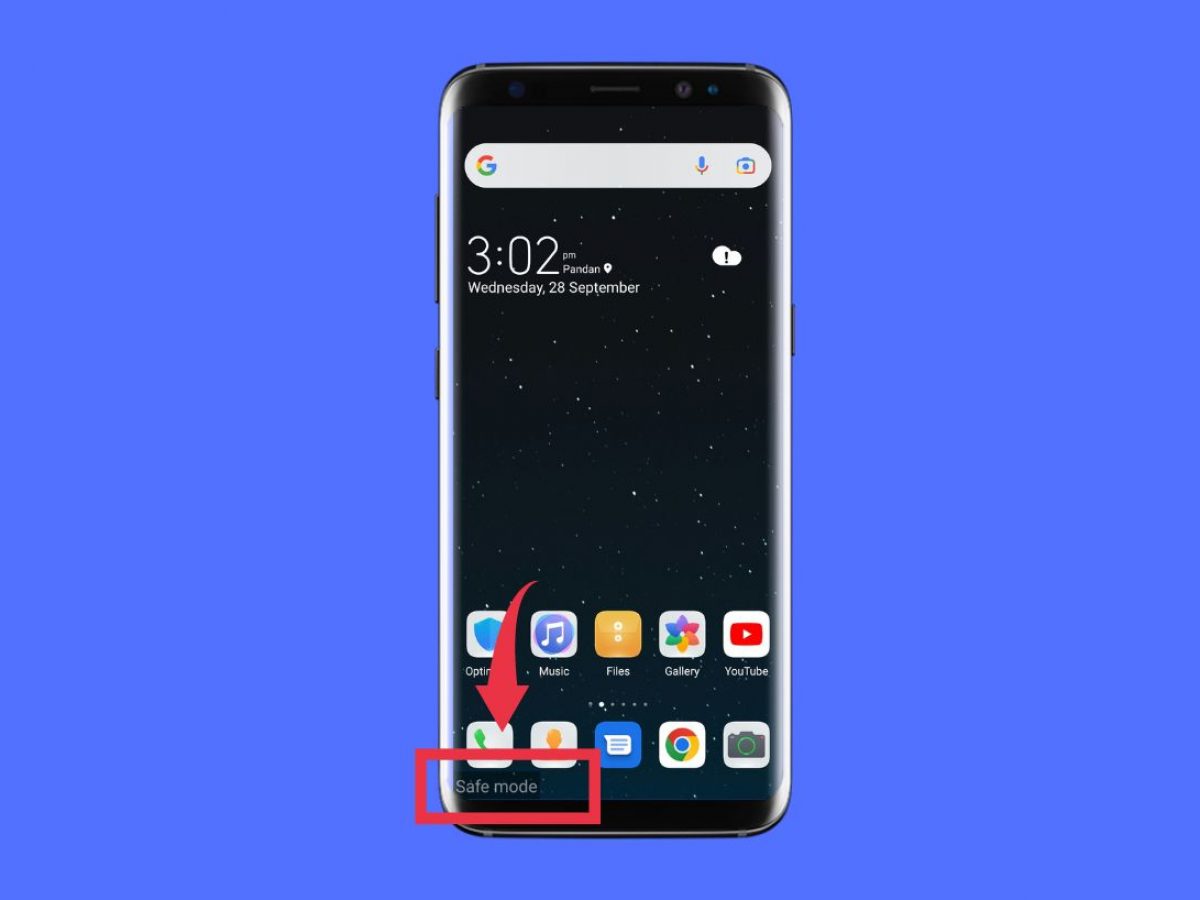
To get your Samsung Galaxy off Safe Mode, the fastest solution is to swipe down from the top of your screen to open the notification panel, tap the "Safe mode...
To factory reset Samsung Galaxy S21, you erase everything on the phone and restore it to its out-of-box state, which fixes persistent software glitches and removes your personal data before...
The best Android phones for 2024 are led by the Samsung Galaxy S24 Ultra, Google Pixel 9 Pro, and OnePlus 12, with the Pixel 9 Pro taking the crown for...
This website uses cookies so that we can provide you with the best user experience possible. Cookie information is stored in your browser and performs functions such as recognising you when you return to our website and helping our team to understand which sections of the website you find most interesting and useful.
Strictly Necessary Cookies
Strictly Necessary Cookie should be enabled at all times so that we can save your preferences for cookie settings.
If you disable this cookie, we will not be able to save your preferences. This means that every time you visit this website you will need to enable or disable cookies again.