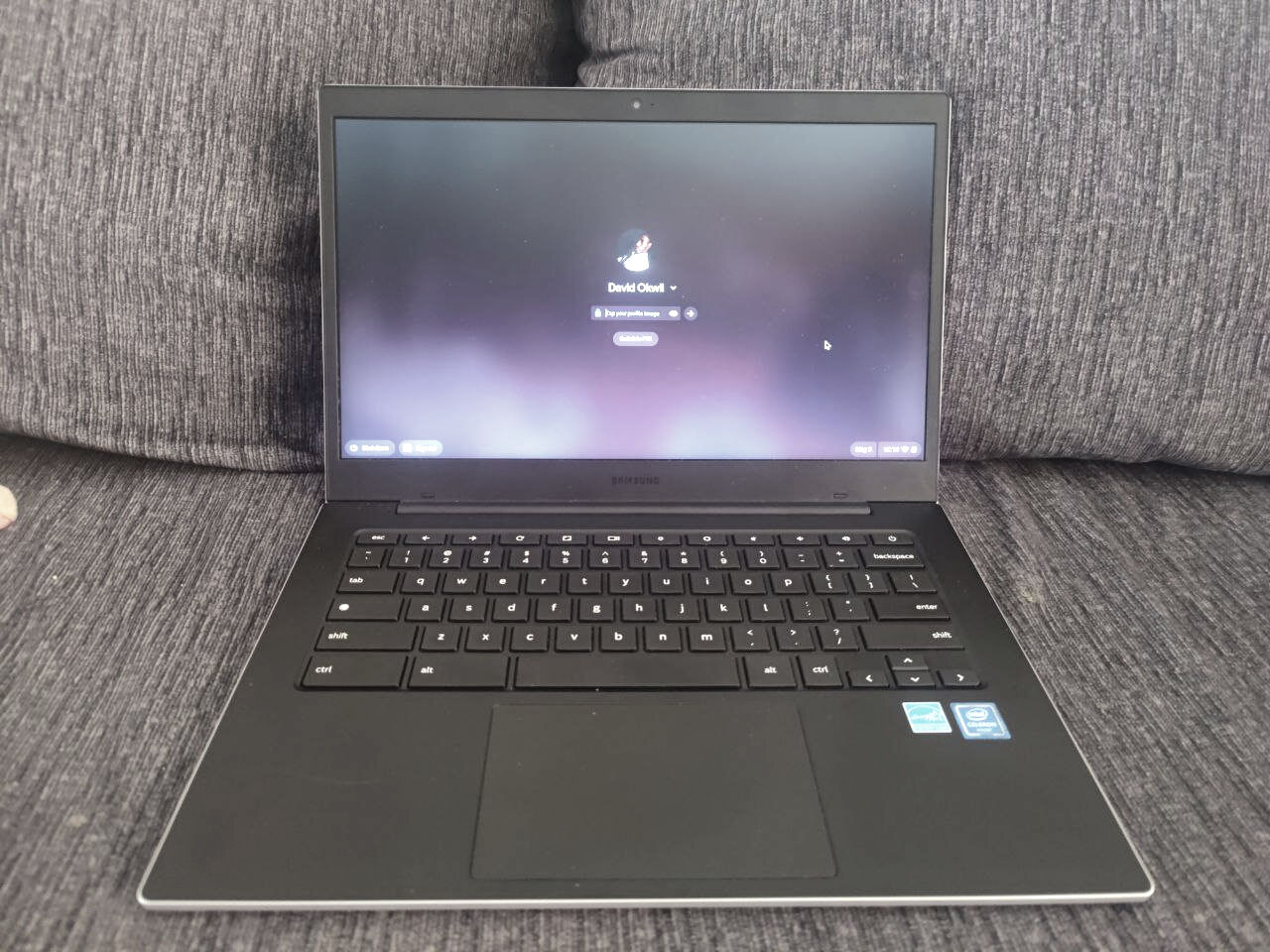
This tag collects articles about resetting, unlocking, and managing the operating system on Chromebooks. It is written for owners, parents, school IT helpers, and anyone who has inherited a used or locked-down Chromebook and needs to restore it to a usable, clean state. The guides are practical and assume you have physical access to the device, but they do not assume deep technical knowledge.
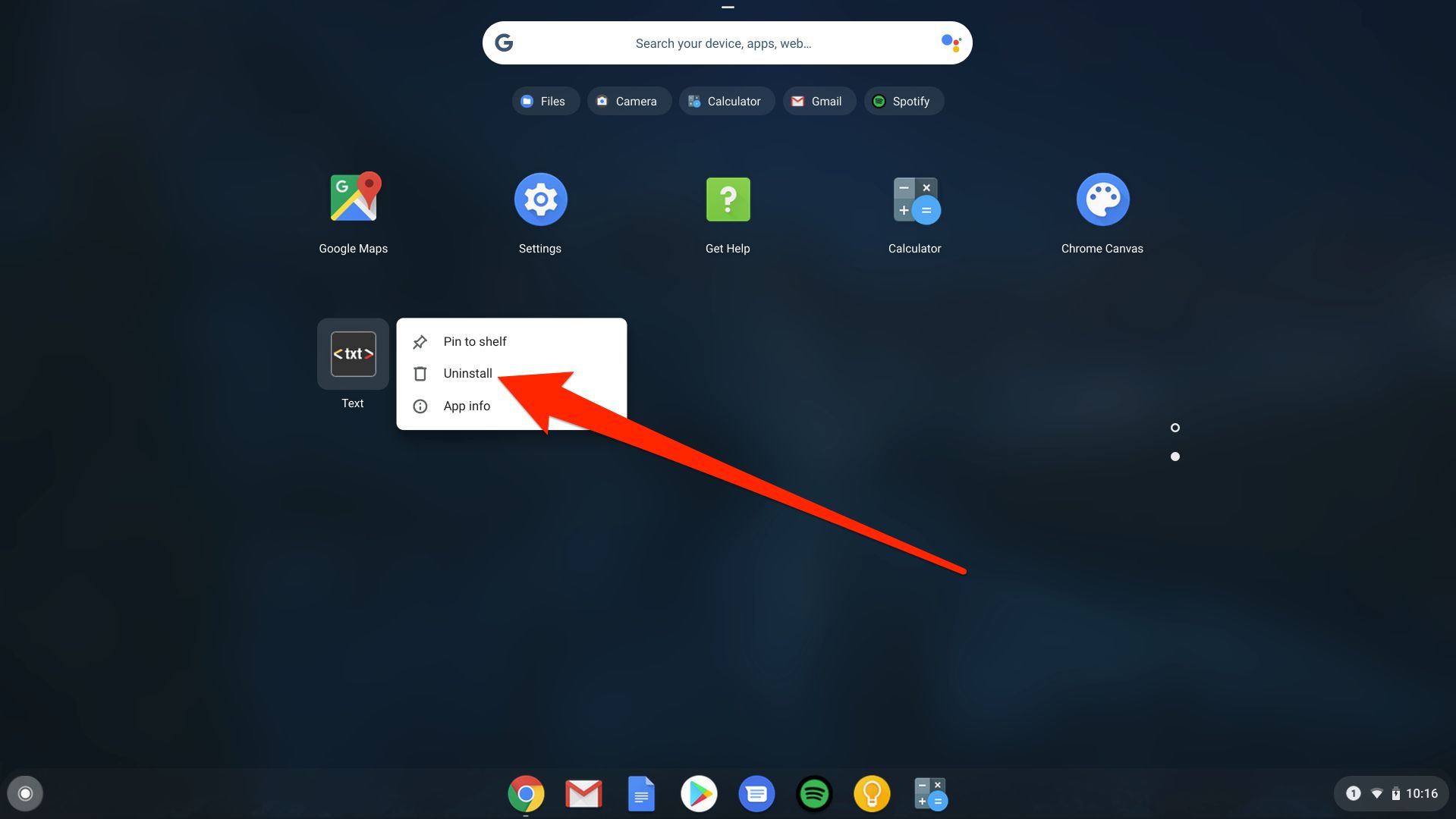
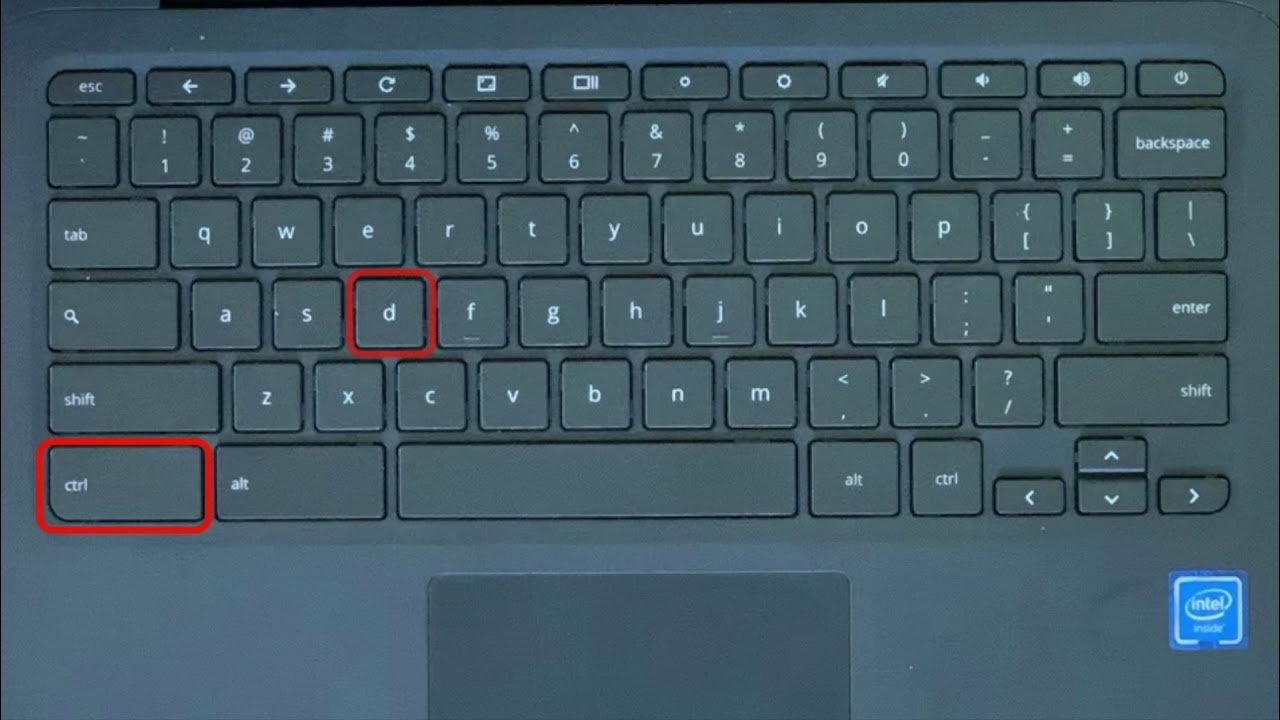
The articles solve two broad kinds of problems. The first is regaining access to a device you legitimately own but cannot get into, for example, because you forgot the password or bought a secondhand Chromebook that is still tied to a previous account. Titles like “How To Factory Reset Samsung Chromebook Without Password” and “How To Unlock A Chromebook” walk you through the official recovery and reset paths, including the hardware key combinations that trigger a full wipe. The second theme is clearing out institutional or school management controls. “How To Unenroll A School Chromebook Without Developer Mode” and “How To Reset An Acer Chromebook” explain the safe, supported ways to remove enterprise enrollment and restore the device to a personal Google account, while making clear when that is legal and appropriate, such as after a school has sold or retired the device.
Several articles also cover the end-of-life scenario. “How To Delete Chrome OS” and “How To Reset A Lenovo Chromebook” help you erase the system entirely, whether to install another operating system or to securely wipe personal data before selling the machine. Throughout, the emphasis is on legitimate recovery, proper authorization, and following manufacturer or Google-approved procedures, not on bypassing security or circumventing ownership controls.