This tag collects practical guides for making your personal technology, from PCs and tablets to streaming devices and phones, feel and behave more like yours. It is written for everyday users who want clear, step-by-step instructions without jargon, whether you are setting up a new device or simply tired of the same default look. The articles here focus on visual customization and the smart, data-driven ways platforms tailor themselves to you, so you can work, watch, and browse in an environment that suits your taste.
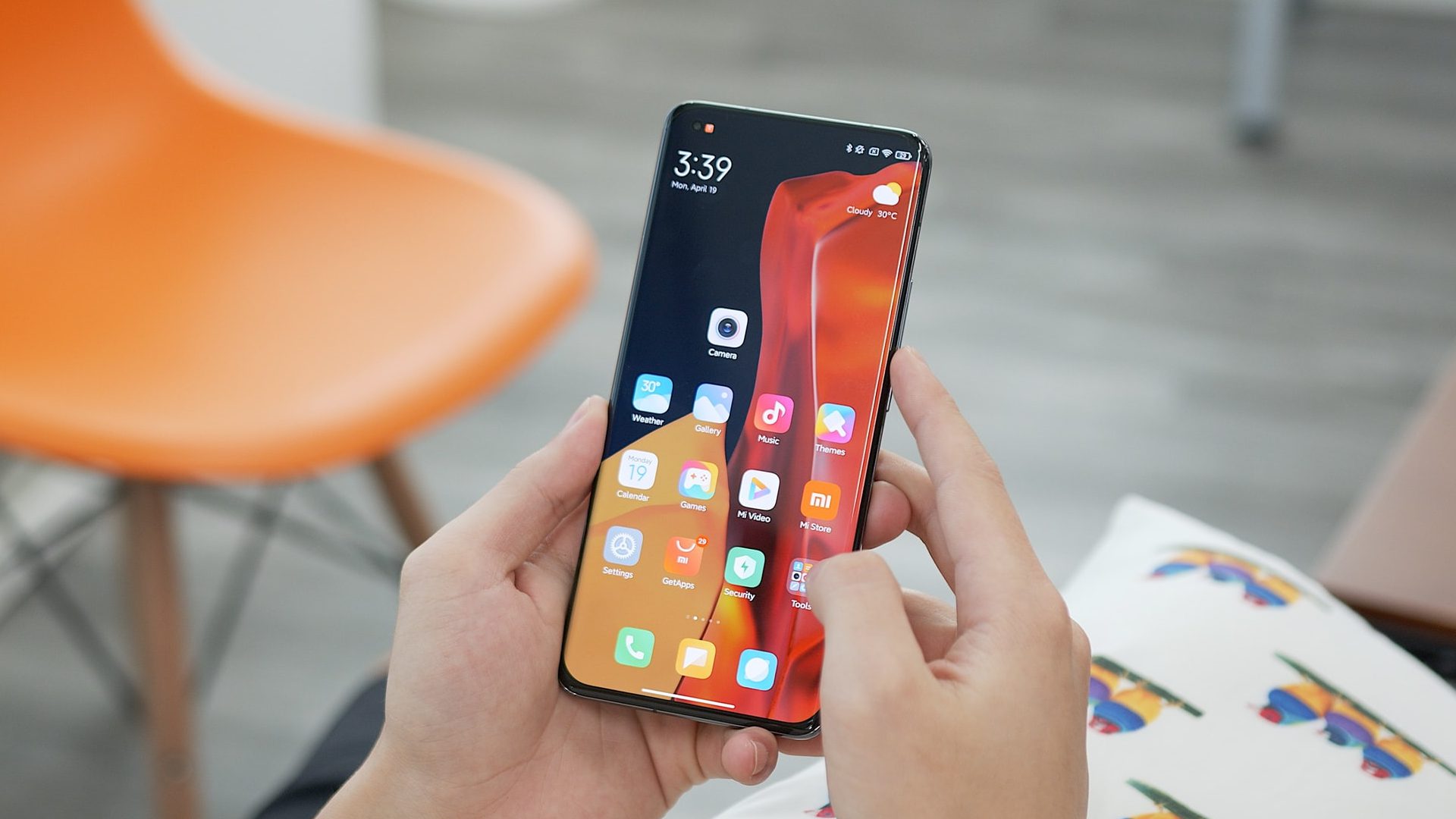
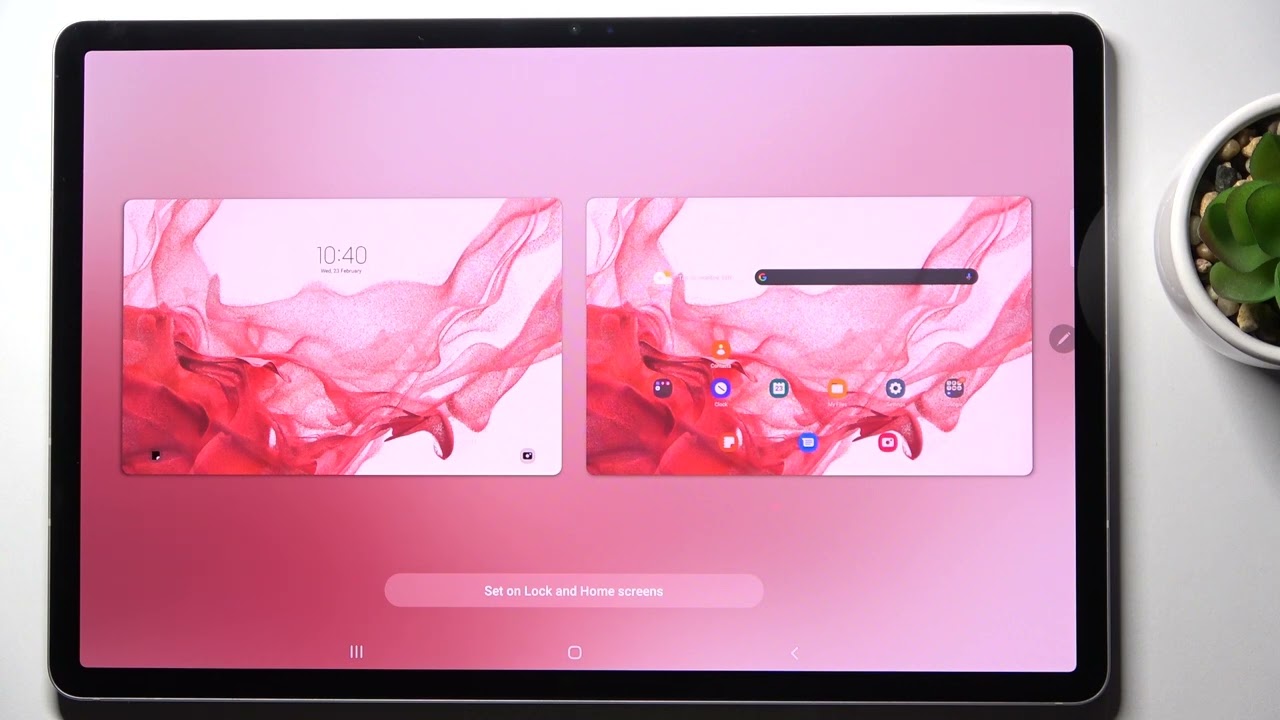
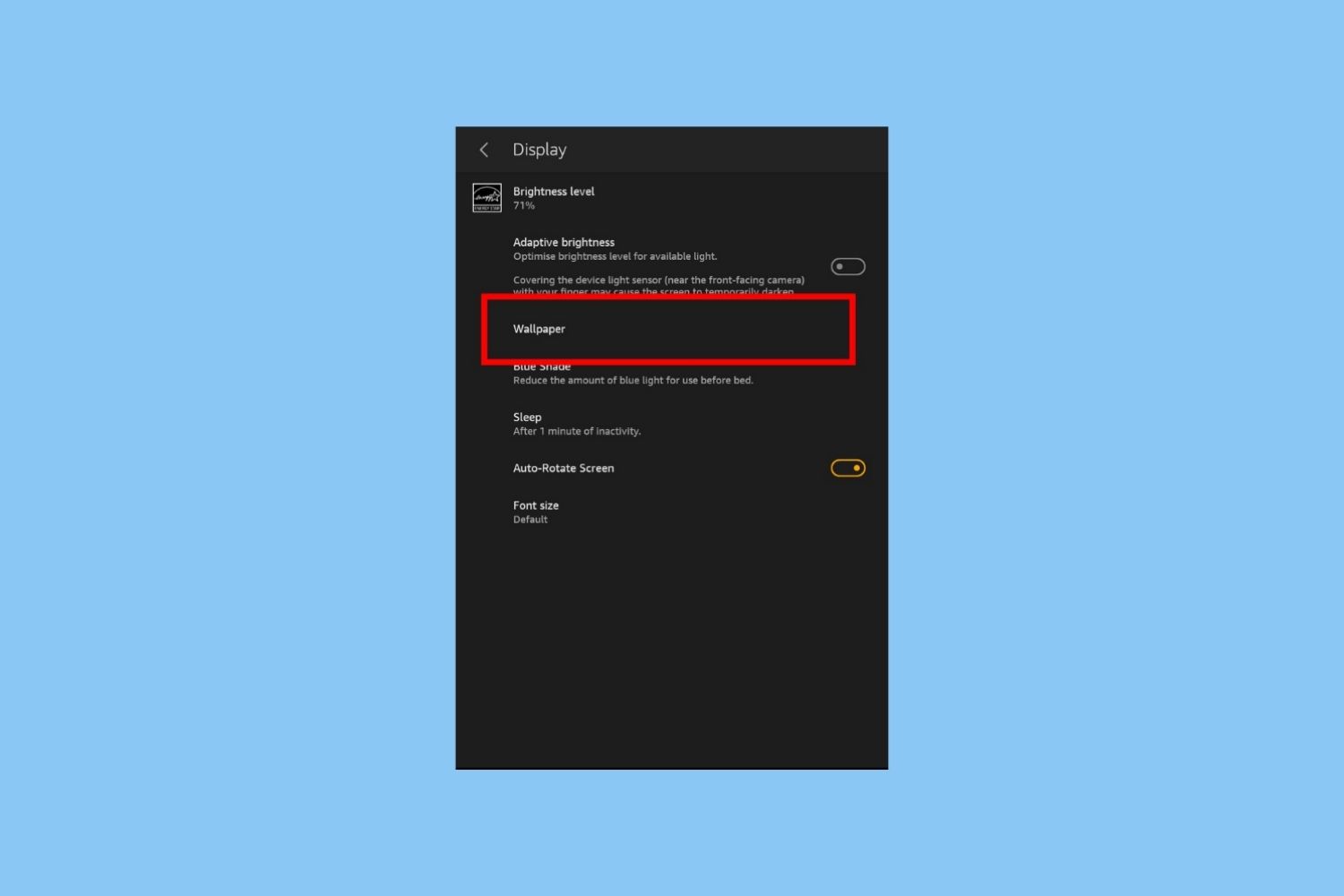
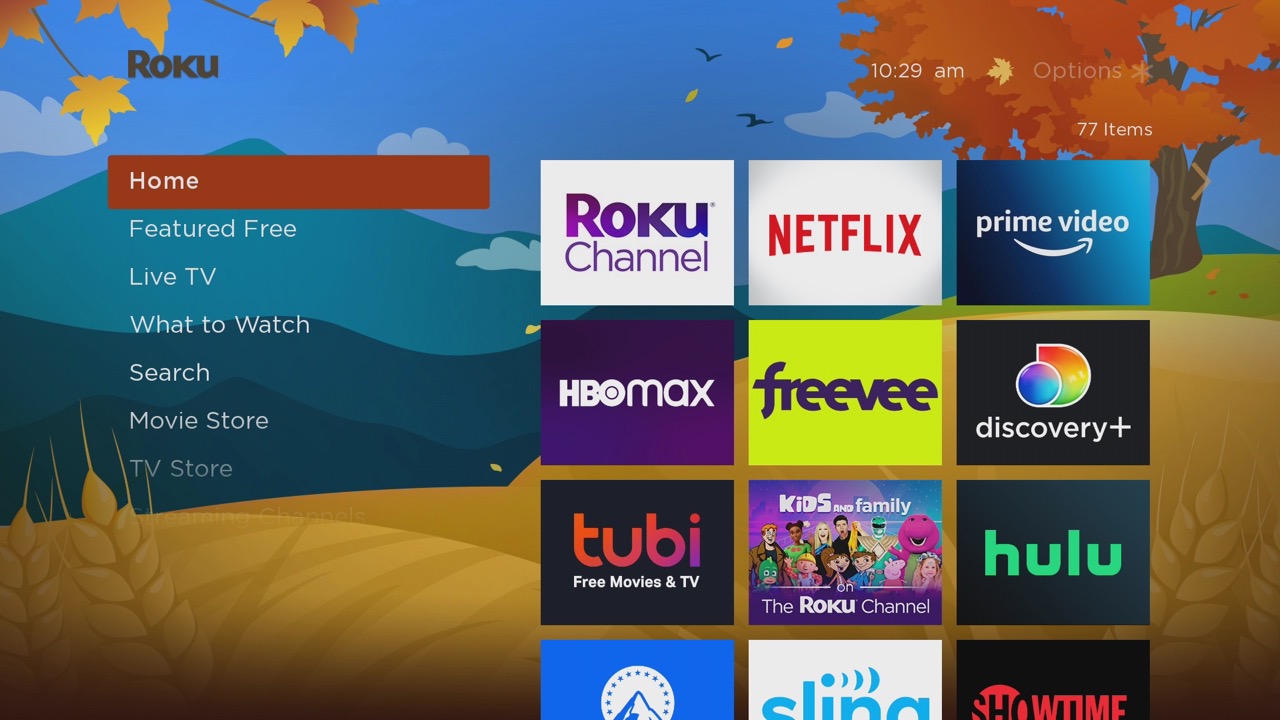
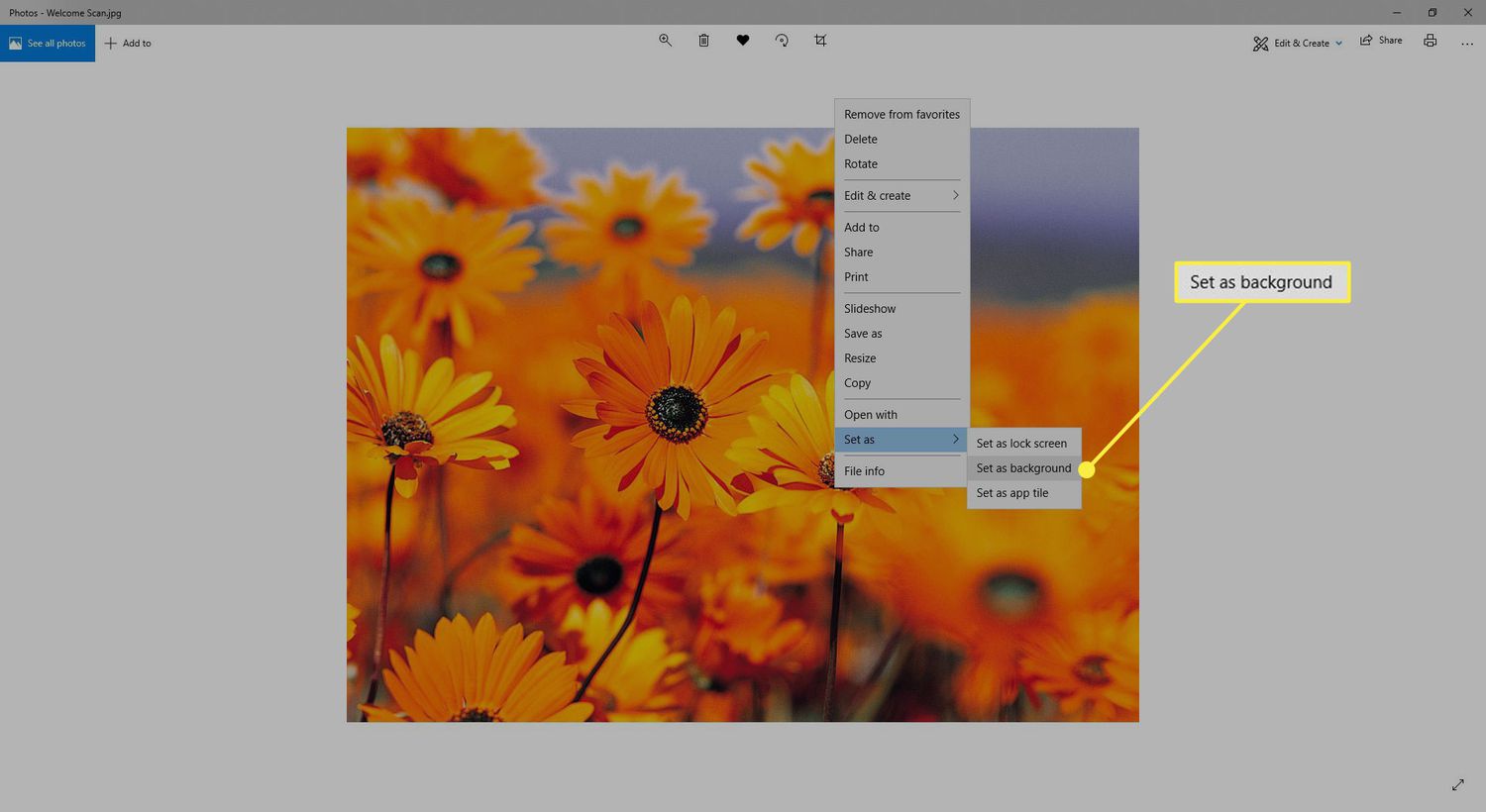
A few of the guides tackle the straightforward task of changing your wallpaper or background: you will find instructions for updating the look of a Windows PC, a Roku home screen, an Amazon Fire tablet, and a general-purpose Android tablet. These solve the common problem of a static or boring interface by walking you through the menu paths and settings, often in under five minutes. Another thread in this tag looks at personalization from a behind-the-scenes perspective, one article explains how Netflix uses your viewing history and big data to generate recommendations, helping you understand why your homepage looks the way it does. Finally, one piece focuses on the lock screen of a Xiaomi phone, offering a safe, supported method to change that specific screen’s layout and widgets without rooting or voiding your warranty. Across all these, the emphasis is on legitimate, manufacturer-approved settings and features, not on bypassing, pirating, or hacking anything.