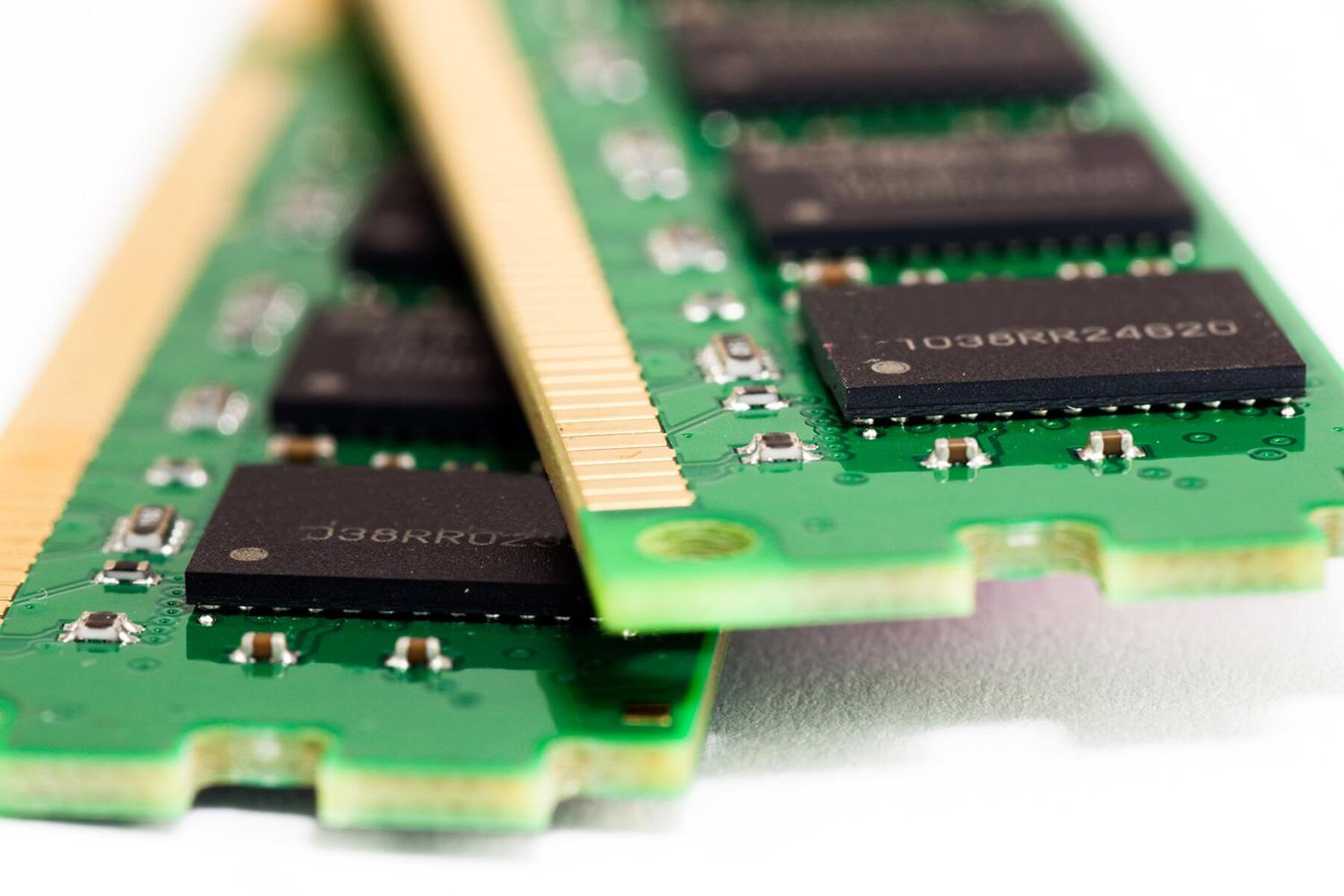
This tag collects articles that help everyday computer and device users work more efficiently by managing multiple programs and windows at once. It is written for people who want practical, safe guidance on getting their own hardware to do more, without diving into technical jargon or risky shortcuts. The content focuses on the physical and system-level tools that make multitasking easier, from adjusting your screen real estate to understanding the memory that keeps everything running smoothly.
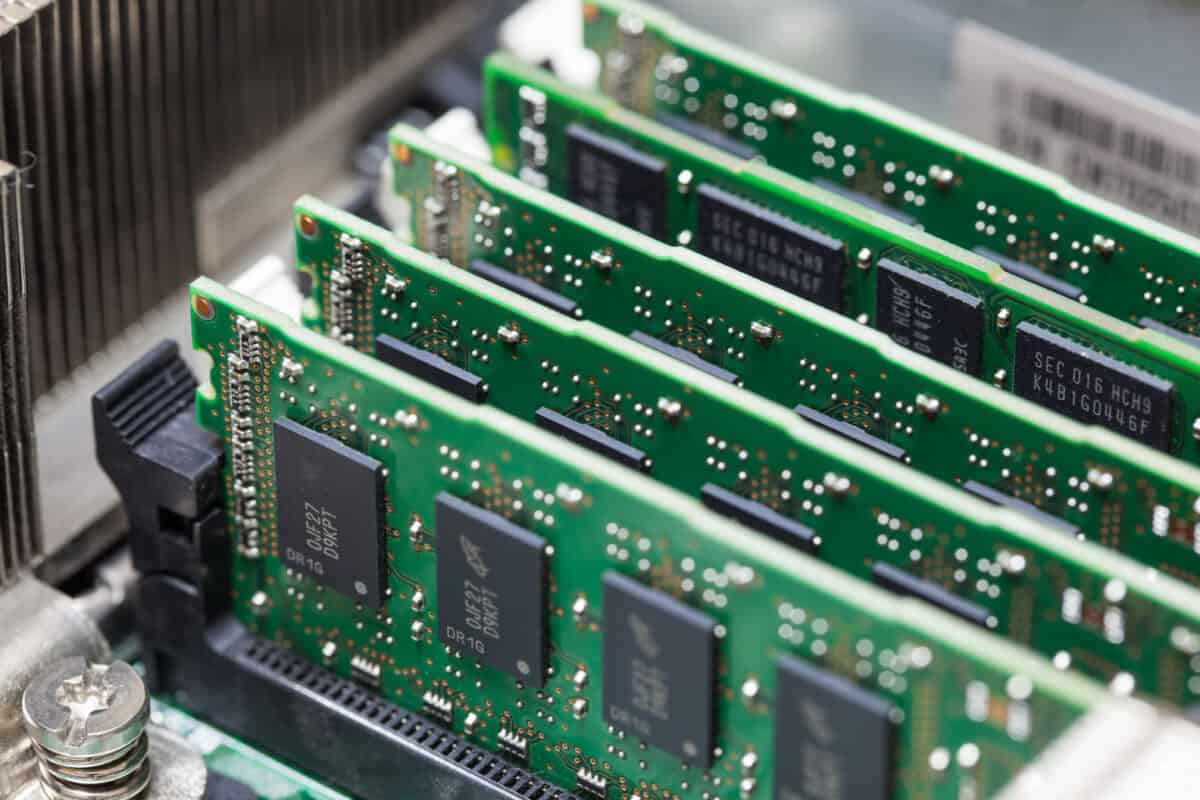
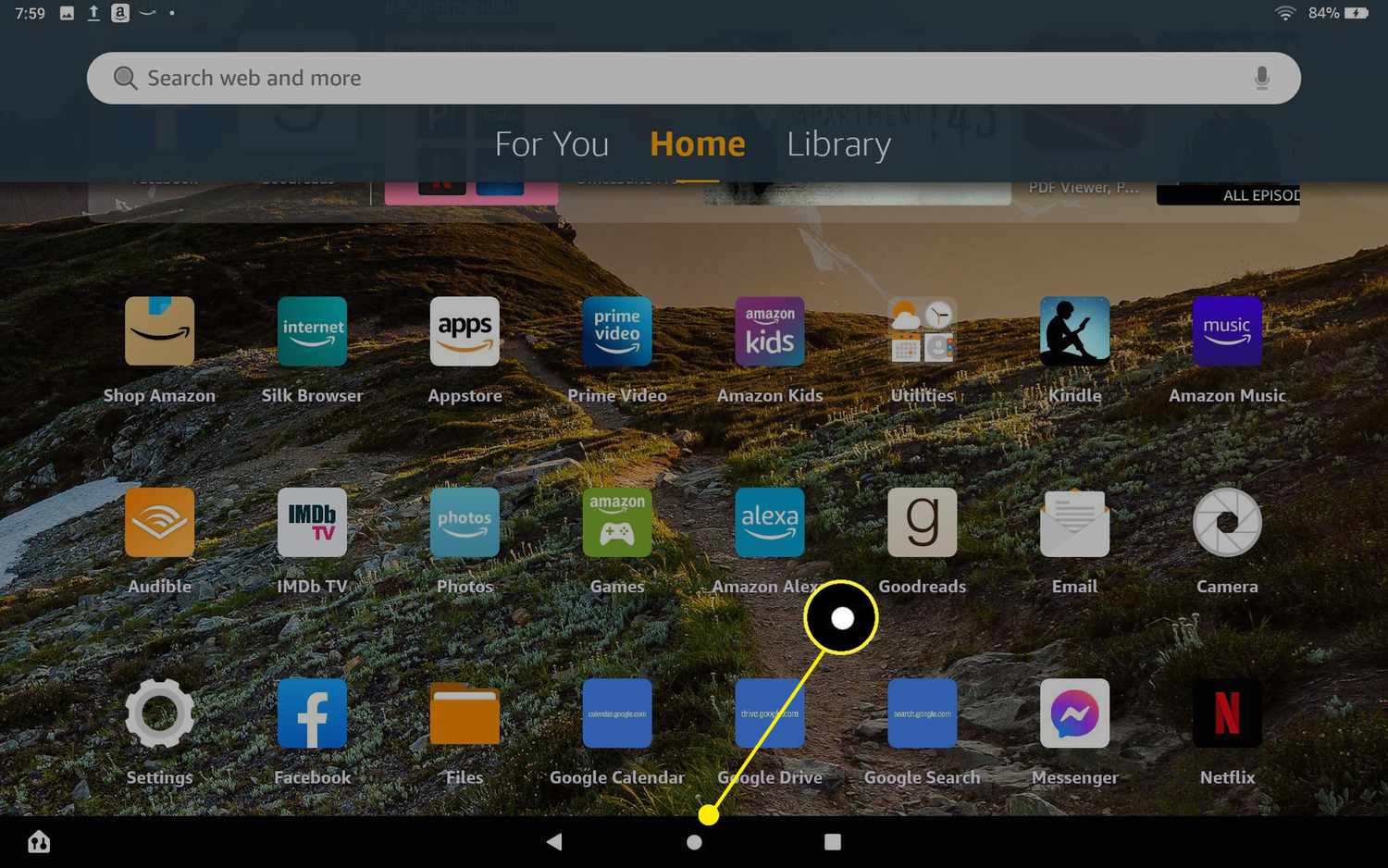
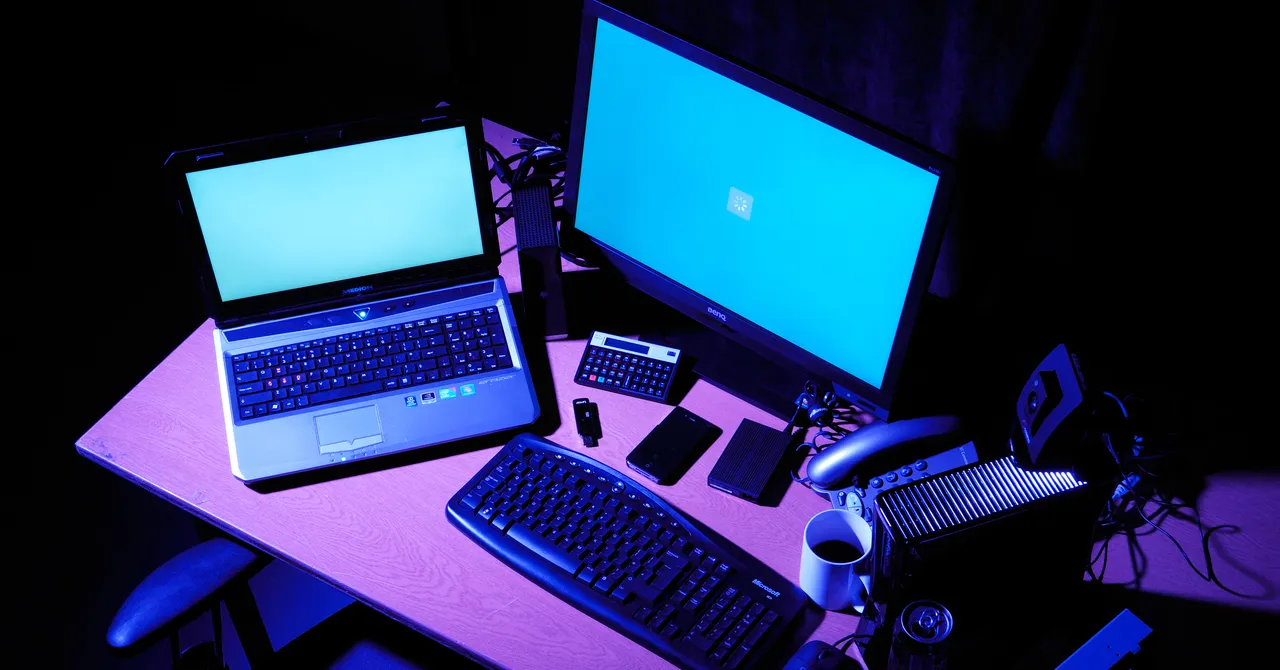
The articles fall into two main themes. The first is about arranging your visual workspace: you will find guides on splitting your screen between a laptop and an external monitor, and on resizing browser windows so you can see two pages side by side. The second theme is about understanding the hardware that enables smooth switching between tasks. For example, pieces on what an 8-core CPU means, and what 8GB or 16GB of RAM actually does for you, explain how much headroom your system has for running several programs at once. One article also covers the built-in task switcher on Fire tablets, showing you how to flip between apps without closing them.
Rather than telling you how to bypass limits or trick software, these articles describe how to use the features that come with your devices as intended. They help you make informed choices, like whether more RAM is worth the upgrade, and teach you to use the split-screen and window-sizing tools already built into your operating system. The goal is straightforward: help you see what you are working on, keep your system responsive, and avoid the clutter that comes from juggling too many open windows.