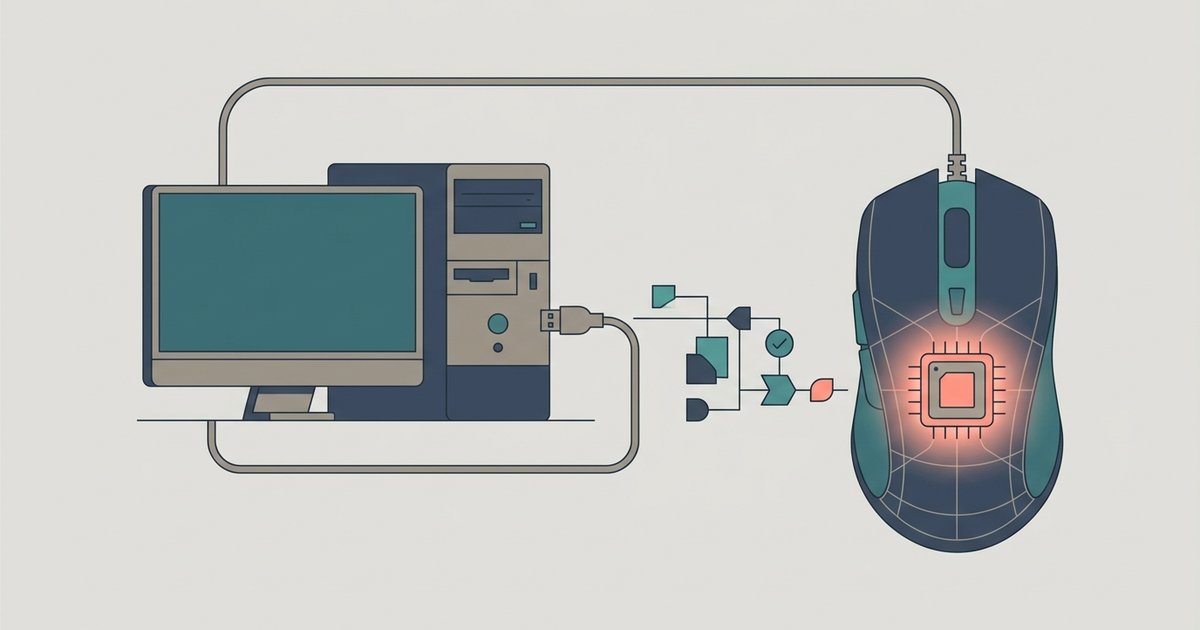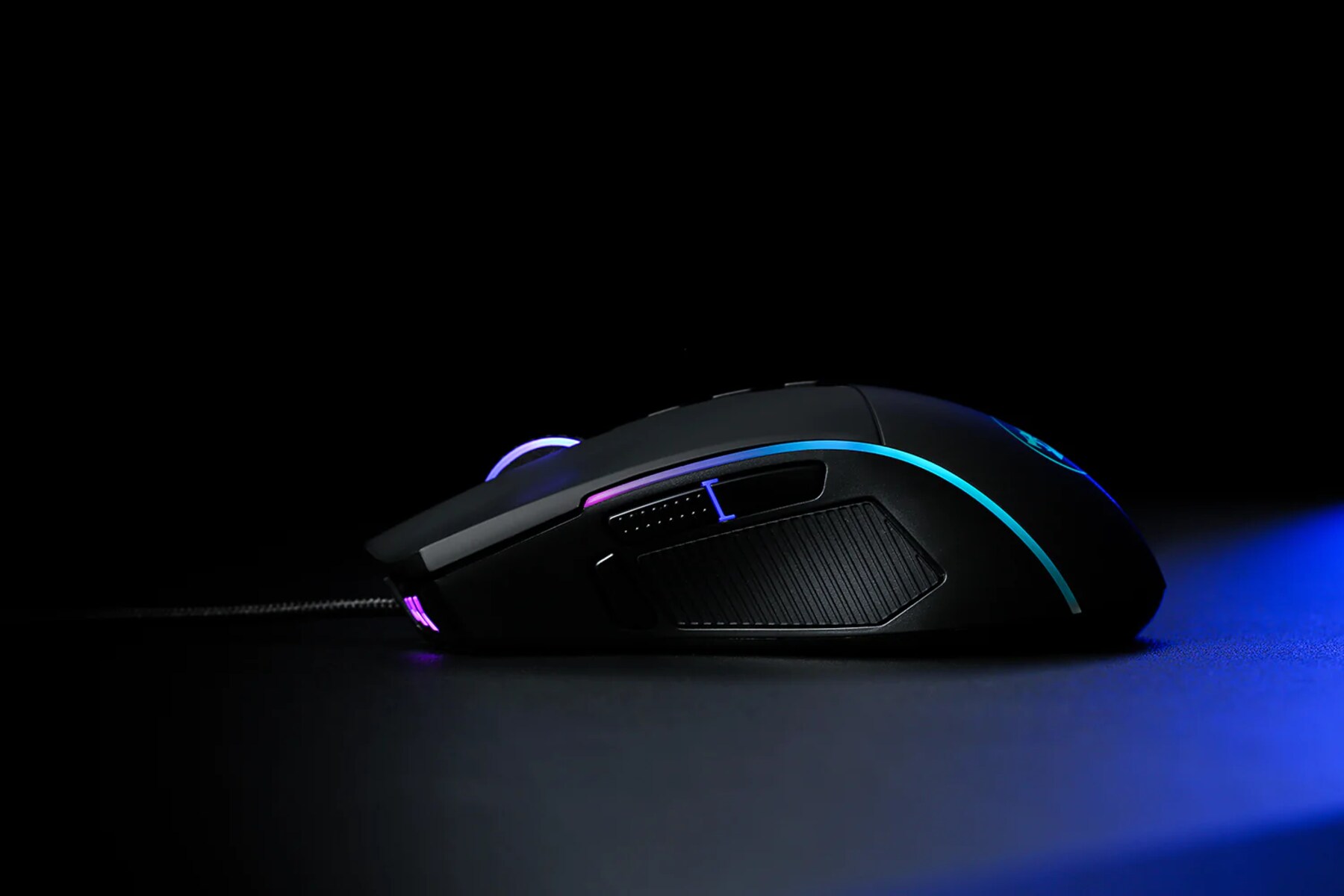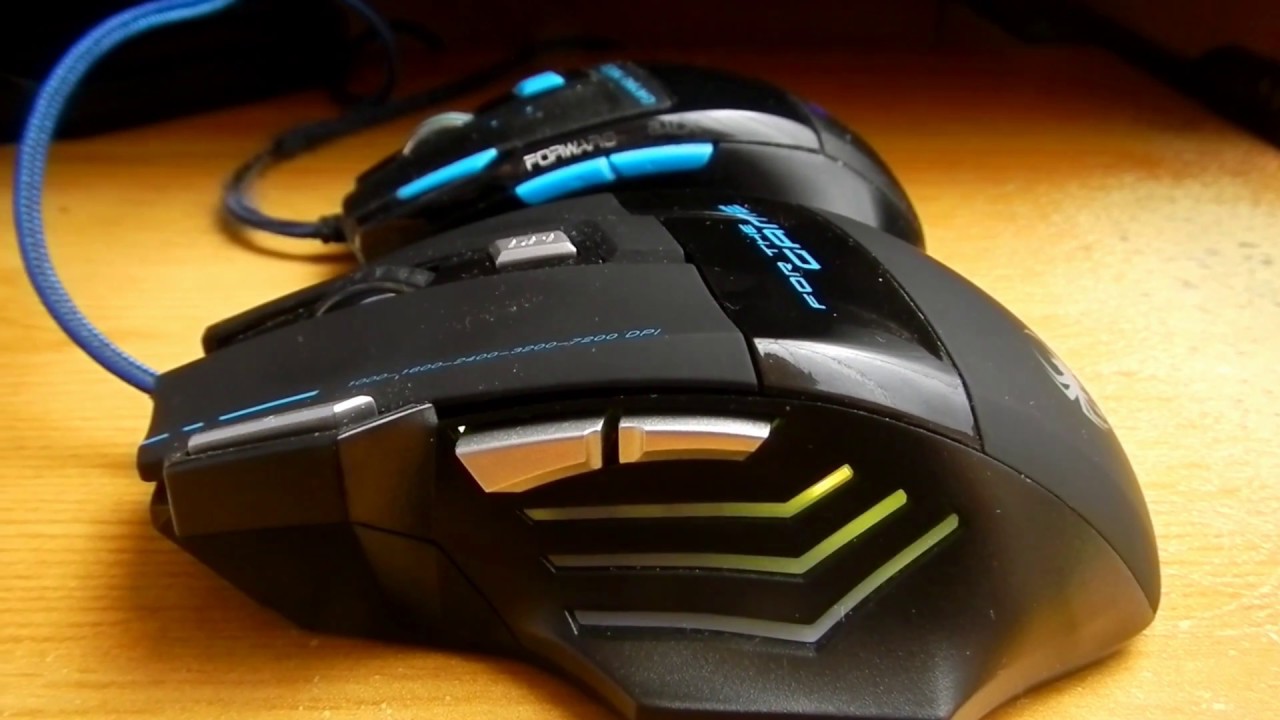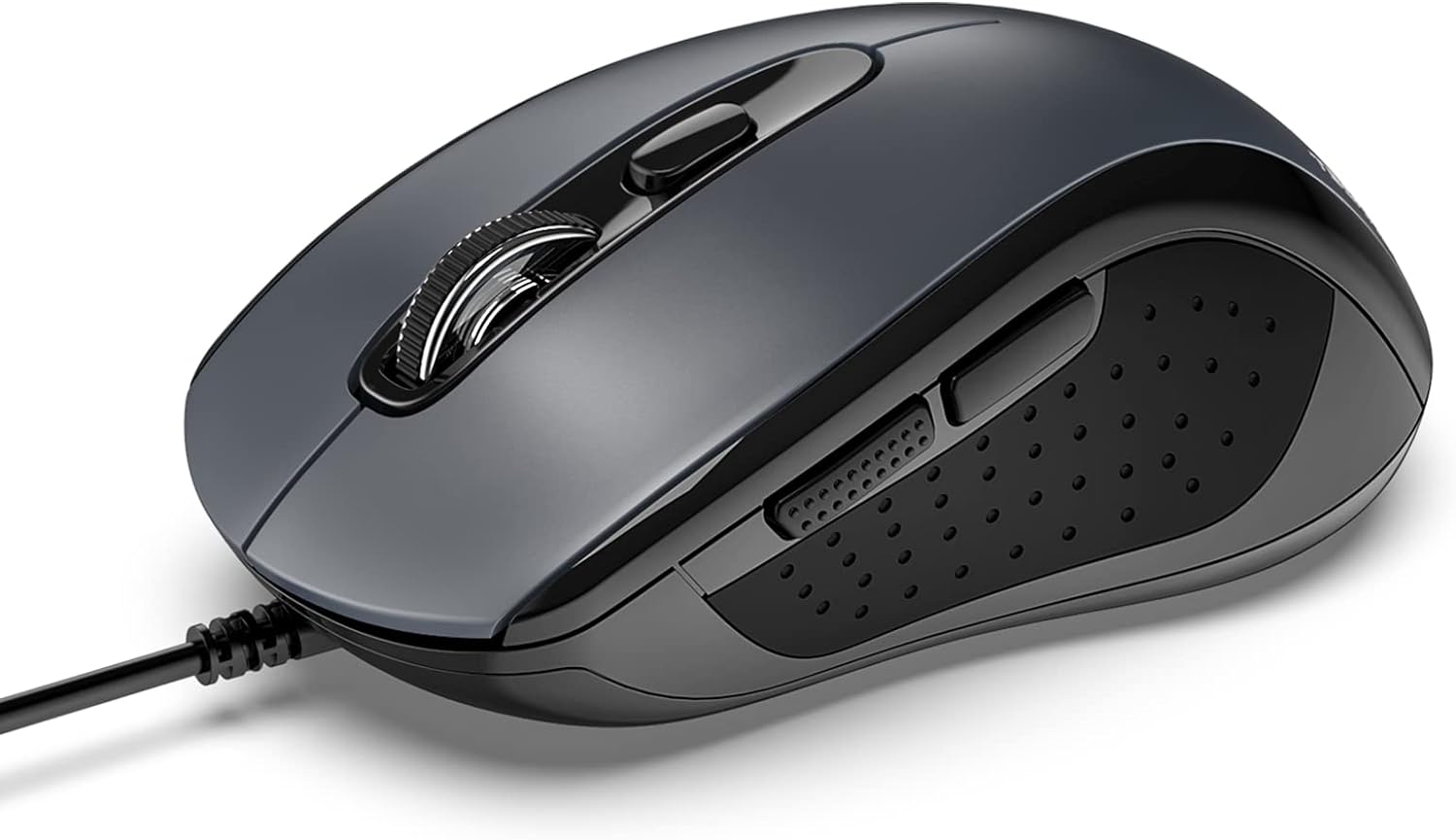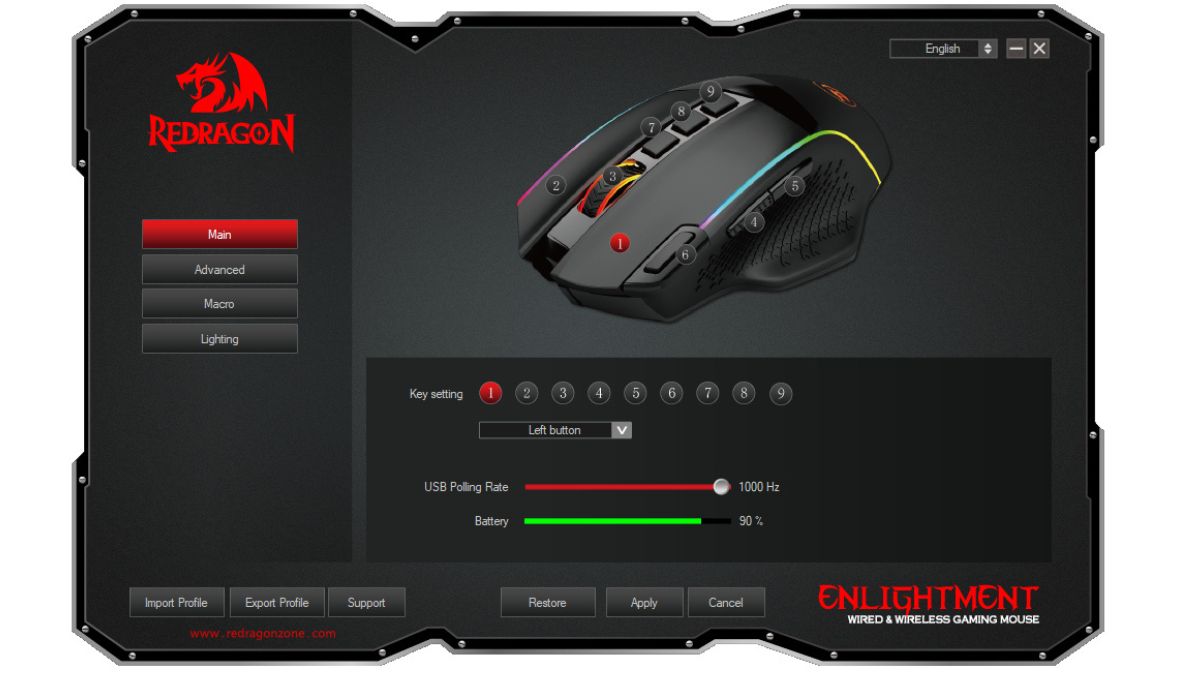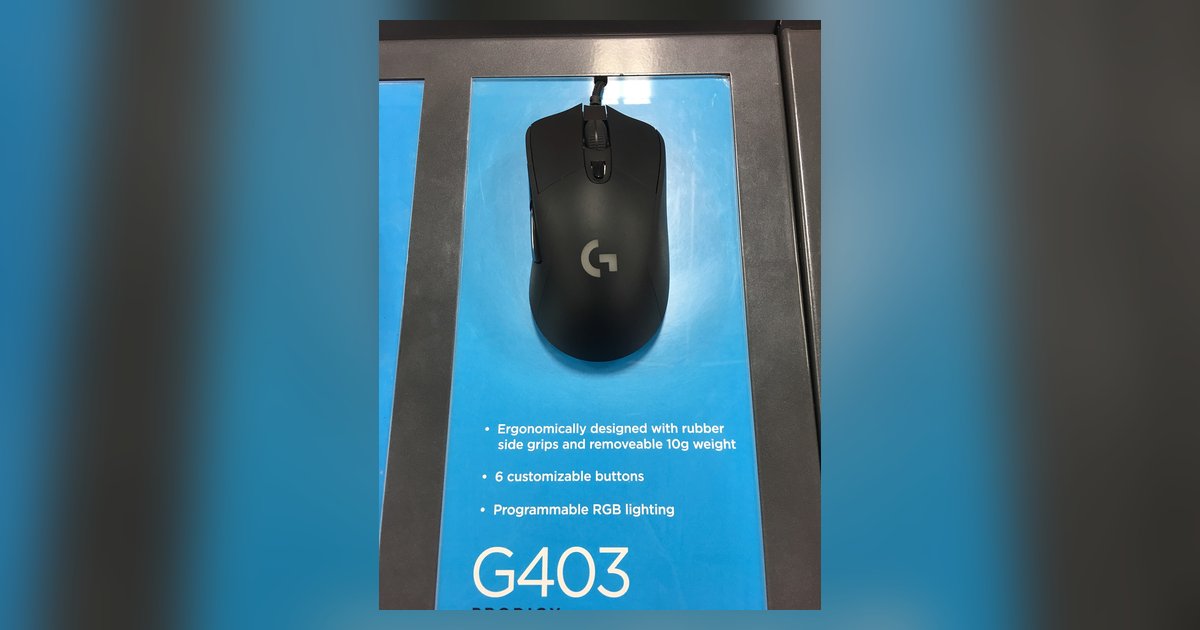
This tag collects our guides to the bundled driver and configuration software that ships with popular budget gaming mice, particularly Redragon, Tecknet, and Zelotes models. It is aimed at everyday PC users and gamers who want to customize their hardware without installing third-party tools or risking system instability. The articles here focus on the official utilities, not on modifying drivers or circumventing protections.
The pieces solve common setup and reliability problems. One theme is initial configuration: you will see straightforward walkthroughs for downloading the correct Redragon software, programming the side buttons on a Tecknet mouse, and adjusting the RGB lighting on a gaming mouse. A second theme is profile management and persistence, specifically, how to save Zelotes profiles to the mouse’s onboard memory so your bindings stick, and what to do if the buttons reset after a reboot. A third theme is troubleshooting and safe practice: rather than teaching workarounds, the article on why Zelotes buttons reset after restarting explains the underlying cause (often a driver conflict or power-management setting) and shows you how to fix it properly. Similarly, the guide to programming macros walks you through the vendor’s own interface, emphasizing that you should use the provided tools rather than trying to intercept input at the system level.
In short, these articles help you get your mouse working the way you want, button remapping, lighting, and macro creation, while also teaching you how to keep those settings stable and diagnose why they might vanish. The emphasis is always on using the manufacturer’s supported software, which keeps your system secure and your warranty intact.