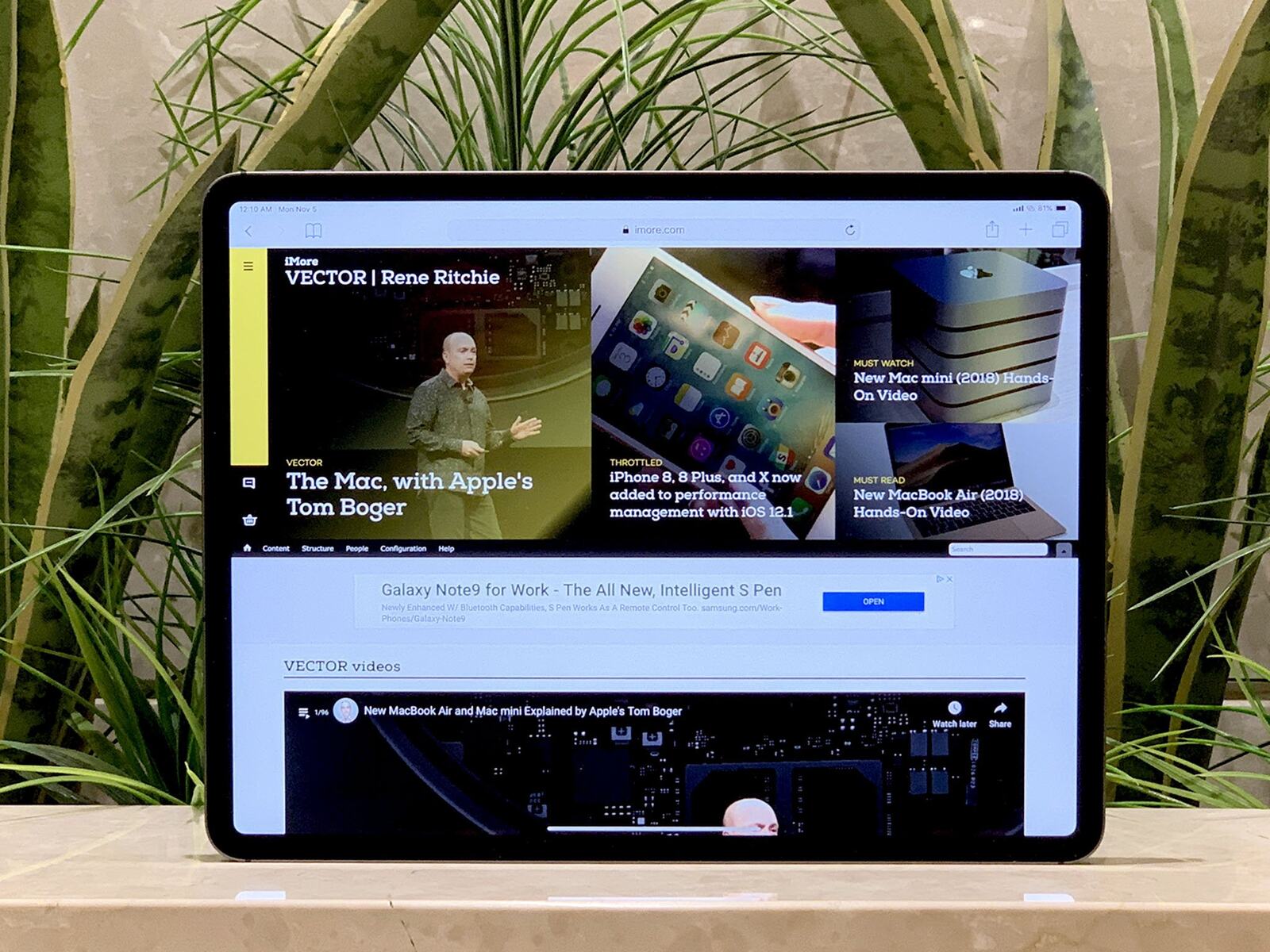
If you want to hide the Safari toolbar on iPad, the built-in "Hide Toolbar" option is the direct way to remove the address bar and tab bar for a full-content...
To unsend a photo on iMessage, touch and hold the photo bubble in the conversation, then tap "Undo Send" from the menu that appears. This is the only way to...
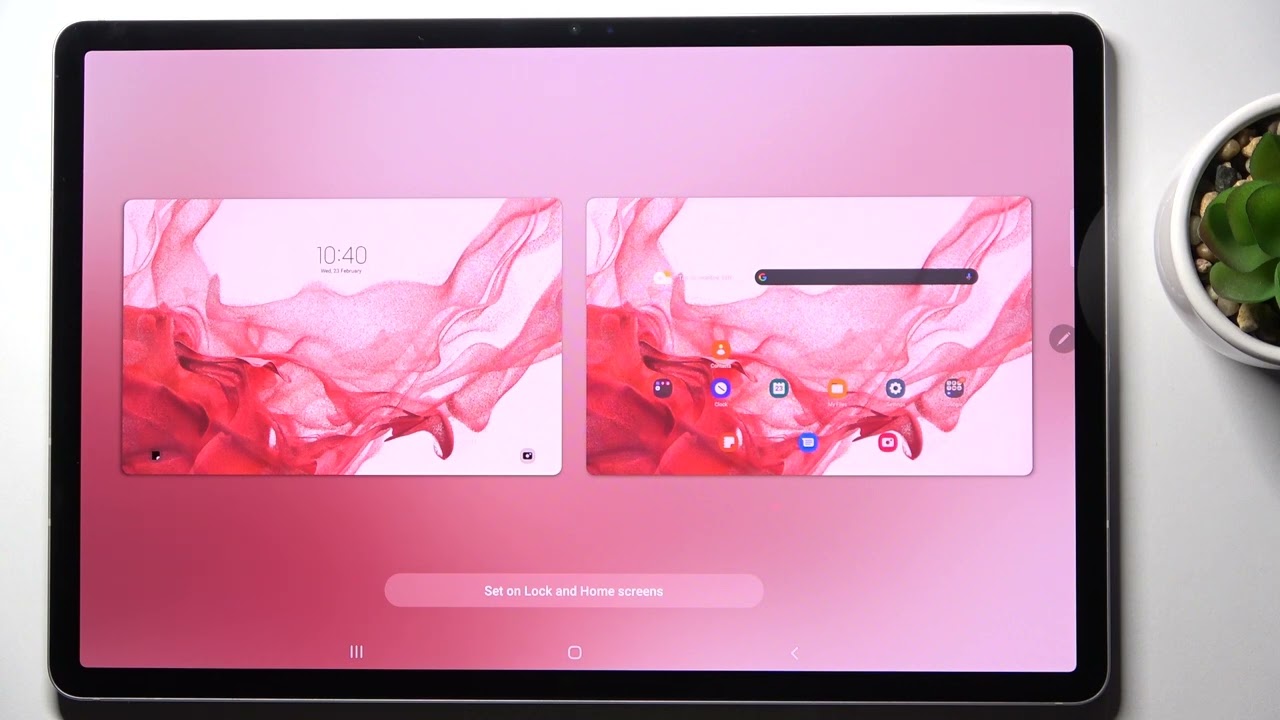
To change your background on a tablet, you first need to know whether it runs iPadOS or Android, as the steps are different. Use the links below to jump directly...
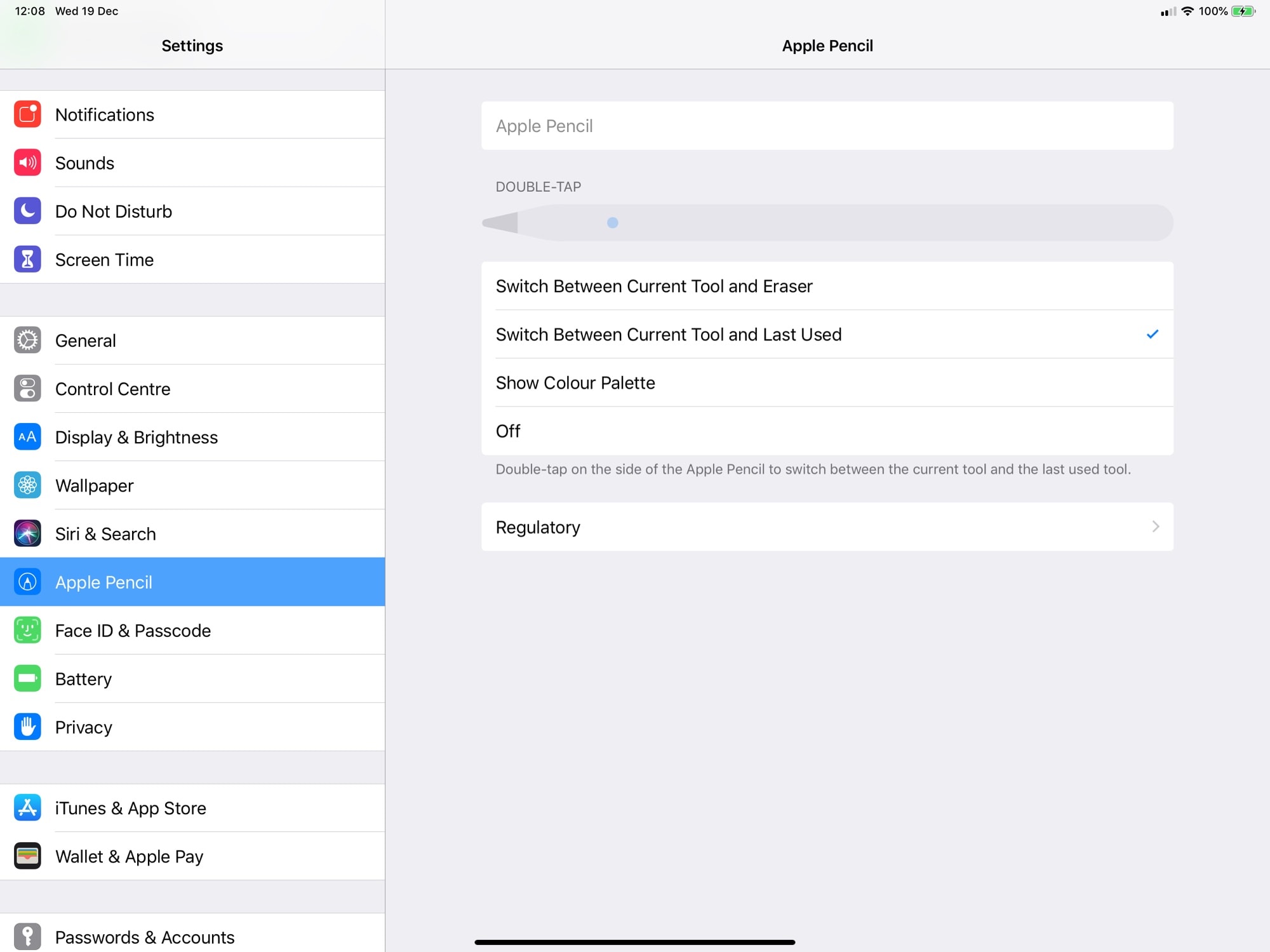
How to adjust Apple Pencil sensitivity To adjust Apple Pencil sensitivity, you need to know that iPadOS has no global pressure or tilt slider; instead, you adjust double-tap and squeeze...
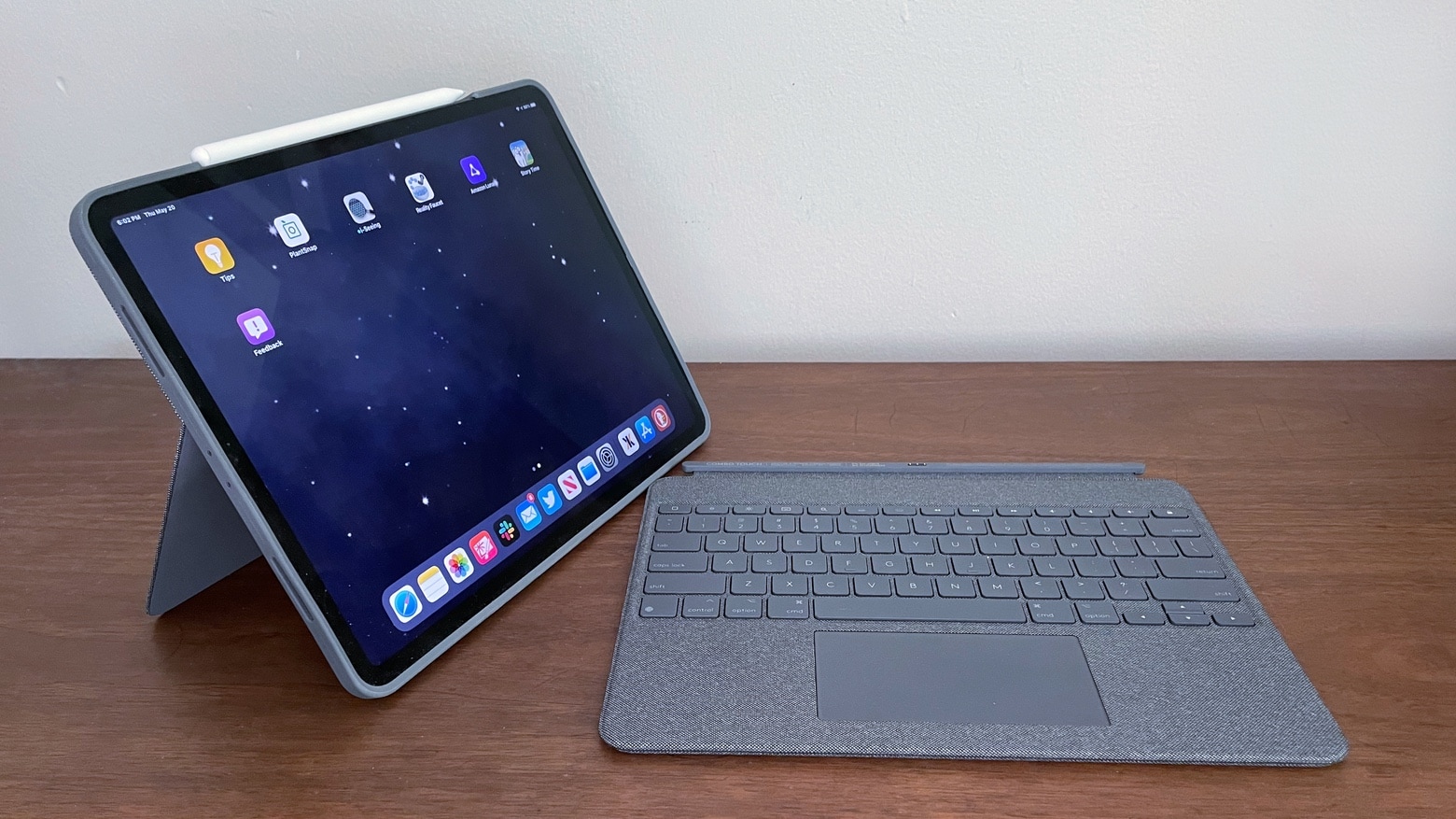
To use your Logitech Combo Touch keyboard, simply align the Smart Connector on the keyboard’s back edge with the Smart Connector on your iPad’s side, it snaps into place, draws...
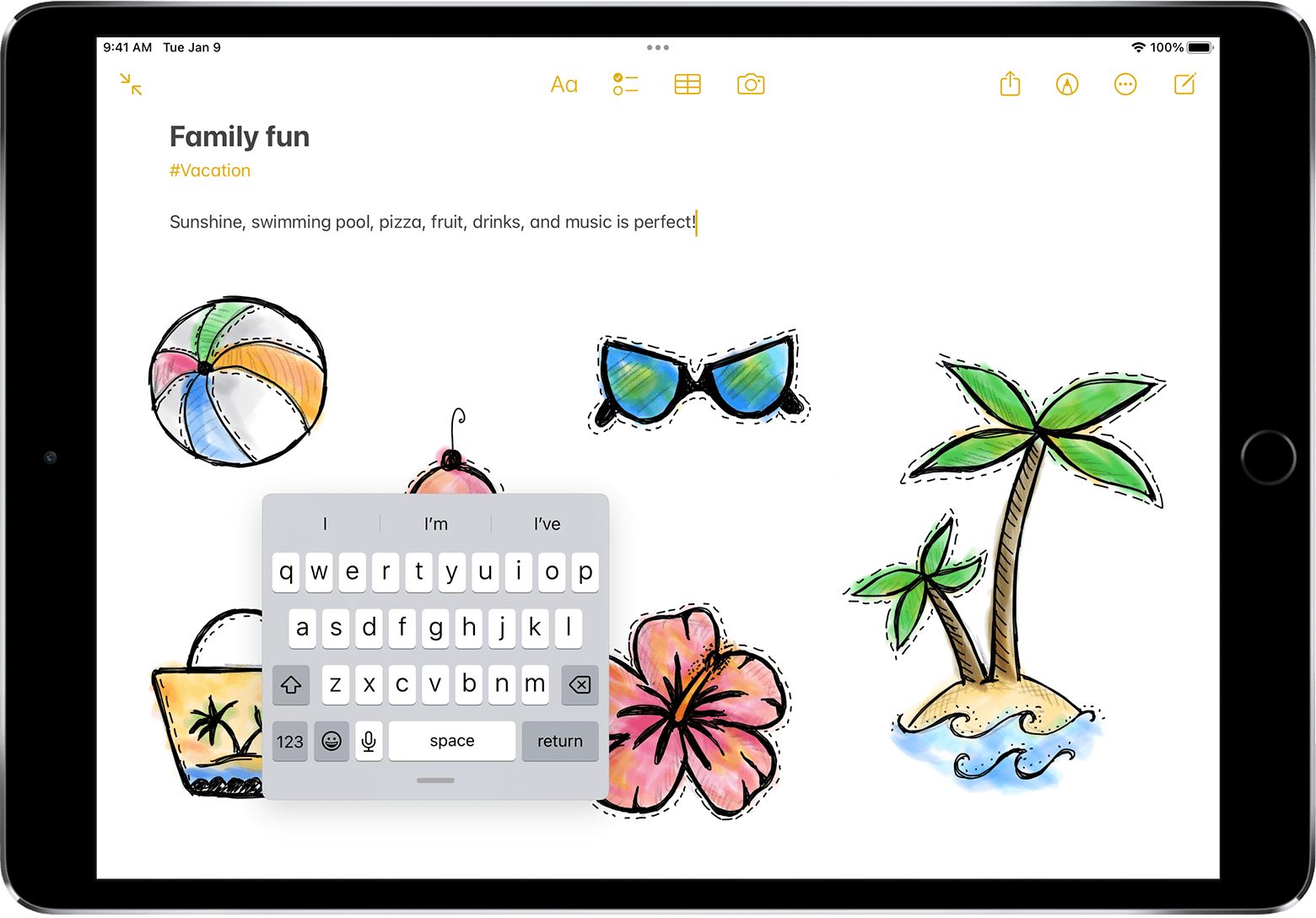
To make the keyboard appear on your iPad, tap any text field in an app like Notes, Messages, or Safari. This is the primary method to make the keyboard appear...
This website uses cookies so that we can provide you with the best user experience possible. Cookie information is stored in your browser and performs functions such as recognising you when you return to our website and helping our team to understand which sections of the website you find most interesting and useful.
Strictly Necessary Cookies
Strictly Necessary Cookie should be enabled at all times so that we can save your preferences for cookie settings.
If you disable this cookie, we will not be able to save your preferences. This means that every time you visit this website you will need to enable or disable cookies again.